Digital Radio - Vehicles With: SYNC 2.5
Using the Radio

Selecting a Radio Station From a List
- Select Sources.
- Select DAB.
- Select Browse.
- Select a radio station from the list.
Manually Changing Radio Stations
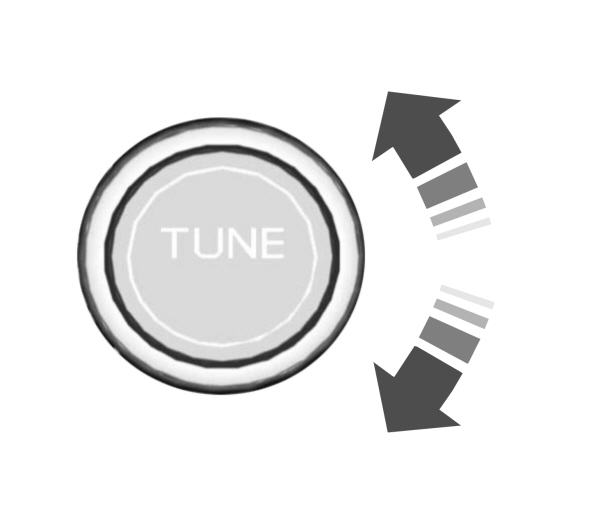
Rotate the control to change radio stations.
Note: You can change the radio frequency by using the seek buttons.
Automatically Changing Radio Stations
 Press to seek the next station up the frequency band. Press to seek the next station up the frequency band.
Press and hold to quickly seek up the frequency band. |
 Press to seek the next station down the frequency band. Press to seek the next station down the frequency band.
Press and hold to quickly seek down the frequency band. |
Storing a Radio Station
Press and hold one of the preset buttons on the touchscreen.
Note: The radio briefly mutes to indicate the station has been stored.
Download Manual