Audio Unit - Vehicles With: SYNC 2.5
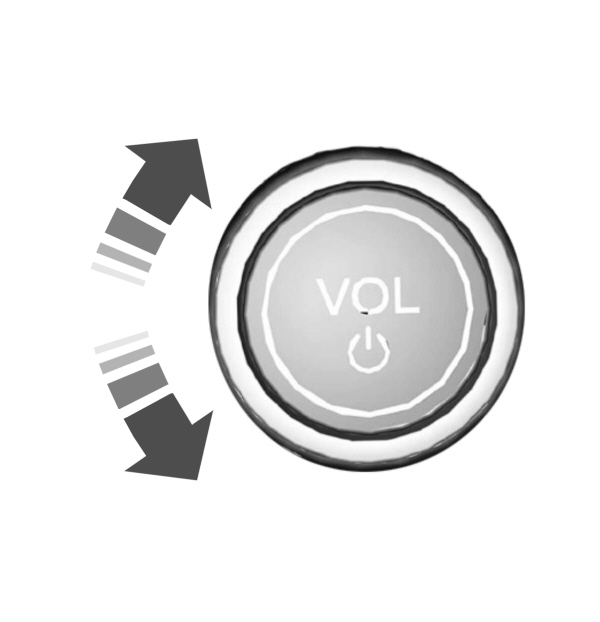
Switching the Audio Unit On and Off
 |
Adjusting the Volume
Changing Radio Stations
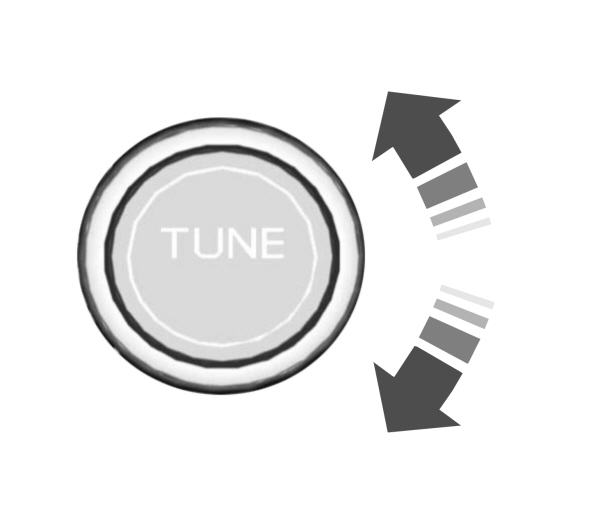
Rotate the control to change radio stations.
Note: You can change the radio frequency by using the seek buttons.
Note: You can recall radio stations using the preset buttons on the touchscreen.
Next Track Button
 Select to skip to the next track. Select to skip to the next track.
Press and hold the button to fast forward through the track. |
Previous Track Button

Repeatedly press the button to return to previous tracks.
Press and hold the button to fast rewind.
Pausing or Playing Media

In radio mode, press the button to mute the radio. Press the button again to unmute.
Switching the Screen On and Off
 |
Sound Settings
 Press the button to adjust the sound settings. You can optimize the sound for different seating positions. Press the button to adjust the sound settings. You can optimize the sound for different seating positions.
You can also activate and set the sensitivity of the speed compensated volume. |
Download Manual