Setting the Blower Motor Speed
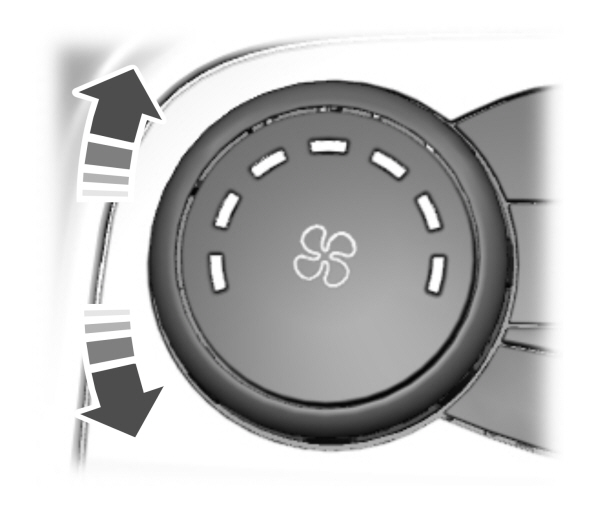
Turn the blower motor control counterclockwise for a lower blower setting.
Turn the blower motor control clockwise for a higher blower setting.
Note: Lights on the control illuminate to indicate the blower motor speed.
Note: When you switch the blower motor off, air conditioning turns off and the windows could fog up.
SWITCHING THE HEATED MIRRORS ON AND OFF (IF EQUIPPED)
 Press the button. Press the button. |
SETTING THE TEMPERATURE
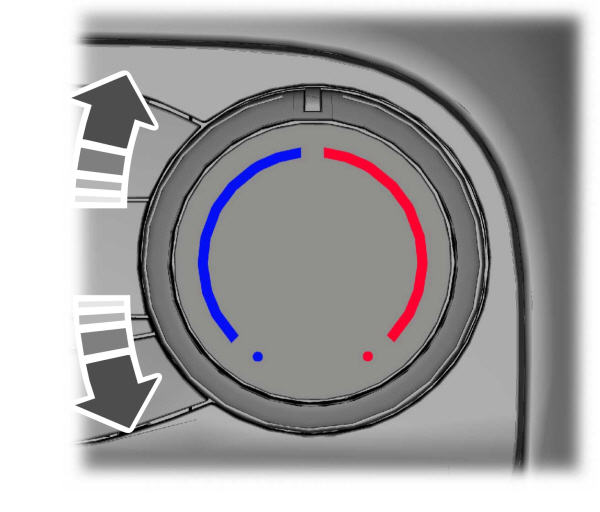
Turn the temperature control counterclockwise for cooler temperature settings.
Turn the temperature control clockwise for warmer temperature settings.
DIRECTING THE FLOW OF AIR
Directing Air to the Windshield Air Vents
 Press the button. Press the button. |
Directing Air to the Instrument Panel Air Vents
 Press the button. Press the button. |
Directing Air to the Footwell Air Vents
 Press the button. Press the button. |
Download Manual