Selecting a Radio Station
Manually Selecting a Radio Station
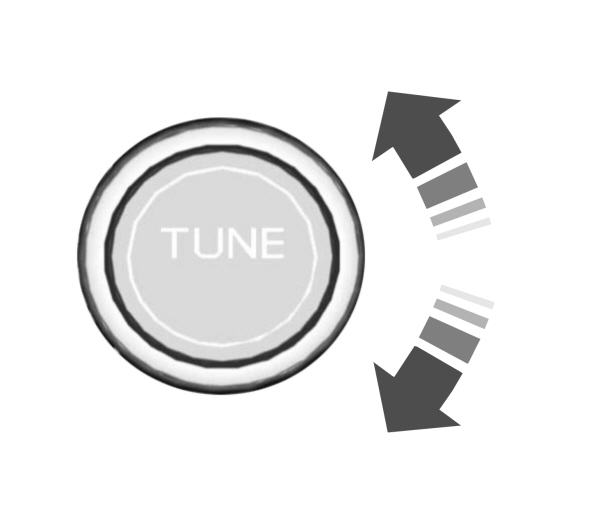
Turn to search through the radio frequency band.
Using Direct Tune
- Press Direct Tune to open the number pad.
- Enter the station you prefer.
Note: You can only enter a valid station for the audio source you are currently listening to.
Using Seek
  Press either button. The system stops at the first station it finds in that direction. Press either button. The system stops at the first station it finds in that direction. |
SWITCHING THE DISPLAY ON AND OFF
Audio Unit
 Press the button. Press the button. |
Touchscreen
To switch the display off:
- From the settings menu, press Display.
- Press Display Off.
Note: The display defaults to on each time you switch your vehicle on.
To switch the display on, press anywhere on the touchscreen.
Download Manual