Switching the Heated Seats On and Off
The vehicle must be running to use this feature.
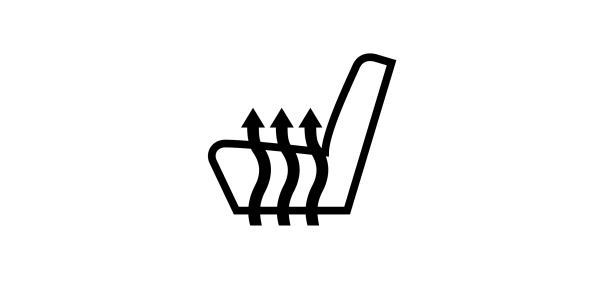
Press the heated seat symbol to cycle through the various heat settings and off. More indicator lights indicate warmer settings.
Note: The heated seats may remain on after you remote start your vehicle, based on your remote start settings. The heated seats may also turn on when you start your vehicle if they were on when you switched your vehicle off.
Automatic Climate Controlled Seats (If Equipped)
When you switch the auto setting on, the climate controlled seats switch between the heated seats and ventilated seats to match your climate control setting.
VENTILATED SEAT PRECAUTIONS
Do not:
- Spill liquid on the front seats. This may cause the air vent holes to become blocked and not work properly.
- Place cargo or objects under the seats. They may block the air intake causing the air vents to not work properly.
SWITCHING THE VENTILATED SEATS ON AND OFF
The vehicle must be running to use this feature.

Press this symbol on the climate controls or the touchscreen to cycle through the various ventilation settings and off. More indicator lights indicate higher fan speeds.
Note: When you switch the climate control fan speed and the ventilated seats to their maximum settings, the ventilated seats provide increased cooling.
If the engine falls below 350 RPM while the ventilated seats are on, the feature turns itself off unless the vehicle is in Auto-Start-Stop mode. You may need to reactivate the ventilated seats.
Note: The ventilated seats may remain on after you remote start your vehicle, based on your remote start settings. The ventilated seats may also turn on when you start your vehicle if they were on when you switched your vehicle off.
Download Manual