Parking Aid Indicators
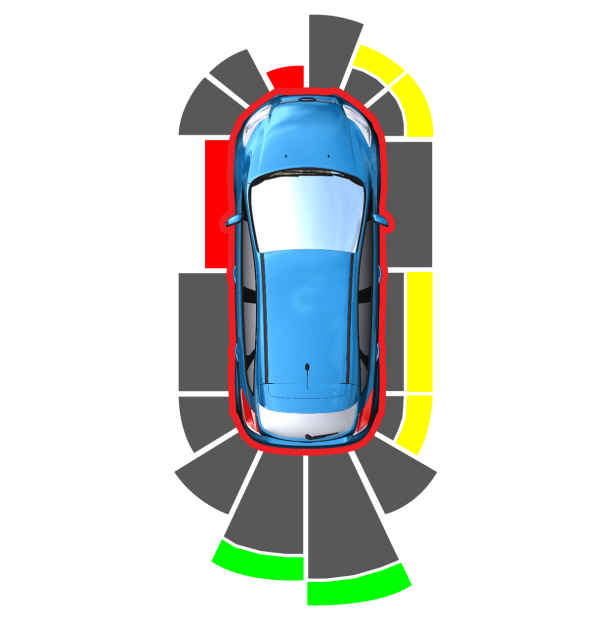
The system provides object distance indication through the information and entertainment display.
- As the distance to the object decreases, the indicator waves and the lines move toward the vehicle icon.
- If there is no object detected, the distance indicator lines are grey.
Visual indication remains on when your vehicle is in reverse (R). In any other gear, when you stop your vehicle, visual indication turns off after four seconds.
If the parking aids are not available, the side distance indicator lines do not display.
Troubleshooting
If a fault is present in the parking aids, a warning message appears in the instrument cluster or the touchscreen.
Note: When the front or rear park aid presents a fault message, the side parking aid also disables.
| Message | Action |
|---|---|
| Check Front Park Aid | The system detects a condition that requires service.Have your vehicle checked as soon as possible. |
| Check Rear Park Aid | The system detects a condition that requires service.Have your vehicle checked as soon as possible. |
| Front Park Aid On Off | Displays the park aid status. |
| Rear Park Aid On Off | Displays the park aid status. |
Download Manual