BlueCruise Indicators

Gray indicates BlueCruise is on but inactive.
Green indicates BlueCruise is active and applying continuous steering support.
Blue indicates BlueCruise is active and hands-free driving mode is available.
Hands-On Driving Support Available

When this indicator is present, you must keep your hands on the steering wheel.
Hands-Free Driving Support Available
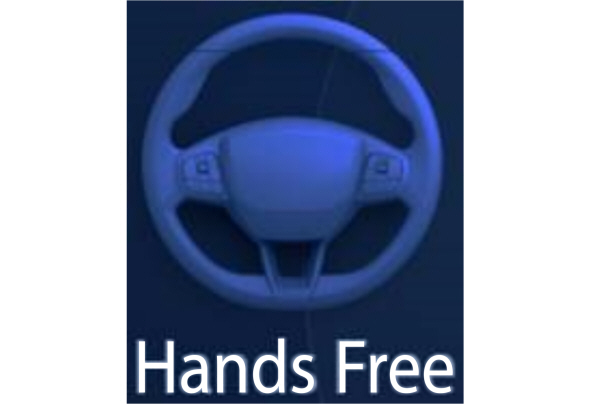
A graphic in the instrument cluster of a steering wheel without hands indicates the hands-free driving mode is available.
When this indicator is present, you can remove your hands from the steering wheel.
Download Manual