Resuming the Set Speed

The vehicle speed returns to the previously set speed and gap setting. The set speed displays continuously in the information display when the system is active.
Note: Only use resume if you are aware of the set speed and intend to return to it.
Resuming the Set Speed from a Complete Stop (If Equipped)
If your vehicle follows a vehicle to a complete stop and remains stationary for less than a few seconds, your vehicle accelerates from a stationary position to follow the vehicle ahead.
If your vehicle follows a vehicle to a complete stop and remains stationary for more than a few seconds, an indicator and message displays.
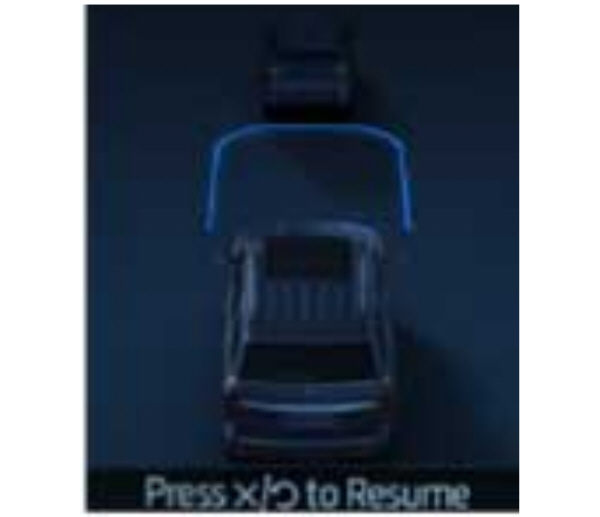
| Message | Action |
|---|---|
| Stopped | Cruise control does not resume automatically when this display is active. |
| Press button to resume | If the lead vehicle begins to move, you are prompted to press the resume button. Press and release the button or use the accelerator pedal to resume following the lead vehicle. |
| Auto-Resume | Displays when on a limited access highway after following a vehicle to a complete stop. In this situation, your vehicle resumes following the lead vehicle without a button press or pressing the accelerator pedal. The system can remain in auto-resume state for approximately 30 seconds, after which it no longer automatically resumes. |
Download Manual