Setting the Adaptive Cruise Control Speed
Drive to the speed you prefer.


Take your foot off the accelerator pedal.
The indicator, current gap setting and set speed appear in the instrument cluster display.
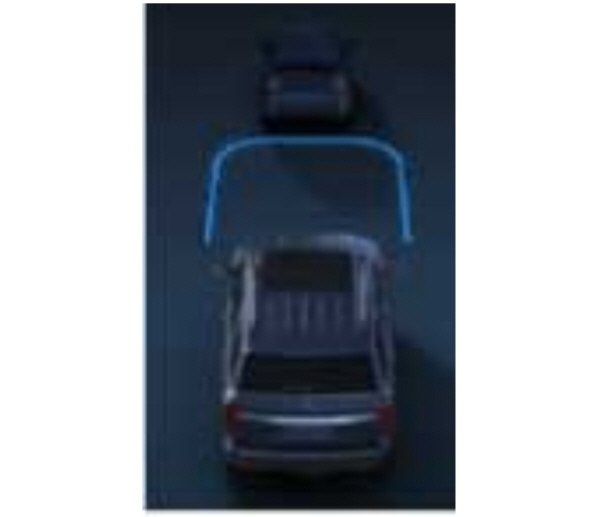
A vehicle image illuminates if there is a vehicle detected in front of you.
Note: When adaptive cruise control is active, the speedometer may vary slightly from the set speed displayed in the instrument cluster display.
Setting the Adaptive Cruise Speed from a Complete Stop
The set speed adjusts to 20 km/h when in metric units or 15 mph when in imperial units.
The indicator, current gap setting and set speed appear in the instrument cluster display.
Note: The system activates from a complete stop only when it detects a lead vehicle in close proximity.
Manually Changing the Set Speed
| Press the button to increase the set speed in small increments. Press and hold the button to increase the set speed in large increments. Release the button when the set speed is equal to the desired speed. |
Press the button to decrease the set speed in small increments. Press and hold the button to decrease the set speed in large increments. Release the button when the set speed is equal to the desired speed. |
You can also press the accelerator or brake pedal until you reach the speed you prefer. Press either button to select the current speed as the set speed.
The system may apply the brakes to slow your vehicle to the new set speed. The set speed continuously displays in the information display when the system is active.
Download Manual