Rear Traffic Alert
Rear Traffic Alert monitors the cross traffic when reversing out of a space or maneuvering.
 WARNING
The intelligent technology of the Park Distance Control (PDC) cannot overcome the natural laws of physics and it can only operate within the limits of the system. Not paying attention can result in accidents, serious injuries, and vehicle damage.
-
Pay attention to the traffic situation and the vehicle environment.
-
The Rear Traffic Alert may potentially not detect all approaching objects, e.g. pedestrians or objects approaching quickly.
Switching on and off
-
Press the
 button.
Or: Depending on the vehicle equipment, press the button for driver assistance systems.
-
Switch the Rear Traffic Alert on or off.
System function
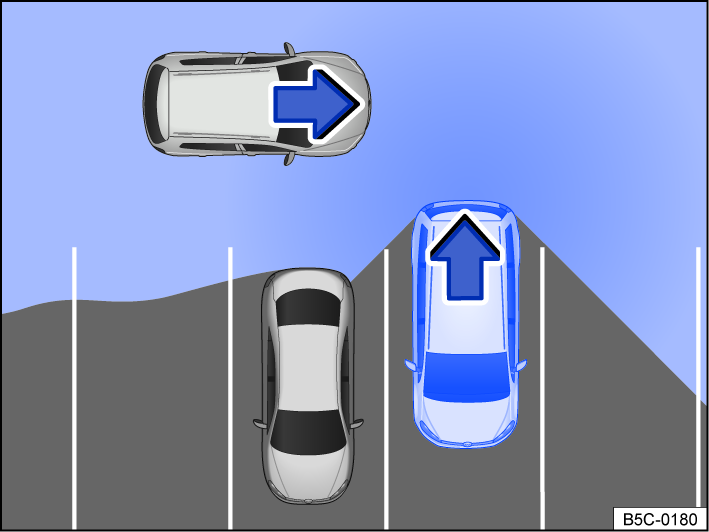
Fig. 112 Rear Traffic Alert, general example: monitored area around the vehicle that is exiting a parking space.
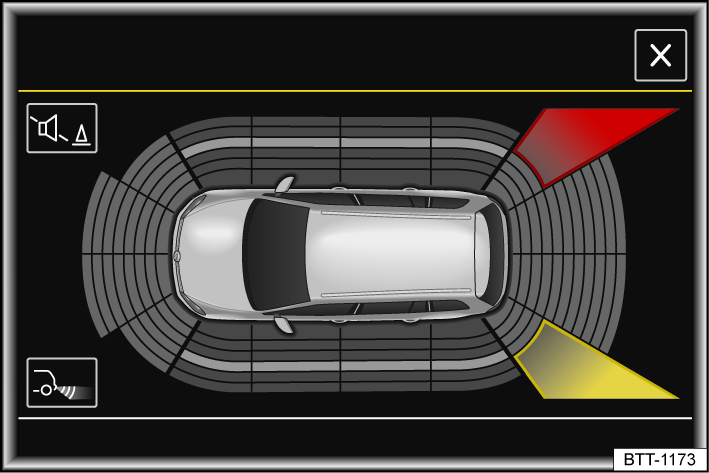
Fig. 113 In the Infotainment system: Rear Traffic Alert display.
The Rear Traffic Alert functions with radar sensors in the rear bumper.
The system detects approaching or moving objects in the surrounding area to the rear and to the side fig. 112 and warns the driver if there is an obstacle ⇒  .
.
If there is an obstacle, a warning signal will sound. Depending on the vehicle equipment, a color indication of the obstacle zone appears in the Infotainment system fig. 113 and/or a warning or indicator light appears in the instrument cluster along with a message.
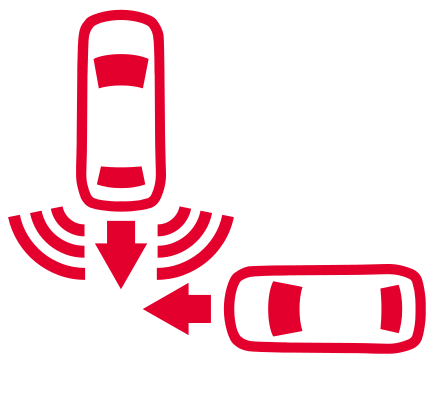 Obstacle detected. Beware of traffic behind the vehicle!
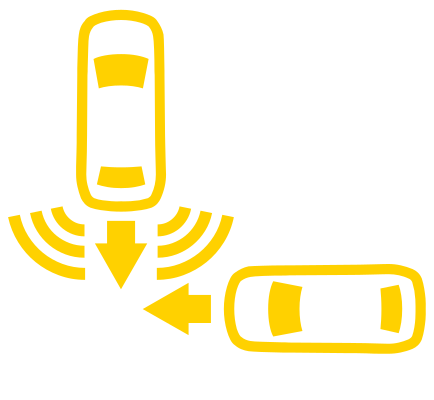 Automatic braking intervention by Rear Traffic Alert.
Press the brake pedal to bring the vehicle to a standstill.
If the driver does not respond, automatic braking support may kick in ⇒ Automatic braking intervention.
If Park Distance Control is deactivated, the driver cannot be sent any feedback. Rear Traffic Alert is also temporarily deactivated.
Download Manual