Warning message and warning buzzer list
|
Warning message
|
Details/actions
|
|
Indicates that:
Slow the vehicle by applying the brakes. |
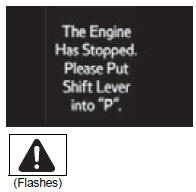 |
Indicates that the engine was stopped with the shift lever not in p a buzzer also sounds.
→ Shift the shift lever to p. |
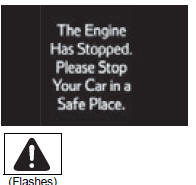 |
Indicates that the engine was stopped while driving a buzzer also sounds.
→ Stop the vehicle in a safe place such as the shoulder of a road. |
|
Indicates that your vehicle is nearing the vehicle ahead (in vehicle-to-vehicle distance mode) a buzzer also sounds.
→ Slow the vehicle by applying the brakes. |
|
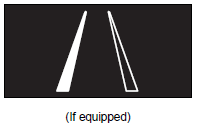
Alerts the driver that the vehicle has deviated from the lane (while the lda [lane departure alert] system is operating) the lane line on the side the vehicle has deviated from flashes.
The warning buzzer sounds continuously. → Check around the vehicle and back to inside of the lane lines. |
|
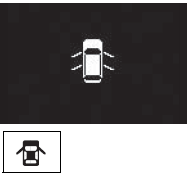
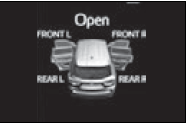
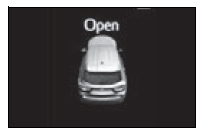
Indicates that one or more of the doors is not fully closed the system also indicates which doors are not fully closed.
If the vehicle reaches a speed of 3 mph (5 km/ h), → Make sure that all the doors are closed. |
|
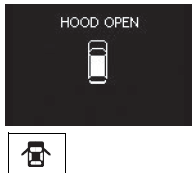
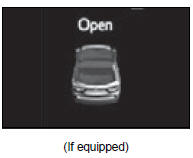
Indicates that the hood is not fully closed if the vehicle reaches a speed of 3 mph (5 km/ h),  flashes and a buzzer flashes and a buzzersounds to indicate that the hood is not yet fully closed. → Close the hood. |
|
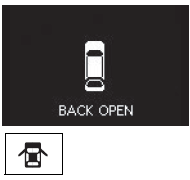
Indicates that the back door is not fully closed if the vehicle reaches a speed of 3 mph (5 km/ h), flashes and a buzzer sounds to indicate that the back door is not yet fully closed. → Close the back door. |
|
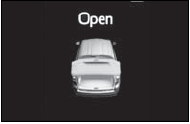
Indicates that the glass hatch is not fully closed if the vehicle reaches a speed of 3 mph (5 km/ h), flashes and a buzzer sounds to indicate that the glass hatch is not yet fully closed. → Close the glass hatch. |
|
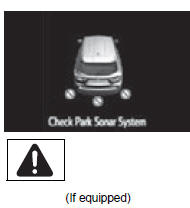
Indicates a malfunction in the intuitive parking assist-sensor the assist-sensors flash.
A buzzer also sounds. → Have the vehicle inspected by your toyota dealer. |
|
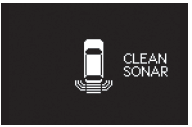
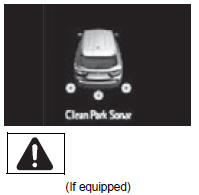
Indicates that an intuitive parking assist-sensor is dirty or covered with ice a buzzer also sounds.
→ Clean the sensor. |
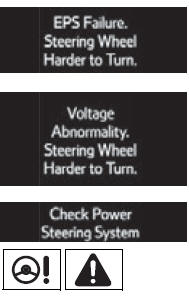 |
Indicates a malfunction in the eps (electric power steering) system a buzzer also sounds.
→ Have the vehicle inspected by your toyota dealer. |
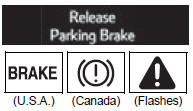 |
Indicates that the vehicle is being driven at 3 mph (5 km/h) or more with the parking brake still engaged a buzzer also sounds.
→ Release the parking brake. |
|
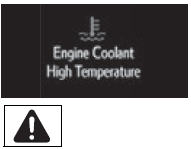
Indicates that the engine coolant temperature is too high a buzzer also sounds. |
|
Indicates a malfunction in the vehicle¢¦s charging system.
→ Immediately stop the vehicle in a safe place and contact your toyota dealer. Continuing to drive the vehicle may be dangerous. |
|
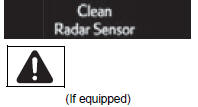
Indicates that the radar sensor is dirty or covered with ice a buzzer also sounds.
→ Clean the sensor. |
|
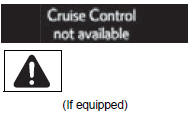
Indicates that the dynamic radar cruise control system is unable to judge vehicle-to-vehicle distance a buzzer also sounds.
→ Turn off snow mode. If the windshield wipers are on, turn them off or set them to a mode other than high speed wiper operation. |
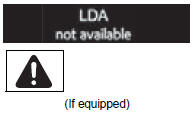 |
Indicates that the lda (lane departure alert) system is suspended (the camera sensor temperature is higher than the operation temperature range) a buzzer also sounds.
→ Restart the lda after driving for a while. |
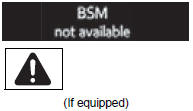 |
Indicates that a blind spot monitor sensor or the surrounding area on the bumper is dirty or covered with ice a buzzer also sounds.
→ Clean the sensor and its surrounding area on the bumper. |
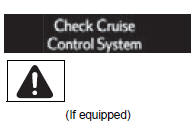 |
Indicates a malfunction in:
A buzzer also sounds. → Have the vehicle inspected by your toyota dealer. |
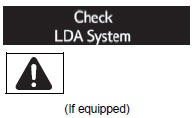 |
Indicates a malfunction in the lda (lane departure alert) system a buzzer also sounds.
→ Have the vehicle inspected by your toyota dealer |
|
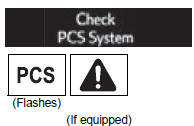
Indicates a malfunction in the pcs (pre-collision system) a buzzer also sounds.
→ Have the vehicle inspected by your toyota dealer. |
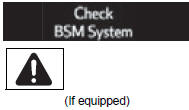 |
Indicates a malfunction in the bsm (blind spot monitor) system a buzzer also sounds.
→ Have the vehicle inspected by your toyota dealer. |
|
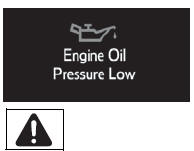
Indicates abnormal engine oil pressure a buzzer also sounds.
→ Immediately stop the vehicle in a safe place and contact your toyota dealer. |
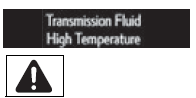 |
Indicates that the automatic transmission fluid temperature is too high a buzzer also sounds.
→ Have the vehicle inspected by your toyota dealer. |
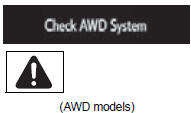 |
Indicates a malfunction in the awd system a buzzer also sounds.
→ Have the vehicle inspected by your toyota dealer. |
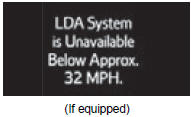 |
Indicates that the lda (lane departure alert) system cannot be used because the vehicle speed is lower than approximately 32 mph (50 km/h) → drive the vehicle at 32 mph (50 km/h) or higher. |
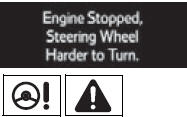 |
Indicates that the engine was stopped while driving a buzzer also sounds.
→ Operate the steering wheel with more force than usual. |
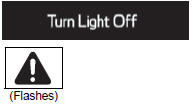 |
Indicates that the engine switch is turned off or turned to accessory mode and the driver¢¦s door is opened while the lights are turned on a buzzer also sounds.
→ Turn the lights off. |
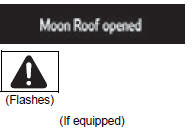 |
Indicates that the moon roof or panoramic moon roof is not fully closed (with the engine switch off, and the driver¢¦s door open) a buzzer also sounds.
→ Close the moon roof or panoramic moon roof. |
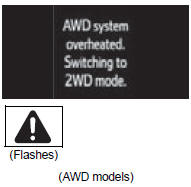 |
Indicates that the awd system is not currently functional a buzzer also sounds.
→ Reduce vehicle speed or stop the vehicle in a safe place until the warnings clear. In this case, do not stop the engine. |
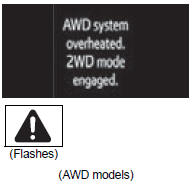 |
Indicates the awd system has overheated → immediately stop the vehicle in a safe place and contact your toyota dealer. |
|
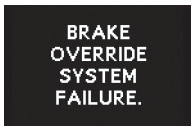
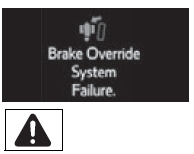
Indicates a malfunction in the brake override system a buzzer also sounds.
→ Have the vehicle inspected by your toyota dealer. |
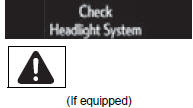 |
Indicates a malfunction in the automatic high beam system a buzzer also sounds.
→ Have the vehicle inspected by your toyota dealer. |
|
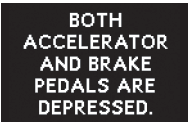
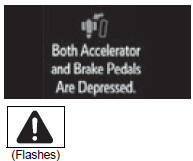
Indicates that the accelerator and brake pedal are being depressed simultaneously → release the accelerator or brake pedal. |
 |
Indicates that the washer fluid level is low → add washer fluid. |
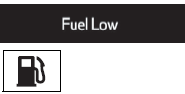 |
Indicates that remaining fuel is approximately 2.9 Gal. (10.7 L, 2.4 Imp. Gal.) Or less → refuel the vehicle. |
 |
Indicates that the trac (traction control) system has been deactivated → turn the trac on. |
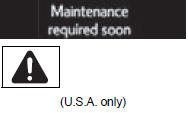 |
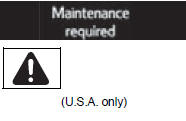
Indicates that all maintenance according to the driven distance on the maintenance schedule* should be performed soon.
Comes on approximately 4500 miles (7200 km) after the maintenance data has been reset. → If necessary, perform maintenance. |
 |
Indicates that all maintenance is required to correspond to the driven distance on the maintenance schedule*.
Comes on approximately 5000 miles (8000 km) after the maintenance data has been reset. (The indicator will not work properly unless the maintenance data has been reset.) → Perform the necessary maintenance. Please reset the maintenance data after the maintenance is performed |
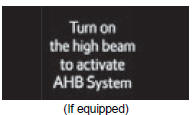 |
Indicates that the automatic high beam switch is pressed while the headlights are in low beam.
→ Turn the high beam on and press the automatic high beam switch again. |
|
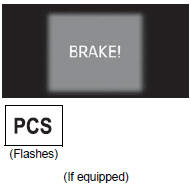
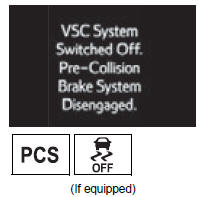
Indicates that, since the vsc (vehicle stability control) system was turned off, the pre-collision brake system operation is stopped → turn the vsc on. |
|
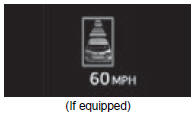
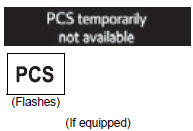
Indicates that the pcs (pre-collision system) is not currently functional because the grille cover or the sensor is dirty → check the grille cover and the sensor and clean them if they are dirty. |




*: Refer to the separate “scheduled maintenance guide” or “owner’s manual supplement” for the maintenance interval applicable to your vehicle.
Messages displays
The message illustrations used are intended as examples, and may differ from the image that is actually displayed on the multi-information display.
Warning message in dynamic radar cruise control mode (if equipped)
In the following situations, the warning message may not be displayed even if vehicle-to-vehicle distance decreases:
- when your vehicle and the vehicle ahead are traveling at the same speed or the vehicle ahead is traveling more quickly than your vehicle
- when the vehicle ahead is traveling at a very low speed
- immediately after cruise control speed is set
- at the instant the accelerator pedal is depressed
The lda (lane departure alert) lane departure warning function (if equipped)
In the following situations, a warning message will not be displayed even if a lane line is crossed.
- When the vehicle speed deviates from the operating range of the lda system functions
- When the lane lines cannot be recognized
Conditions that the tire pressure warning system may not function properly
Warning buzzer
Have the malfunction repaired immediately. (Vehicles with a smart key system)
After taking the specified steps to correct the suspected problem, check that the warning message and light go off.
| Interior buzzer
|
Exterior buzzer
|
Warning message
|
Details/actions
|
| Continuous |
- |
|
The driver¢¦s door was opened when the shift lever was not in p and the engine switch was not turned off.
→ Shift the shift lever to p. |
| Continuous | Continuous |
|
The driver¢¦s door was opened and closed while the electronic key was not in the vehicle, the shift lever was not in p and the engine switch was not turned off.
→ Shift the shift lever to p. → Bring the electronic key back into the vehicle. |
| Once | Continuous | 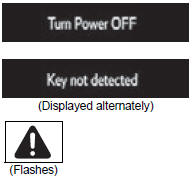 |
An attempt was made to exit the vehicle with the electronic key and lock the doors without first turning the engine switch off when the shift lever was in p.
→ Turn the engine switch off and lock the doors again. |
| Once | 3 Times | 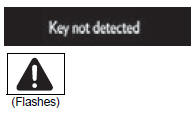 |
The driver¢¦s door was opened and closed while the electronic key was not in the vehicle, the shift lever was in p and the engine switch was not turned off.
→ Turn the engine switch off. → Bring the electronic key back into the vehicle. |
| The electronic key was carried outside the vehicle and a door other than the driver¢¦s door was opened and closed while the engine switch was in a mode other than off.
→ Bring the electronic key back into the vehicle. |
|||
| Once | - | 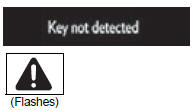 |
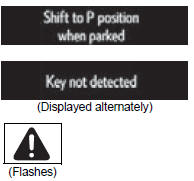
The electronic key is not detected when an attempt is made to start the engine.
→ Start the engine with the electronic key present. |
| 9 Times | - | 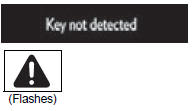 |
An attempt was made to drive when the electronic key was not inside the vehicle.
→ Confirm that the electronic key is inside the vehicle. |
|
- |
Continuous | 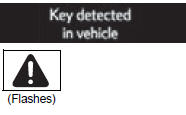 |
An attempt was made to lock the doors using the smart key system while the electronic key was still inside the vehicle.
→ Retrieve the electronic key from the vehicle and lock the doors again. |
| Once | Continuous | 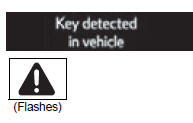 |
An attempt was made to lock either front door by opening a door and putting the inside lock button into the lock position, then closing the door with the electronic key still inside the vehicle.
→ Retrieve the electronic key from the vehicle and lock the doors again. |
| Once | - | 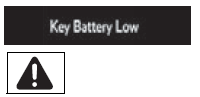 |
The electronic key has a low battery.
→ Replace the electronic key battery. |
| Once | - | 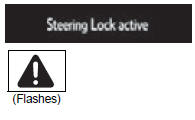 |
The steering lock could not be released within 3 seconds of the engine switch being pressed.
→ Press the engine switch while depressing the brake pedal and moving the steering wheel left and right. |
| Once | - | 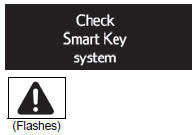 |
Indicates a malfunction in the smart key system → have the vehicle inspected by your toyota dealer. |
| Once | - | 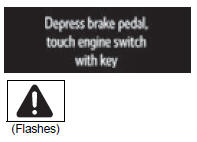 |
→ Touch the electronic key to the engine switch while depressing the brake pedal. |
| Once | - |
|
During a engine starting procedure in the event that the electronic key was not functioning properly , The engine switch was touched with the electronic key.
→ Press the engine switch within 10 seconds of the buzzer sounding. |
|
- |
- |
|
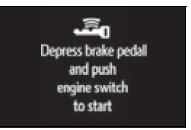
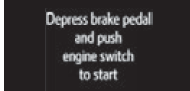
Indicates that:
→ Press the engine switch while depressing the brake pedal. |
| Once | - | 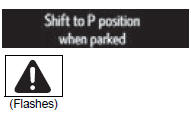 |
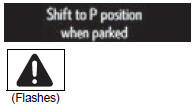
The engine switch has been turned off with the shift lever in a position other than p.
→ Shift the shift lever to p. |
| Once | - | 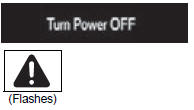 |
After the engine switch has been turned off with the shift lever in a position other than p, the shift lever has been shifted to p.
→ Turn the engine switch off. |
| Continuous | - | 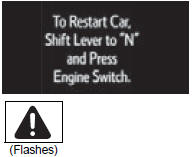 |
Indicates that the engine was stopped in an emergency while driving → to restart the engine, shift the shift lever to n and turn the engine switch to on mode.* |
| Once | - | 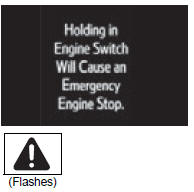 |
Indicates that the engine switch has been pressed while driving → except when emergency stopping of the vehicle is needed, immediately release the engine switch. |


*: The engine may not be restarted depending on the vehicle condition.
Messages displays
The message illustrations used are intended as examples, and may differ from the image that is actually displayed on the multi-information display.
Warning buzzer
Download Manual