REFUELING THE VEHICLE
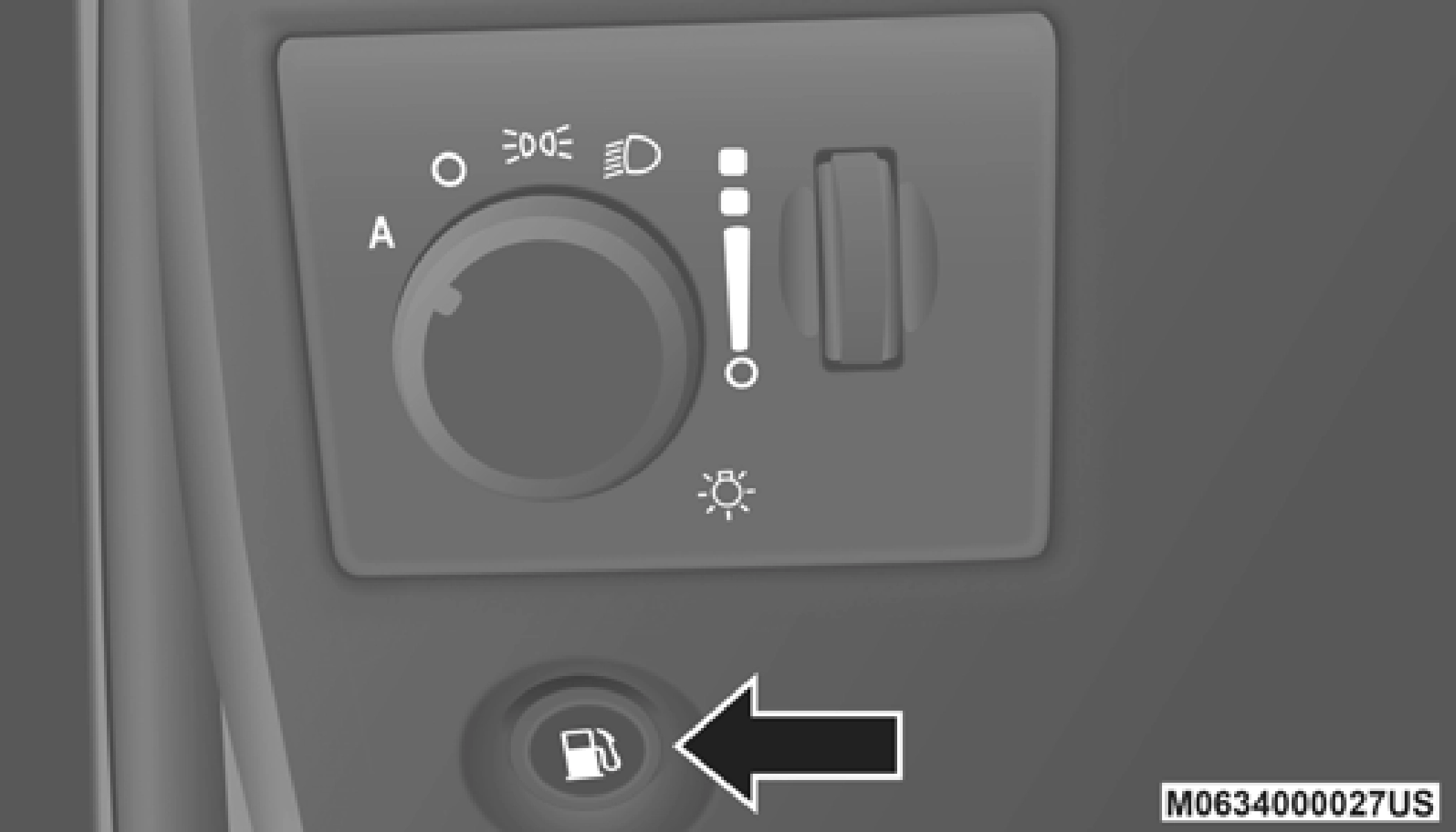 Push the fuel filler door release switch (located under the headlamp switch).
NOTE:
If snow, ice, mud, or any foreign substance builds up on the camera lens, clean the lens, rinse with water, and dry with a soft cloth. Do not cover the lens.
Rear Camera — Viewing At Speed
When the vehicle is in park, neutral or drive, the Rear View Camera can be activated with the “Rear View Camera” button  in the Controls menu. This feature allows the customer to monitor the area directly behind the vehicle (or trailer, if equipped) for up to 10 seconds while at speed. If the
vehicle speed remains below 8 mph (13 km/h), the Rear View Camera image will be displayed continuously until deactivated via the “X” button on the touchscreen.
Fuel Filler Door Release Switch
NOTE:
In certain cold conditions, ice may prevent the fuel door from opening. If this occurs, lightly push on the fuel door to break the ice buildup and re-release the fuel door using the inside release button. Do not pry on the door.
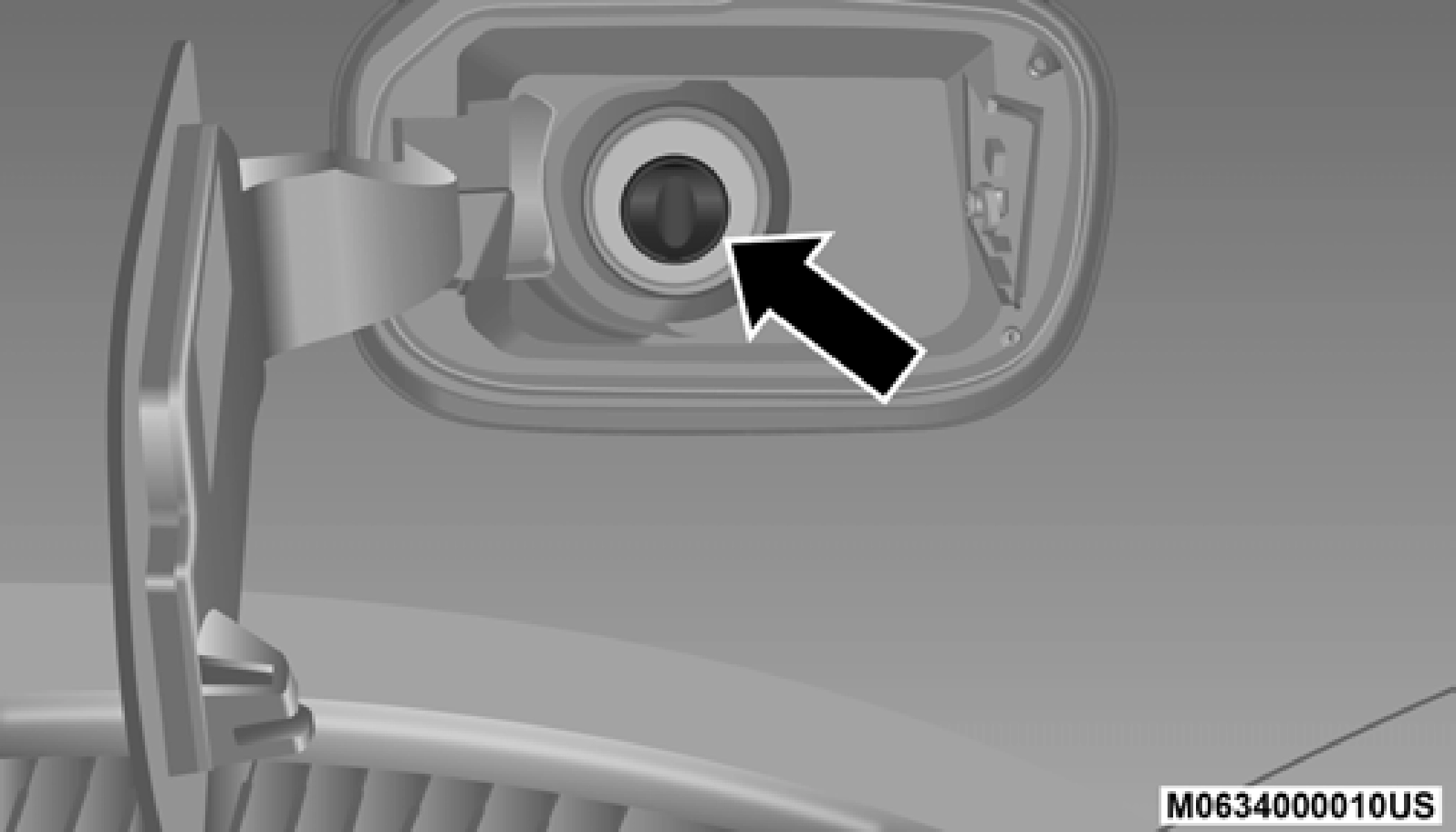
Fuel Filler
Emergency Gas Can Refueling
5
Most gas cans will not open the flapper doors.
A funnel is provided to open the flapper doors to allow emergency refueling with a gas can.
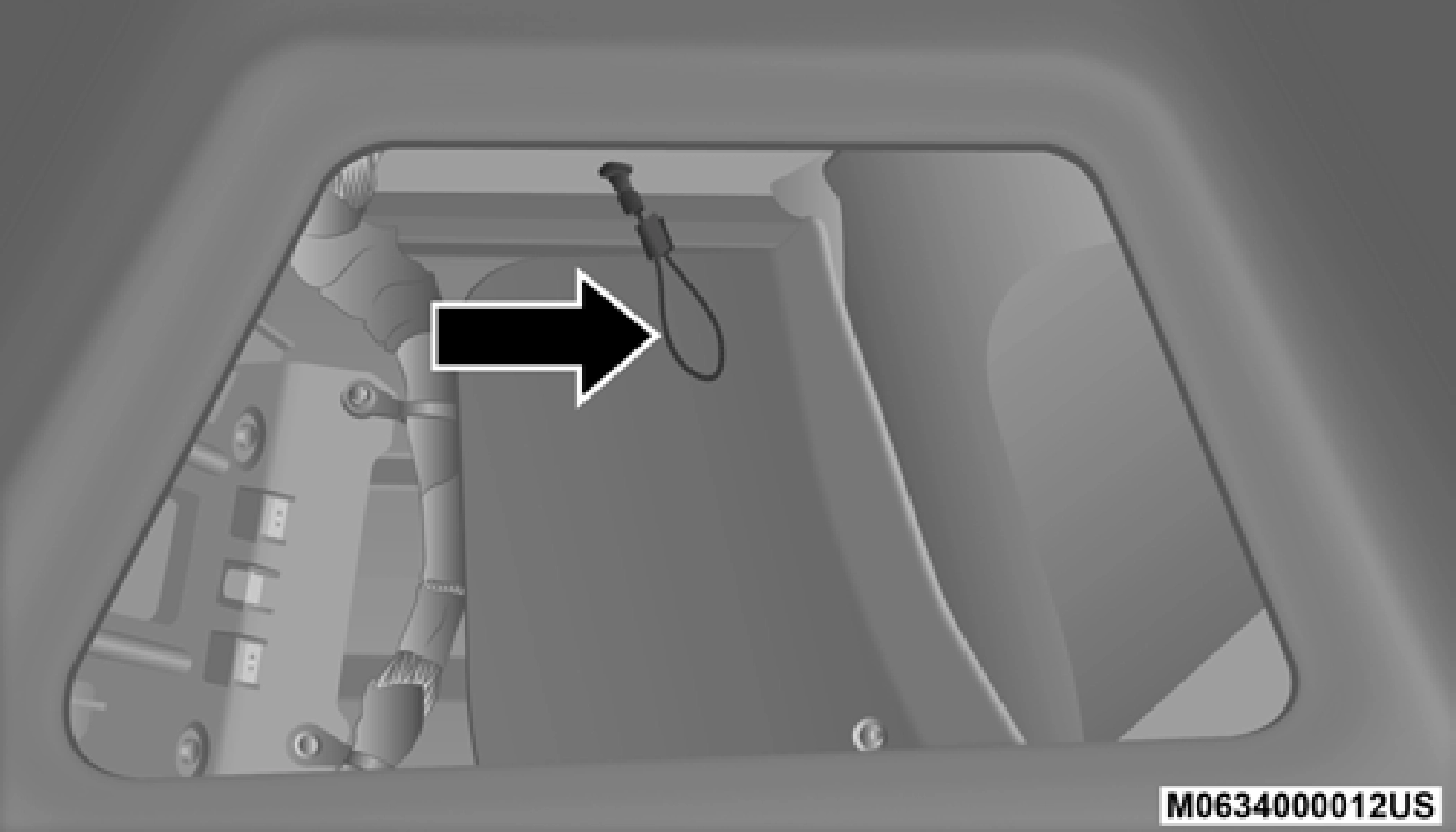 Pull the release cable to open the fuel door, push the release cable back to the home position to re-seat the fuel door latch to the closed position.
If you are unable to open the fuel filler door, use the fuel filler door emergency release.
NOTE:
Release Cable
If the fuel door does not latch after the manual release cable has been activated, the actuator latch should be manually returned to the closed position.
Download Manual