MIRRORS
Inside Day/Night Mirror — If Equipped
The mirror head can be adjusted up, down, left, and right for
various drivers. The mirror should be adjusted to center on 2
the view through the rear window.
Headlight glare from vehicles behind you can be reduced by moving the small control under the mirror to the night position (toward the rear of the vehicle). The mirror should be adjusted while set in the day position (toward the windshield).
Adjusting Rearview Mirror
The mirror head can be adjusted up, down, left, and right for various drivers. The mirror should be adjusted to center on the view through the rear window.
This mirror automatically adjusts for headlight glare from vehicles behind you.
NOTE:
The Automatic Dimming Mirror feature is disabled when the vehicle is in REVERSE to improve the driver’s rear view.
You can turn the feature on or off by pushing the button at the base of the mirror. A light in the button will illuminate to indicate when the dimming feature is activated.
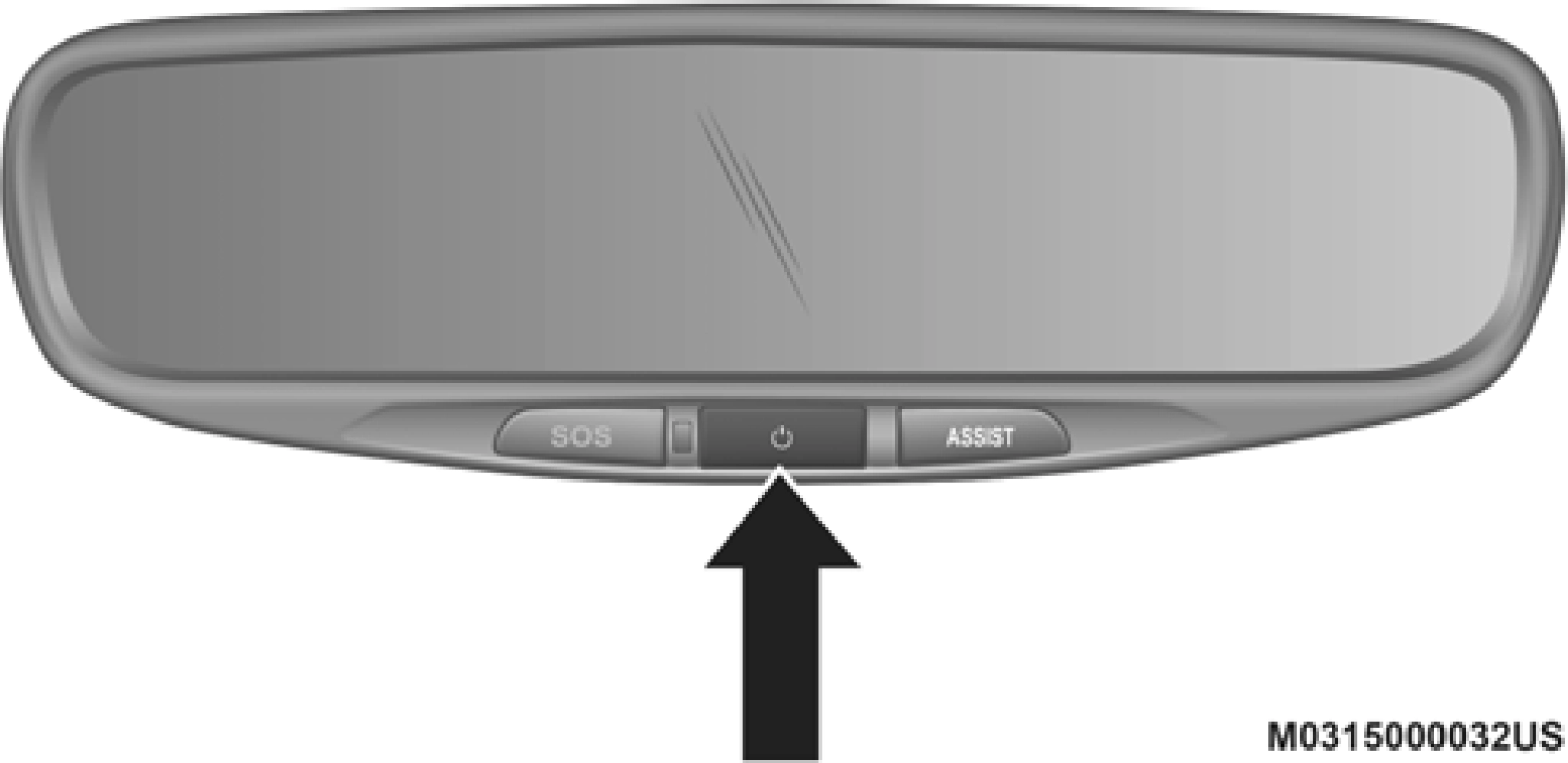
Automatic Dimming Mirror Button
To receive maximum benefit, adjust the outside mirror(s) to center on the adjacent lane of traffic with a slight overlap of the view obtained on the inside mirror.
All outside mirrors are hinged and may be moved either forward or rearward to resist damage. The hinges have three detent positions:
The outside mirrors will automatically adjust for glare from vehicles behind you. This feature is controlled by the inside automatic dimming mirror. The mirrors will automatically adjust for headlight glare when the inside mirror adjusts.
The power mirror switch is located on the driver's side door trim panel.
The power mirror controls consist of mirror select buttons and a four-way mirror control switch. To adjust a mirror, push the mirror select button for the mirror that you want to adjust. Using the mirror control switch, push on any of the four arrows for the direction that you want the mirror to move.
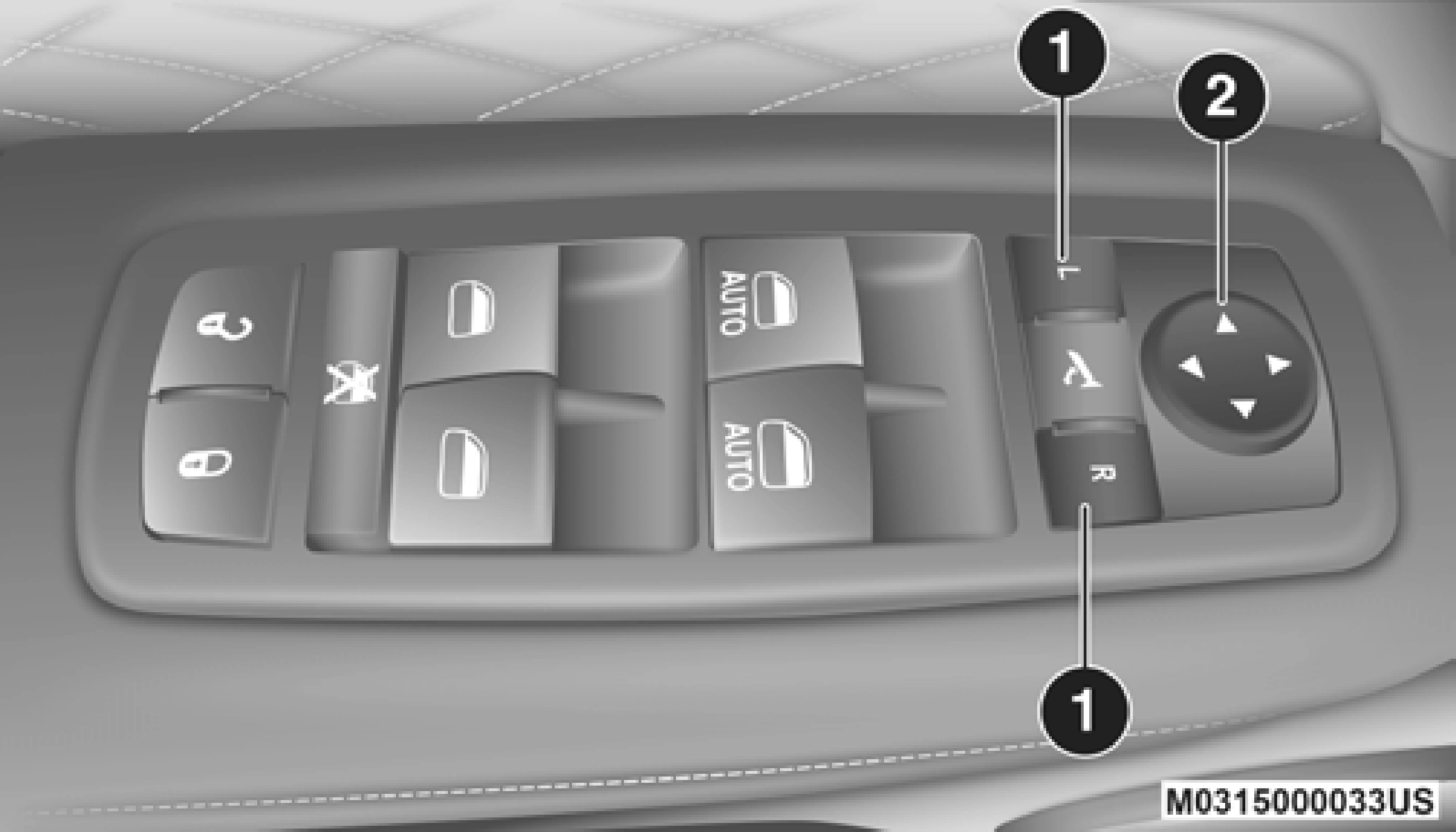 Power Mirror Switch
If equipped with power folding mirrors, they can be electri- cally folded rearward and unfolded into the drive position.
The switch for the power folding mirrors is located between the power mirror switches L (left) and R (right). Push the switch once and the mirrors will fold in, push the switch a second time and the mirrors will return to the normal driving position.
If the mirror is manually folded after electrically cycled, a potential extra button push is required to get the mirrors back to the home position. If the mirror does not electrically fold, check for ice or dirt build up at the pivot area which can cause excessive drag.
Power mirror preselected positions can be controlled by the optional Memory Seat Feature. Refer to “Driver Memory Seat” in “Seats” in this chapter for further information.
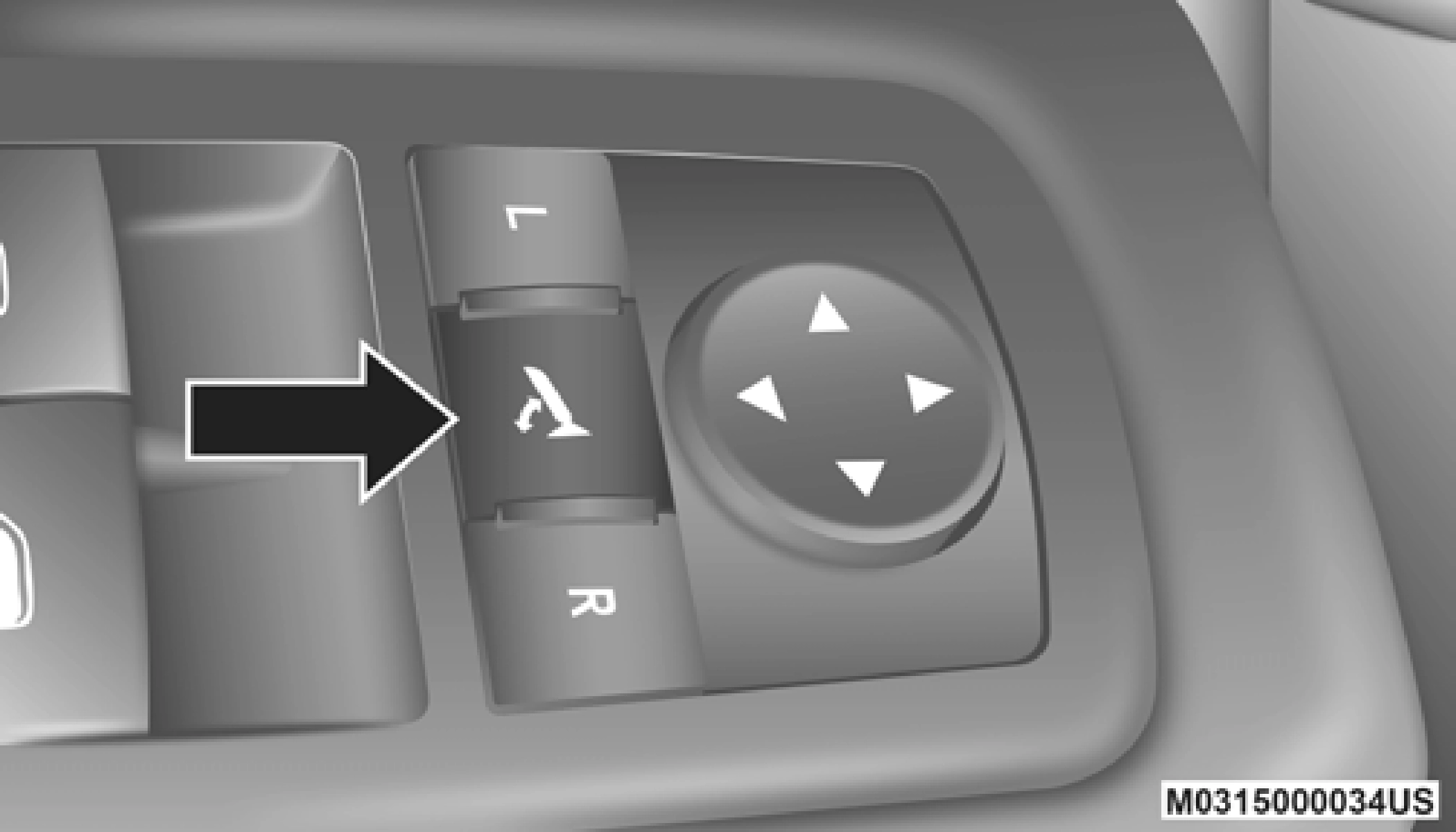
Power Folding Mirror Switch Automatic Power Folding Mirrors
When the Automatic Fold Mirrors feature is enabled, the exterior mirrors will fold in when exiting the vehicle (the ignition is OFF, all doors are closed, and the doors are locked).
NOTE:
The Automatic Fold/Unfold Mirrors feature is not turned on when delivered from the factory. The Automatic Fold/ Unfold Mirrors feature can be turned on and off using the
Uconnect System. Refer to “Uconnect Settings” in “Multi- 2
media” for further information.
Resetting The Power Folding Outside Mirrors
You may need to reset the power folding mirrors if the following occurs:
To reset the power folding mirrors: Fold and unfold them by pushing the button (this may require multiple button pushes). This resets them to their normal position.
 These mirrors are heated to melt frost or ice. This feature will be activated whenever you turn on the rear window defroster (if equipped). Refer to
“Climate Controls” in this chapter for further information.
Tilt Side Mirrors In Reverse provides automatic outside mirror positioning which will aid the driver’s view of the ground rearward of the front doors. Outside mirrors will move slightly downward from the present position when the vehicle is shifted into REVERSE. Outside mirrors will then return to the original position when the vehicle is shifted out of REVERSE position. Each stored memory seat setting will have an associated Tilt Side Mirrors In Reverse position.
NOTE:
The Tilt Side Mirrors In Reverse feature is not turned on when delivered from the factory. The Tilt Side Mirrors In Reverse feature can be turned on and off using the Uconnect System. Refer to “Uconnect Settings” in “Multimedia” for further information.
To access an illuminated vanity mirror, flip down one of the visors.
Lift the cover to reveal the mirror. The light will turn on auto- matically.
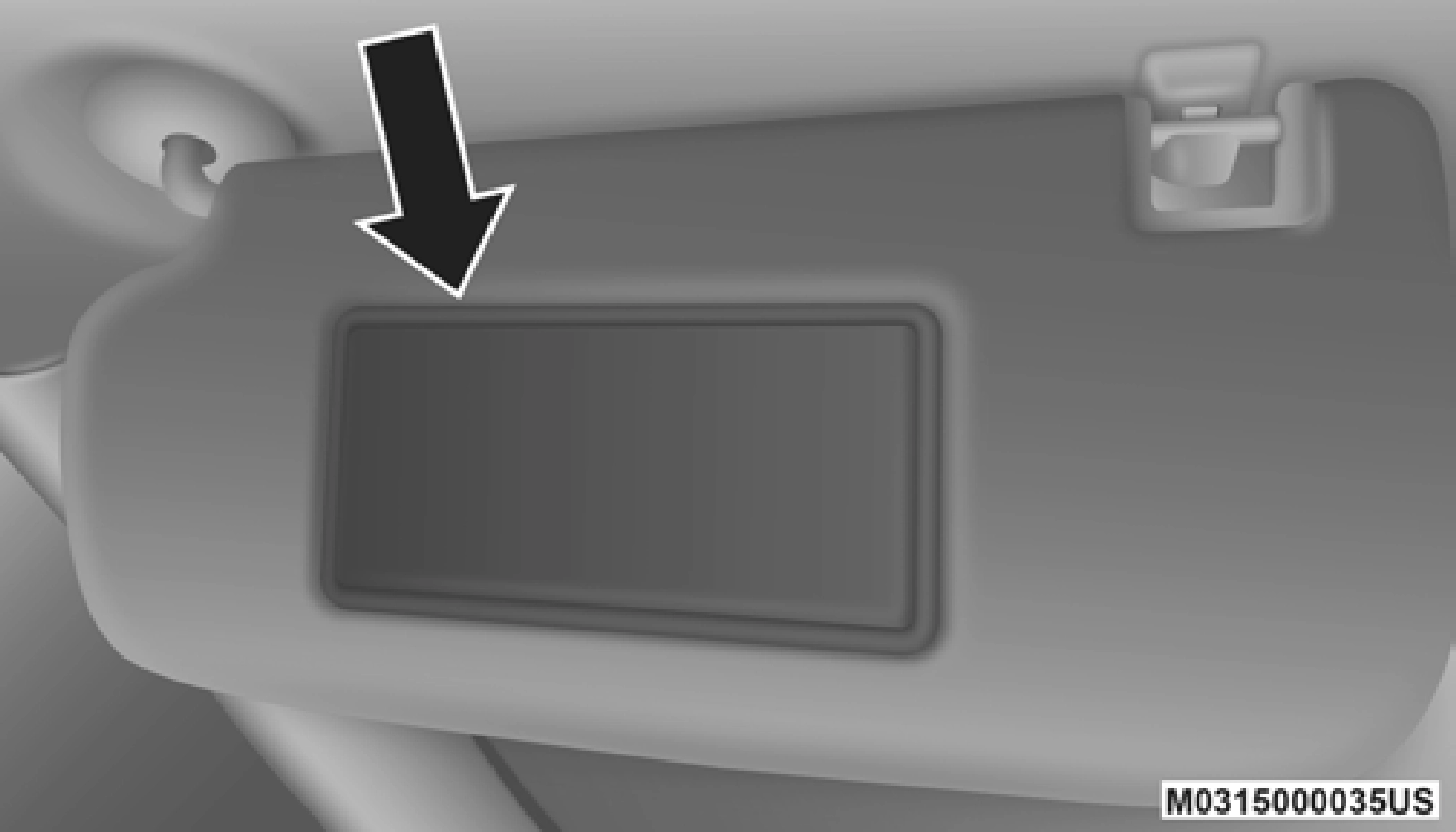
Illuminated Vanity Mirror
The sun visor “Slide-On-Rod” feature allows for additional flexibility in positioning the sun visor to block out the sun.
NOTE:
The sun visor blade can also be extended while the sun visor is against the windshield for additional sun blockage through the front of the vehicle.
Download Manual