INTERIOR LIGHTS
Courtesy and dome lights are turned on when the front doors are opened or when the dimmer control (rotating wheel on the right side of the headlight switch) is rotated to its farthest upward position. If your vehicle is equipped with Remote Keyless Entry and the unlock button is pushed on the key fob, the courtesy and dome lights will turn on. When a door is open and the interior lights are on, rotating the dimmer control all the way down, to the last (off) detent, will cause all the interior lights to go out. This is also known as the “Party” mode because it allows the doors to stay open for extended periods of time without discharging the vehicle’s battery.
The courtesy lights can be turned on by pushing the top corner of the lens. To turn the lights off, push the lens a second time.
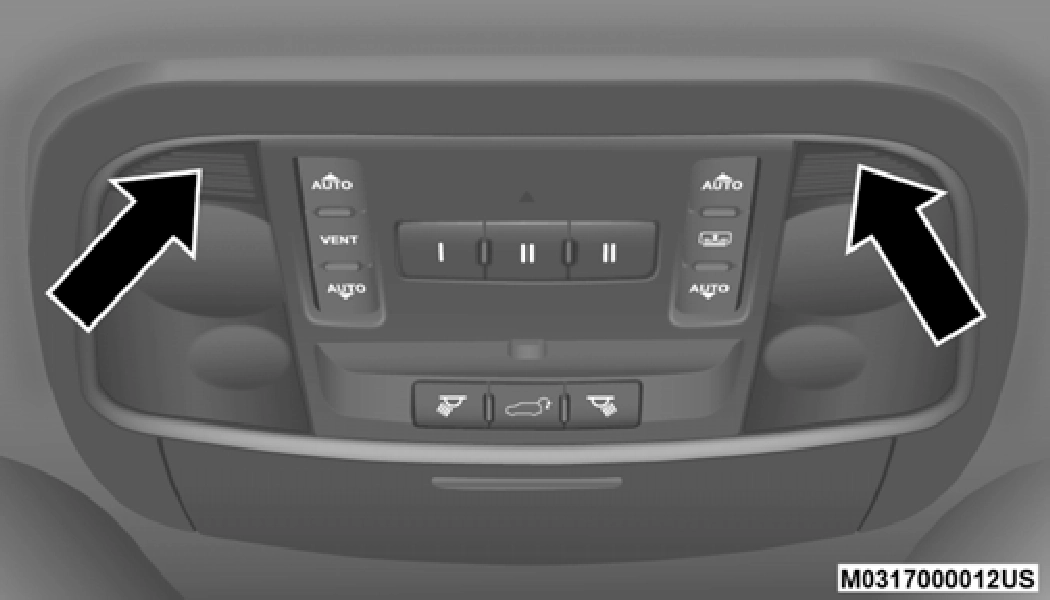
Courtesy Lights
The front map/reading lights are mounted in the overhead console.
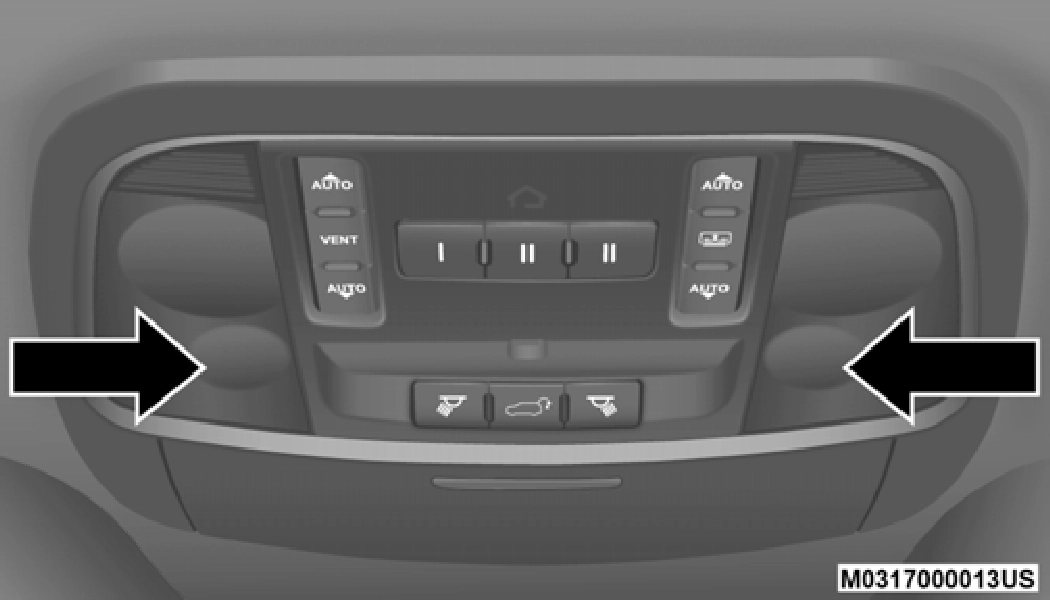 2
2
Front Map/Reading Lights
Each light can be turned on by pushing a switch on either side of the console. These buttons are backlit for night time visibility. To turn the lights off, push the switch a second time. The lights will also turn on when the unlock button on the remote keyless entry key fob is pushed.
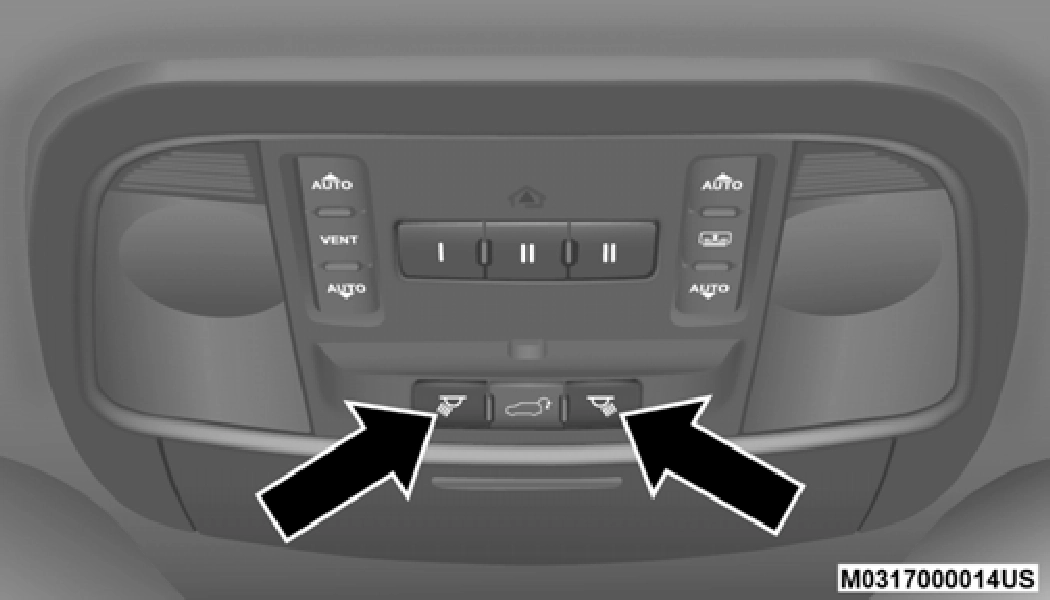
Front Map/Reading Light Switches
The overhead console is equipped with an ambient light feature. This light casts illumination for improved visibility of the floor and center console area.
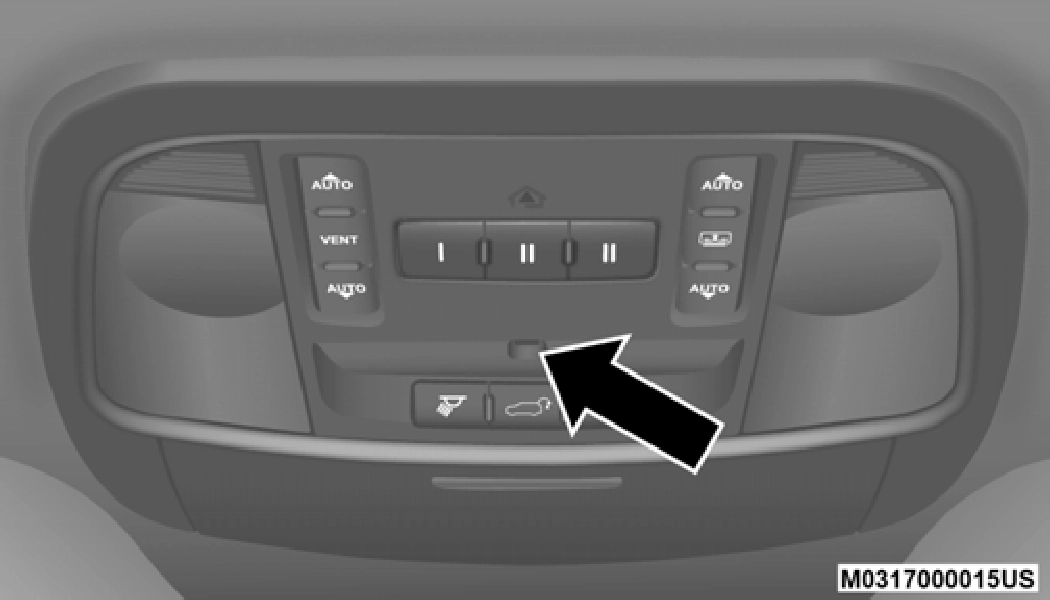
Ambient Light
The brightness of the instrument panel lighting can be regu- lated by rotating the dimmer control up (brighter) or down (dimmer). When the headlights are on you can supplement the brightness of the instrument cluster display, radio and overhead console by rotating the control to its farthest posi- tion up until you hear a click. This feature is termed the “Parade” mode and is useful when headlights are required during the day.
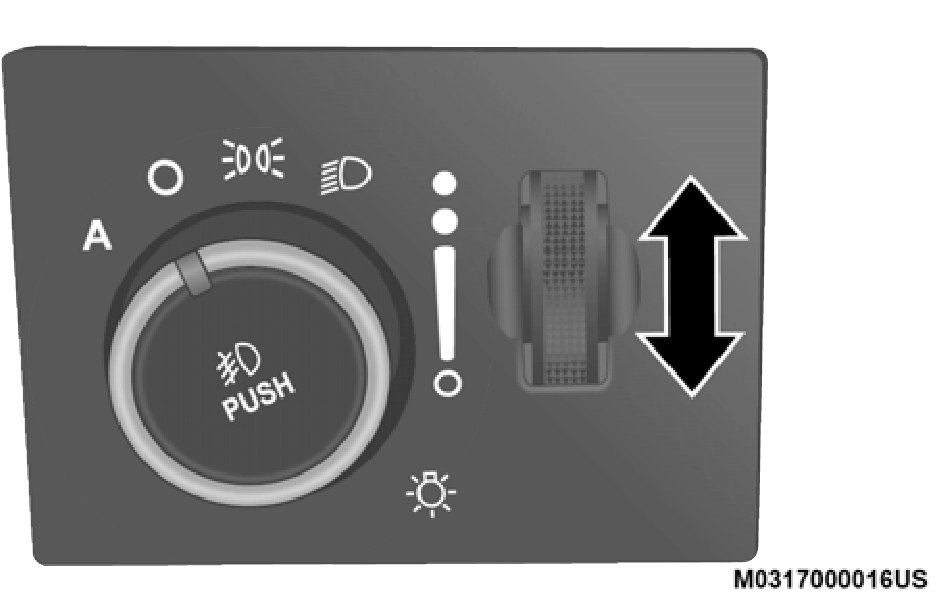
Dimmer Control
Download Manual