PARKSENSE FRONT AND REAR PARK ASSIST — IF EQUIPPED
The ParkSense Park Assist system provides visual and audible indications of the distance between the rear and/or front fascia and a detected obstacle when backing up or moving forward (e.g. during a parking maneuver). If your vehicle is equipped with an automatic transmission, the vehicle brakes may be automatically applied and released when performing a reverse parking maneuver if the system detects a possible collision with an obstacle.
NOTE:
The automatic braking function is intended to assist the driver in avoiding possible collisions with detected obstacles when backing up in REVERSE gear.
NOTE:
Refer to “ParkSense System Usage Precautions” in this section for limitations of this system and recommendations.
ParkSense will retain the last system state (enabled or disabled) from the last ignition cycle when the ignition is changed to the ON/RUN position.
ParkSense can be active only when the gear selector is in REVERSE or DRIVE. If ParkSense is enabled at one of these gear selector positions, the system will remain active until the vehicle speed is increased to approximately 7 mph (11 km/h) or above. The system will become active again if the vehicle speed is decreased to speeds less than approxi- mately 6 mph (9 km/h). A display warning will appear in the instrument cluster display if the vehicle is in REVERSE and the speed exceeds 7 mph (11 km/h).
The four ParkSense sensors (or six, if equipped with Active Park Assist), located in the rear fascia/bumper, monitor the area behind the vehicle that is within the sensors’ field of view. The sensors can detect obstacles from approximately 12 inches (30 cm) up to 79 inches (200 cm) from the rear fascia/bumper in the horizontal direction, depending on the location, type and orientation of the obstacle.
The six ParkSense sensors, located in the front fascia/ bumper, monitor the area in front of the vehicle that is within the sensors’ field of view. The sensors can detect obstacles from approximately 12 inches (30 cm) up to 47 inches (120 cm) from the front fascia/bumper in the horizontal direction, depending on the location, type and orientation of the obstacle.
The warning display will turn on indicating the system
status when the vehicle is in REVERSE or when the vehicle is 5
in DRIVE and an obstacle has been detected.
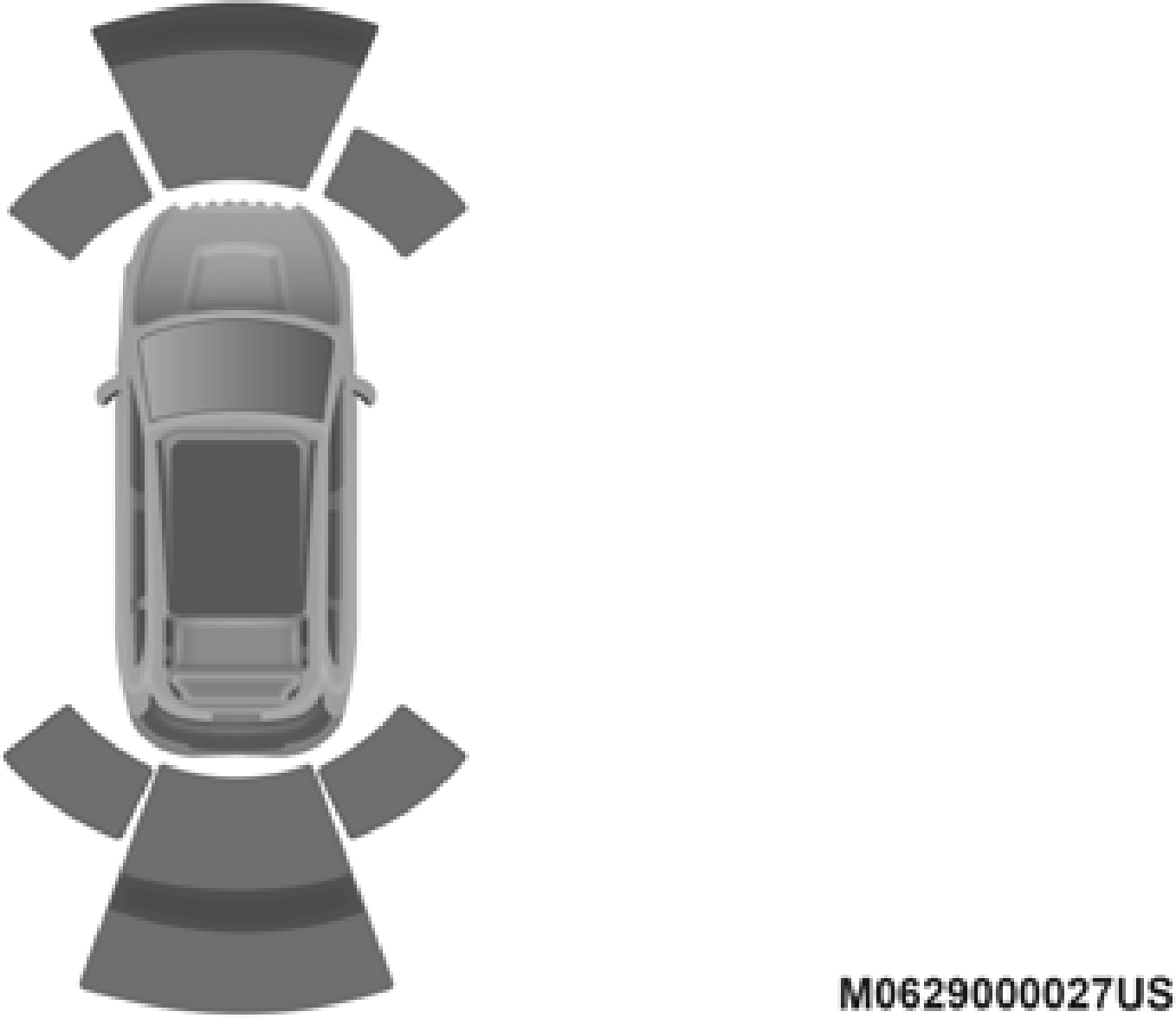
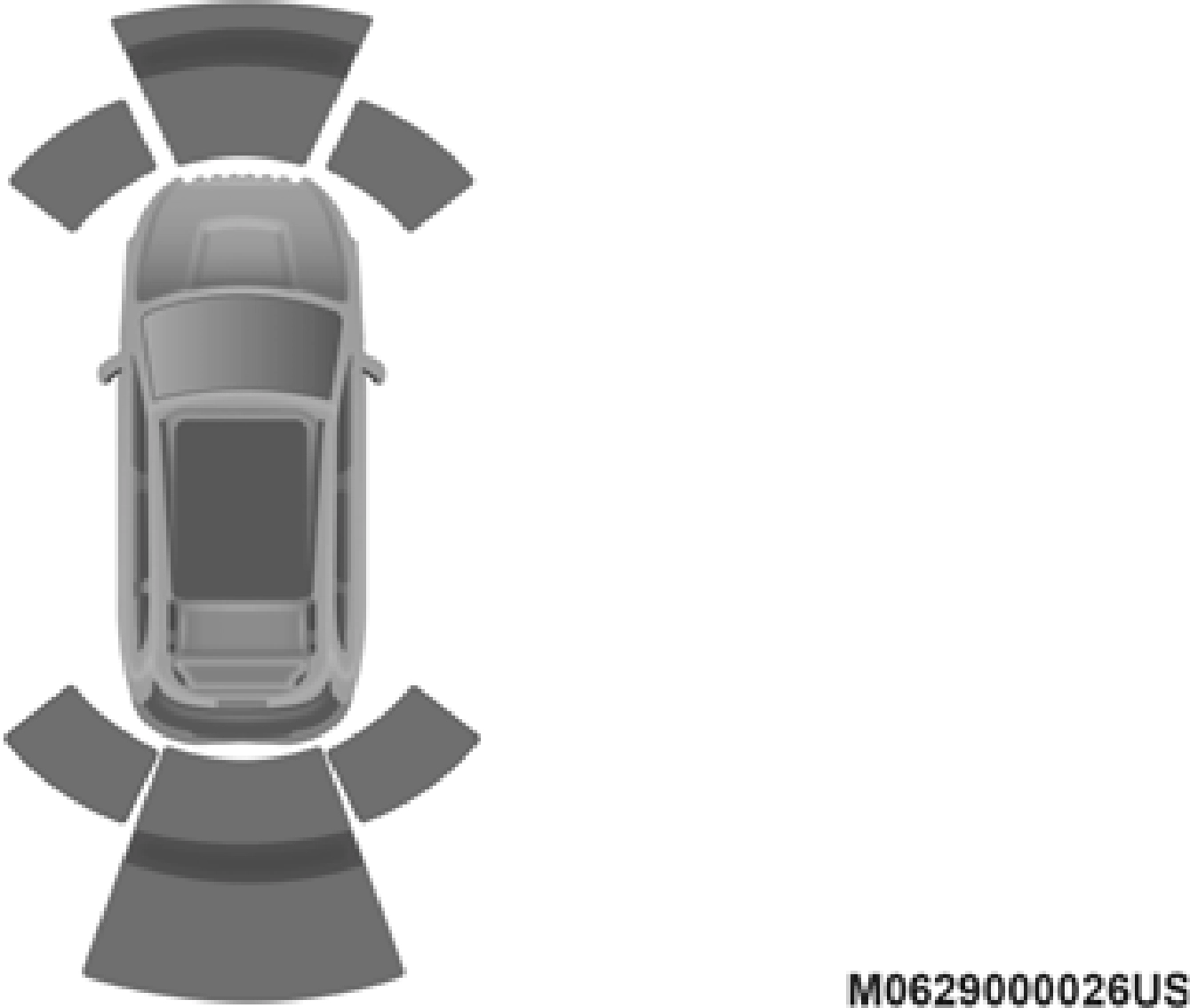
The system will indicate a detected obstacle by showing a single arc in the left and/or right front or rear regions based on the object’s distance and location relative to the vehicle.
If an object is detected in the left and/or right rear region, the display will show a single arc in the left and/or right rear region and the system will produce a tone. As the vehicle moves closer to the object, the display will show the single arc moving closer to the vehicle and the tone will change from a single 1/2 second tone to slow, to fast, to continuous.
Single 1/2 Second Tone Slow Tone
 5
5
Slow Tone For Rear Only Fast Tone For Rear Only
Fast Tone Continuous Tone
The vehicle is close to the obstacle when the instrument cluster display shows one flashing arc and sounds a continuous tone. The following chart shows the warning alert operation when the system is detecting an obstacle:
5
|
WARNING ALERTS FOR FRONT |
|||||
|
Front Distance (inches/cm) |
Greater than 47 inches (120 cm) |
47-39 inches (120-100 cm) |
39-25 inches (100-65 cm) |
25-12 inches (65-30 cm) |
Less than 12 inches (30 cm) |
|
Audible Alert Chime |
None |
None |
None |
Fast |
Continuous |
|
Arcs-Left |
None |
None |
None |
2nd Flashing |
1st Flashing |
|
Arcs-Center |
None |
4th Solid |
3rd Flashing |
2nd Flashing |
1st Flashing |
|
Arcs-Right |
None |
None |
None |
2nd Flashing |
1st Flashing |
|
Radio Volume Reduced |
No |
No |
No |
Yes |
Yes |
NOTE:
ParkSense will reduce the volume of the radio, if on, when the system is sounding an audio tone.
Front Park Assist Audible Alerts
ParkSense will turn off the Front Park Assist audible alert (chime) after approximately three seconds when an obstacle has been detected, the vehicle is stationary, and brake pedal is applied.
Adjustable Chime Volume Settings
Front and Rear chime volume settings can be selected from the Uconnect System. Refer to "Uconnect Settings” in “Multi- media” for further information.
The chime volume settings include low, medium, and high. The factory default volume setting is medium.
ParkSense will retain its last known configuration state through ignition cycles.
The ParkSense Warning screen will only be displayed if Sound and Display is selected from the Customer Program- mable Features section of the Uconnect System. Refer to "Uconnect Settings” in “Multimedia” for further informa- tion.
The ParkSense Warning screen is located within the instru- ment cluster display. It provides visual warnings to indicate the distance between the rear fascia/bumper and/or front fascia/bumper and the detected obstacle. Refer to “Instru- ment Cluster Display” in “Getting To Know Your Instru- ment Panel” for further information.
ParkSense can be enabled and disabled with the ParkSense switch.
 When the ParkSense switch is pushed to disable the system, the instrument cluster will display the “PARKSENSE OFF” message for approximately five seconds. When the gear selector is moved to REVERSE and the system is disabled, the instrument cluster display will display the “PARKSENSE OFF” message for as long as the
vehicle is in REVERSE.
Refer to “Instrument Cluster Display” in “Getting To Know Your Instrument Panel” for further information.
NOTE:
When ParkSense is disabled and the gear selector is moved to the DRIVE position, no warning message will be displayed.
The ParkSense switch LED will be on when ParkSense is disabled or requires service. The ParkSense switch LED will be off when the system is enabled. If the ParkSense switch is
pushed, and the system requires service, the ParkSense switch 5
LED will blink momentarily, and then the LED will be on.
During vehicle start up, when the ParkSense System has detected a faulted condition, the instrument cluster will actuate a single chime, once per ignition cycle, and it will display the "PARKSENSE UNAVAILABLE WIPE REAR SENSORS", "PARKSENSE UNAVAILABLE WIPE FRONT SENSORS", or the "PARKSENSE UNAVAILABLE SERVICE REQUIRED"
message for five seconds. When the gear selector is moved to REVERSE and the system has detected a faulted condition, the instrument cluster display will display a "PARKSENSE UNAVAILABLE WIPE REAR SENSORS", "PARKSENSE UNAVAILABLE WIPE FRONT SENSORS" or "PARKSENSE
UNAVAILABLE SERVICE REQUIRED" pop up message for five seconds. After five seconds, a vehicle graphic will be displayed with "UNAVAILABLE" at either the front or rear sensor location depending on where the fault is detected. The system will continue to provide arc alerts for the side that is functioning properly. These arc alerts will interrupt the "PARK- SENSE UNAVAILABLE WIPE REAR SENSORS", "PARK- SENSE UNAVAILABLE WIPE FRONT SENSORS", or "PARKSENSE UNAVAILABLE SERVICE REQUIRED"
messages if an object is detected within the five second pop-up duration. The vehicle graphic will remain displayed for as long as the vehicle is in REVERSE.
Refer to “Instrument Cluster Display” in “Getting To Know Your Instrument Panel” for further information.
If "PARKSENSE UNAVAILABLE WIPE REAR SENSORS" or "PARKSENSE UNAVAILABLE WIPE FRONT SENSORS"
appears in the instrument cluster display make sure the outer surface and the underside of the rear fascia/bumper and/or front fascia/bumper is clean and clear of snow, ice, mud, dirt or other obstruction and then cycle the ignition. If the message continues to appear see an authorized dealer.
If the "PARKSENSE UNAVAILABLE SERVICE REQUIRED"
message appears in the instrument cluster display, see your authorized dealer.
Clean the ParkSense sensors with water, car wash soap and a soft cloth. Do not use rough or hard cloths. Do not scratch or poke the sensors. Otherwise, you could damage the sensors.
NOTE:
if objects such as bicycle carriers, trailer hitches, etc. are placed within 12 inches (30 cm) from the rear fascia/ bumper. Failure to do so can result in the system misinter- preting a close object as a sensor problem, causing the “PARKSENSE UNAVAILABLE SERVICE REQUIRED”
message to be displayed in the instrument cluster.
Download Manual