IGNITION SWITCH
Keyless Push Button Ignition
This feature allows the driver to operate the ignition switch
with the push of a button as long as the Remote Keyless 2
Entry key fob is in the passenger compartment.
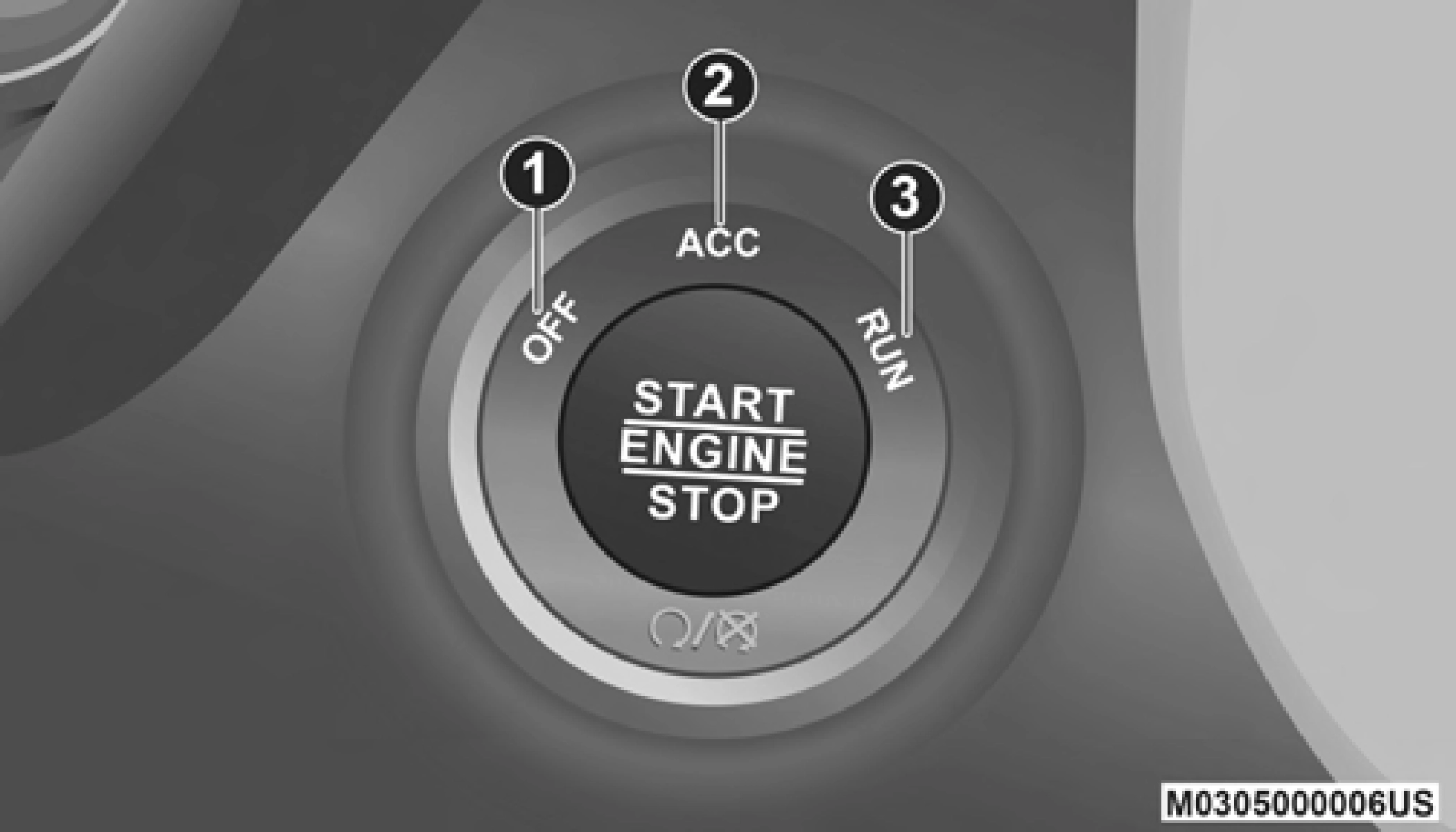
The Keyless Push Button Ignition has four operating posi- tions; three of which are labeled and will illuminate when in position. The three positions are OFF, ACC, and ON/RUN. The fourth position is START; during start RUN will illumi- nate.
NOTE:
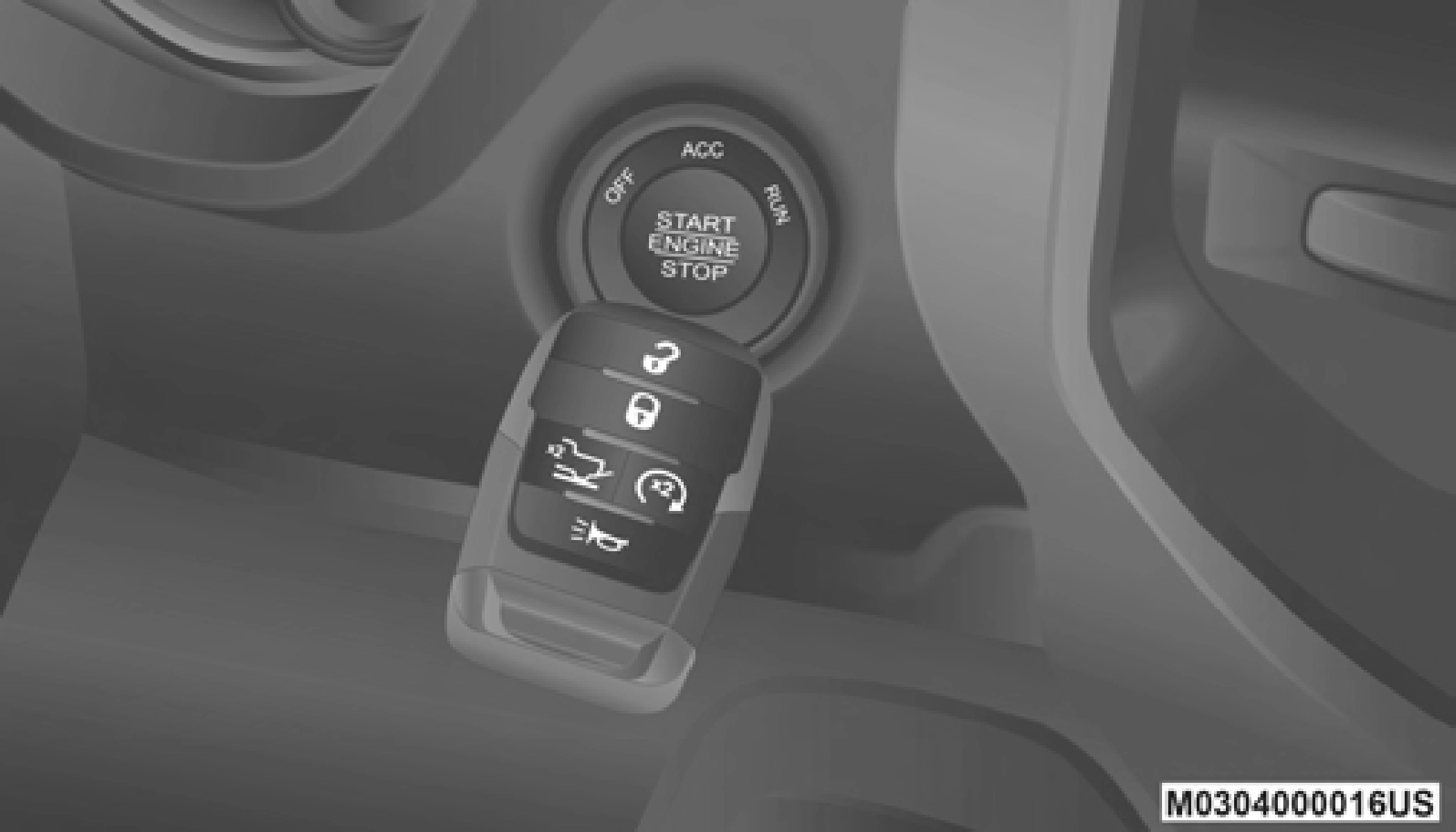
In case the ignition switch does not change with the push of a button, the key fob may have a low or depleted battery. In this situation, a back up method can be used to operate the ignition switch. Put the nose side (side opposite of the emer- gency key) of the key fob against the START/STOP ignition button, with your foot applied on the brake pedal, and push to operate the ignition switch.
 ACC
ACC
RUN
START
Keyless Push Button Ignition
The push button ignition can be placed in the following modes:
OFF
(Continued)
 2
2
Back Up Starting Method
NOTE:
The engine only runs in the ON/RUN ignition position or from a remote start request.
In case the ignition switch does not change with the push of a button, the key fob may have a low or dead battery. In this situation, a back up method can be used to operate the igni- tion switch. Put the nose side (side opposite of the emer- gency key) of the key fob against the START/STOP ignition button and push to operate the ignition switch.
The key fob may not be able to be detected by the vehicle keyless-go system if it is located next to a mobile phone, laptop or other electronic device; these devices may block the key fob's wireless signal and prevent the Keyless Enter-N-Go system from starting the vehicle.
NOTE:
Refer to "Starting The Engine" in "Starting And Operating" for further information.
Download Manual