HAZARD WARNING FLASHERS
NOTE:
If your vehicle is equipped with a 12–inch Uconnect display, the ParkSense Active Park Assist switch is located above the display.
To enable the ParkSense Active Park Assist system, push the ParkSense Active Park Assist switch once (LED turns on).
To disable the ParkSense Active Park Assist system, push the ParkSense Active Park Assist switch again (LED turns off).
The ParkSense Active Park Assist system will turn off auto- matically for any of the following conditions:
The ParkSense Active Park Assist system will only operate and search for a parking space when the following condi- tions are present:
NOTE:
If the vehicle is driven above approximately 15 mph (25 km/h), the instrument cluster display will instruct the driver to slow down. If the vehicle is driven above approximately 18 mph (30 km/h), the system will cancel. The driver must then reacti- vate the system by pushing the ParkSense Active Park Assist switch.
When pushed, the LED on the ParkSense Active Park Assist switch will blink momentarily, and then the LED will turn off if any of the above conditions are not present.
When the ParkSense Active Park Assist system is enabled the “Active ParkSense Searching - Push OK To Switch To Perpendicular Park” message will appear in the instrument cluster display. You may switch to perpendicular parking if you desire. Push the OK button on the left side steering wheel switch to change your parking space setting.
NOTE:
Park Assist system will automatically search for a parking space on the passenger's side of the vehicle if the turn signal is not activated.
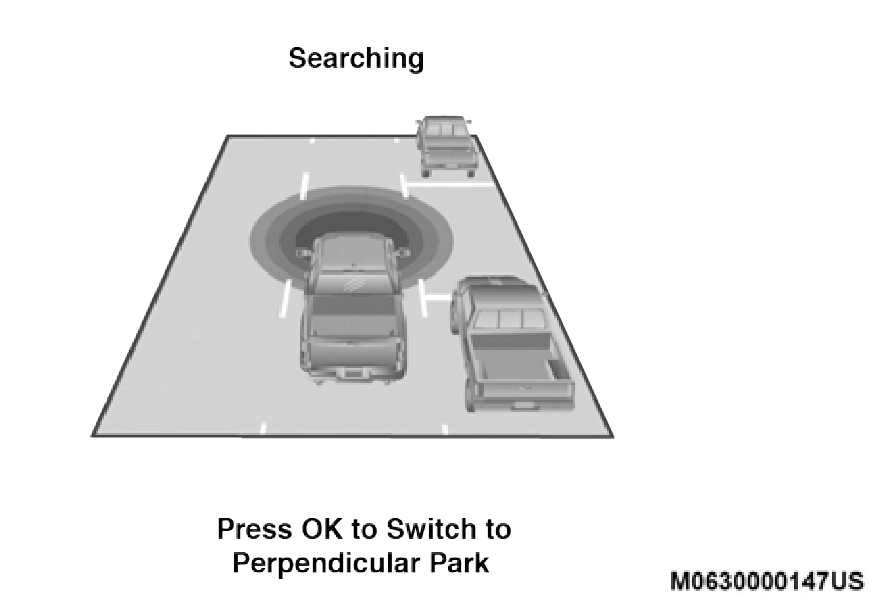
Searching
When an available parking space has been found, and the vehicle is not in position, you will be instructed to move forward to position the vehicle for a parallel parking sequence.
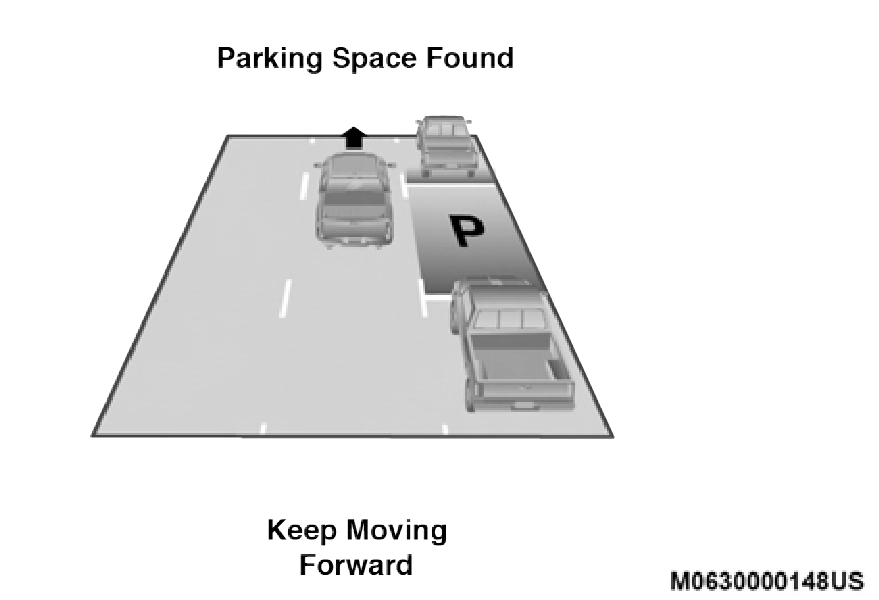
Parking Space Found — Keep Moving Forward
Once the vehicle is in position, you will be instructed to stop the vehicle's movement and remove your hands from the steering wheel.
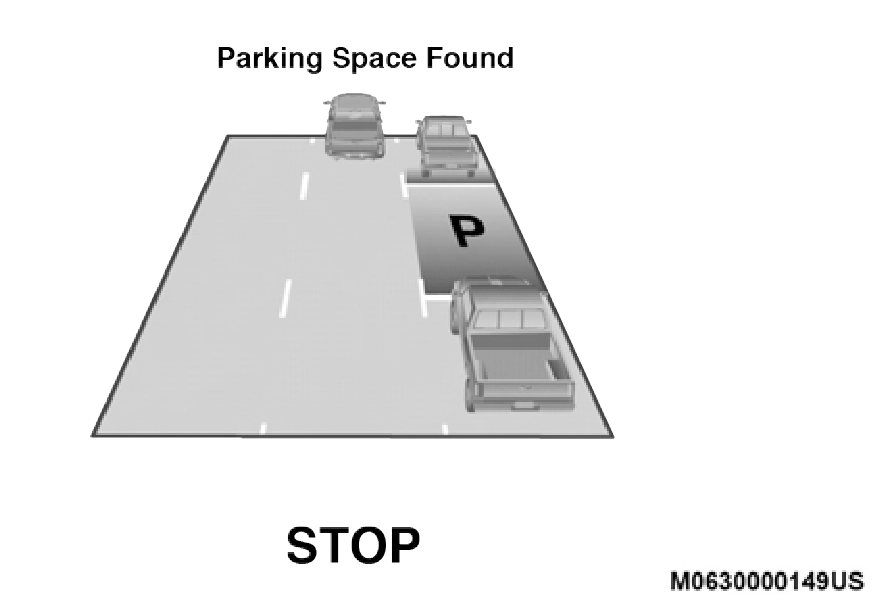
Parking Space Found — Stop
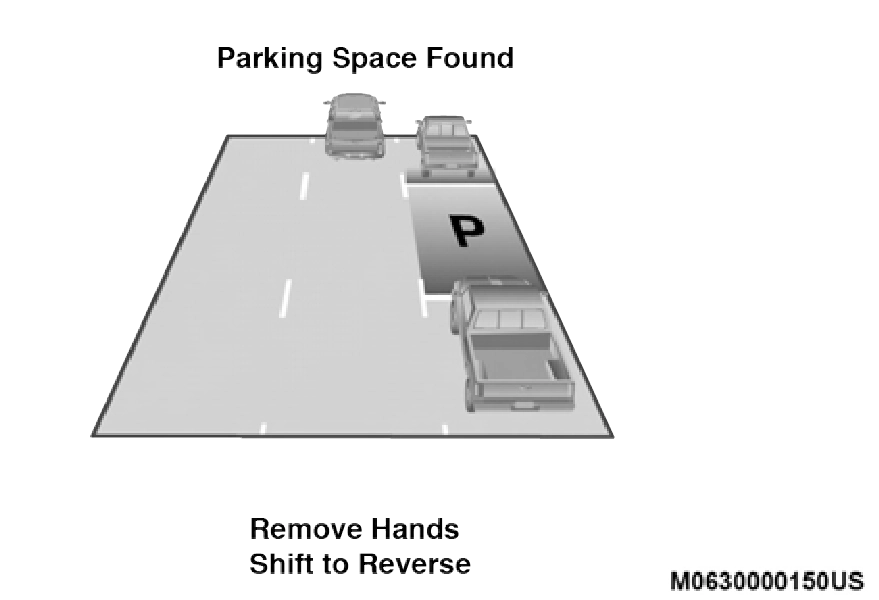
Once the vehicle is at a standstill with your hands removed from the steering wheel, you will be instructed to place the gear selector into the REVERSE position.
 5
5
Parking Space Found — Remove Hands — Shift To Reverse
When the driver places the gear selector into the REVERSE position, the system may instruct the driver to wait for steering to complete.
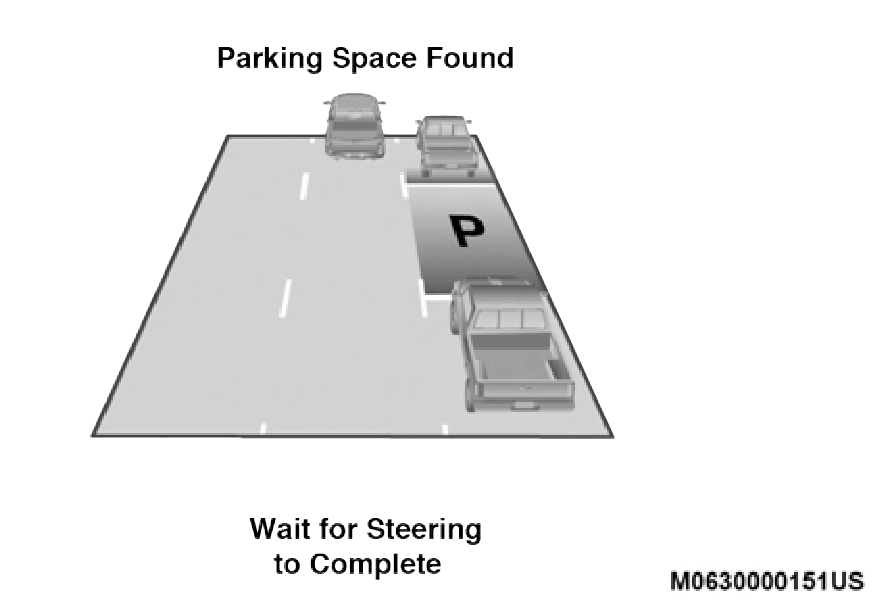
Parking Space Found — Wait For Steering To Complete
The system will then instruct the driver to check their surroundings and move backward.
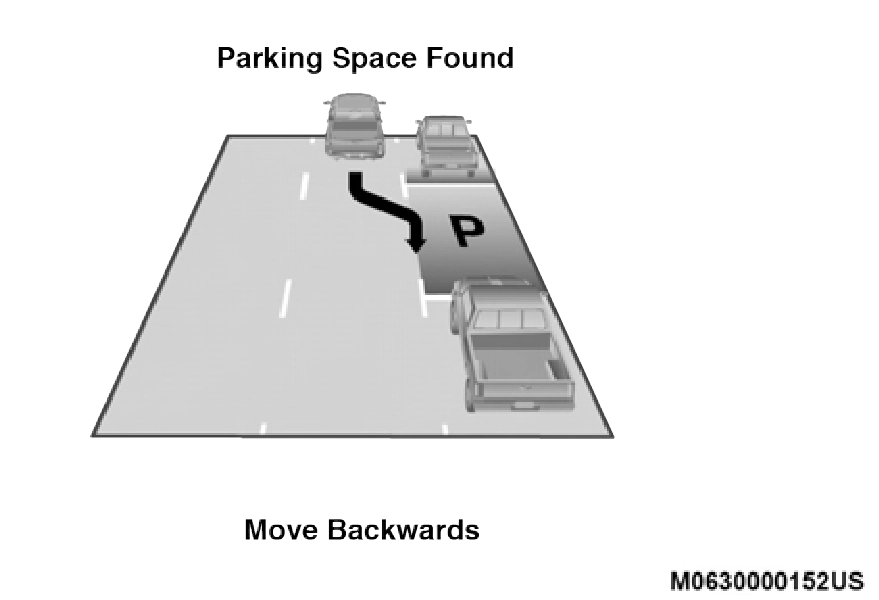
Parking Space Found — Move Backwards
NOTE:
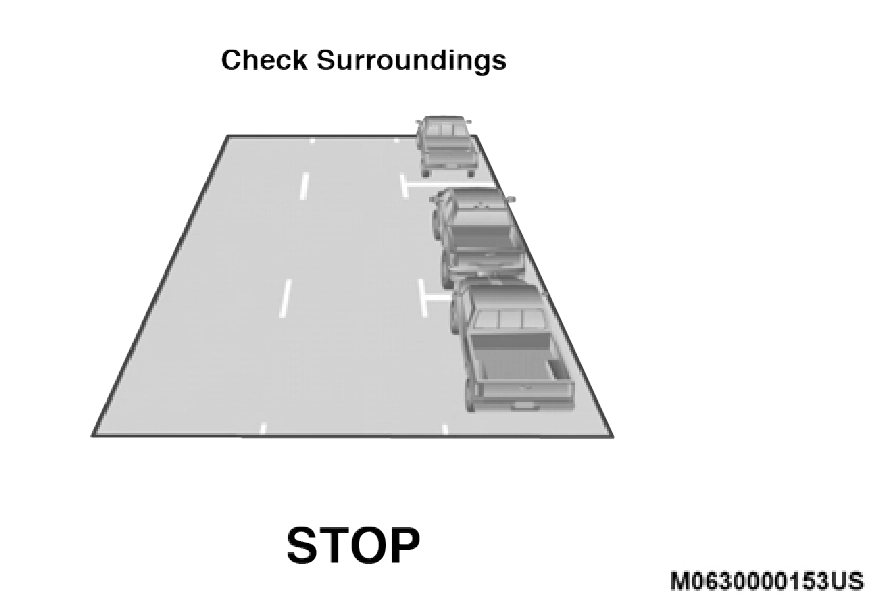
When the vehicle has reached the end of its backward move- ment, the system will instruct the driver to check their surroundings and stop the vehicle's movement.
 5
5
Check Surroundings — STOP
NOTE:
It is the driver's responsibility to use the brake and stop the vehicle. The driver should check their surroundings and be prepared to stop the vehicle either when instructed to, or when driver intervention is required.
Once the vehicle is in a standstill condition, the driver will be instructed to place the gear selector into the DRIVE position.
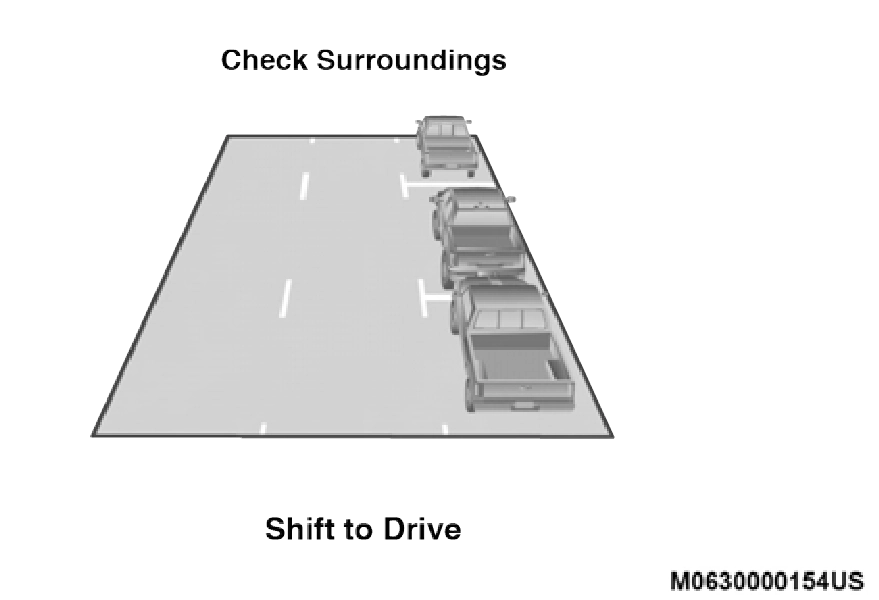
Check Surroundings — Shift To Drive
When the driver places the gear selector into the DRIVE posi- tion, the system may instruct the driver to wait for steering to complete.
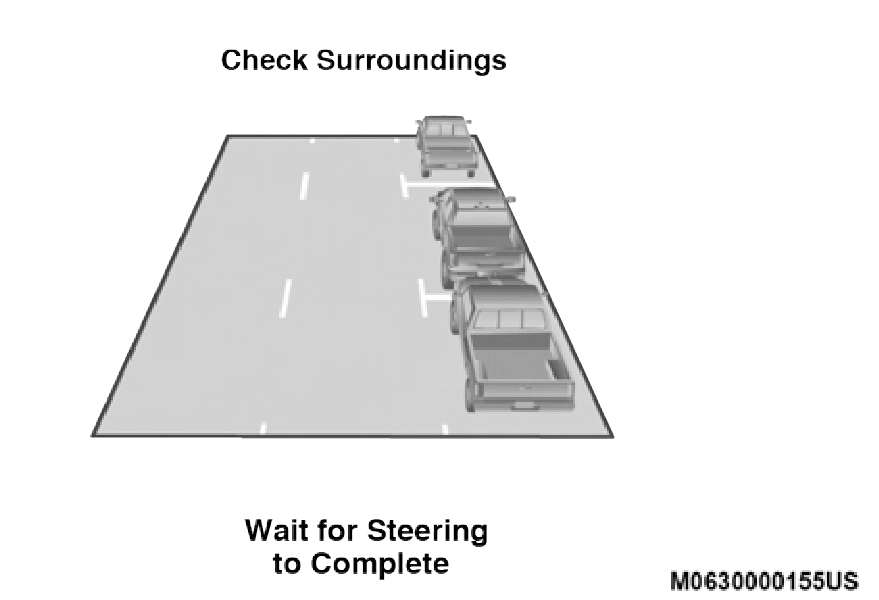
Check Surroundings — Wait For Steering To Complete
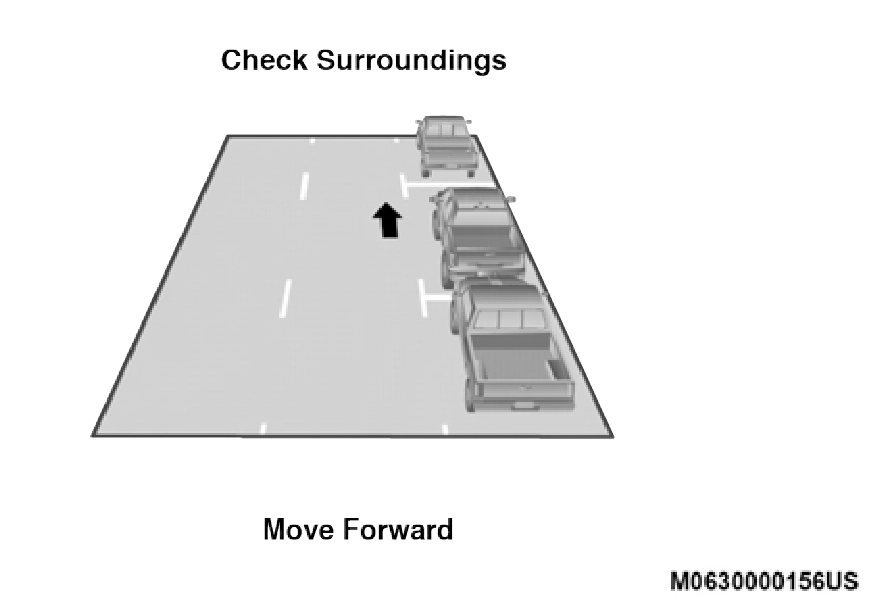 The system will then instruct the driver to check their surroundings and move forward.
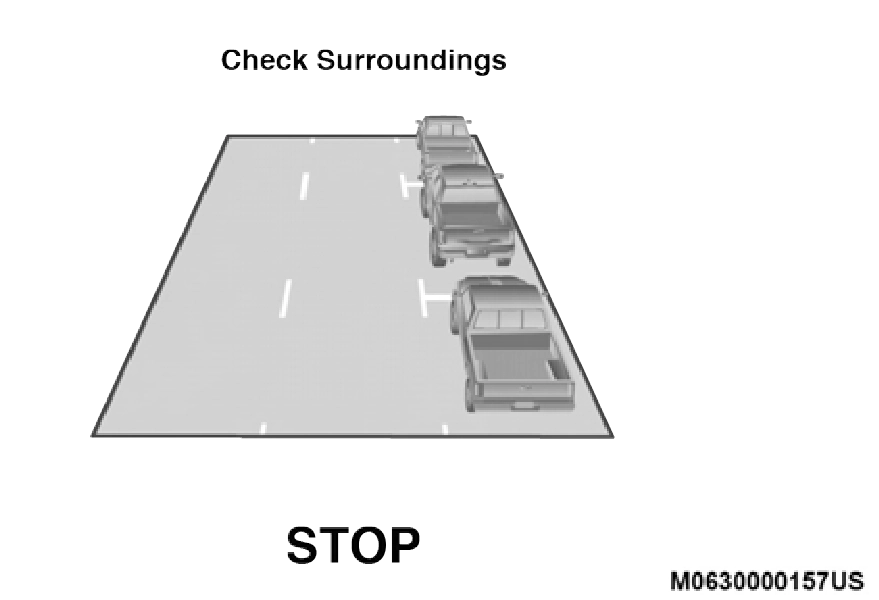 When the vehicle has reached the end of its forward move- ment, the system will instruct the driver to check their surroundings and stop the vehicle's movement.
5
Check Surroundings — Move Forward
NOTE:
Check Surroundings — STOP
It is the driver's responsibility to use the brake and stop the vehicle. The driver should check their surroundings and be prepared to stop the vehicle either when instructed to, or when driver intervention is required.
Once the vehicle is in a standstill condition, the driver will be instructed to place the gear selector into the REVERSE posi- tion.
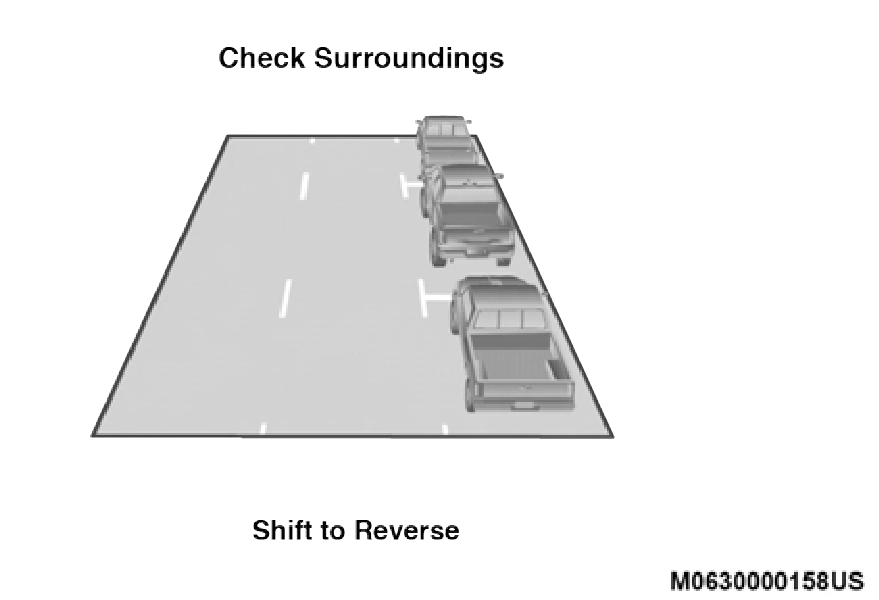
Check Surroundings — Shift To Reverse
When the driver places the gear selector into the REVERSE position, the system may instruct the driver to wait for steering to complete.
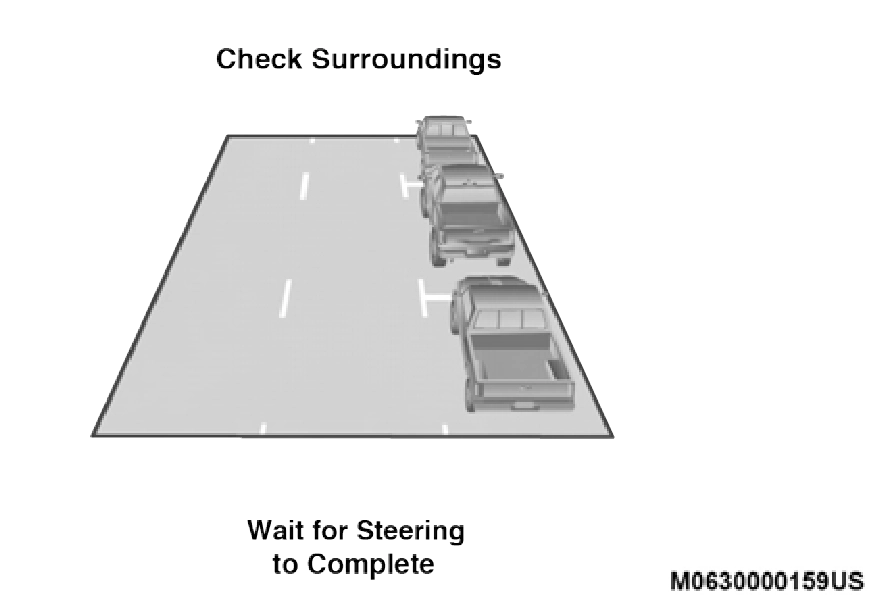
Check Surroundings — Wait For Steering To Complete
The system will then instruct the driver to check their surroundings and move backward.
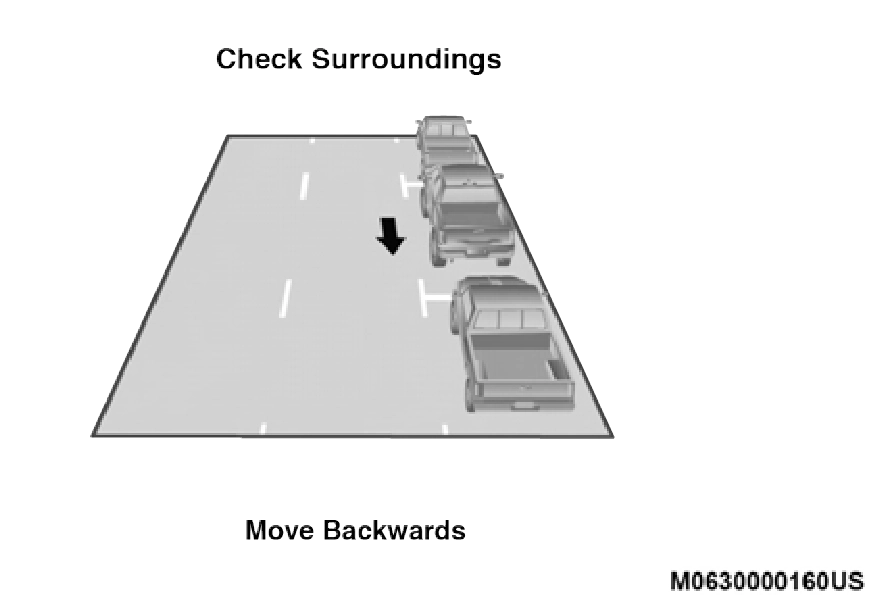
Check Surroundings — Move Backwards
Your vehicle is now in the parallel park position. When the maneuver is complete, the driver will be instructed to check the vehicle's parking position. If the driver is satisfied with the vehicle position, they should shift to PARK. The "Active ParkSense Complete - Check Parking Position" message will be momentarily displayed.
When the ParkSense Active Park Assist system is enabled,
the “Active ParkSense Searching - Push OK to Switch to 5
Perpendicular Park” message will show in the instrument cluster display. Push the OK button on the left side steering wheel switch to change your parking space setting to a perpendicular maneuver. You may switch back to parallel parking if you desire.
Once the driver pushes OK for a perpendicular parking maneuver, the “Active ParkSense Searching - Push OK for Parallel Park” message will appear in the instrument cluster display.
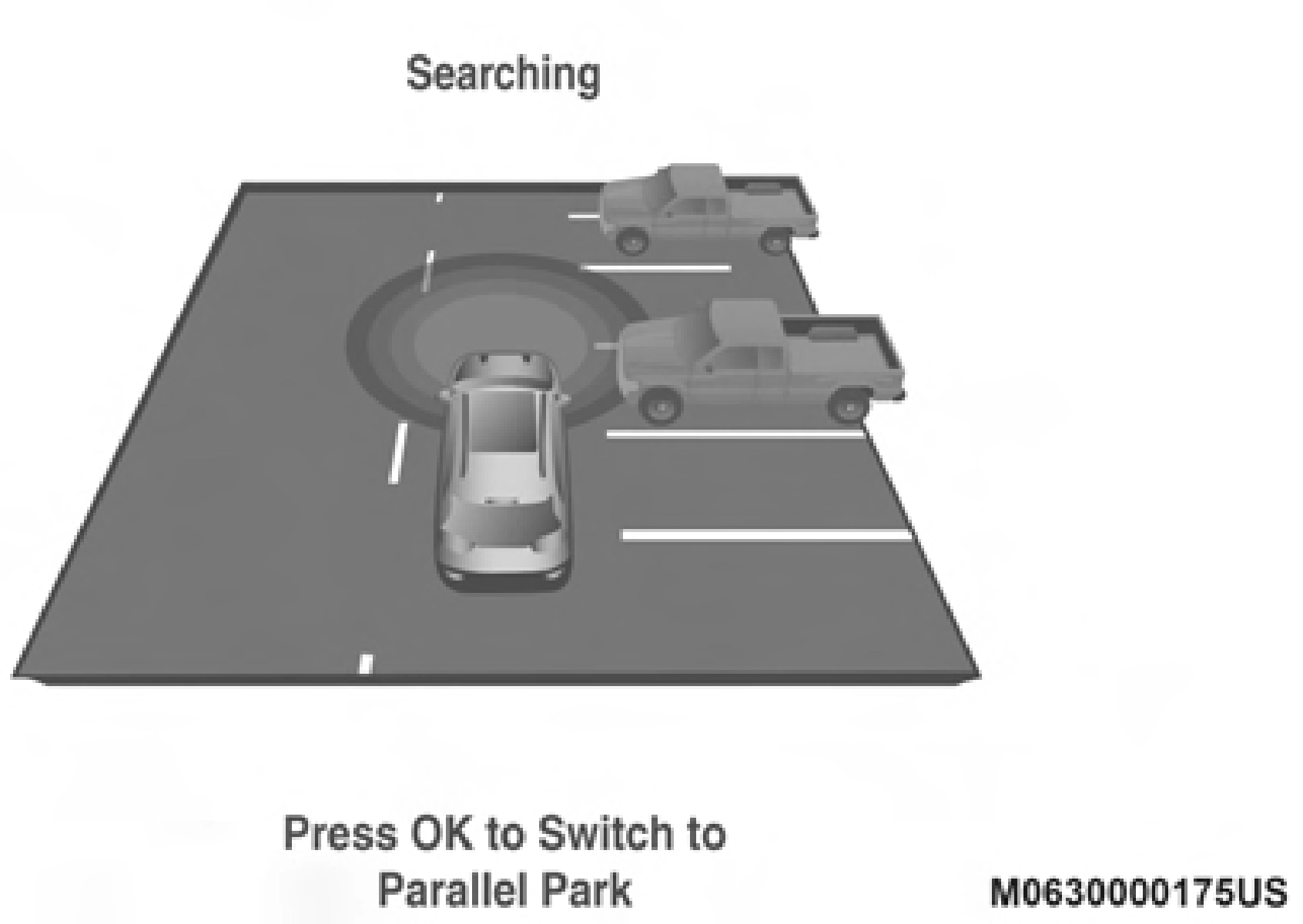
Searching
NOTE:
When an available parking space has been found, and the vehicle is not in position, you will be instructed to move forward to position the vehicle for a perpendicular parking sequence.
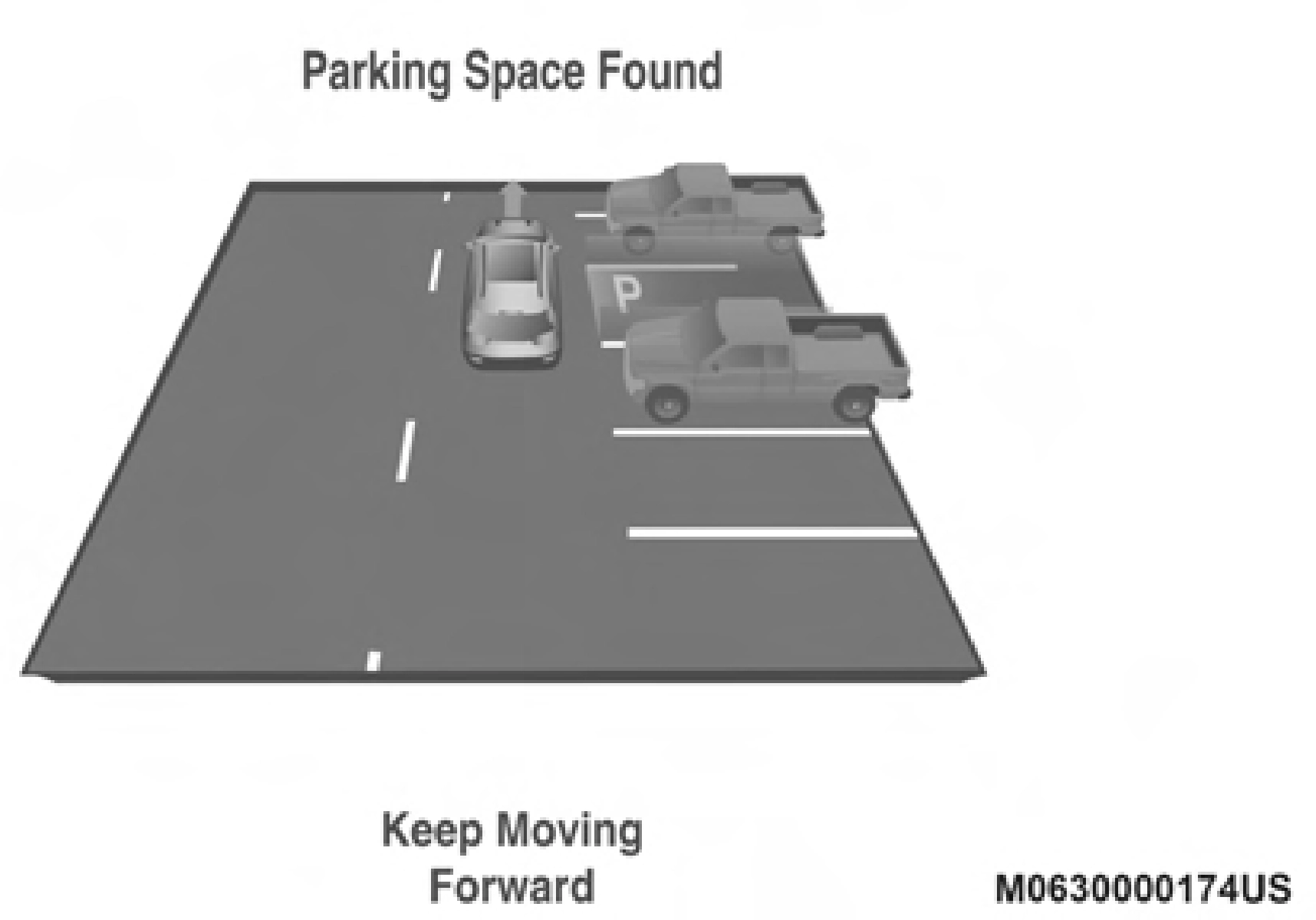
Parking Space Found — Keep Moving Forward
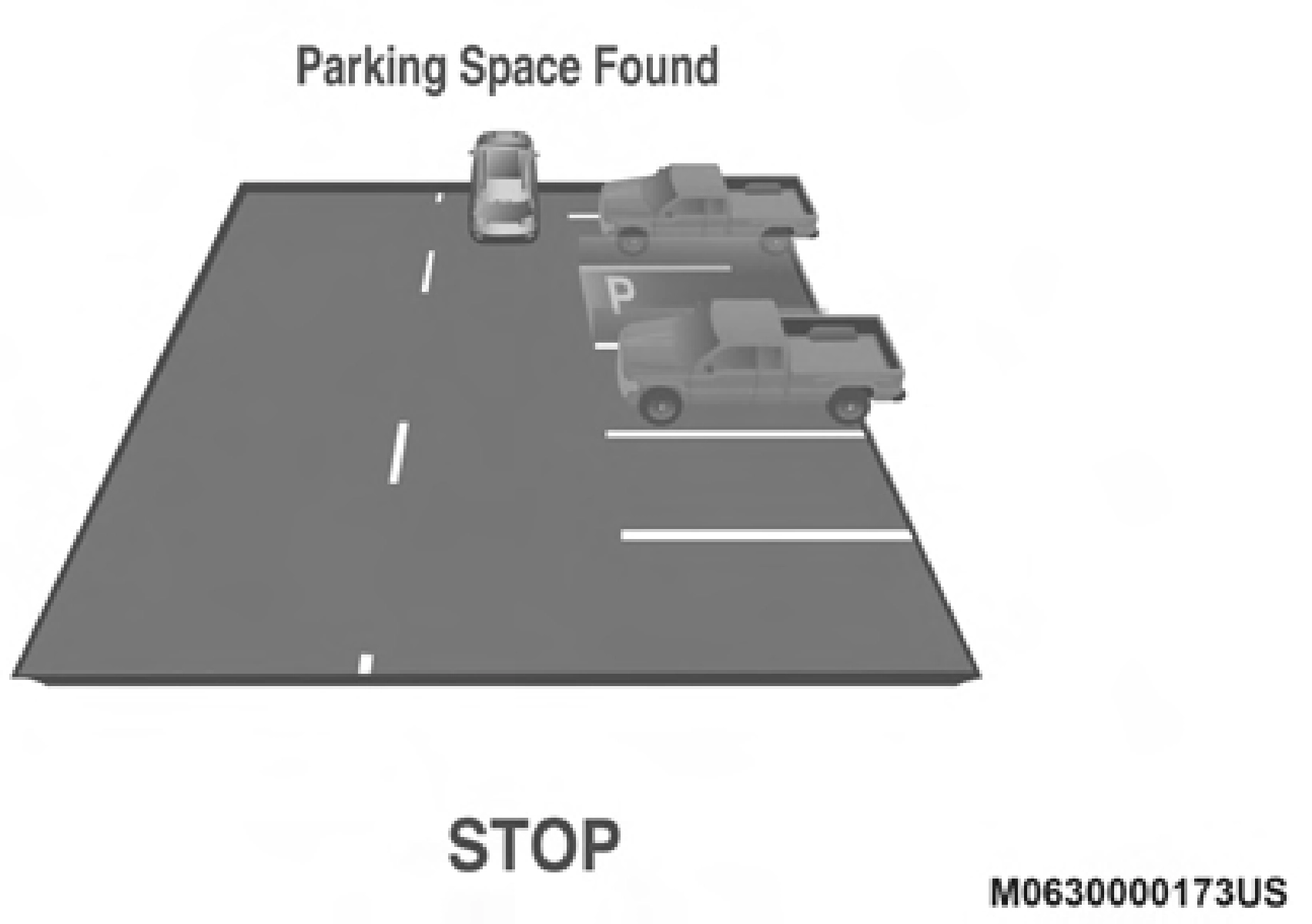
Once the vehicle is in position, you will be instructed to stop the vehicle's movement and remove your hands from the steering wheel.
 5
5
Parking Space Found — STOP
Once the vehicle is at a standstill with your hands removed from the steering wheel, you will be instructed to place the gear selector into the REVERSE position.
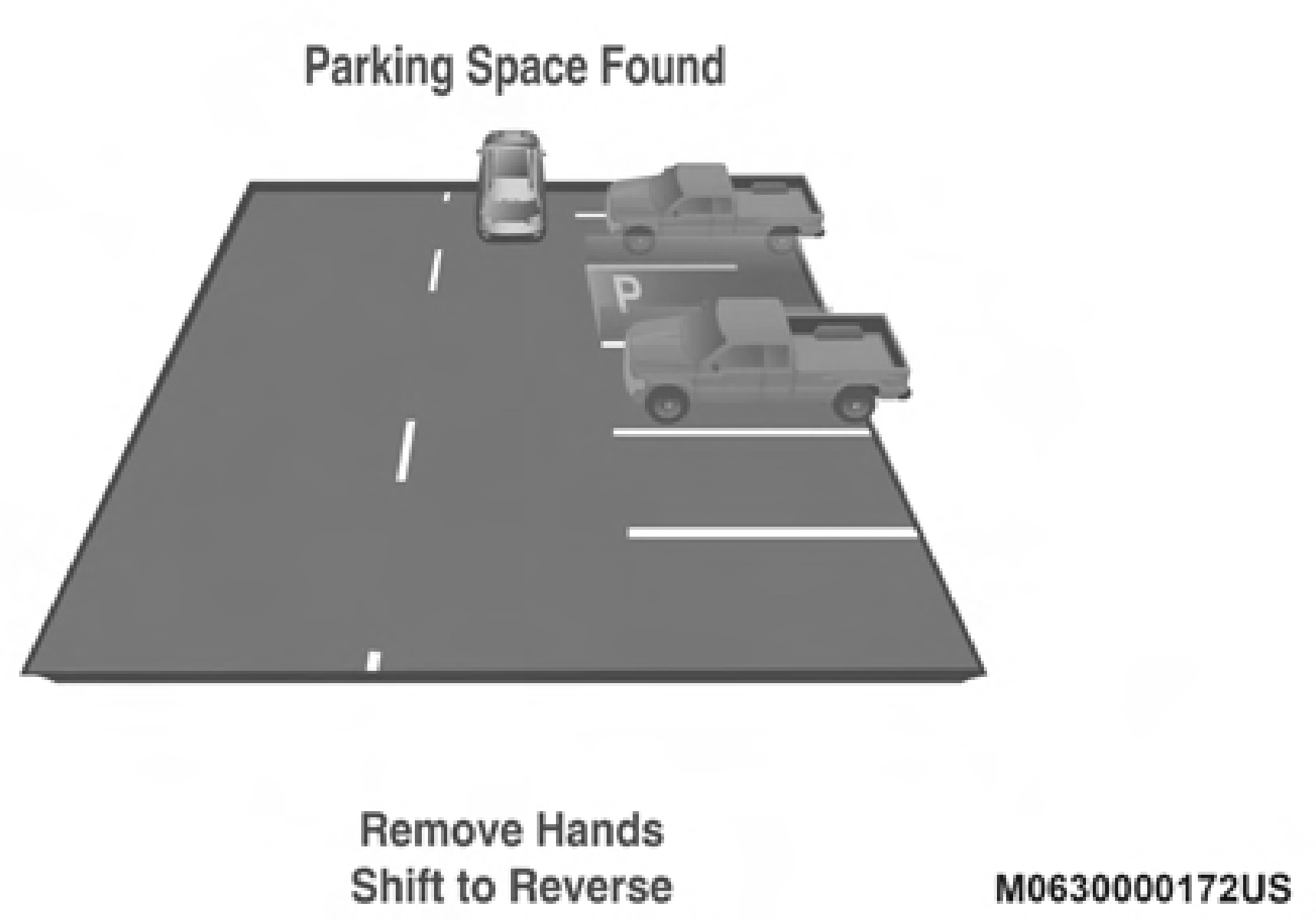
Parking Space Found — Remove Hands — Shift To Reverse
When the driver places the gear selector into the REVERSE position, the system may instruct the driver to wait for steering to complete.
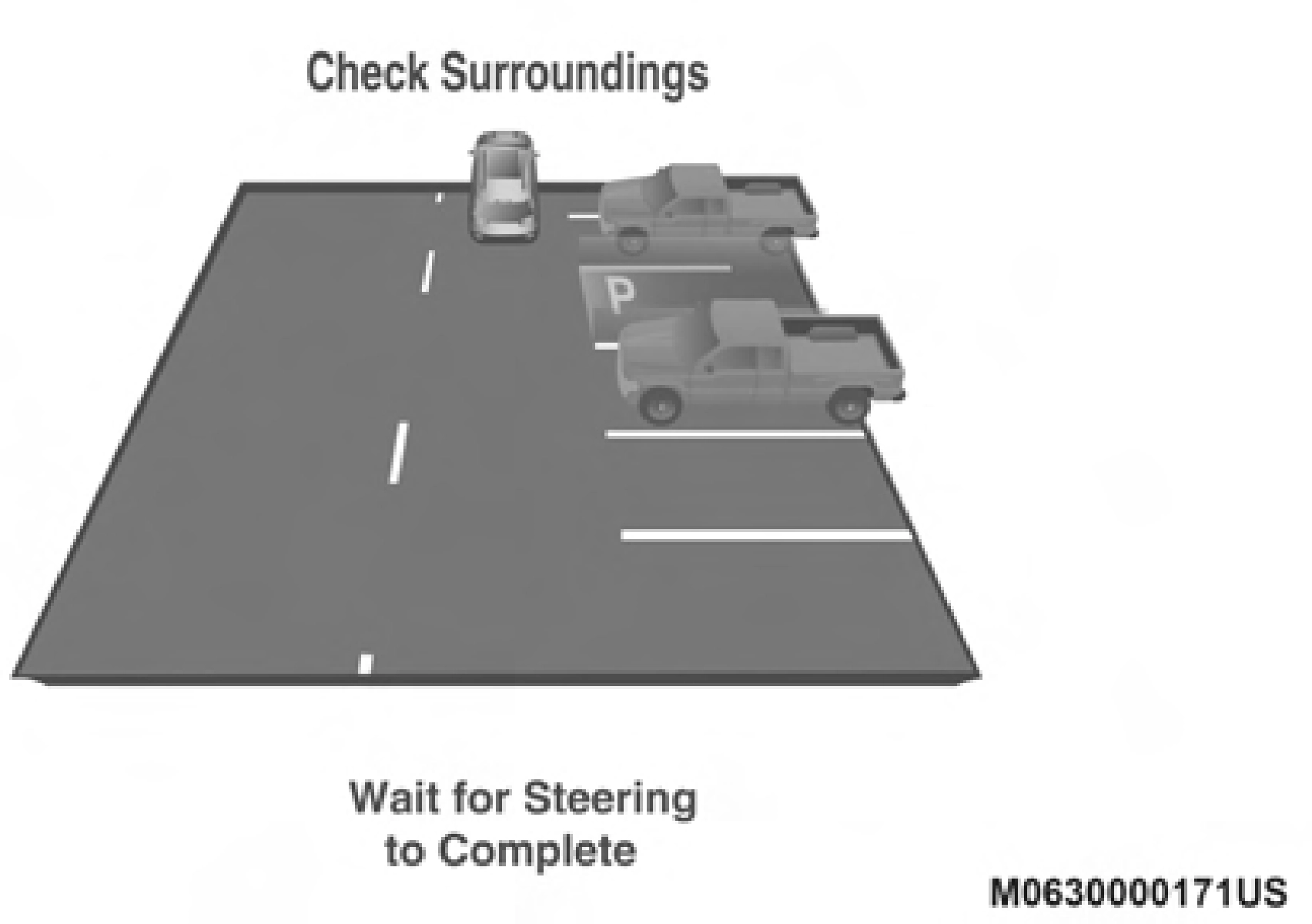
Check Surroundings — Wait For Steering To Complete
The system will then instruct the driver to check their surroundings and move backward.
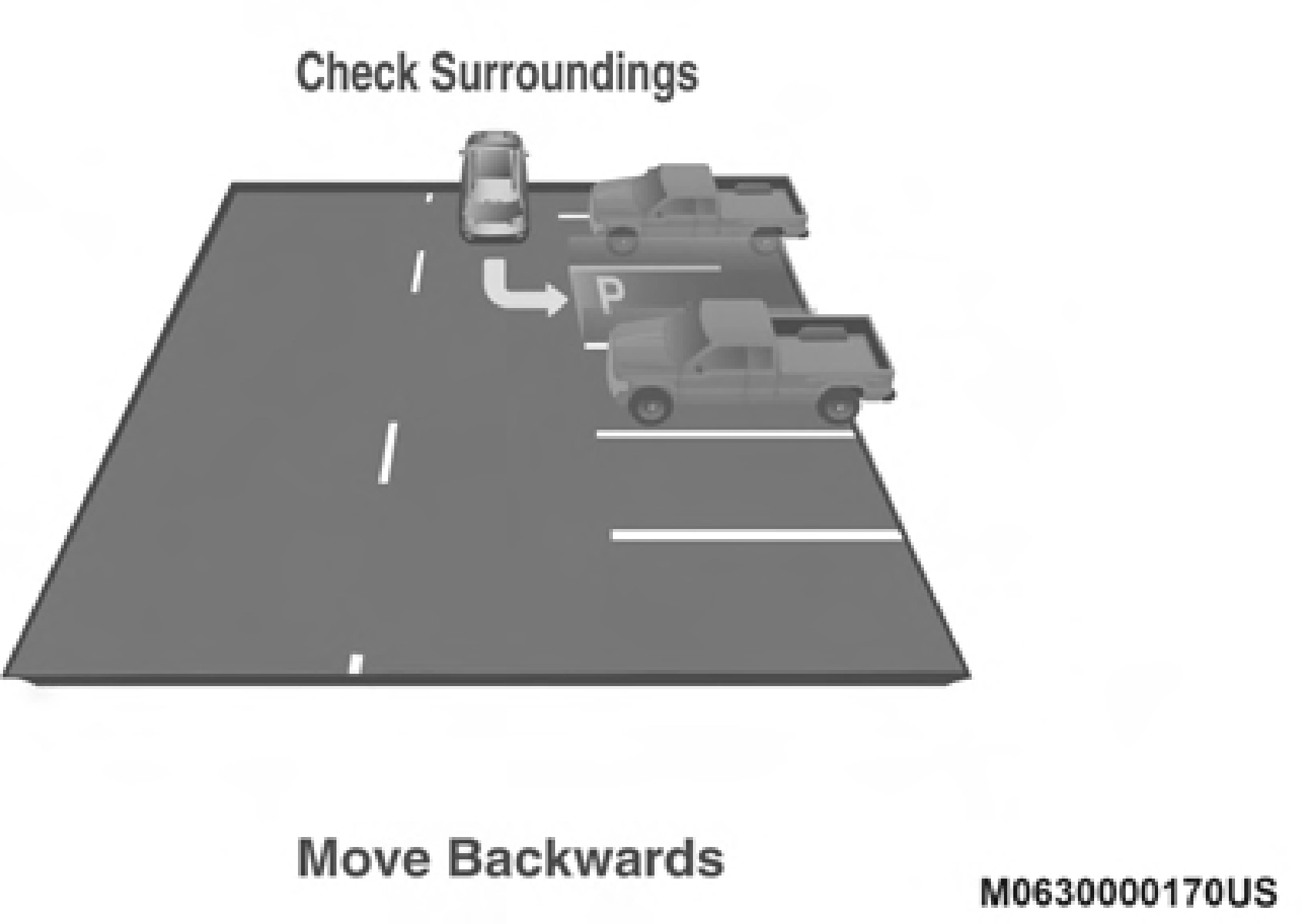
Check Surroundings — Move Backwards
NOTE:
system will cancel and the instrument cluster display will instruct the driver to complete the maneuver manually.
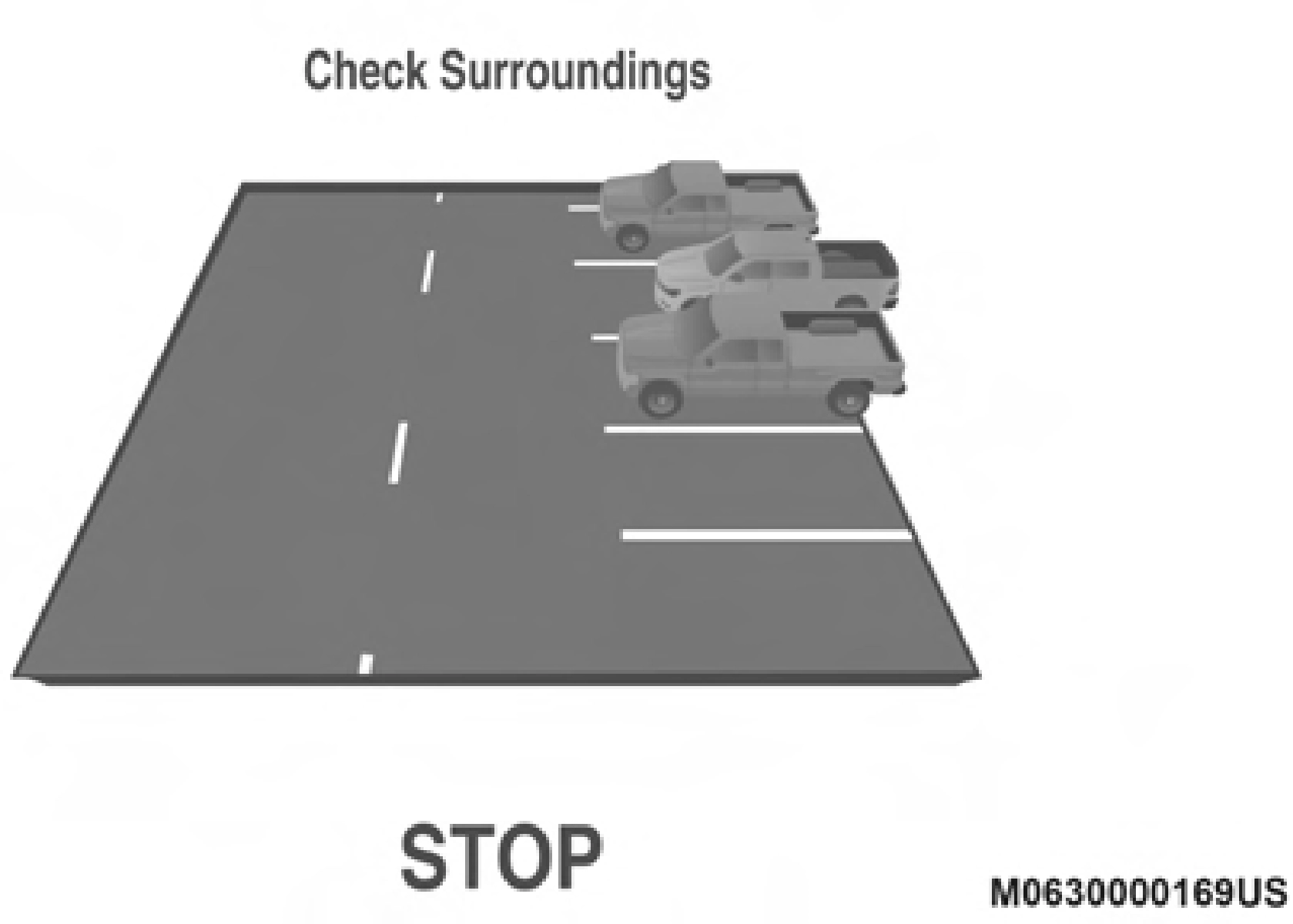 When the vehicle has reached the end of its backward move- ment, the system will instruct the driver to check their surroundings and stop the vehicle's movement.
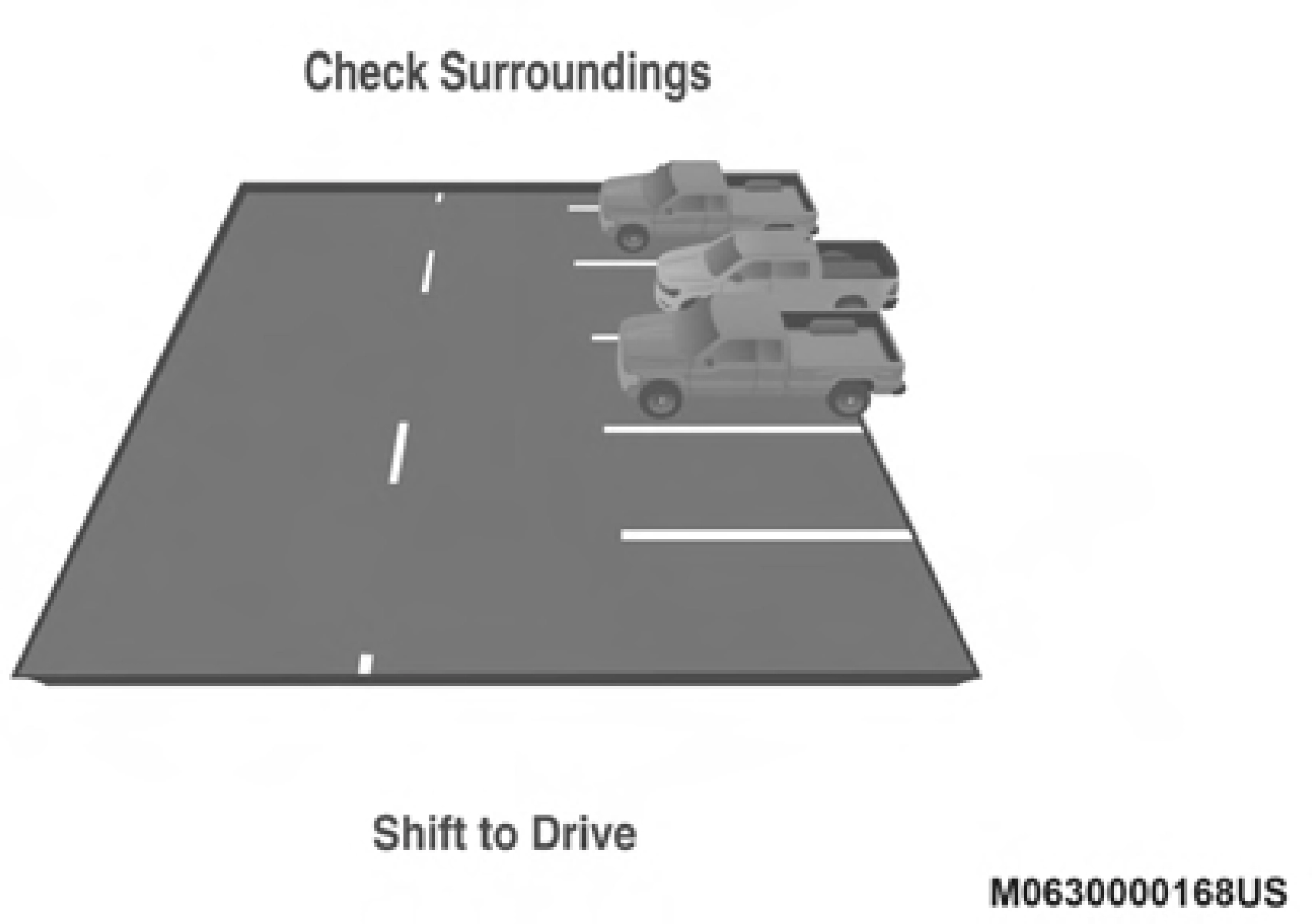 Once the vehicle is in a standstill condition, the driver will be instructed to place the gear selector into the DRIVE position.
NOTE:
Check Surroundings — STOP
Check Surroundings — Shift To Drive
It is the driver's responsibility to use the brake and stop the vehicle. The driver should check their surroundings and be prepared to stop the vehicle either when instructed to, or when driver intervention is required.
When the driver places the gear selector into the DRIVE posi- tion, the system may instruct the driver to wait for steering to complete.
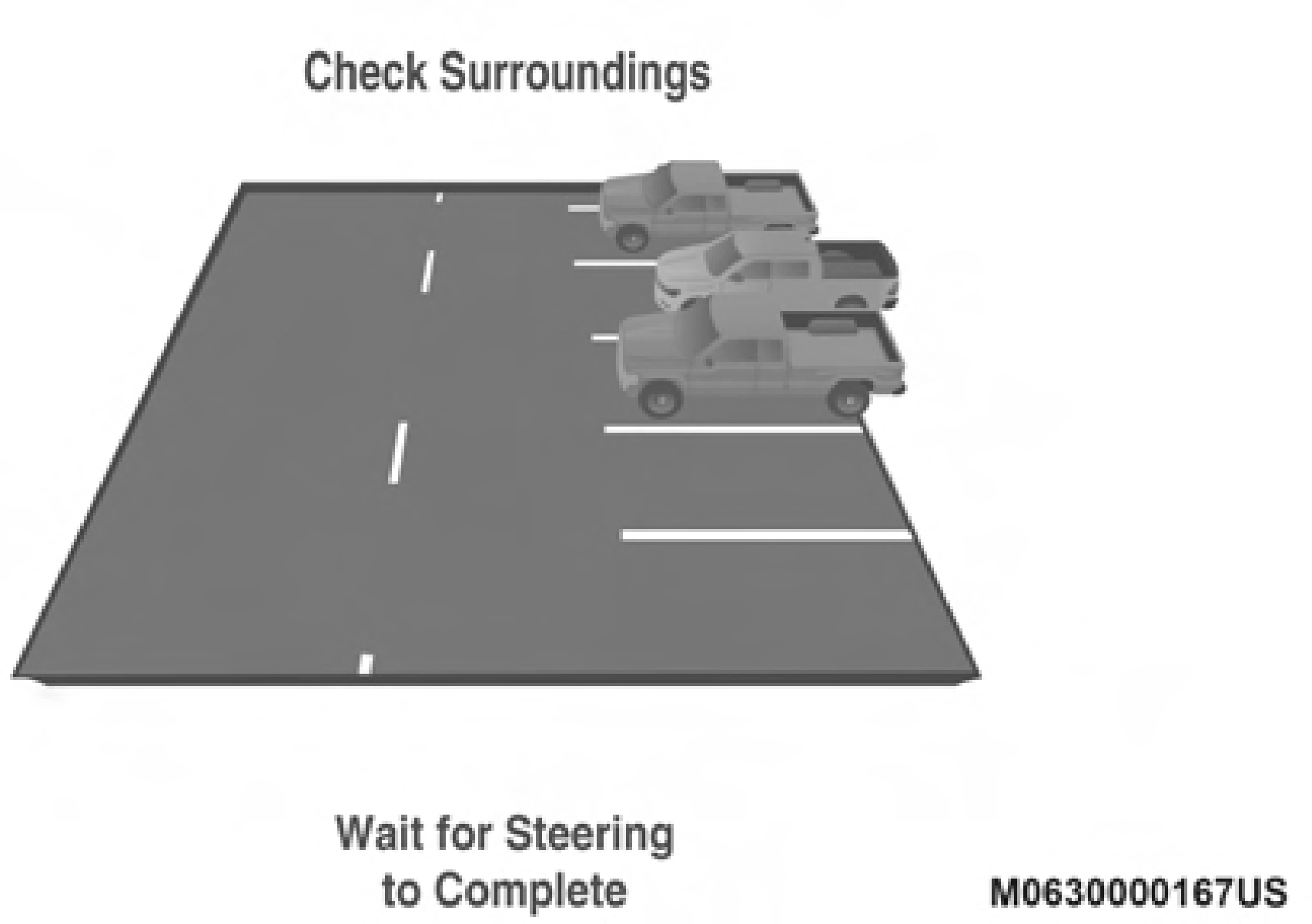
Check Surroundings — Wait For Steering To Complete
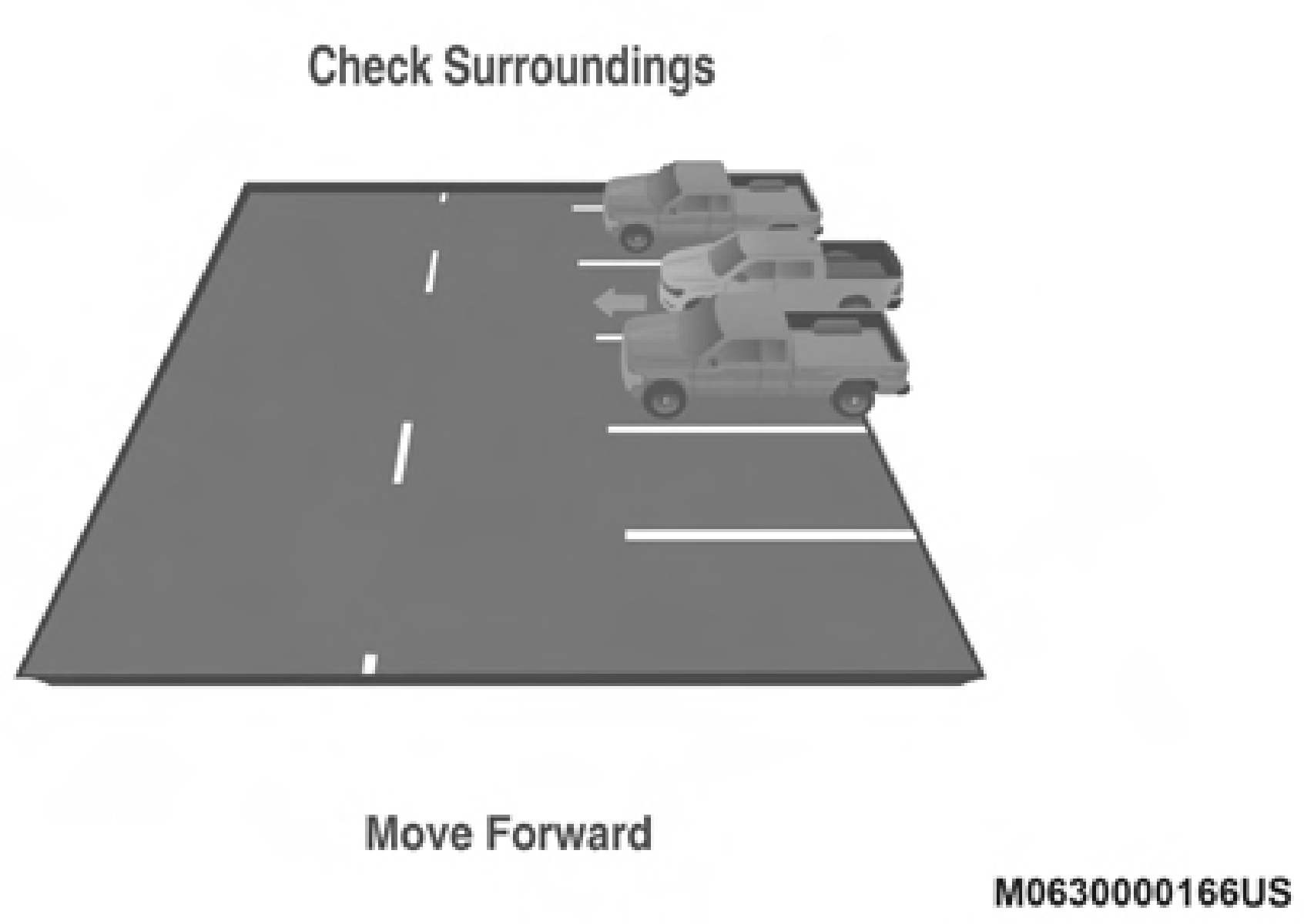
The system will then instruct the driver to check their surroundings and move forward.
 5
5
Check Surroundings — Move Forward
When the vehicle has reached the end of its forward move- ment, the system will instruct the driver to check their surroundings and stop the vehicle's movement.
Once the vehicle is in a standstill condition, the driver will be instructed to place the gear selector into the REVERSE posi- tion.
NOTE:
Check Surroundings — STOP
Check Surroundings — Shift To Reverse
It is the driver's responsibility to use the brake and stop the vehicle. The driver should check their surroundings and be prepared to stop the vehicle either when instructed to, or when driver intervention is required.
When the driver places the gear selector into the REVERSE position, the system may instruct the driver to wait for steering to complete.
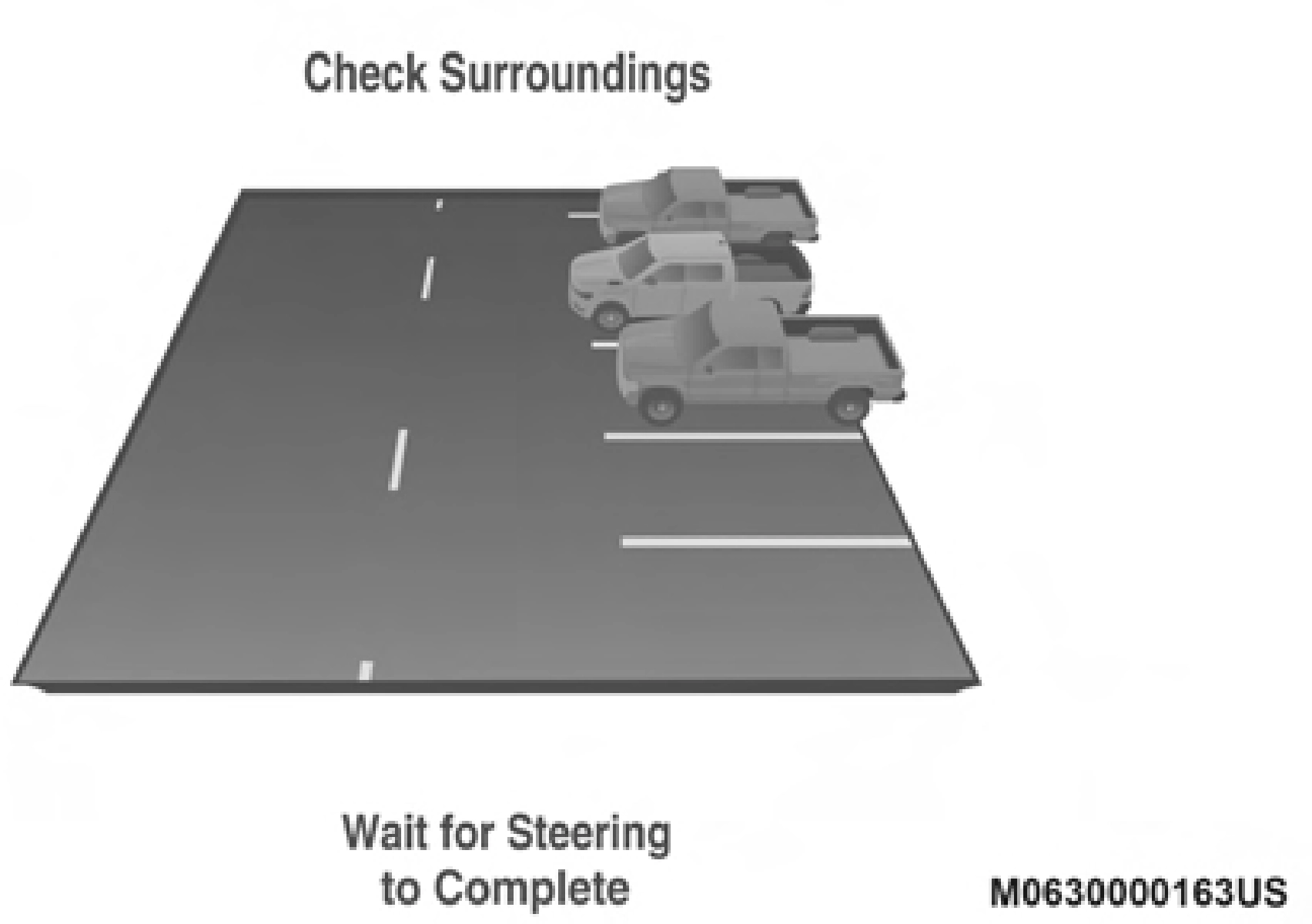
Check Surroundings — Wait For Steering To Complete
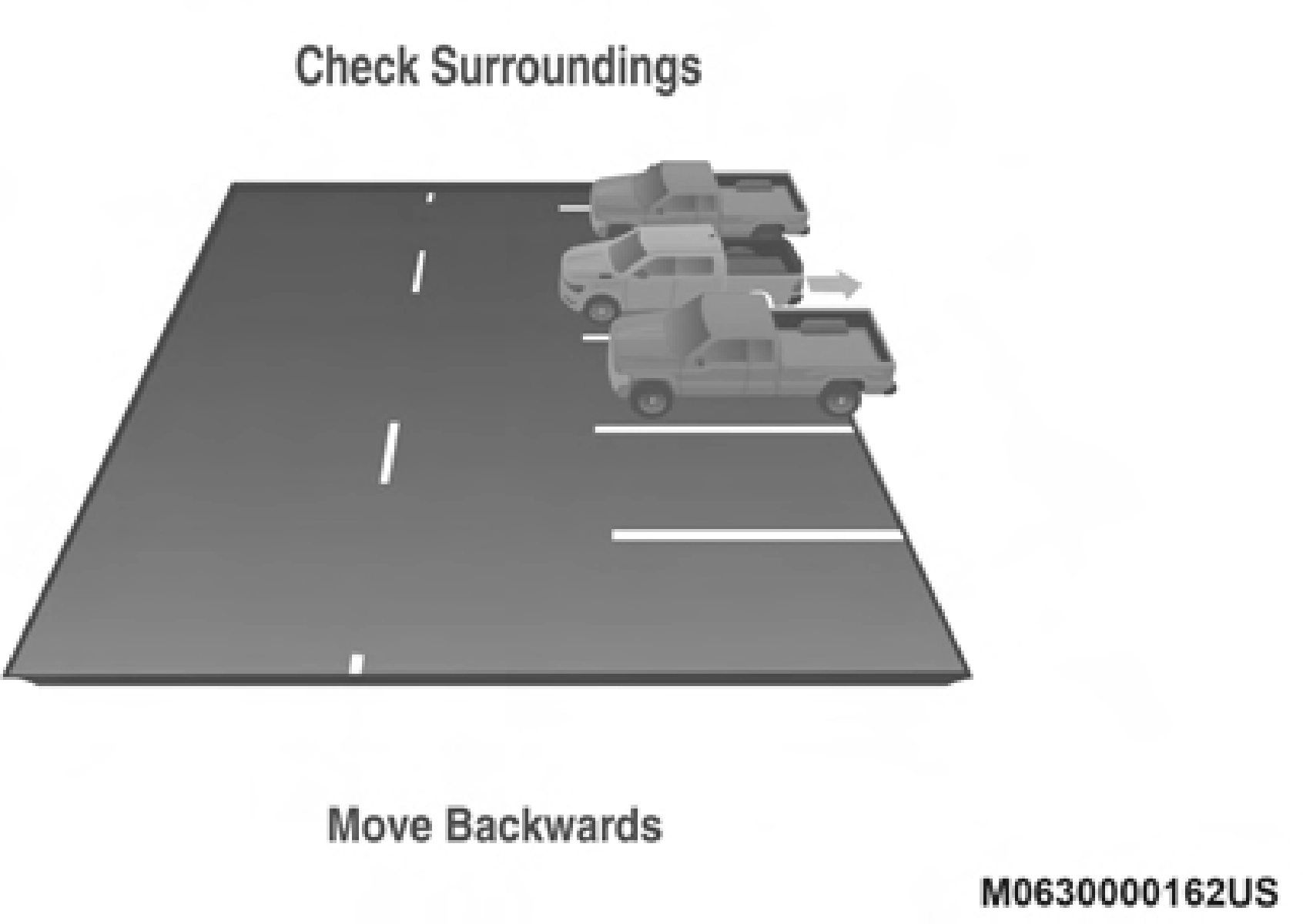
The system will then instruct the driver to check their surroundings and move backward.
 5
5
Check Surroundings — Move Backwards
Your vehicle is now in the perpendicular park position. When the maneuver is complete, the driver will be instructed to check the vehicle's parking position. If the driver is satis- fied with the vehicle position, they should shift to PARK. The "Active ParkSense Complete - Check Parking Position" message will be momentarily displayed.
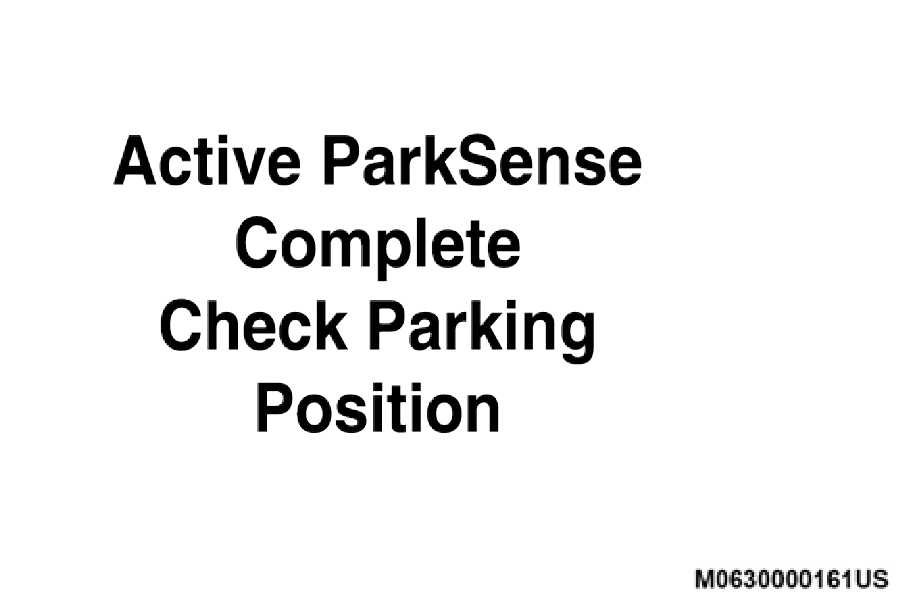
Active Park Sense Complete — Check Parking Position
Download Manual