Setting the
Clock
Adjust the time in the clock display.
Models without navigation
Select items on the touchscreen to make selections.
- From the HOME screen, select Settings.
- Select Clock/Info.
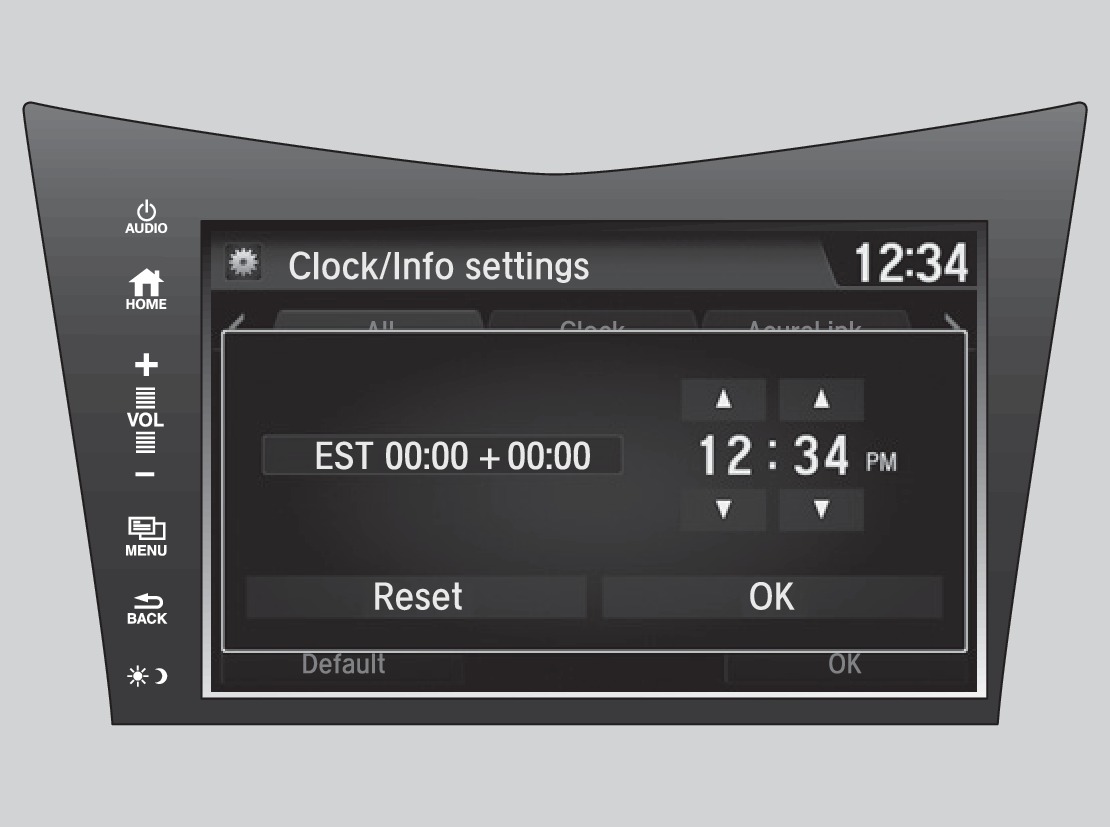
- Select Clock Adjustment.
- Adjust the hour and minute values.
- Select OK when complete.
Models with navigation
The time is automatically set using GPS signals.
Related topics:
- Customized Features
- Basic Navigation Operation
- Operating Display Audio
- Basic Audio Operation
Download Manual