Customized Features
You can easily customize many features of your vehicle. The customized settings are recalled every time you unlock the driver's door with the remote (Driver 1 or Driver 2). Settings are unique to each remote.
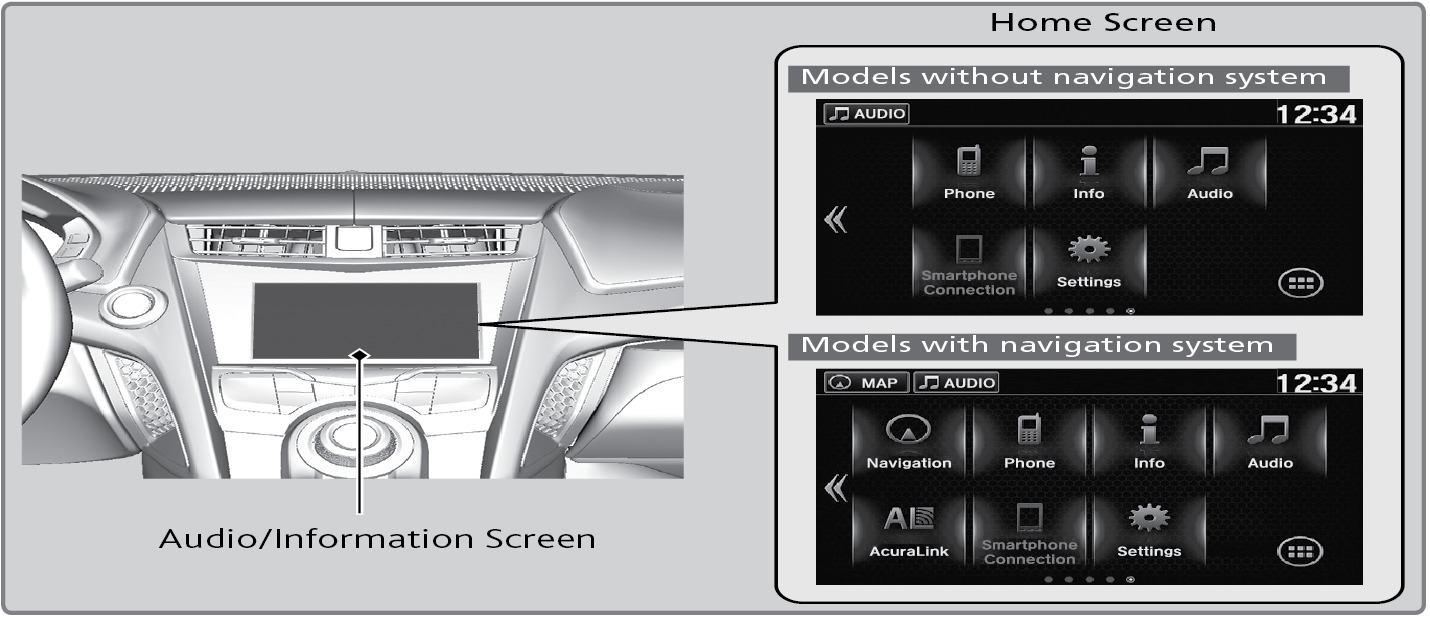
How to Change a Setting
The vehicle must be in Park (P) to select Vehicle Settings. Use the touchscreen to make and enter selections. From the HOME screen:
- Press the SETTINGS button.
- Select a category (Clock/Info, Audio, Bluetooth/Wi-Fi, System, etc.).
- Select a setting option, and make your preferred changes.
- Press OK to exit out of the menu.
Related topics:
- Setting the Clock
- Basic Navigation Operation
- Multi-View Rear Camera
- Basic Audio Operation
- Wi-Fi Connection
- Bluetooth Audio
Download Manual