Making a Call
You can make calls using several methods.
Dialing a Number
Enter a 10-digit phone number to call.
Using voice commands
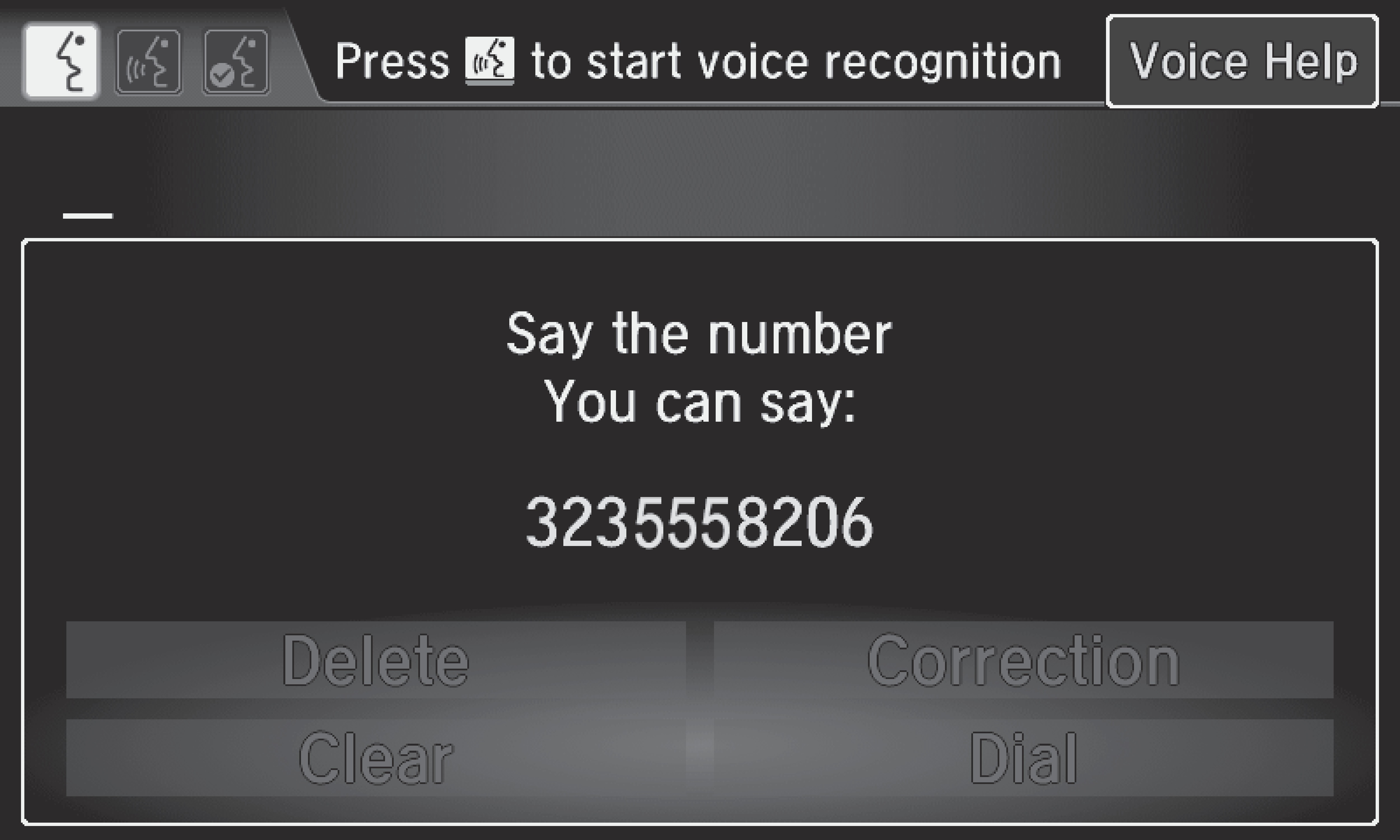
- Press the Talk button.
- Say "Phone Call."
- Say "Dial by number."
- Say the phone number. For example, "3 1 0 5 5 5 1 2 3 4." The system begins to dial.
Using the touchscreen
Manual operation is limited while the vehicle is moving. Voice commands are always available.
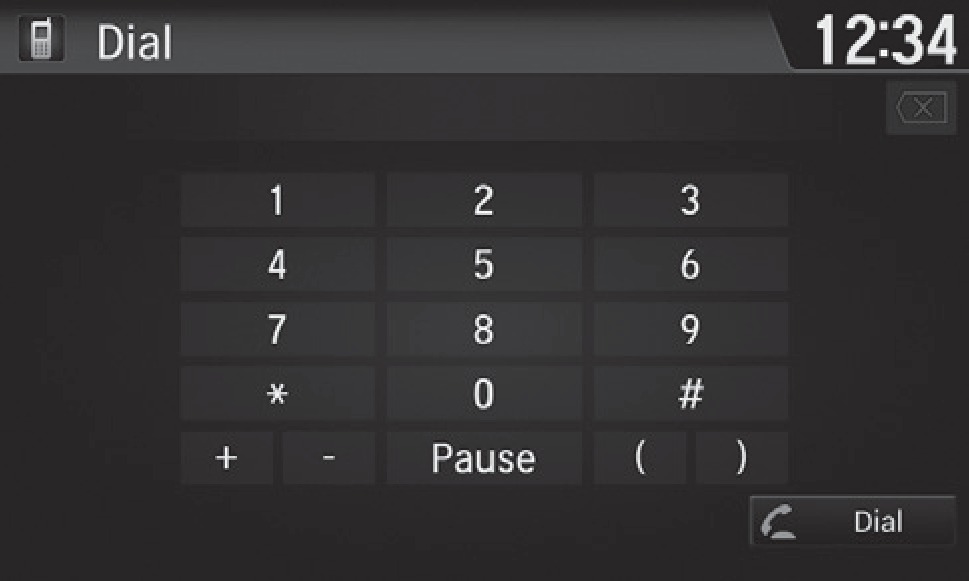
- Go to the Phone menu screen.
- Select Dial.
- Select a number. Use the keyboard on the touchscreen for entering numbers.
- Select Dial. Dialing starts automatically.
Using the Phonebook
When your phone is paired, its entire phonebook can be automatically imported to the system if you select On for Phone Synchronization.
Using voice commands
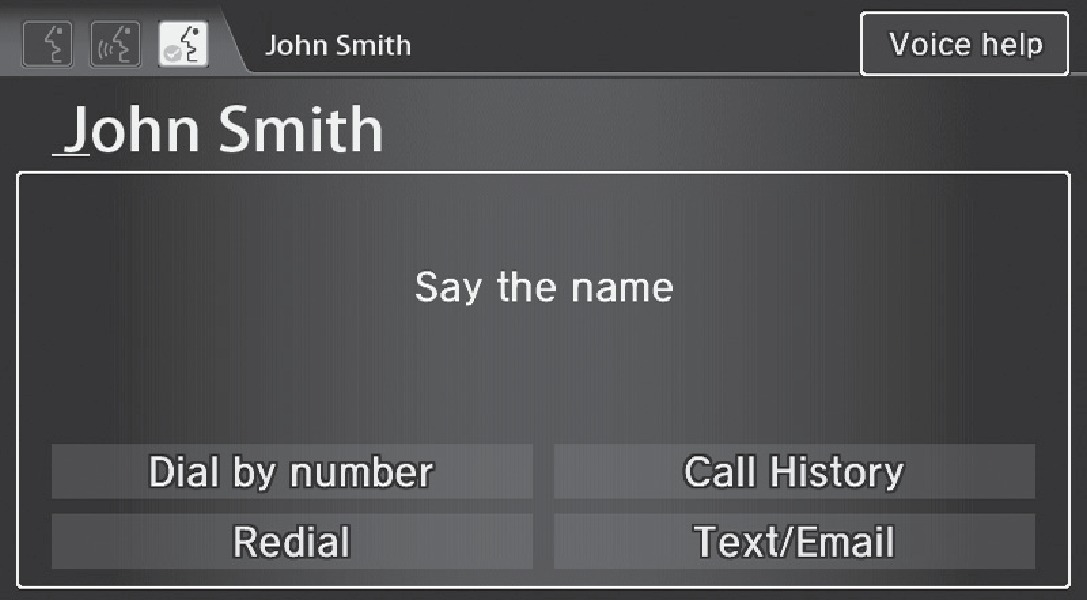
- Press the Talk button.
- Say "Dial by name."
- Say the phonebook name and phone type. For example, "John Smith mobile."
Using the touchscreen
Manual operation is limited while the vehicle is moving. Voice commands are always available.
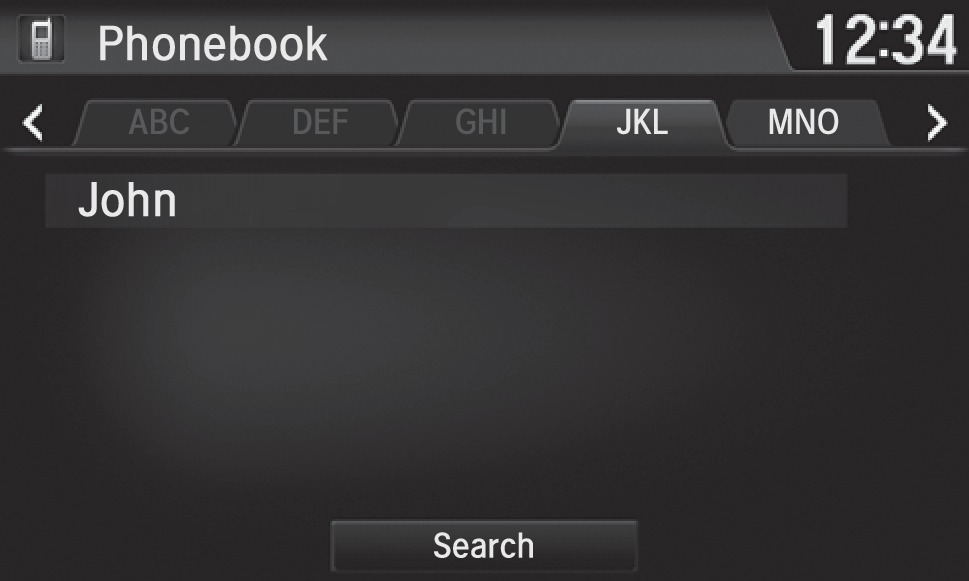
- Go to the Phone menu screen.
- Select Phonebook.
- Select a name. You can also search by letter. Select Search. Use the keyboard on the touchscrenn for entering a name. If multiple numbers exist, select a number.
- Select a number. Dialing starts automatically.
Storing Speed Dial Entries
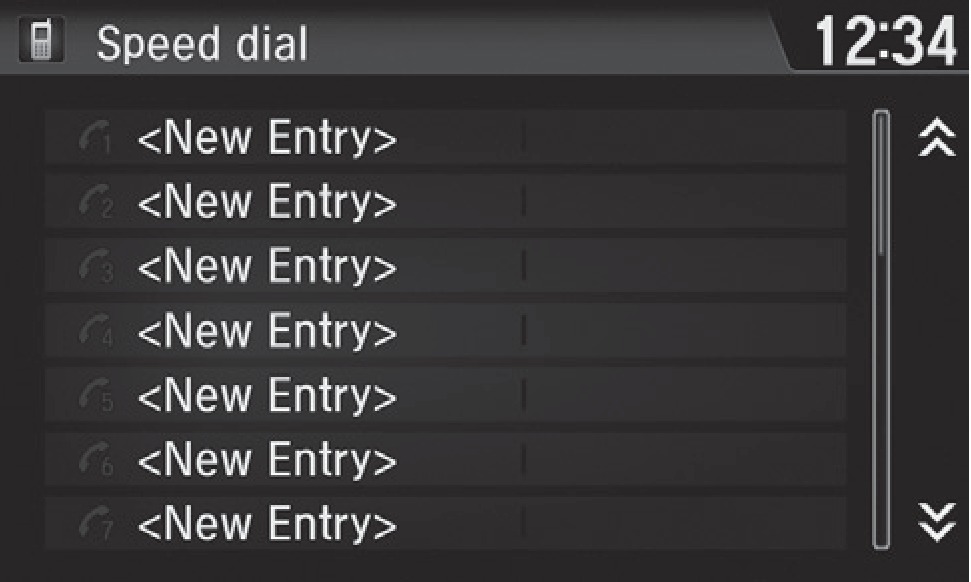
Store up to 20 numbers per phone for quick dialing.
- Go to the Phone menu screen.
- Select Speed Dial, then select New Entry.
- Select an entry method.
- If desired, you can create a voice tag for the number. Follow the prompts.
Using Speed Dial and Call History
Make calls quickly using stored speed dial entries or call history numbers.
Using voice commands
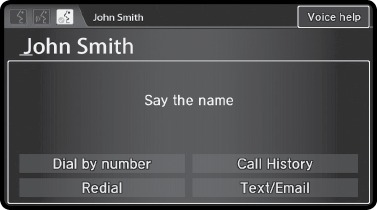
- Press the Talk button.
- Say "Dial by name."
- Say the name of the stored voice tag.
- The system begins to dial.
Using the touchscreen
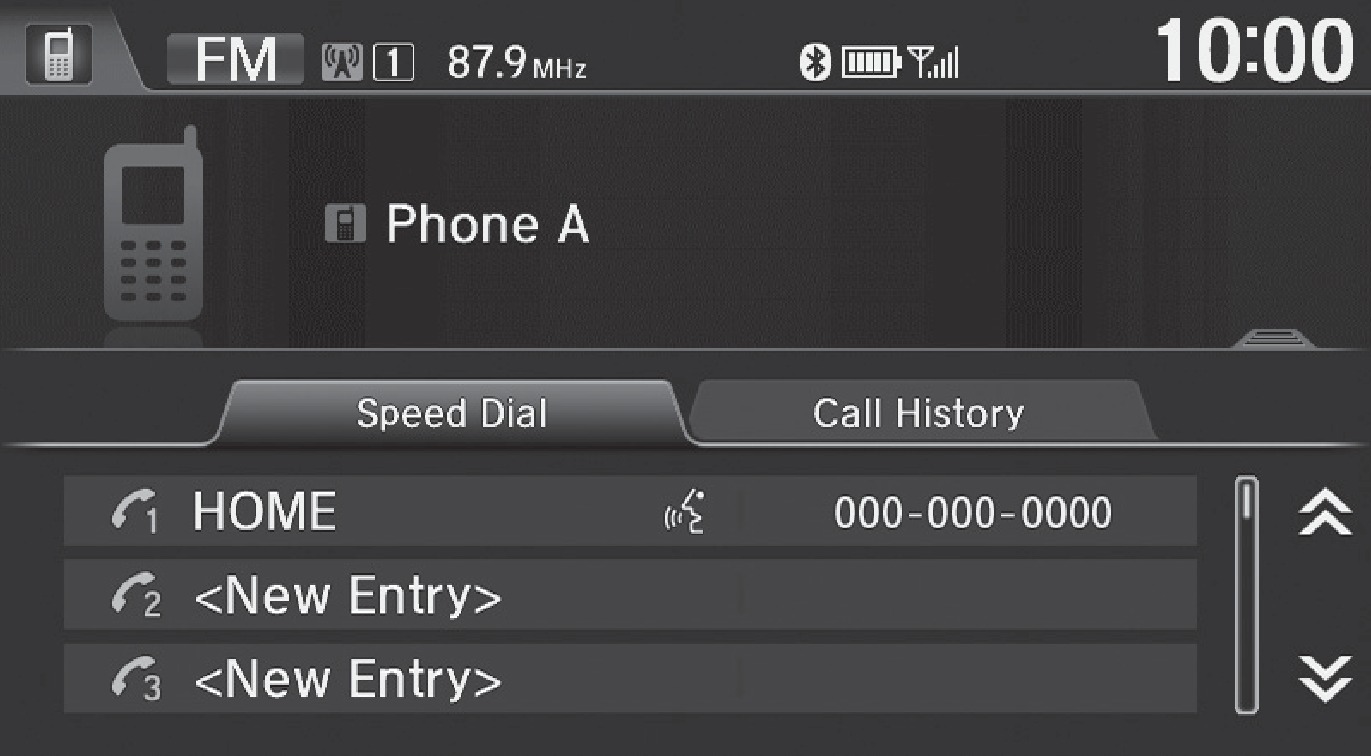
Using Speed Dial Entries
- Go to the Phone menu screen.
- Select Speed Dial. Select a number and dialing starts automatically.
Using Call History
- Go to the Phone menu screen.
- Select Call History.
- Select All, Dialed, Received, or Missed. Select a number. Dialing starts automatically.
Related topics:
- Basic HFL Operation
- Pairing a Phone
- SMS Text Messaging and E-Mail
- Android Auto
- Apple CarPlay
Download Manual