USB Flash Drive
Connect your device to the USB port (see "Basic Audio Operation").
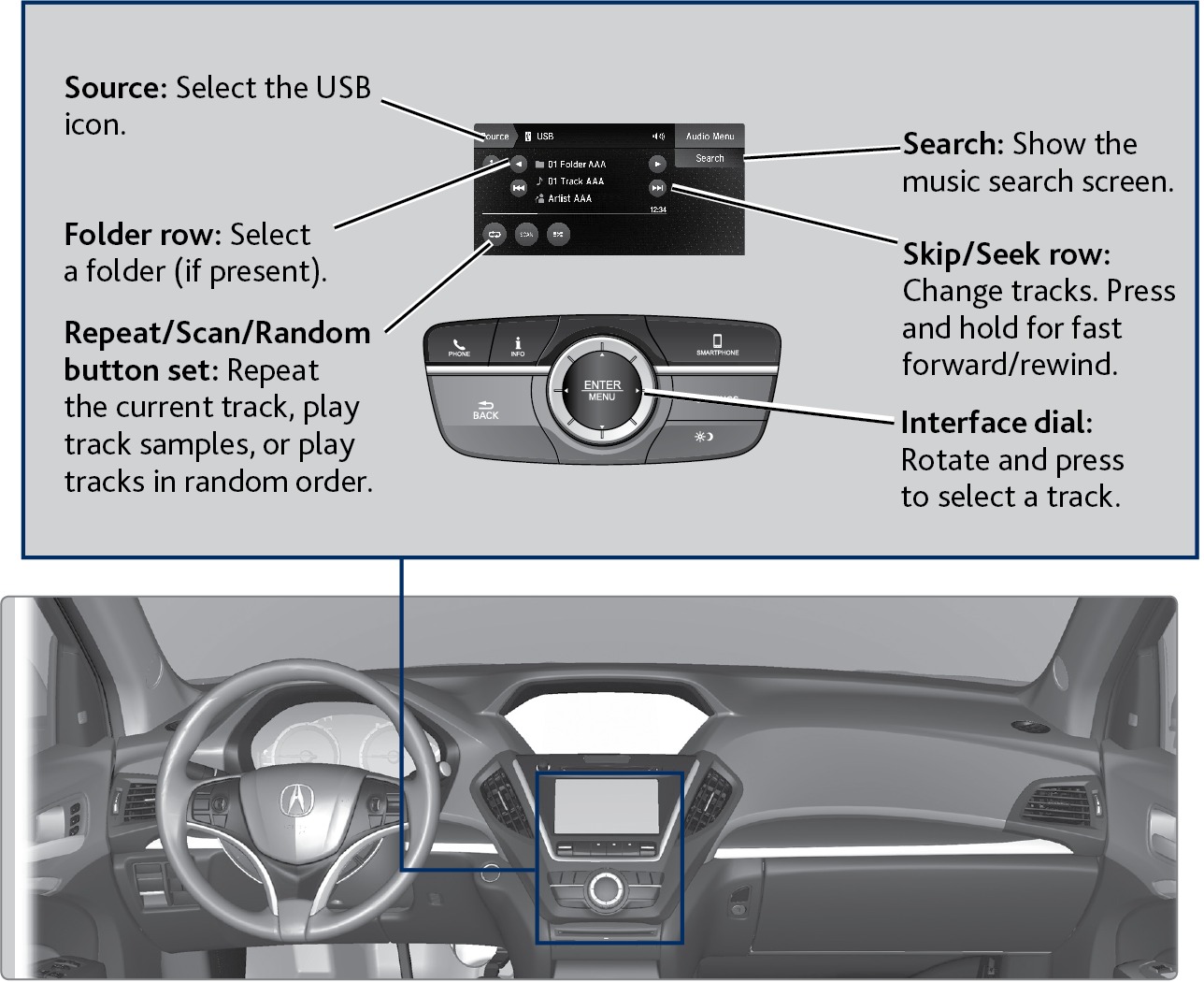
Searching for Music
Use the touchscreen to search for tracks.
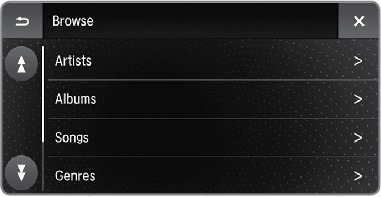
- From the audio screen, select Search.
- Select a folder.
- Select the song you want to play.
On vehicles with navigation, you can also search for and play iPod music using Song By Voice™ (see "Voice Command Index).
Related topics:
- Basic Audio Operation
- Basic Navigation Operation
Download Manual