Auto High-Beam
System
Automatically changes the low beam headlights to high beam headlights when necessary.
How It Works
When you are driving at night above 35 mph (56 km/h) and the headlight lever is in the low beam position with the switch rotated to AUTO, the system changes between low and high beams depending on the surrounding conditions.
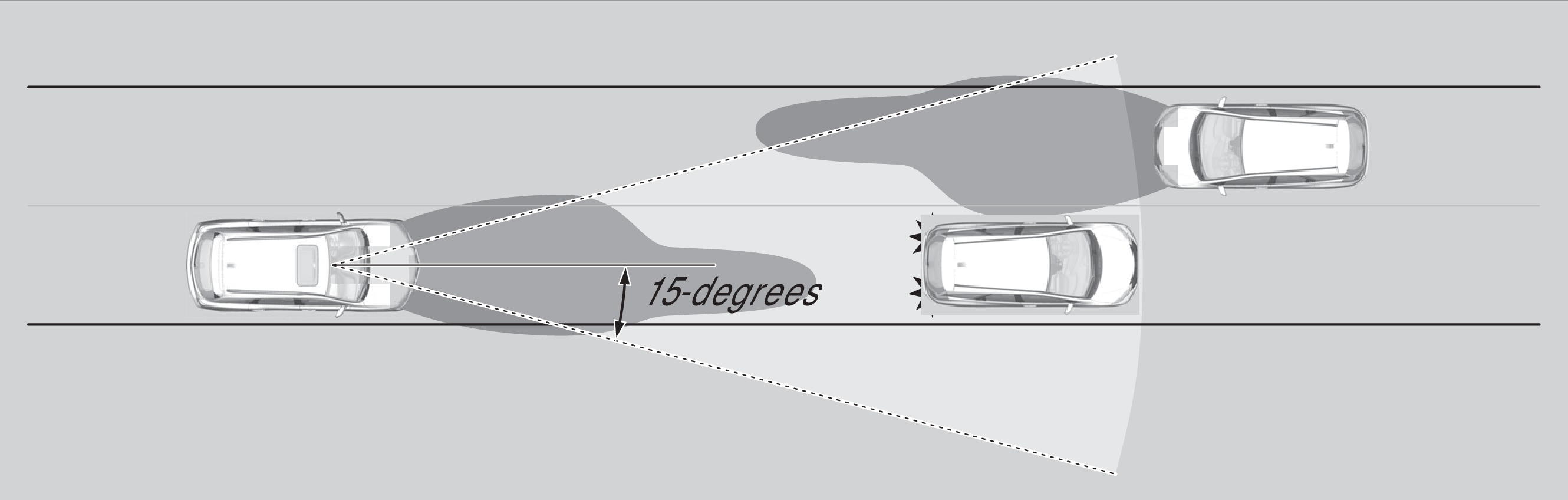
Your vehicle
Vehicle ahead of you
Oncoming vehicle
If a vehicle is detected ahead of you, the headlights stay in low beams. If the system does not detect any vehicles ahead of you, the headlights change to high beams.
Certain conditions, such as weather and brightness of other vehicles' lights, can affect system operation.
Turning the System On or Off
Make sure the headlight lever is in the low beam position with the switch rotated to the AUTO position. The auto high-beam system indicator appears when the system is on.
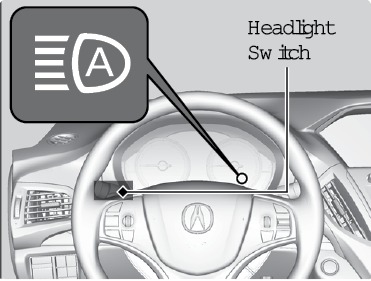
The system is canceled temporarily when you drive at speeds below 25 mph (40 km/h) for extended periods of time, the vehicle speed is below 15 mph (24 km/h), or the windshield wipers run at high speed for more than a few seconds.
To disable the system: Pull and hold the headlight lever toward you until the indicator flashes twice.
To re-enable the system: Pull and hold the headlight lever toward you until the indicator flashes once.
To manually cancel the system temporarily: You can cancel the operation when you manually change the headlights to high beams. Push the lever forward until you hear a click or lightly pull the lever towards you to flash high beams. The auto high-beam system indicator goes off. If you want the auto high-beam system operation at once, pull the lever towards you.
Enabling high sensitivity: Pull the light switch lever towards you and hold it for 2 minutes. The auto high-beam indicator in the meter will blink three times. When the power mode is set to VEHICLE OFF (LOCK), sensitivity is returned to normal.
If you want the auto high-beam system operation to resume at once, pull the lever towards you.
If you find the timing of beam changes inconvenient for driving, change the beams manually.
For the system to work properly:
- Do not place an object that reflects light on the dashboard.
- Keep the windshield around the camera clean. When cleaning the windshield, be careful not to apply windshield cleanser to the camera lens.
- Do not attach an object, sticker or film in the area around the camera.
- Do not touch the camera lens.
If the camera receives a strong impact or repairs of the area near the camera are required, consult a dealer.
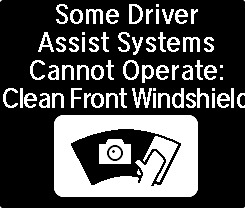
If the Some Driver Assist Systems Cannot Operate: Clean Front Windshield message appears, park your vehicle in a safe place. Wipe away debris blocking the windshield, then start driving again. If the message remains on even after driving for a while with the clean windshield, have your vehicle checked by a dealer.
Interior Lights
Change the interior light settings using the switches on the ceiling.
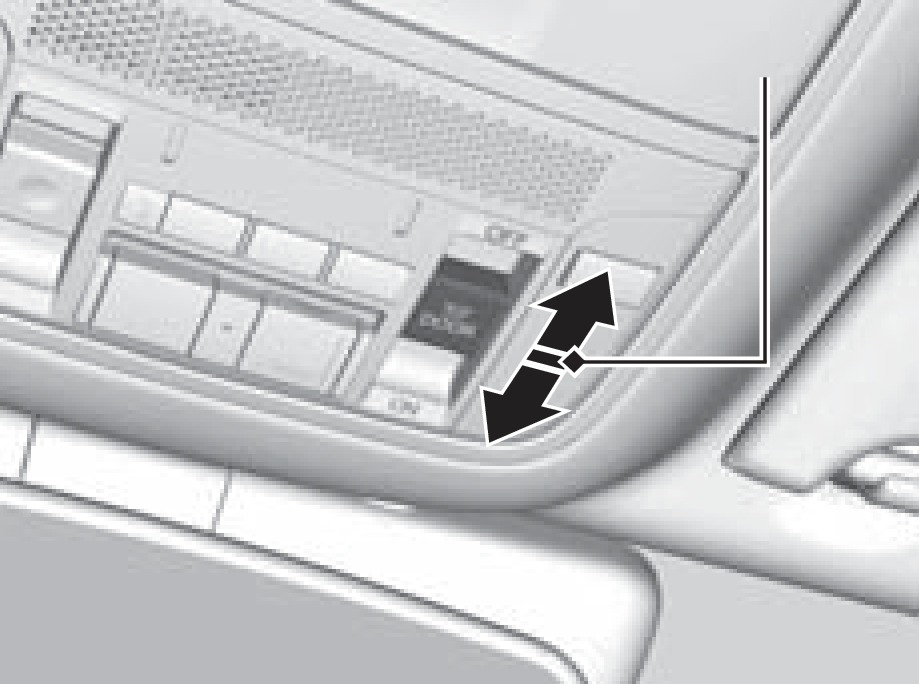
Door-activated position
Off
On
Front lights
On position: Interior lights remain on.
Door-activated position: Interior lights come on when any of the doors are opened, the driver's door is unlocked, or the vehicle is turned off.
Off position: Interior lights remain off.
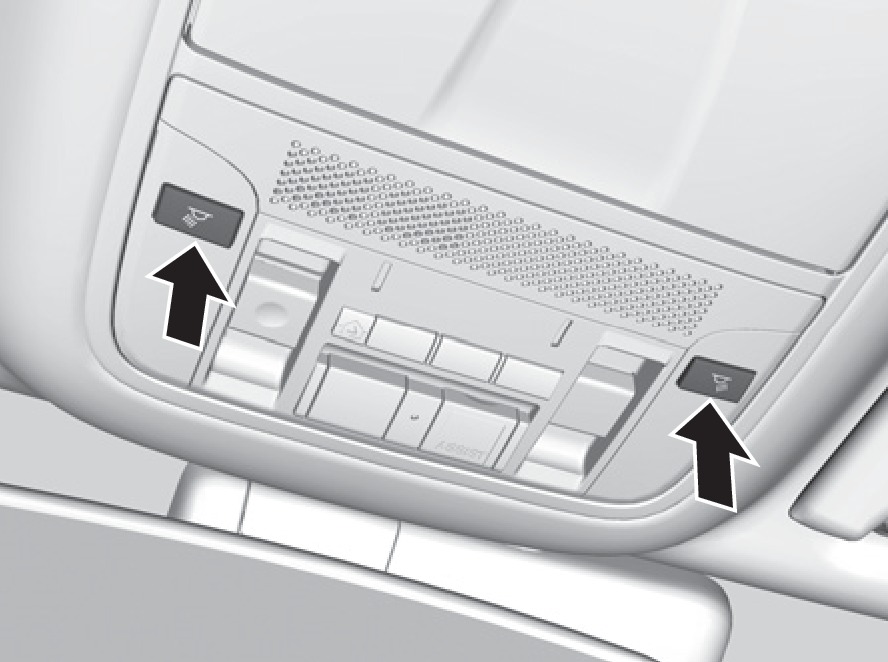
Press the map light button to turn lights on or off.
Cargo lights
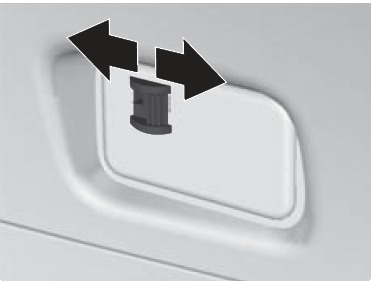
On
Off
Located on the inside of the tailgate door.
On position: The light comes on when the tailgate is open and goes off when it is closed.
Off position: The light stays off.
- Interior and Exterior Lights
- One-Touch Turn Signal
- Steering Wheel and Nearby Controls
- On / Off Indicators
Download Manual