Blind Spot Information
(BSI)*
Alerts you to a detected vehicle in your left or right blind spot while driving 20 mph (32 km/h) or higher.
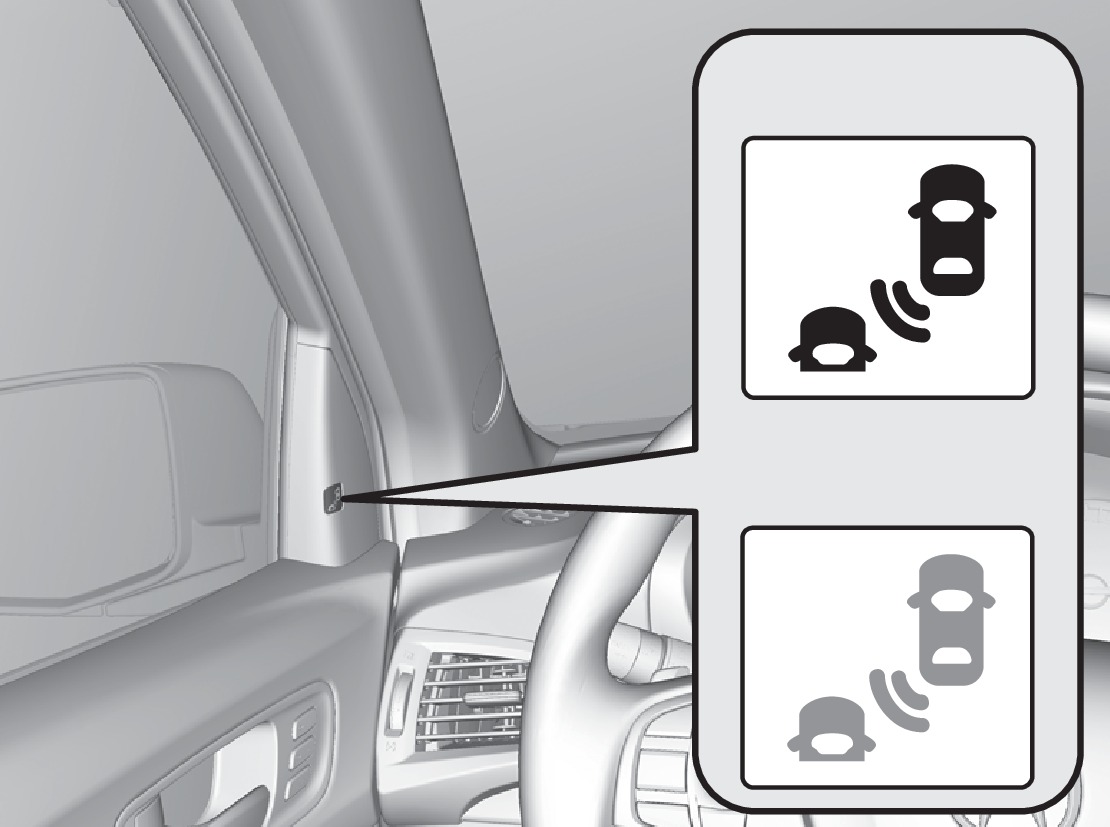
Comes on
Blinks
When a vehicle is detected in your blind spot, the blind spot indicator turns on and stays lit until the area is clear. The detection area extends about 10 ft. (3 m) from the sides of the vehicle, and from the midpoint of the vehicle to about 10 ft. (3m) beyond the rear bumper.
When your turn signal is on and a vehicle is detected, the blind spot indicator blinks and a beep sounds until the area is clear or the turn signal is off.
Changing Settings
Change the alert type, or turn the system on or off. Use the interface dial to make and enter selections.
- Press SETTINGS.
- Select Vehicle Settings.
- Select Blind Spot Info.
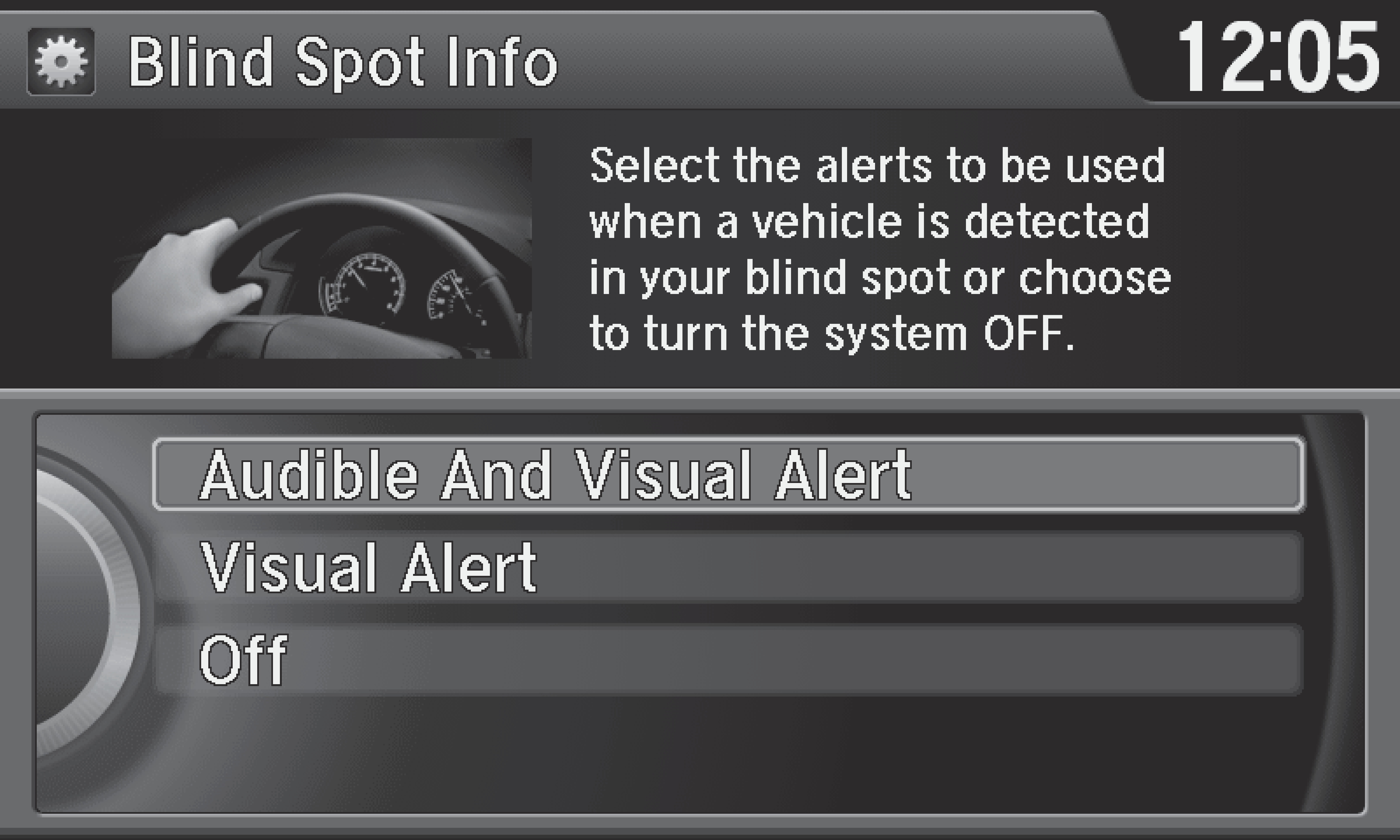
- Select an alert type, or Off.
- Press BACK to exit the menu.
Failure to visually confirm that it is safe to change lanes before doing so may result in a crash and serious injury or death. Do not rely only on the blind spot information system when changing lanes.
Always look in your mirrors, to either side of your vehicle, and behind you for other vehicles before changing lanes.
Important Safety Reminder
Like all assistance systems, BSI has limitations. Over-reliance on BSI may result in a collision. The system is for your convenience only.
*if equipped
- Adjusting the Mirrors
- Malfunction Indicators
Download Manual