Forward Collision
Warning (FCW) with Pedestrian Detection
Alerts you if the system determines the possibility of your vehicle colliding with a vehicle detected in front of you when your vehicle speed is 10 mph (15 km/h) or higher, or a pedestrian is detected in front of you when your vehicle speed is between 10-62 mph (15-100 km/h).
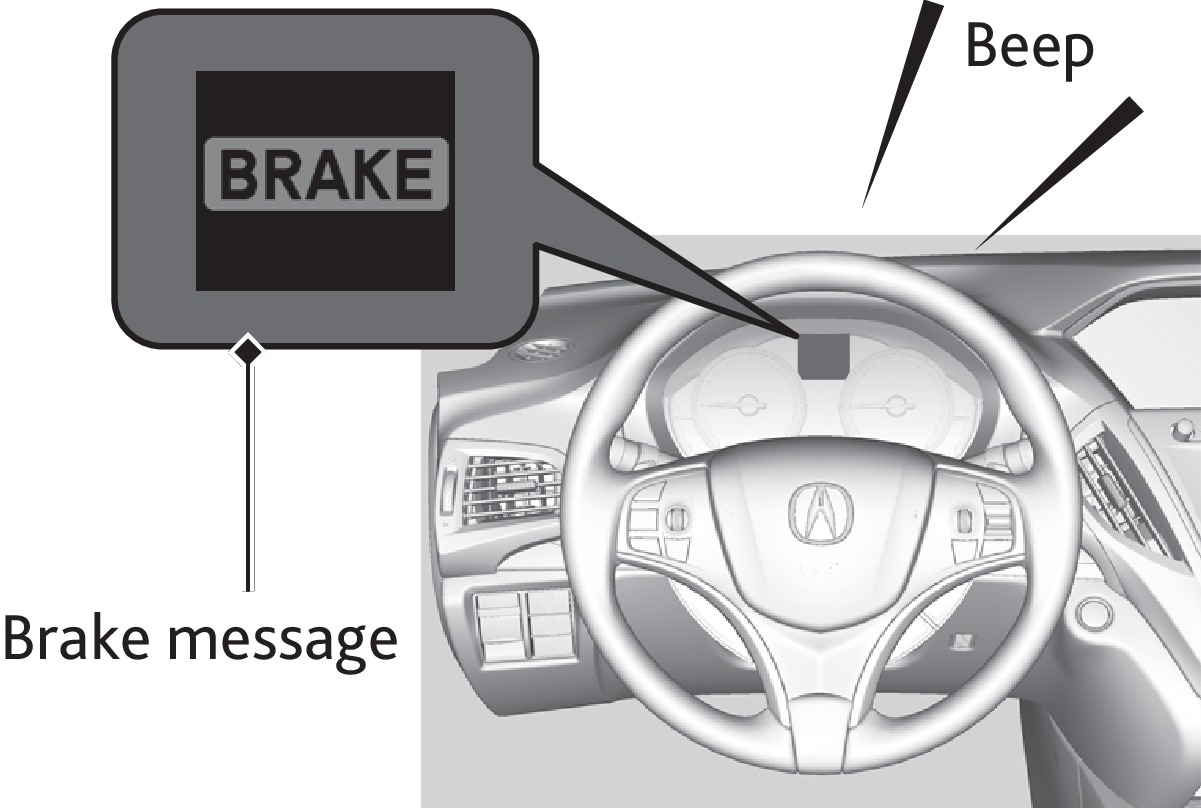
If you do not brake in time or take preventive action, BRAKE flashes in the MID and a beep sounds continuously.
Changing Settings
Determine the warning timing, or turn the system off. Use the interface dial to make and enter selections.
- Press SETTINGS.
- Select Vehicle Settings.
- Select Forward Collision Warning Distance.
- Select Long, Normal, Short, or Off.
- Press BACK to exit the menu.
Important Safety Reminder
FCW with Pedestrian Detection cannot detect all objects ahead and may not detect a given object; accuracy of the system will vary based on weather, speed, extreme interior heat, and other factors. The system does not include a braking function. It is always your responsibility to safely operate the vehicle and avoid collisions.
- Braking
Download Manual