Multi-View Rear
Camera*
When you change the gear to Reverse (R), a real-time image of the area behind your vehicle is shown in the display, along with helpful parking guidelines.
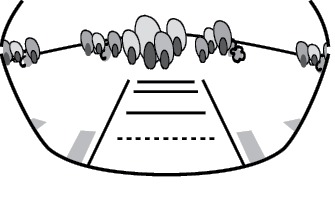
Wide view
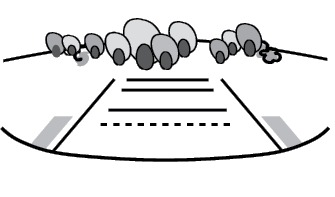
Normal view
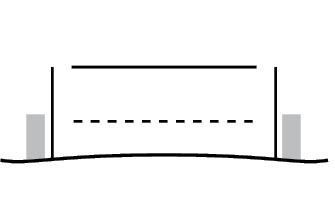
Top down view
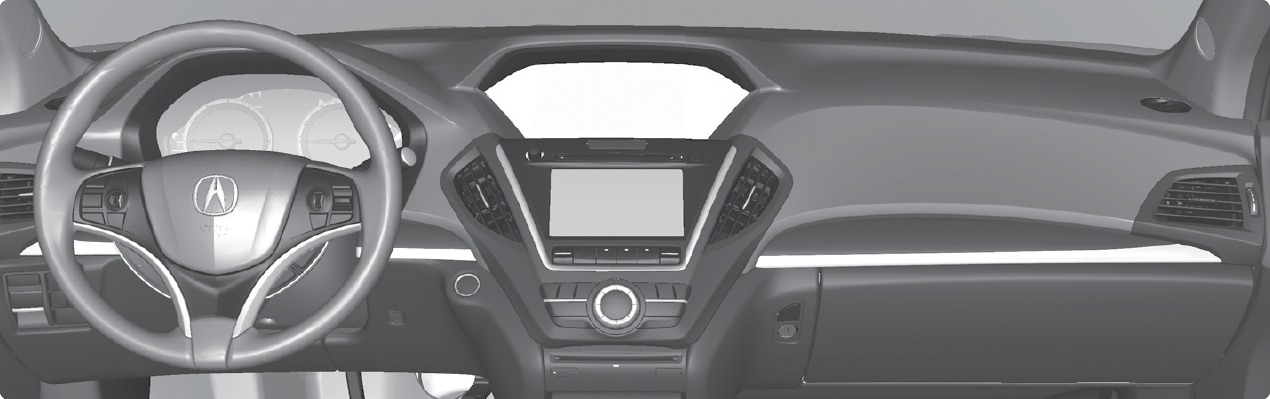
Press the interface dial to toggle between views.
Changing Guidelines
Turn the guidelines on or off. Use the interface dial to make and enter selections.
- Press SETTINGS.
- Select Camera Settings
- Select one of the options.
Fixed Guidelines: Guidelines appear when you change the gear to Reverse. Select On or Off.
Dynamic Guidelines: Guidelines move as you turn the steering wheel. Select On or Off.
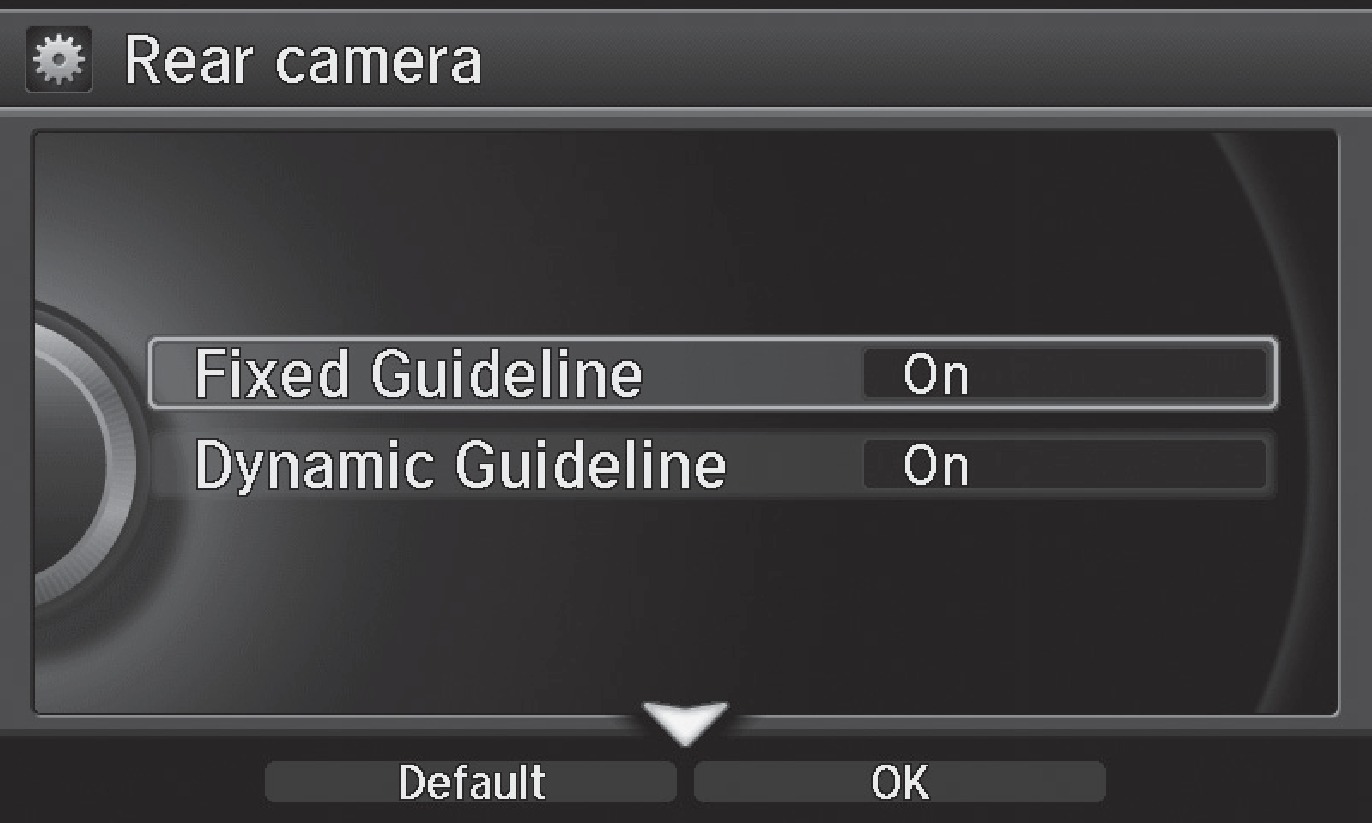
- Press BACK to exit the menu.
The rear camera view is restricted. You cannot see the corner ends of the bumper or what is underneath the bumper. Its unique lens also makes objects appear closer or farther than they actually are.
Visually confirm that it is safe to drive before backing up. Certain conditions (such as weather, lighting, and high temperatures) may also restrict the rear view. Do not rely on the rearview display, which does not give you all information about conditions at the rear of your vehicle.
*if equipped
- Shifting
- Parking Sensor System
Download Manual