Lane Departure
Warning (LDW)
Alerts you if the system detects a possibility of your vehicle unintentionally crossing over detected lane markings while driving between 45-90 mph (72-145 km/h).
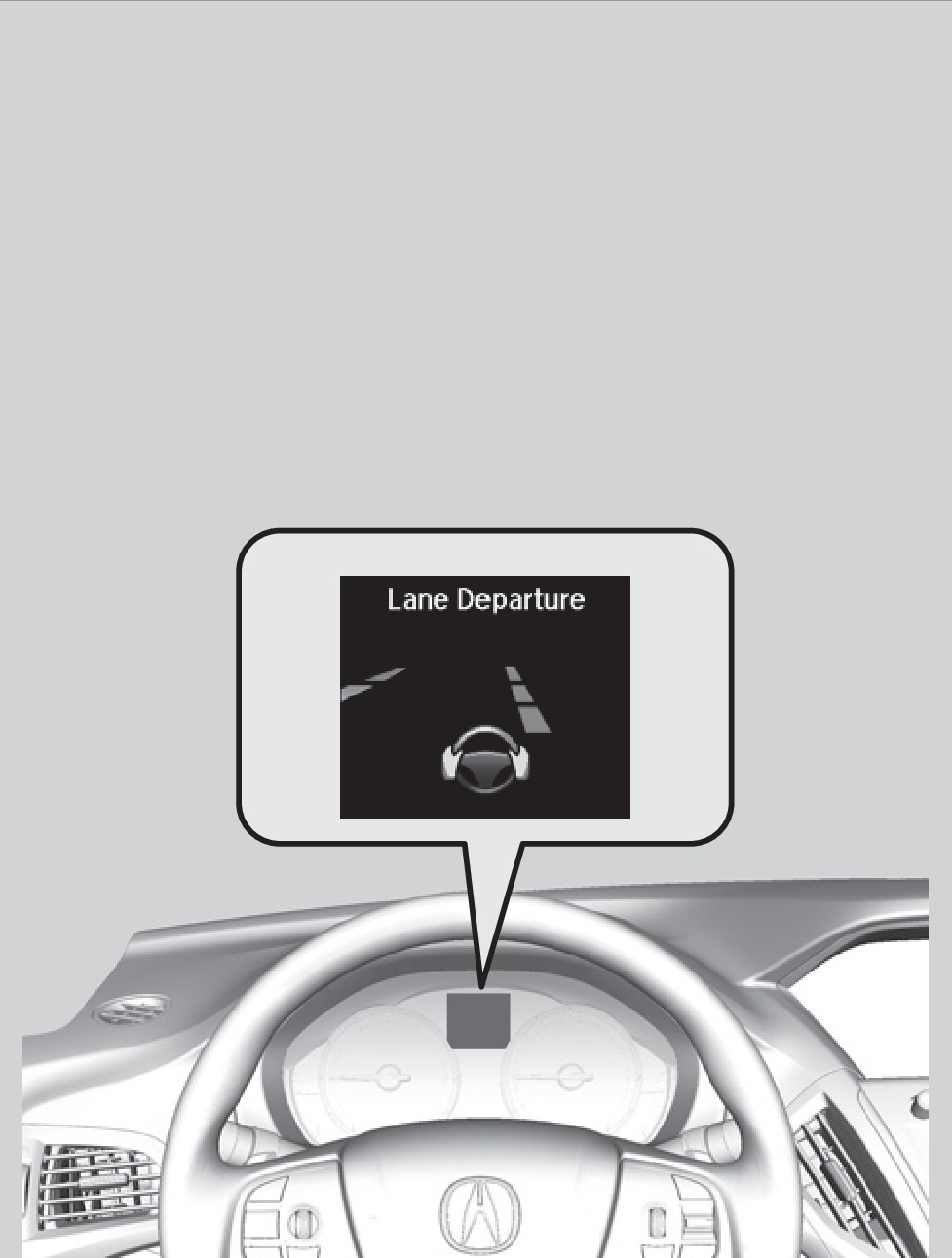
Lane departure message
Steering wheel vibrations
If your vehicle is getting too close to detected left or right side lane markings without a turn signal activated, the system provides visual and tactile alerts.
A Lane Departure message appears on the MID, and the steering wheel vibrates. Take appropriate action to stay within your driving lane.
Turning LDW On or Off
Press the LDW button to turn the system on or off. A green indicator light appears on the button when the system is on.
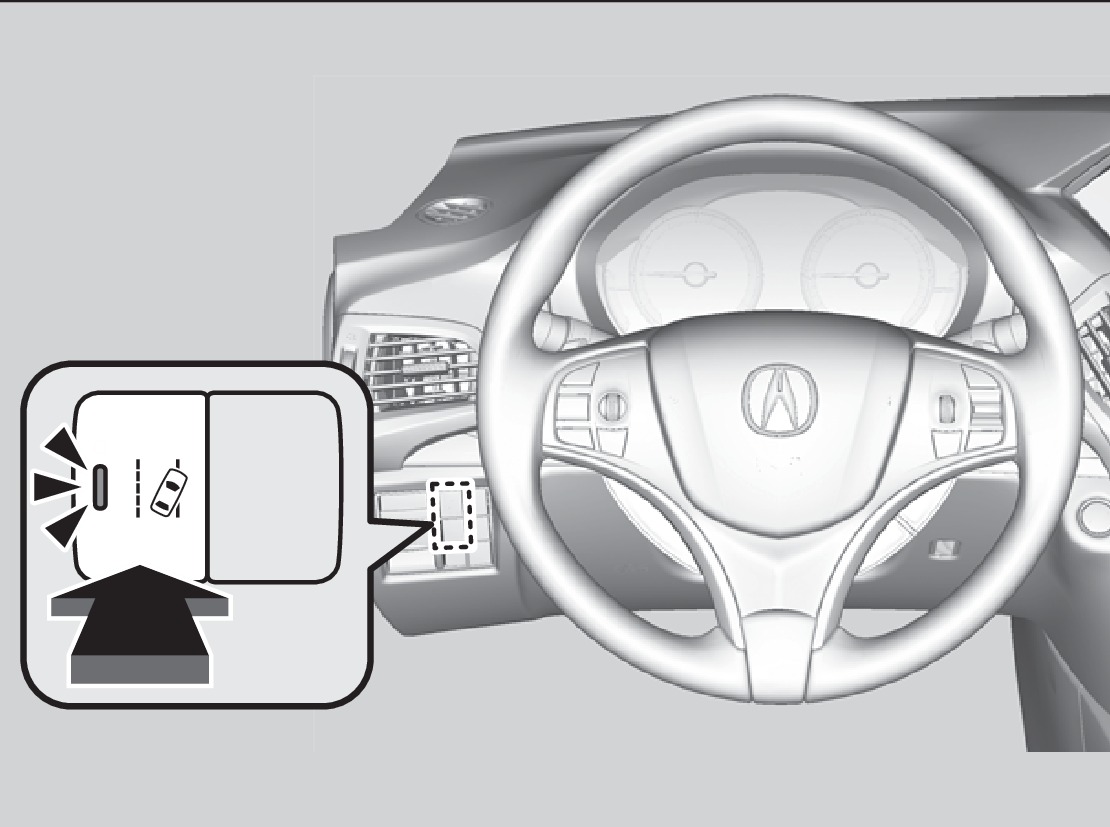
Indicator
LDW button
Important Safety Reminder
Like all assistance systems, LDW has limitations. Over-reliance on LDW may result in a collision. It is always your responsibility to keep the vehicle within your lane.
LDW only alerts you when lane drift is detected without a turn signal in use. LDW may not detect all lane markings or lane departures; accuracy will vary based on weather, speed, and lane marker condition. It is always your responsibility to safely operate the vehicle and avoid collisions.
- Malfunction Indicators
Download Manual