Hard Disc Drive
(HDD) Audio
When music CDs are inserted, they are automatically recorded by system default onto the built-in HDD for later playback.
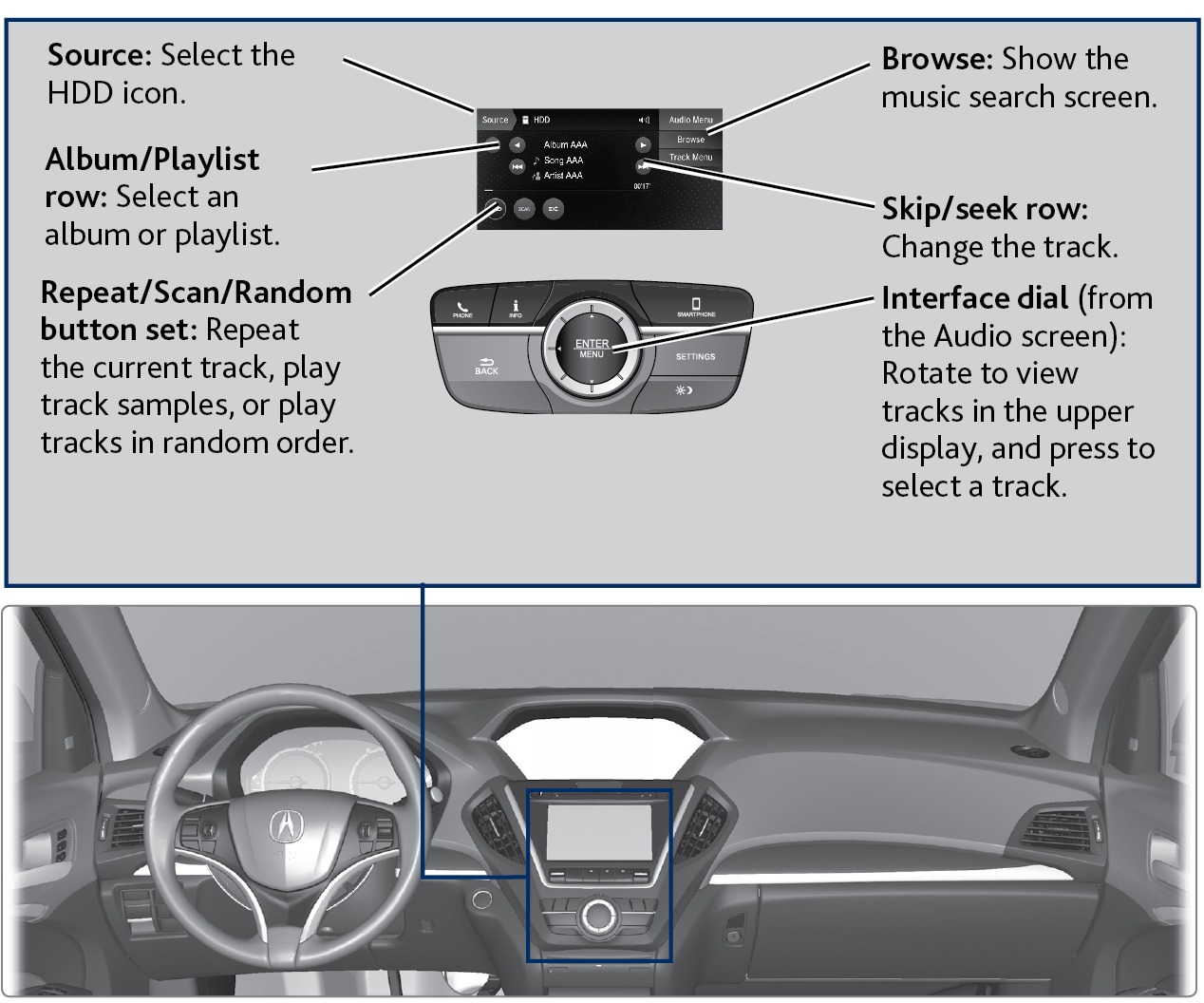
Searching for Music
Use the interface dial to search for tracks using several methods.
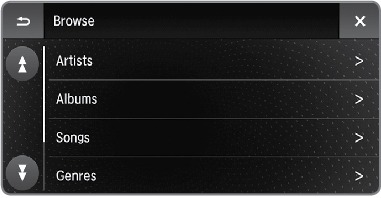
- From the audio screen, select Browse.
- Select a search type (artist, album, track, etc.).
- Select the song you want to play.
You can also search for and play HDD music using Song By Voice™ (see "Voice Command Index").
Related topics:
- Basic Audio Operation
Download Manual