UCONNECT VOICE RECOGNITION
INTRODUCING VOICE RECOGNITION
Start using Uconnect Voice Recognition with these helpful quick tips. It provides the key Voice Commands and tips you need to know to control your vehicle’s Voice Recognition (VR) system.
BASIC VOICE COMMANDS
The basic Voice Commands below can be given at any point while using your Uconnect system.
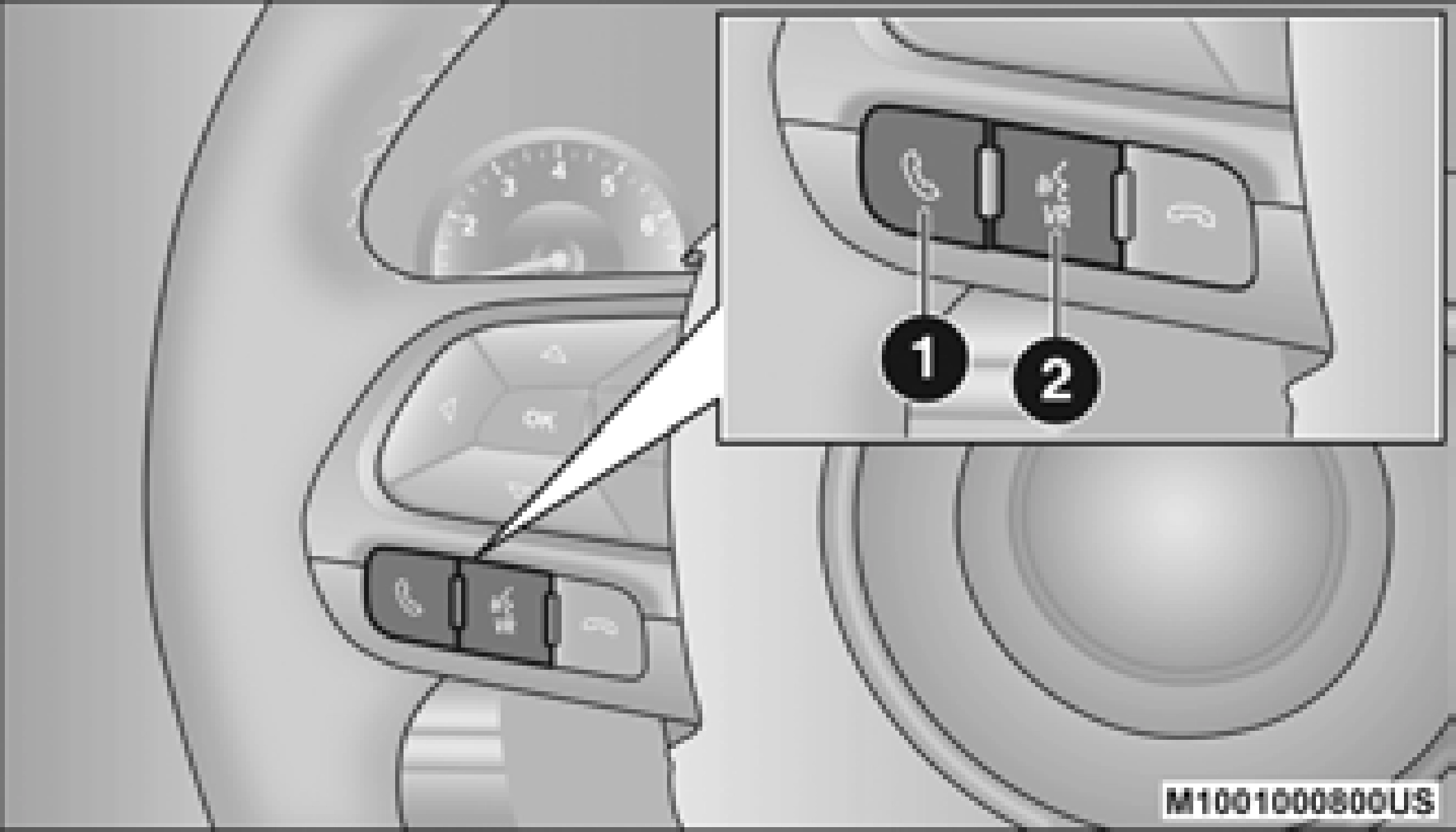
 Push the VR button . After the beep, say:
Notice the visual cues that inform you of your VR system’s status. Cues appear on the touchscreen.
GET STARTED
The Voice Recognition (VR) button is used to activate/deactivate your Voice Recognition system.
Helpful hints for using Voice Recognition:
ADDITIONAL INFORMATION
© 2020 FCA US LLC. All rights reserved. Mopar and Uconnect are registered trademarks and Mopar Owner Connect is a trademark of FCA US LLC. Android™ is a trademark of Google Inc.
SiriusXM® and all related marks and logos are trademarks of SiriusXM® Radio Inc.
page 395.
Uconnect System Support:
SiriusXM Guardian™ services support:
1-844-796-4827
Download Manual