DOORS
MANUAL DOOR LOCKS
The power door locks can be manually locked from inside the vehicle by using the door lock knob. To lock each door, push the door lock knob on each door trim panel downward. To unlock the front doors, pull the inside door handle to the first detent. To unlock the rear doors, pull the door lock knob on the door trim panel upward. If the lock knob is down when the door is closed, the door will lock. Therefore, make sure the key fob is not inside the vehicle before closing the door.
Manually locking the vehicle will not arm the Vehicle Security system.
POWER DOOR LOCKS
The power door lock switches are located on each front door panel. Push the switch to lock or unlock the doors.
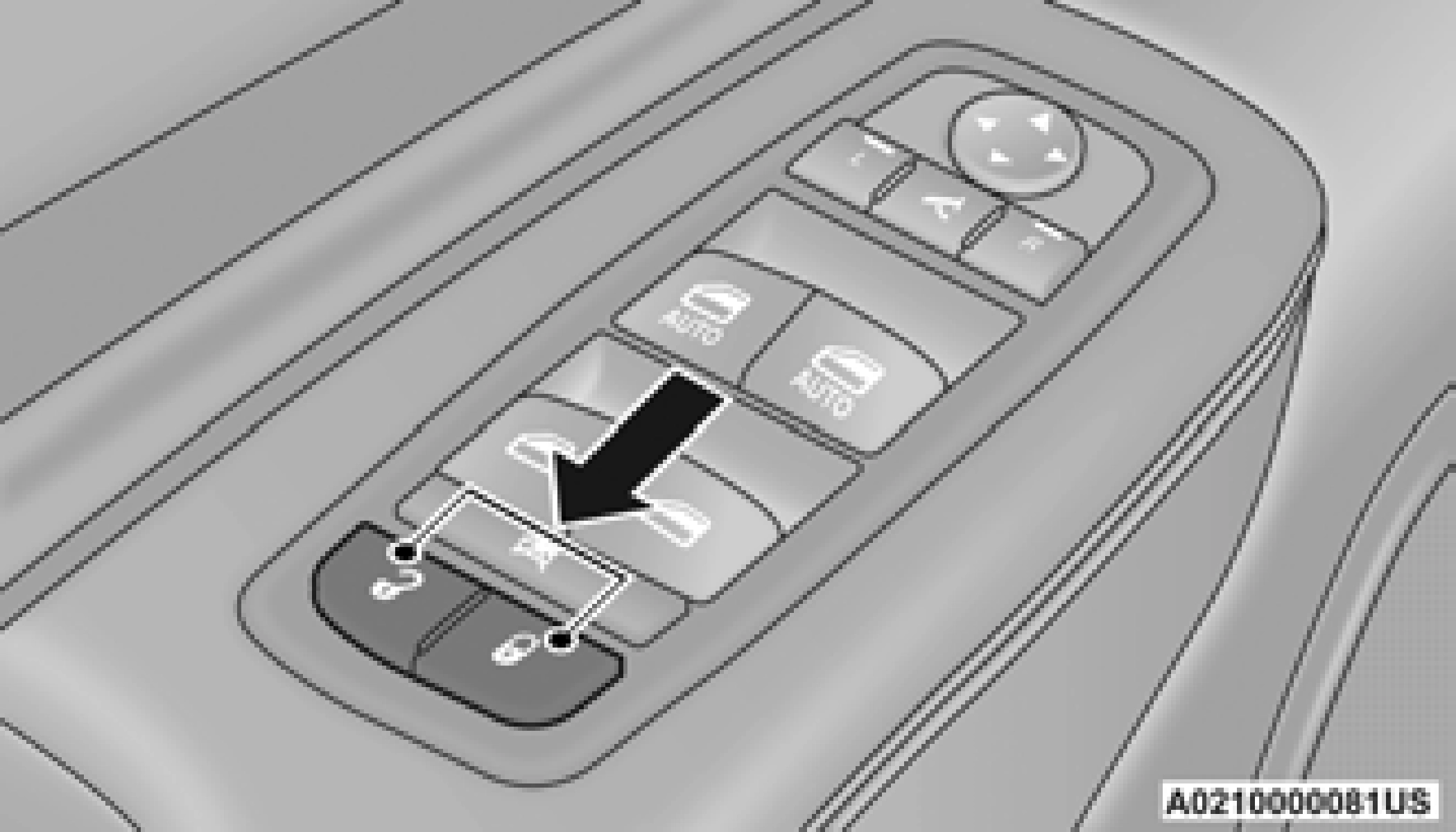
The driver’s door will unlock automatically if the keys are found inside the vehicle when the door lock button on the front door panel is used to lock the door. This will occur for two attempts. Upon the third attempt, the doors will lock even if the key is inside.
If the key fob is located next to a mobile phone, laptop, or other electronic device, the wireless signal may get blocked, and the driver’s door may not unlock automatically.
If the door lock switch is pushed while the ignition is in ACC or ON/RUN and the driver's door is open, the doors will not lock.
If a rear door is locked, it cannot be opened from inside the vehicle without first unlocking the door. The door may be unlocked manually by raising the lock knob.
KEYLESS ENTER-N-GO — PASSIVE ENTRY
The Passive Entry system is an enhancement to the vehicle’s key fob and a feature of Keyless Enter-N-Go — Passive Entry. This feature allows you to lock and unlock the vehicle’s door(s) without having to push the key fob lock or unlock buttons.
With a valid Passive Entry key fob within 5 ft (1.5 m) of the door handle, grab the handle to unlock the vehicle. Grabbing the driver’s door handle will unlock the driver door automatically. Grabbing the passenger door handle will unlock all doors and the liftgate automatically.
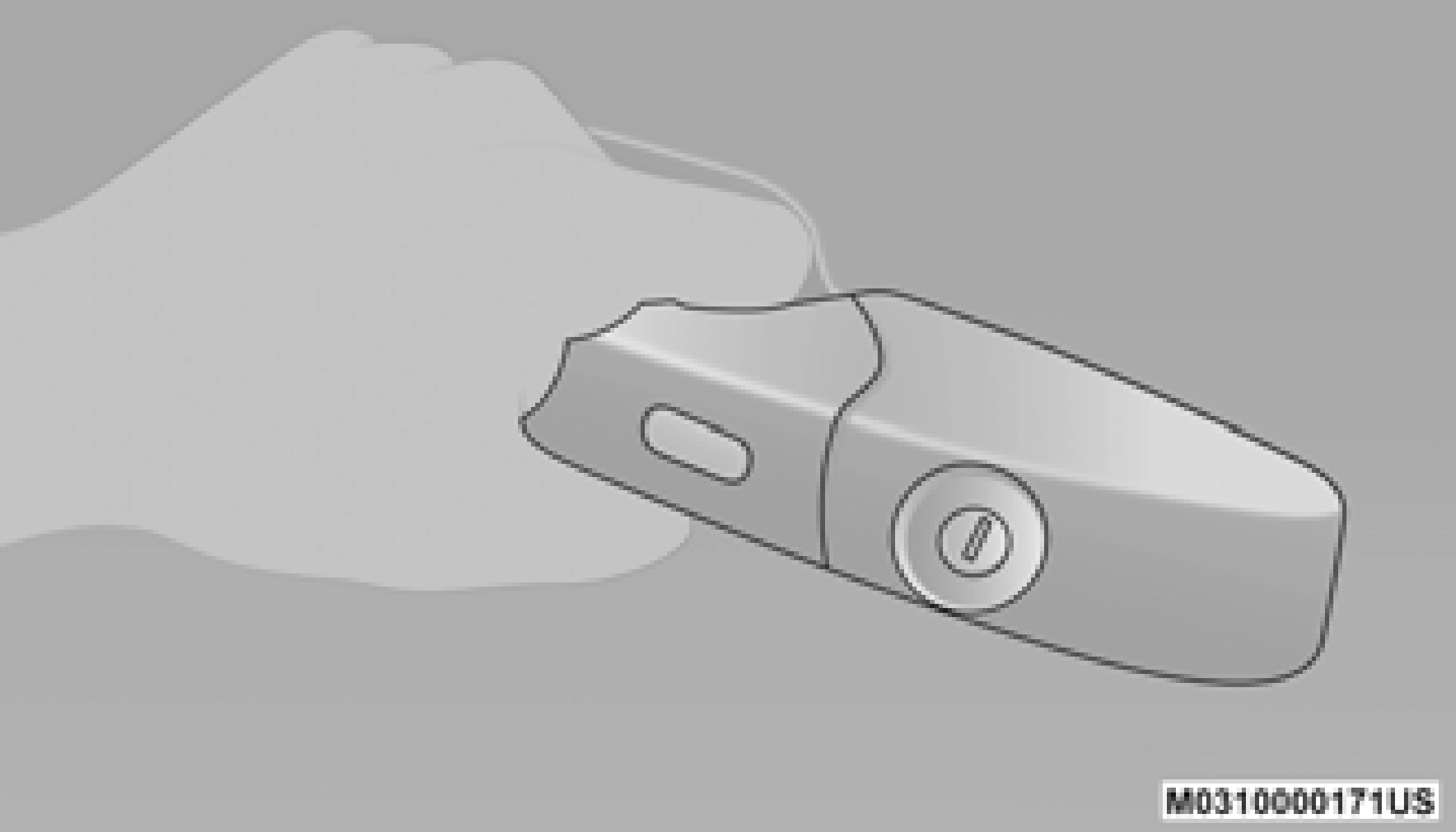
NOTE:
To minimize the possibility of unintentionally locking a Passive Entry key fob inside your
vehicle, the Passive Entry system is equipped 2
with an automatic door unlock feature which
will function if the ignition switch is in the OFF position.
There are five situations that trigger a
FOBIK-Safe search in any passive entry vehicle:
pre-arm or armed status and the liftgate tran- sitions from opened to closed.
When any of these situations occur, after all open doors are shut, the FOBIK-Safe search will be executed. If it finds a Passive Entry key fob inside the car, the car will unlock and alert the customer.
The vehicle will only unlock the doors when a valid Passive Entry key fob is detected inside the vehicle. The vehicle will not unlock the doors when any of the following conditions are true:
With one of the vehicle’s Passive Entry key fobs within 5 ft (1.5 m) of either front door handles, pushing the Passive Entry lock button will lock the vehicle.
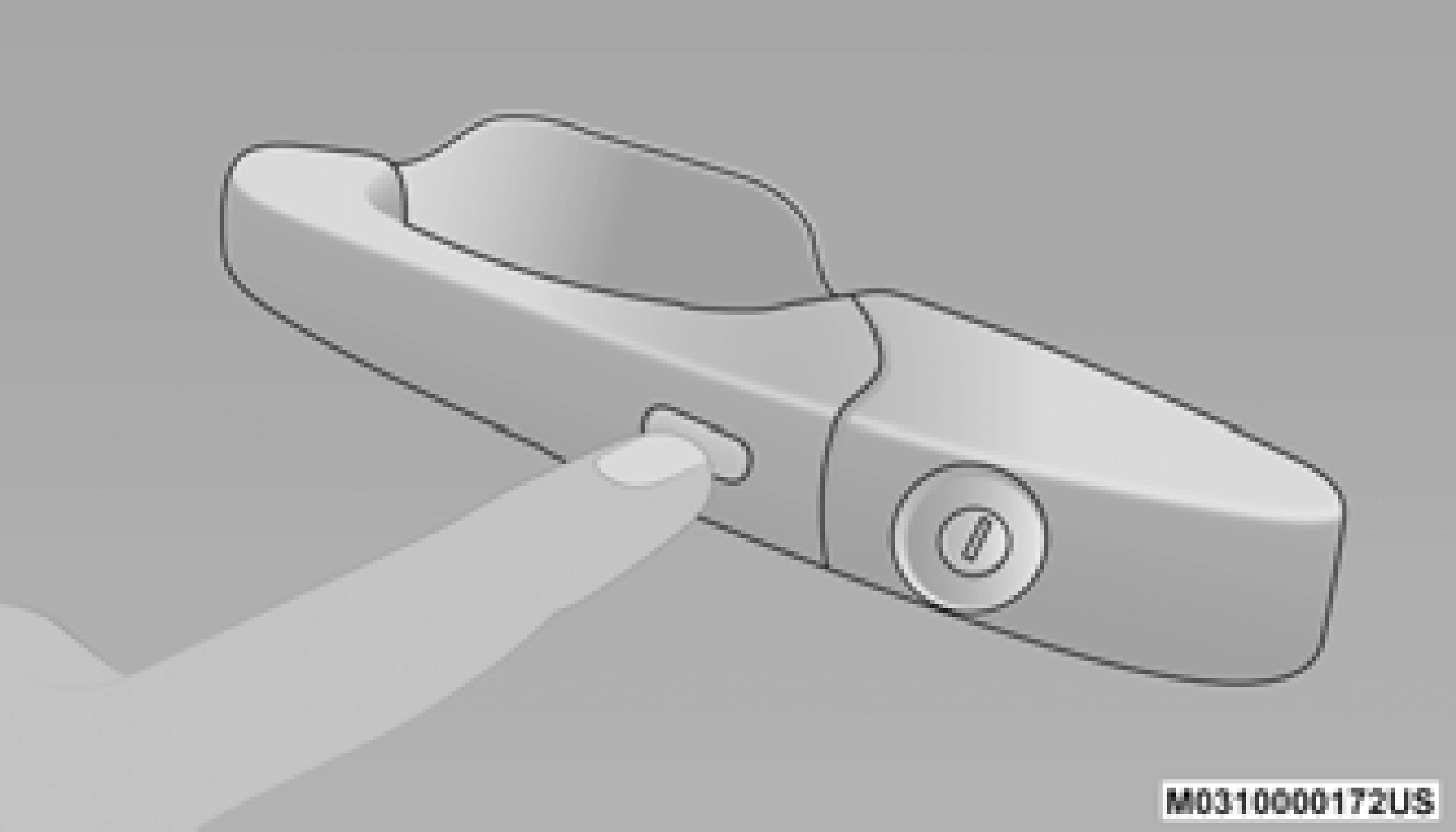
NOTE:
DO NOT grab the door handle, when pushing the door handle lock button. This could unlock the door(s).
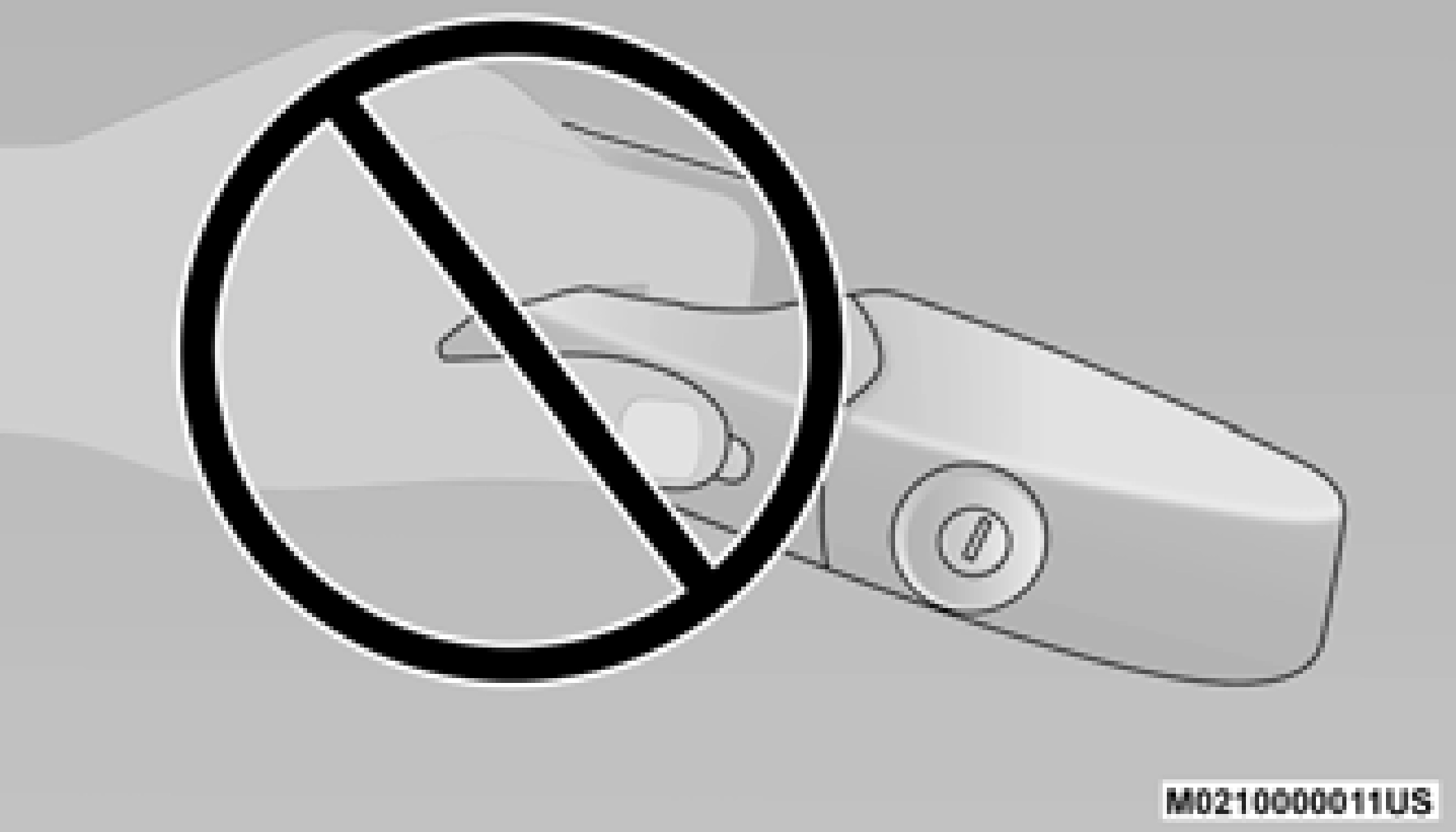
NOTE:
The liftgate Passive Entry unlock feature is built into the electronic liftgate release. With a valid Passive Entry key fob within 5 ft (1.5 m) of the liftgate, push the electronic liftgate release to open.
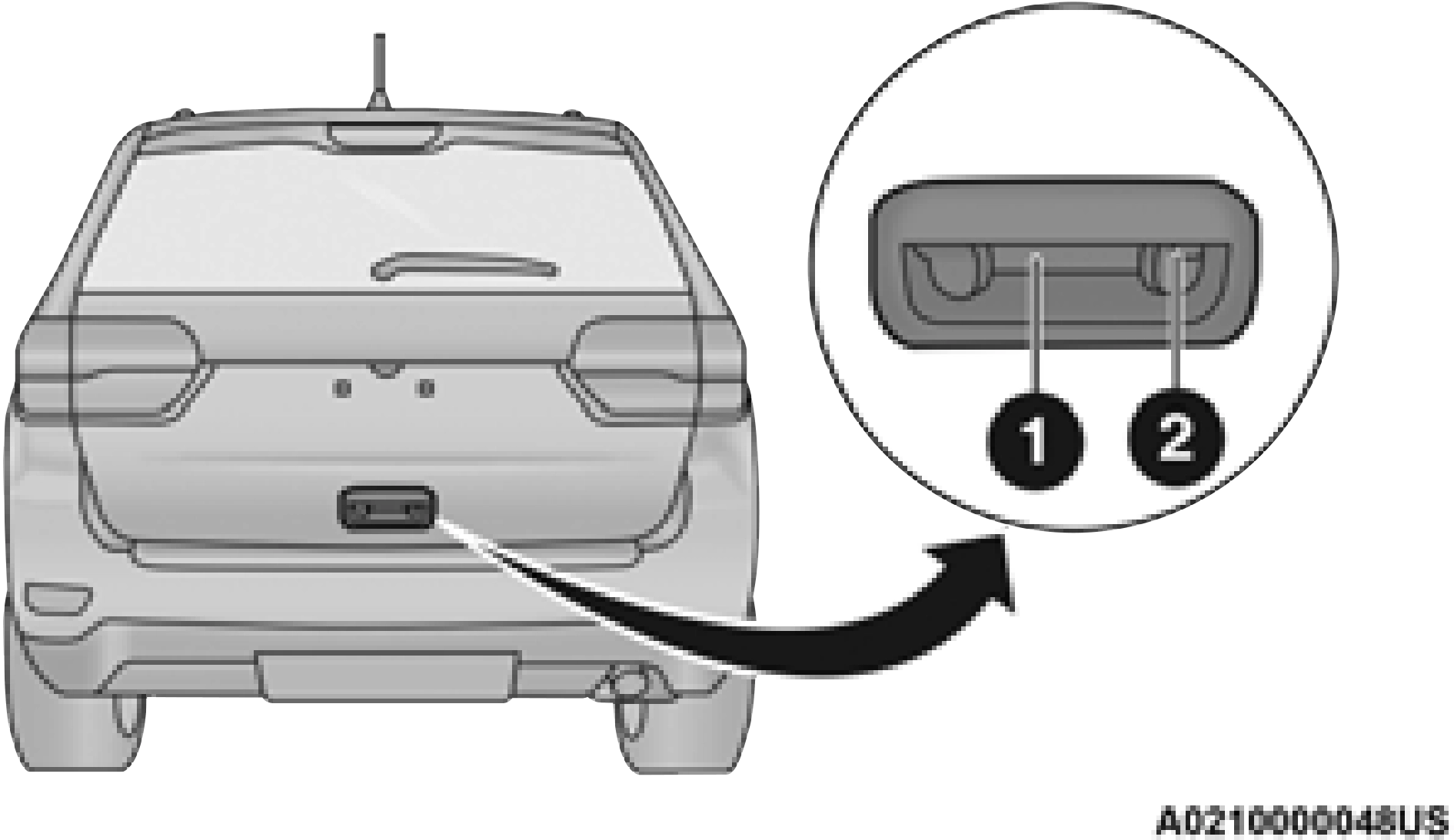
1 — Electronic Liftgate Release 2 — Lock Button Location
With a valid Passive Entry key fob within 5 ft (1.5 m) of the liftgate, push the Passive Entry lock button located on the outside liftgate door handle.
The liftgate Passive Entry lock button will lock all doors and the liftgate page 395.
LOCKING THE DOORS WITH ONE OR MORE DOORS OPEN
If the door lock switch is pushed while the ignition is in the ACC or ON/RUN position and the driver's door is open, the doors will not lock.
AUTOMATIC UNLOCK DOORS ON EXIT
The doors will unlock automatically on vehicles with power door locks after the following sequence of actions:
AUTOMATIC DOOR LOCKS — IF EQUIPPED
The auto door lock feature default condition is enabled. When enabled, the door locks will lock
automatically when the vehicle's speed exceeds 2
15 mph (24 km/h). The auto door lock feature is enabled/disabled within Uconnect Settings page 171.
CHILD-PROTECTION DOOR LOCK SYSTEM — REAR DOORS
To provide a safer environment for small children riding in the rear seats, the rear doors are equipped with a Child-Protection Door Lock system.
To use the system, open each rear door, use a flat blade screwdriver (or emergency key) and rotate the dial to the lock or unlock position. When the system on a door is engaged, that door can only be opened by using the outside door handle even if the inside door lock is in the unlocked position.
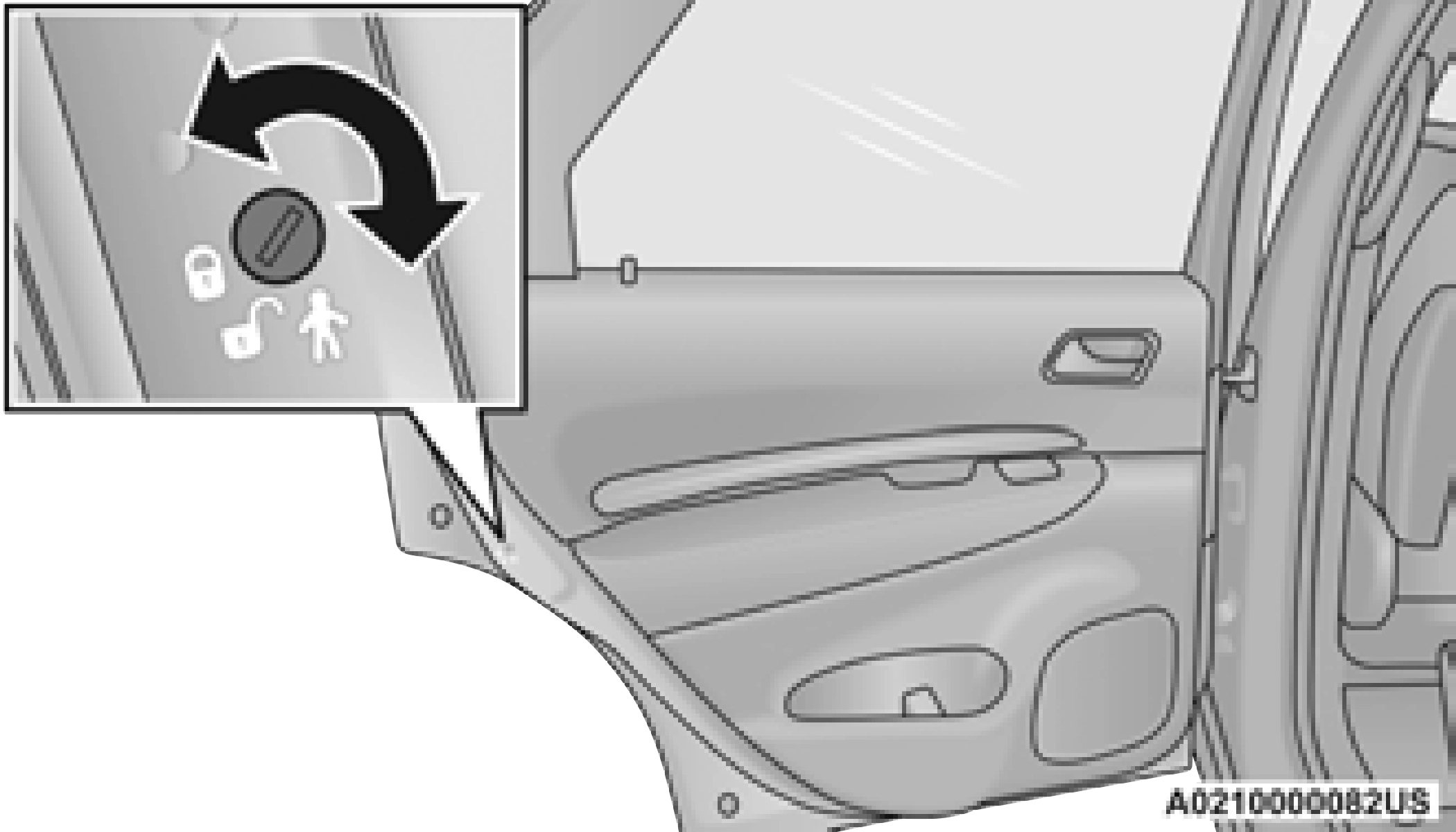
NOTE:
Always use this device when carrying children. After engaging the child lock on both rear doors, check for effective engagement by trying to open a door with the internal handle. Once the Child-Protection Door Lock system is engaged, it is impossible to open the doors from inside the vehicle. Before getting out of the vehicle, be sure to check that there is no one left inside.
Download Manual