PARKSENSE ACTIVE PARK ASSIST SYSTEM — IF EQUIPPED
The ParkSense Active Park Assist system is intended to assist the driver during parallel and perpendicular parking maneuvers by identifying a proper parking space, providing audible/ visual instructions, and controlling the steering wheel. The ParkSense Active Park Assist system is defined as “semi-automatic” since the driver maintains control of the accelerator, gear selector and brakes. Depending on the driver's parking maneuver selection, the ParkSense
Active Park Assist system is capable of maneuvering a vehicle into a parallel or a perpendicular parking space on either side (i.e., driver side or passenger side).
rately. This is due to the system’s dynamic vehicle calibration to improve the perfor- mance of the feature. The system will also continuously perform the dynamic vehicle calibration to account for differences such as over or under inflated tires and new tires.
ENABLING AND DISABLING THE PARKSENSE ACTIVE PARK ASSIST SYSTEM
 The ParkSense Active Park Assist system can be enabled and disabled with the ParkSense Active Park Assist switch, located on the switch panel below the Uconnect display.
To enable or disable the ParkSense Active Park Assist system, push the ParkSense Active Park Assist switch once (LED turns on). Pushing the switch a second time will disable the system (LED turns off).
The ParkSense Active Park Assist system will turn off automatically for any of the following conditions:
The ParkSense Active Park Assist system allows a maximum number of shifts between DRIVE and REVERSE. If the maneuver cannot be completed within the maximum amount of shifts, the system will cancel and the instrument cluster display will instruct the driver to complete the maneuver manually.
The ParkSense Active Park Assist system will only operate and search for a parking space when the following conditions are present:
If the vehicle is driven above approximately
15 mph (25 km/h), the instrument cluster 4
display will instruct the driver to slow down. If
the vehicle is driven above approximately
18 mph (30 km/h), the system will cancel. The driver must then reactivate the system by pushing the ParkSense Active Park Assist switch.
When pushed, the LED on the ParkSense Active Park Assist switch will blink momentarily, and then the LED will turn off if any of the above conditions are not present.
PARALLEL/PERPENDICULAR PARKING SPACE ASSISTANCE OPERATION
When the ParkSense Active Park Assist system is enabled, the “Active ParkSense Searching - Press OK to Switch to Perpendicular” message will appear in the instrument cluster display. Push the OK button on the left side of the steering wheel to change your parking space setting to a perpendicular maneuver. You may switch back to parallel parking if you desire.
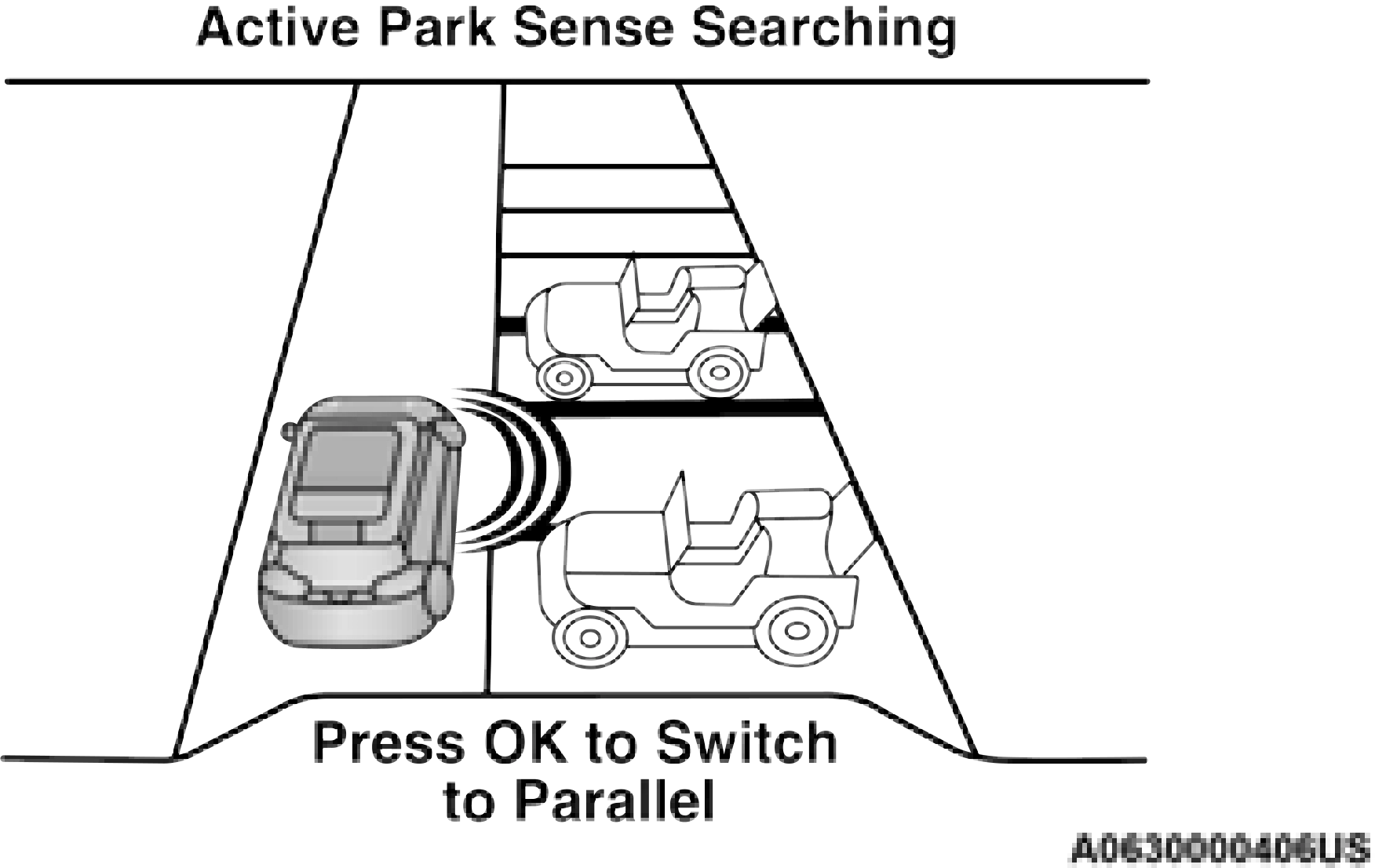
Switch To Parallel
When an available parking space has been found, and the vehicle is not in position, you will
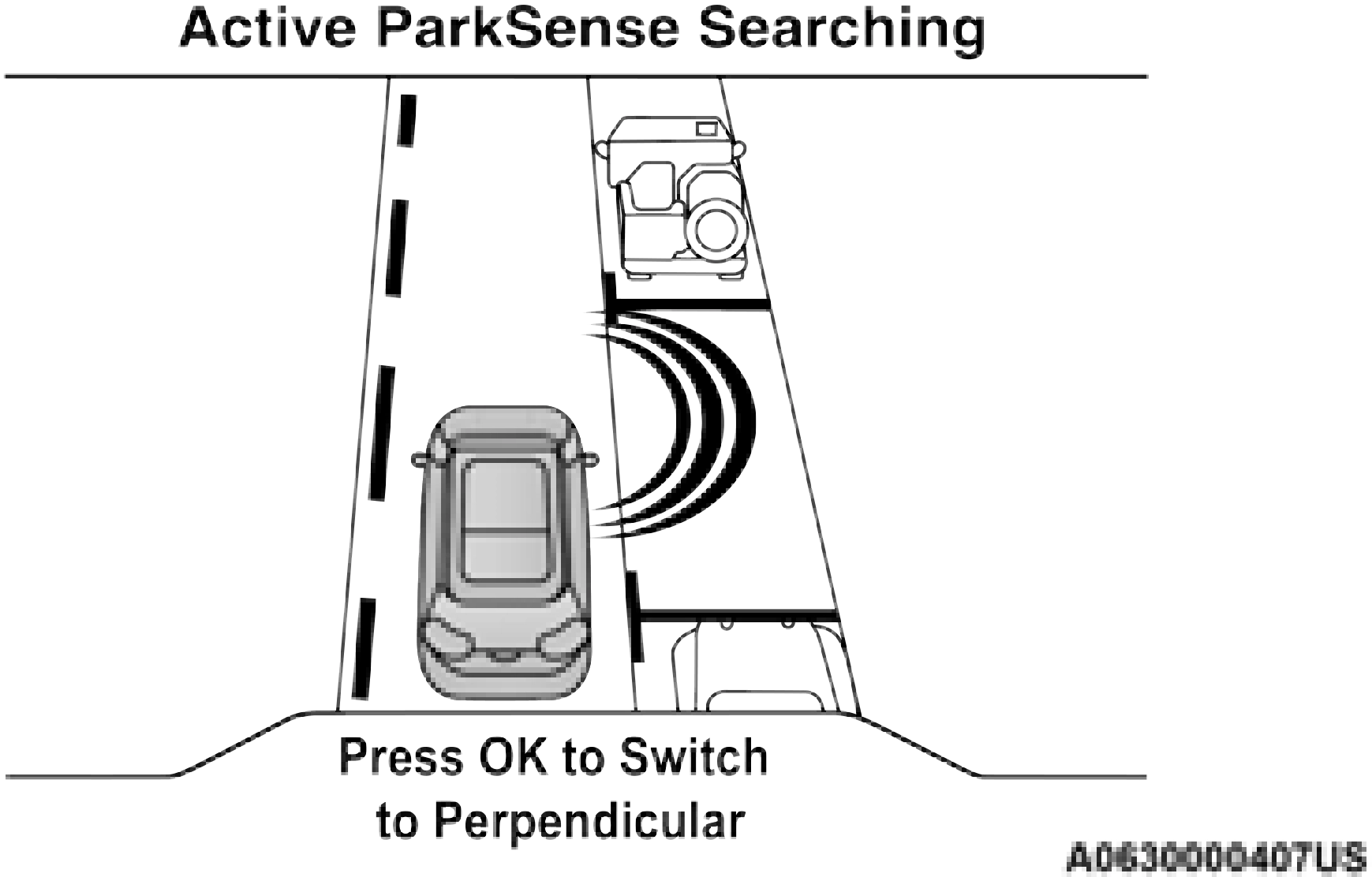
Once the driver pushes OK for a perpendicular parking maneuver, the “Active ParkSense Searching - Press OK to switch to Parallel” message will appear in the instrument cluster display.
be instructed to move forward to position the vehicle for a perpendicular or parallel parking sequence (depending on the type of maneuver being performed).
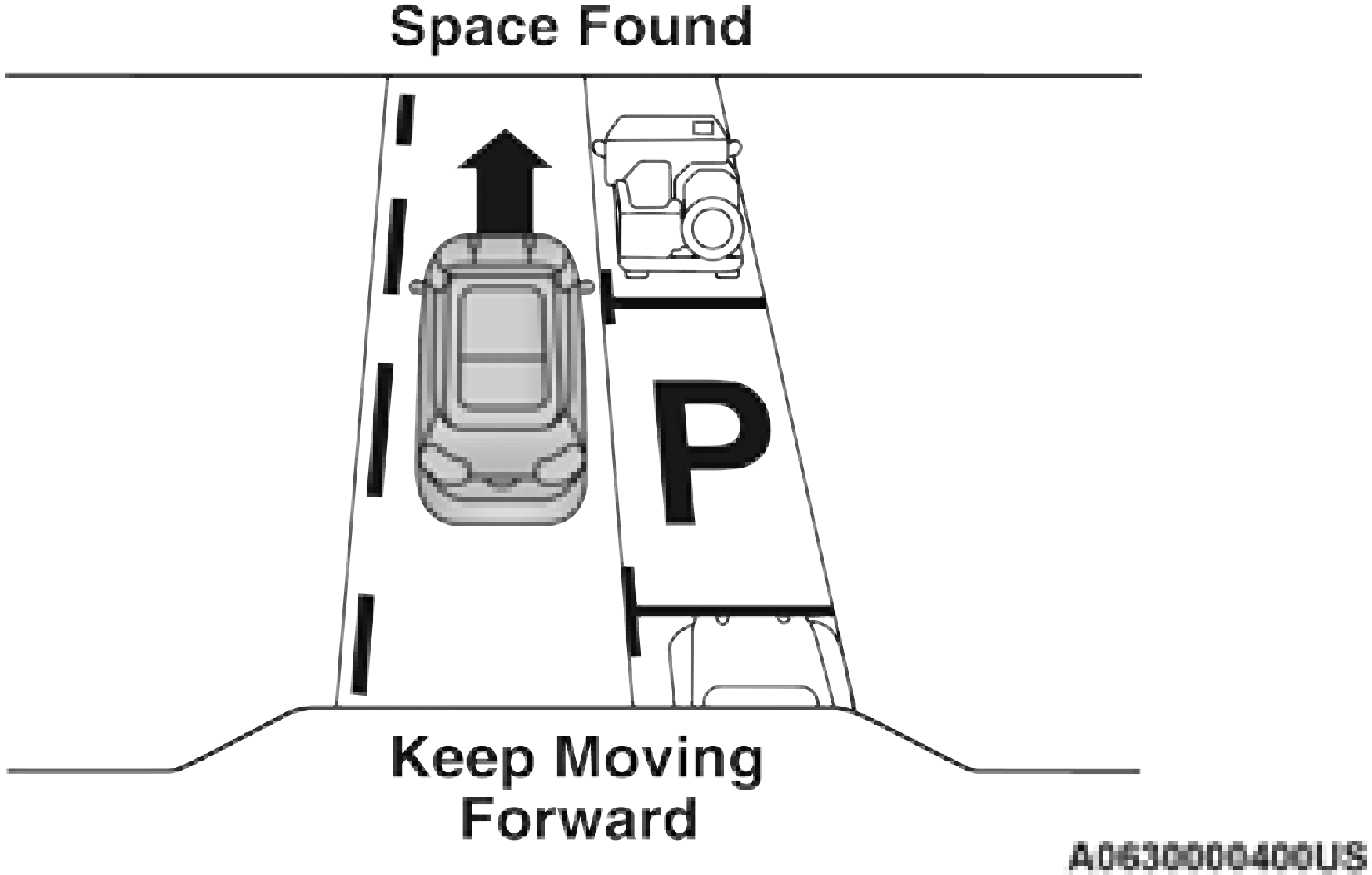
Once the vehicle is in position, you will be instructed to stop the vehicle’s movement and remove your hands from the steering wheel. When the vehicle comes to a standstill (your hands still removed from the steering wheel), you will be instructed to place the gear selector into the REVERSE position.
The system may then instruct the driver to wait for steering to complete before then instructing to check the vehicle’s surroundings, and move backward.
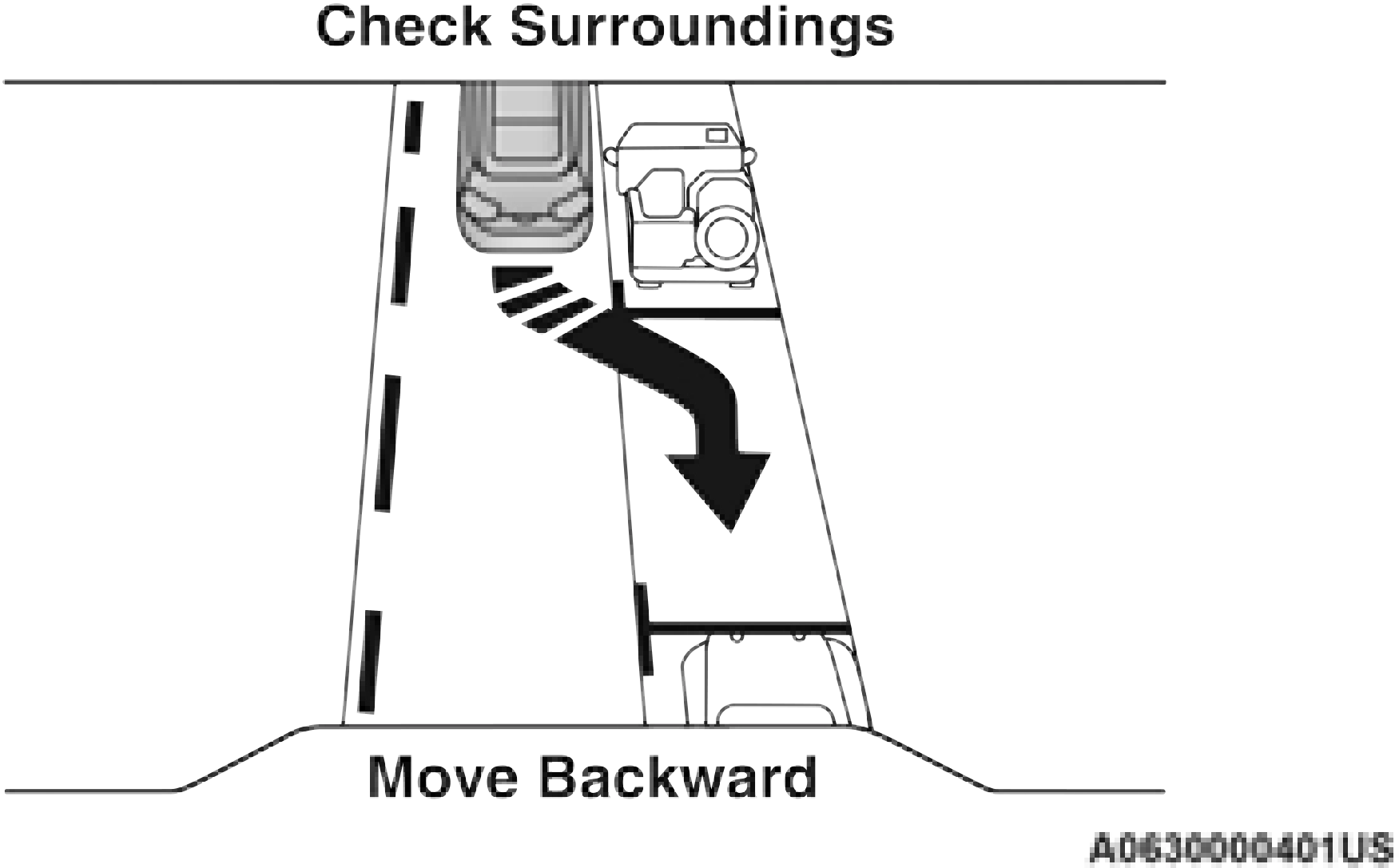
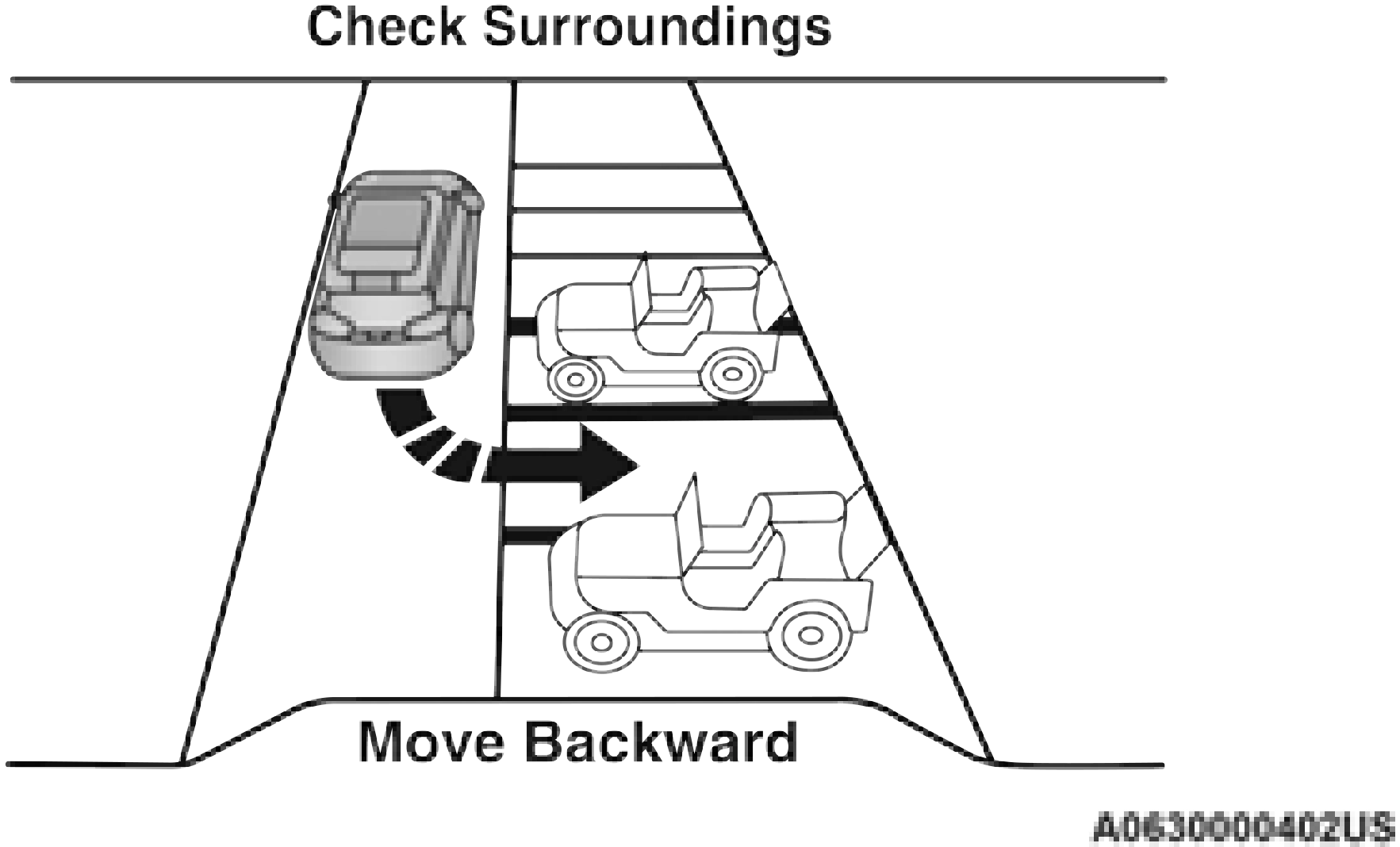
Move Backward Into Perpendicular Parking Space
Several more gear shifts (DRIVE and REVERSE) while keeping hands off of the steering wheel will be instructed to the driver while checking the vehicle’s surroundings before completing the parking maneuver.
When the vehicle is in the parking position, the maneuver is complete and the driver will be instructed to check the vehicle's parking position, then shift the vehicle into PARK. The message “Active ParkSense Complete - Check Parking Position” will be displayed momentarily.
matic parking maneuver. 4
Download Manual