Cruise control (if equipped)
NOTE
For models with the EyeSight system: Refer to the Owner’s Manual supple- ment for the EyeSight system.
Cruise control enables you to maintain a constant vehicle speed without holding your foot on the accelerator pedal and it is operative when the vehicle speed is 20 mph (30 km/h) or more.
& To set cruise control
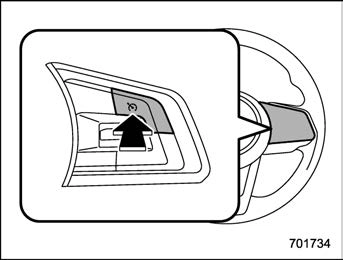
Cruise control main button
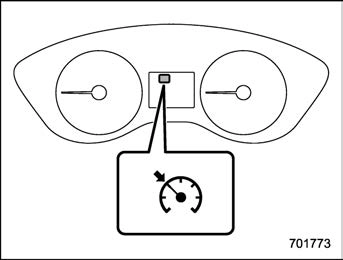
Cruise control indicator light (type A)
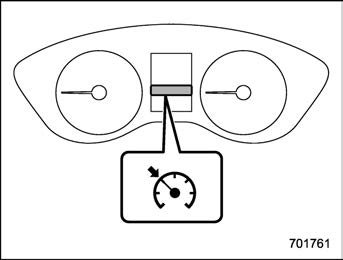
Cruise control indicator light (type B)
The cruise control indicator light on the combination meter will illuminate.
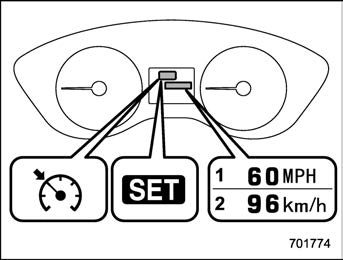
Cruise control set indicator light (type A)
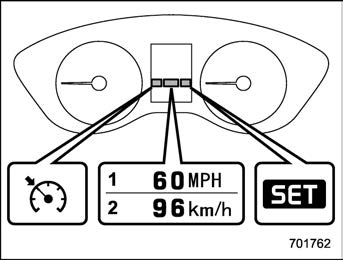
Cruise control set indicator light (type B)
At this time, the cruise control set indicator light is illuminated in the combination meter. The set speed will be shown on the combination meter. You can change the displayed unit by operating the combi- nation meter display.
The vehicle will maintain the desired speed.
Vehicle speed can be temporarily in- creased while driving with the cruise control activated. Simply depress the
accelerator pedal to accelerate the vehi- cle. When the accelerator pedal is re- leased, the vehicle will return to and maintain the previous cruising speed.
The cruise control can be temporarily canceled in the following ways.
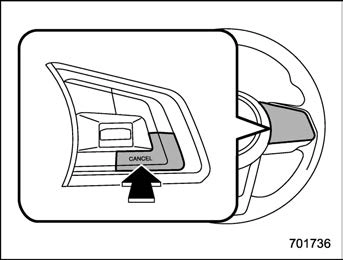
The cruise control set indicator light in the combination meter turns off when the cruise control is canceled.
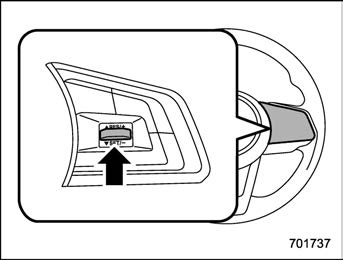
To resume the cruise control after it has been temporarily canceled and with vehi- cle speed of approximately 20 mph (30 km/h) or more, press the “RES/SET” switch to the “RES” side to return to the original cruising speed automatically.
The cruise control set indicator light in the
combination meter will automatically illu- minate at this time.
There are two ways to turn off the cruise control:
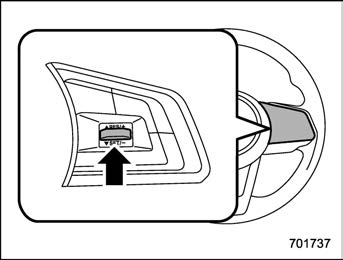
Press the “RES/SET” switch to the “RES” side and hold it until the vehicle reaches the desired speed. Then, release the switch. The vehicle speed at that moment will be memorized and treated as the new set speed.
The set speed can be increased 1 mph (1.6 km/h) each time by pressing the “RES/ SET” switch to the “RES” side.
The set speed can be increased 1 km/h
each time by pressing the “RES/SET” switch to the “RES” side.
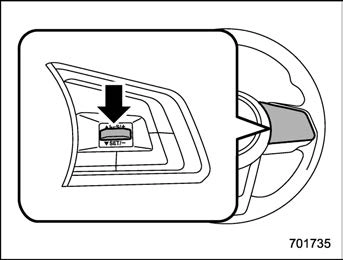
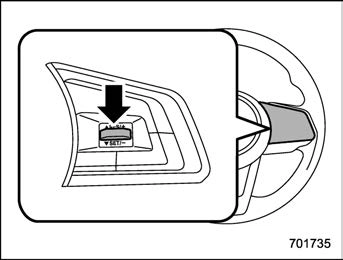
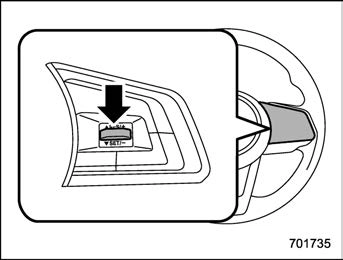
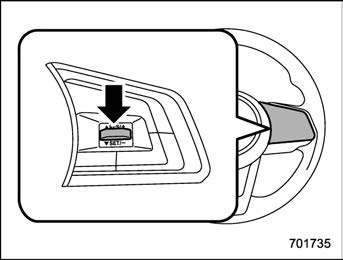
Press the “RES/SET” switch to the “SET” side and hold it until the vehicle reaches the desired speed. Then, release the switch. The vehicle speed at that moment will be memorized and treated as the new set speed.
The set speed can be decreased 1 mph (1.6 km/h) each time by pressing the “RES/ SET” switch to the “SET” side.
The set speed can be decreased 1 km/h each time by pressing the “RES/SET” switch to the “SET” side.
Refer to “Cruise control indicator light”
P185.
Refer to “Cruise control set indicator light”
P186.
Download Manual