Interior lights
At the forward end of the overhead console are two courtesy lights (standard dome light has two buttons). These interior lights are turned on when a door or the liftgate is opened, the remote keyless entry key fob is activated, or when the dimmer control is moved to the extreme top.
The interior lights will automatically turn off in approximately 10 minutes for the first activation and 90 seconds every activation thereafter until the engine is started, if one of the following occur:
-
A door, sliding door or the liftgate is left open.
-
Any overhead reading light is left on.
Note:
The ignition must be placed in the OFF position for this feature to operate.
The courtesy lights also function as reading lights. Push in on each lens to turn these lights on while inside the vehicle. Push a second time to turn each light off. You may adjust the direction of these lights by pushing the outside ring, which is identified with four directional arrows (LED lamps only).
REAR COURTESY/READING LIGHTS — IF EQUIPPED
The overhead console has two sets of courtesy lights. The lights turn on when a front door, a sliding door or the liftgate is opened. If your vehicle is equipped with Remote Keyless Entry, the lights will also turn on when the unlock button on the key fob is pushed.
The courtesy lights also function as reading lights. Push in on each lens to turn these lights on while inside the vehicle. Push the lens a second time to turn each light off. You may adjust the direction of these lights by pushing the outside ring, which is identified with four directional arrows.
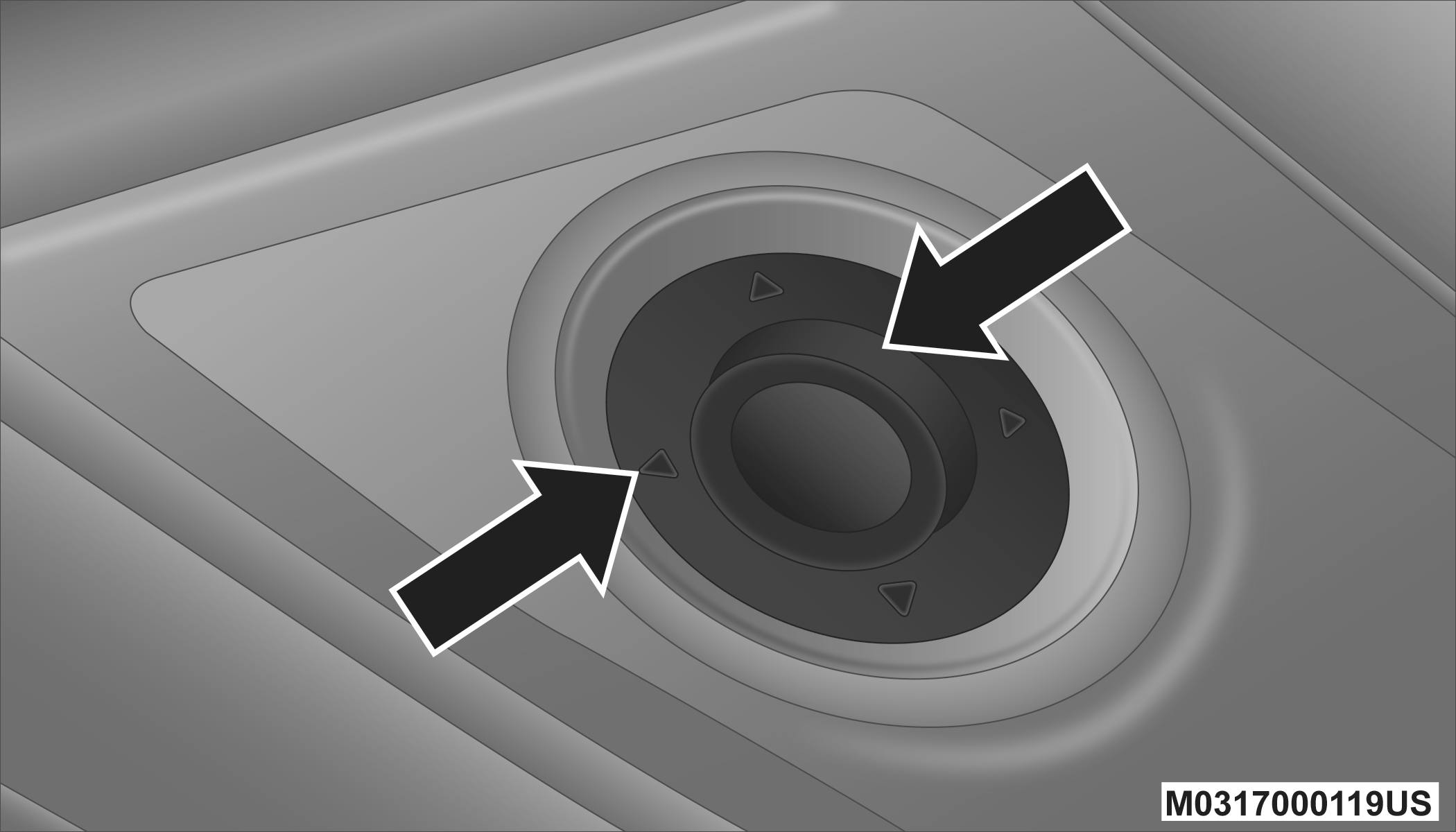
Reading Lights
REAR CONSOLE HALO LIGHTING
Halo lights are strategically placed soft lighting that help to illuminate specific areas to aid the occupants in locating specific features while driving at night.
The rear overhead console has recessed halo lighting around the perimeter of the console base. This feature provides additional lighting options while traveling and is controlled by the ambient light dimmer control of the headlight switch.
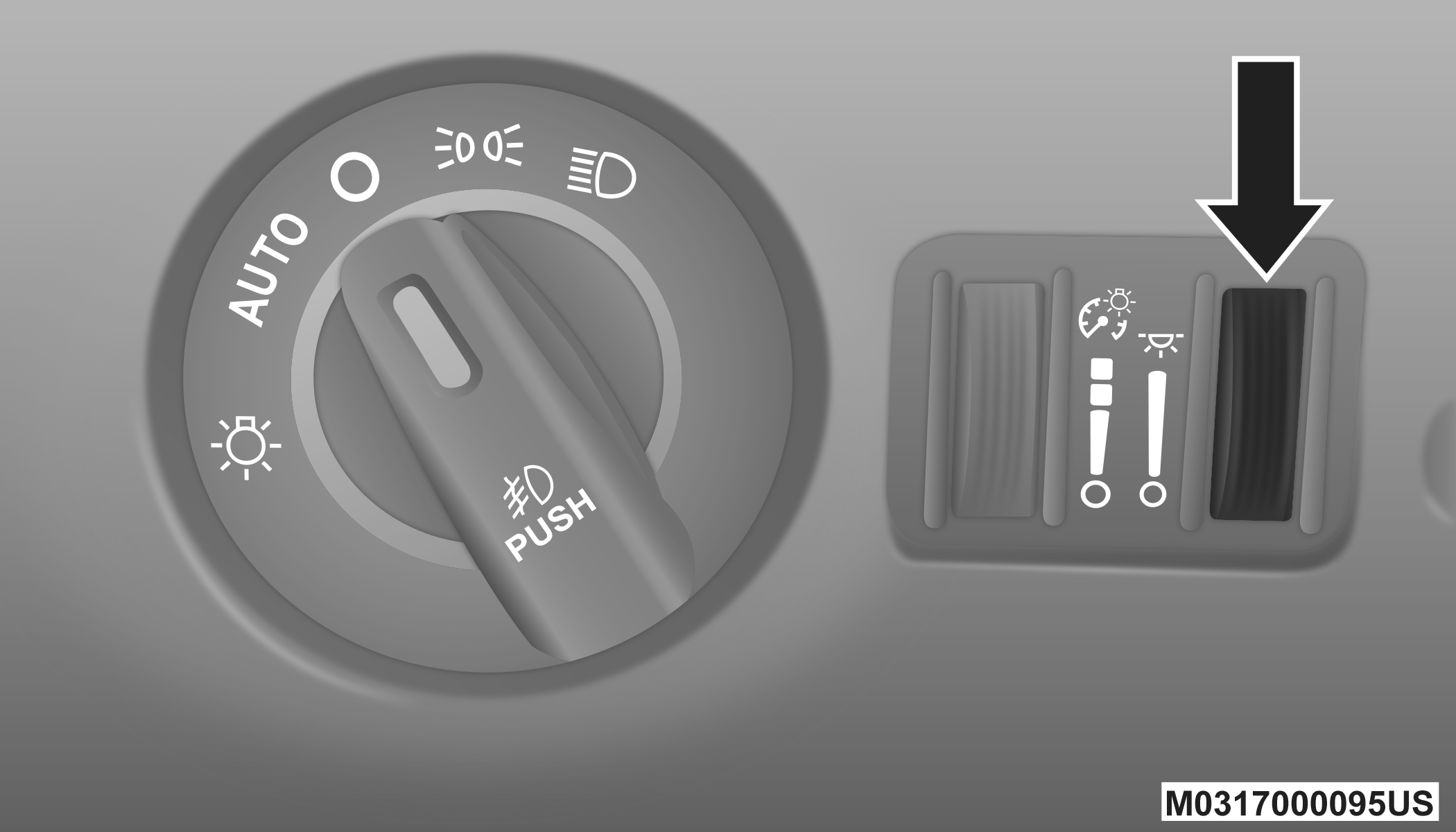
Ambient Light Dimmer Control
DIMMER CONTROLS
The dimmer switch is located next to the headlight switch.
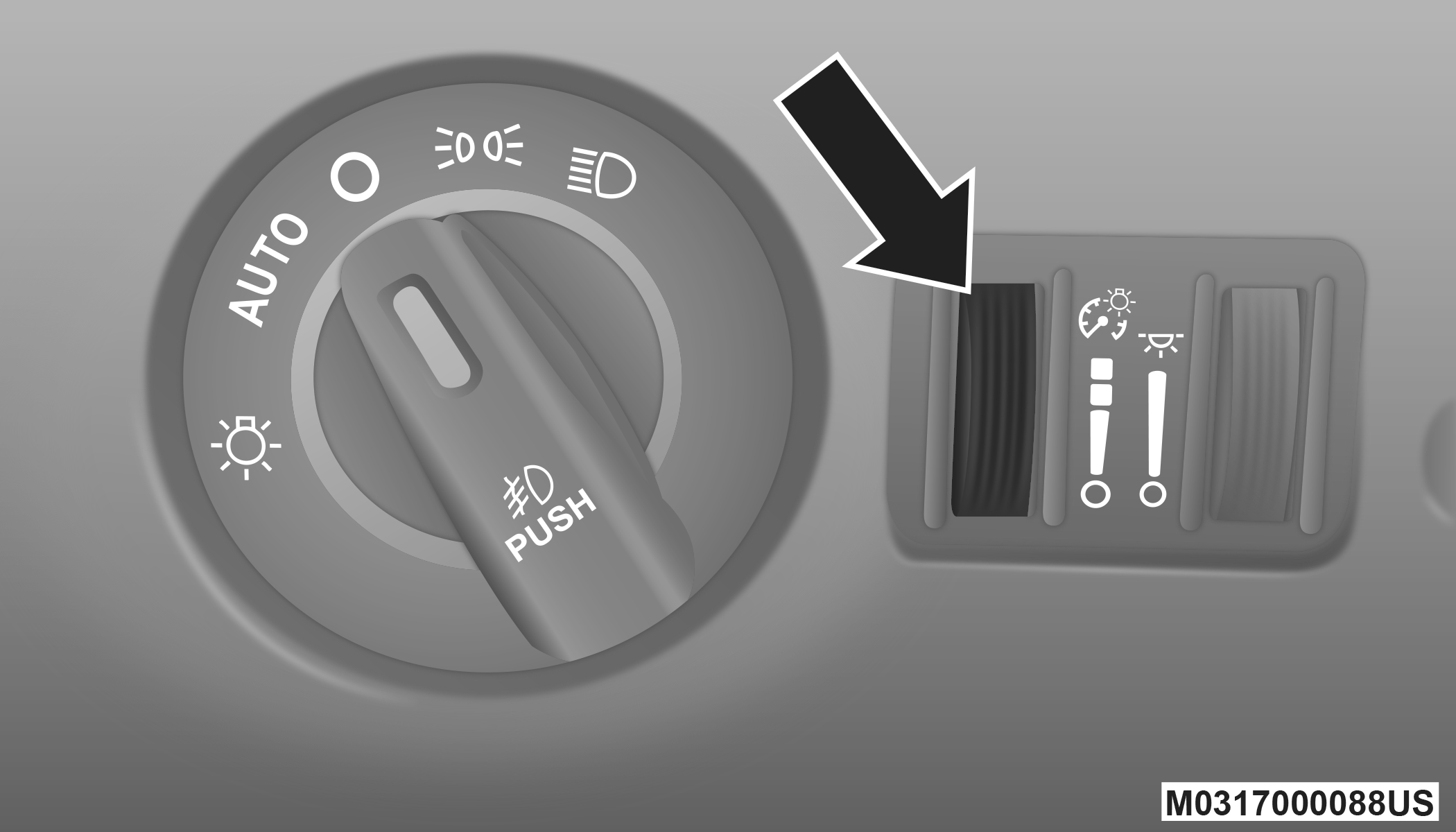
Instrument Panel Dimmer Control
With the parking lights or headlights on, rotating the left dimmer control upward will increase the brightness of the instrument panel lights.
Rotating the left dimmer control completely upward to the second detent (extreme top position) will turn on the interior lights. The interior lights will remain on when the dimmer control is in this position.
Rotating the left dimmer control to the off position (extreme bottom) will turn the interior lights off, and will remain off when the doors or liftgate are opened.
PARADE MODE (DAYTIME BRIGHTNESS FEATURE)
Rotate the dimmer control upward to the first detent. This feature brightens all text displays such as the odometer, instrument cluster display, and radio when the parking lights or headlights are on.
Download Manual