VEHICLE USER GUIDE — IF EQUIPPED
Access your Owner’s Information right through your Uconnect 4C or 4C NAV touchscreen system (if equipped).
To access the Vehicle User Guide on your Uconnect Touchscreen: Press the Uconnect Apps button. From there, press the Vehicle User Guide icon on your touchscreen. No Uconnect registration is required.
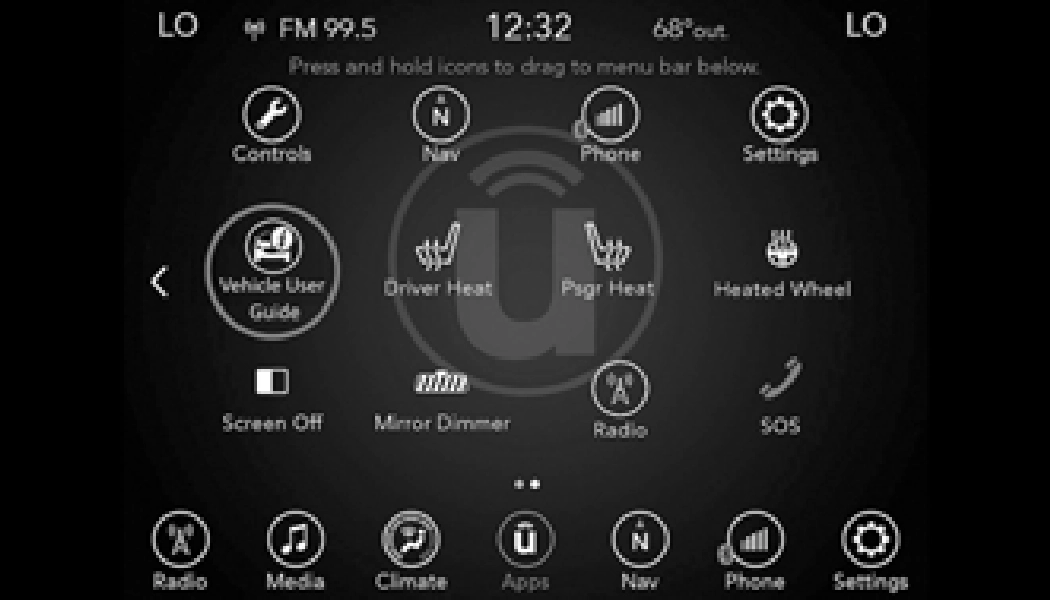
Uconnect 4C NAV With 8.4–inch Display Vehicle User Guide Touchscreen Icon
Vehicle User Guide features are not available while the vehicle is moving. If you try to access while the vehicle is in motion, the system will display the message“Feature not available while the vehicle is in motion”.
Once you launch your Vehicle User Guide, you will be able to explore your warranty information
and radio manual when and where you need 2
them. Your Uconnect system displays the
Vehicle User Guide on your touchscreen radio to assist in better understanding your vehicle.
There’s no app to download, no phone to connect and no external device needed for playback. Plus, it’s updated throughout the year, in real-time, so it is never out of date.
When viewing a topic, tap the star icon to add it to your Favorites for easy access in the future.
Download Manual