INTERNAL EQUIPMENT
Glove Compartment
The glove compartment is located on the passenger side of the instrument panel.
To open the glove compartment, pull the release handle.
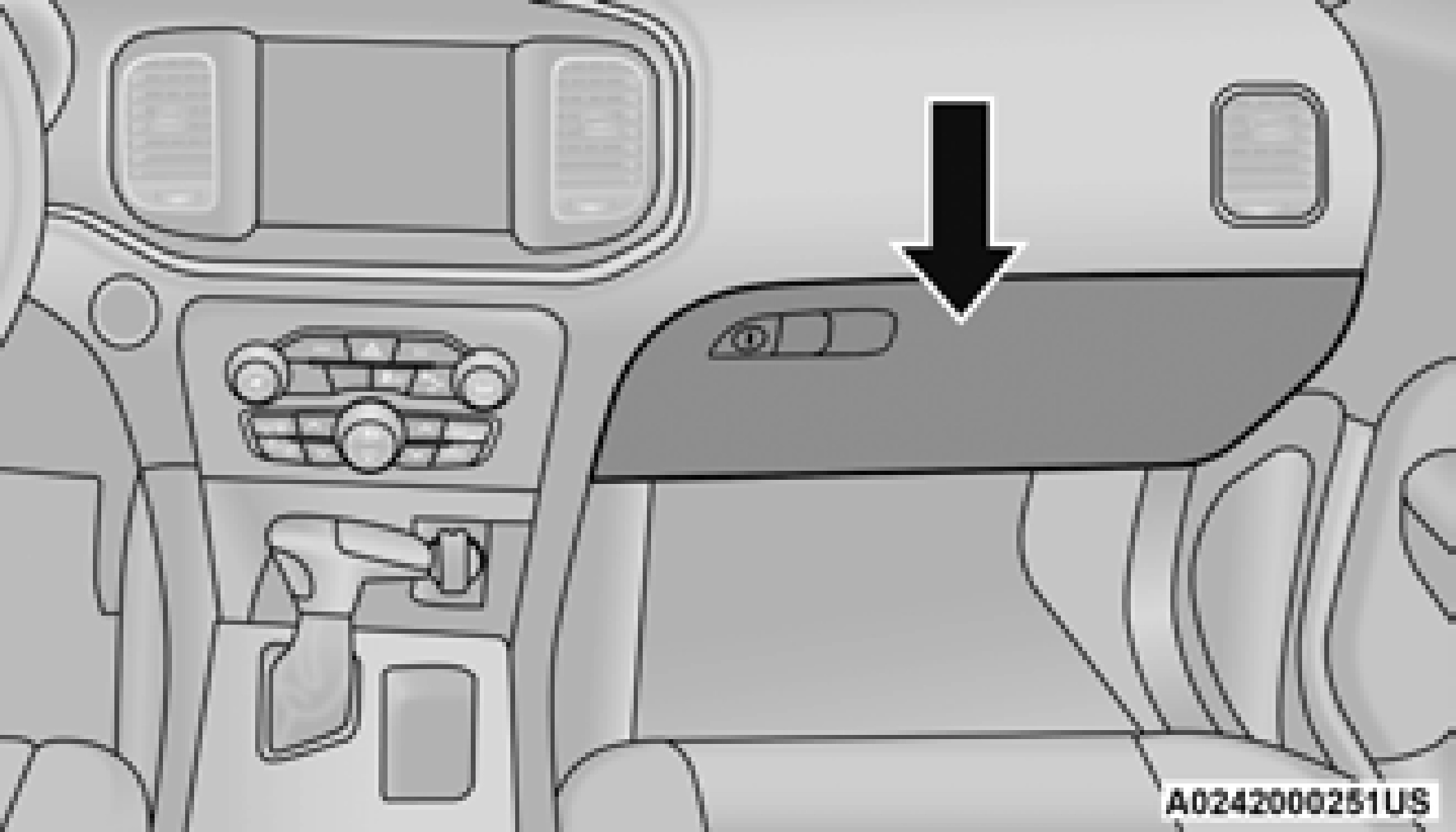
Glove Compartment
Console Features
There is an open cubby bin located forward of the gear selector.
Two separate storage compartments are also located underneath the center console armrest.
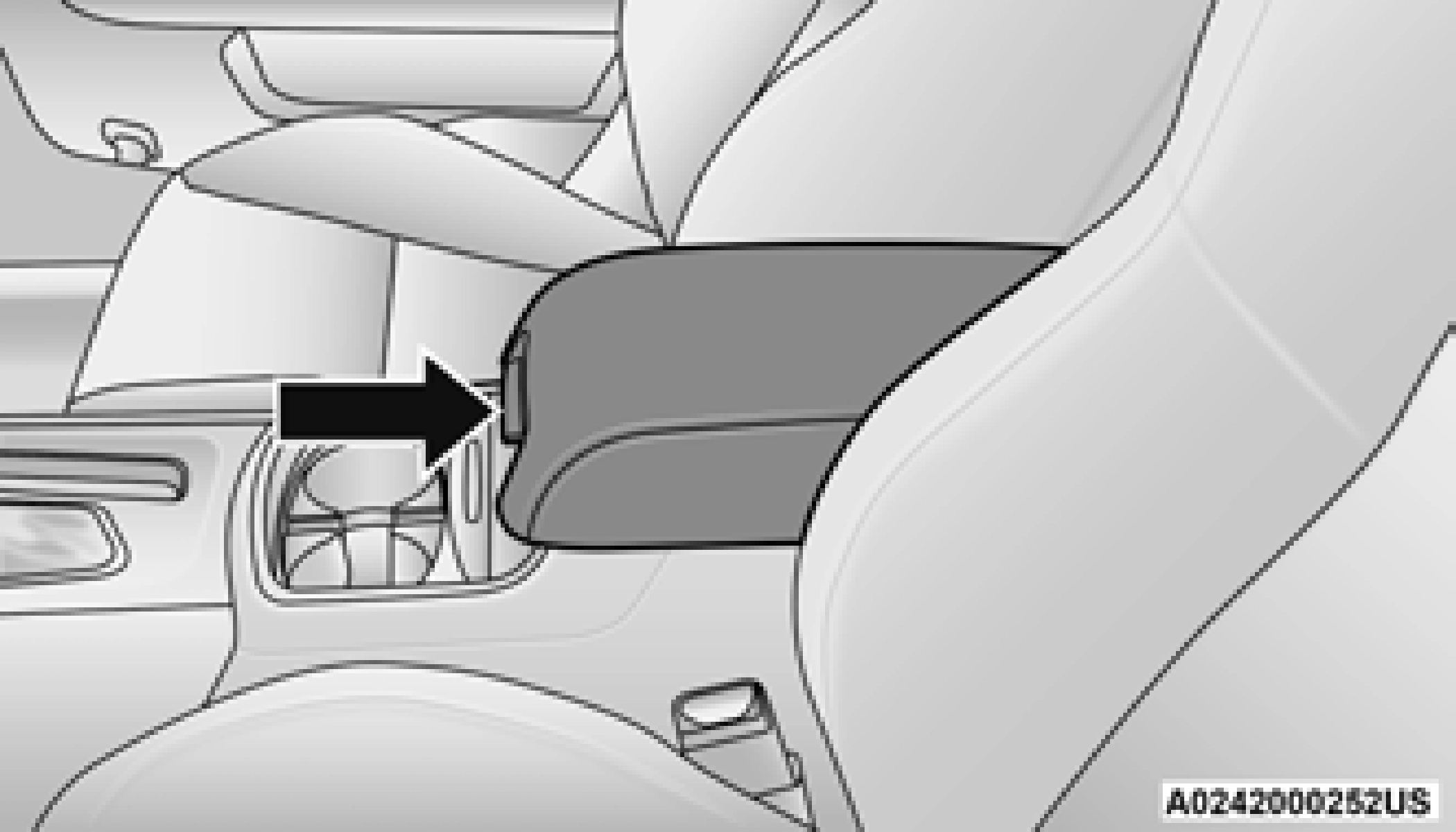
Center Console
Inside the center console armrest, there is a removable upper storage tray that can be slid forward/rearward on rails for access to the lower storage area. This tray has an integrated coin holder, along with additional area for small items and handheld devices. Below the upper tray, the lower storage compartment is made for larger items, like tissue boxes. In addition, the 12 volt power outlet, USB, and AUX jack are located here.
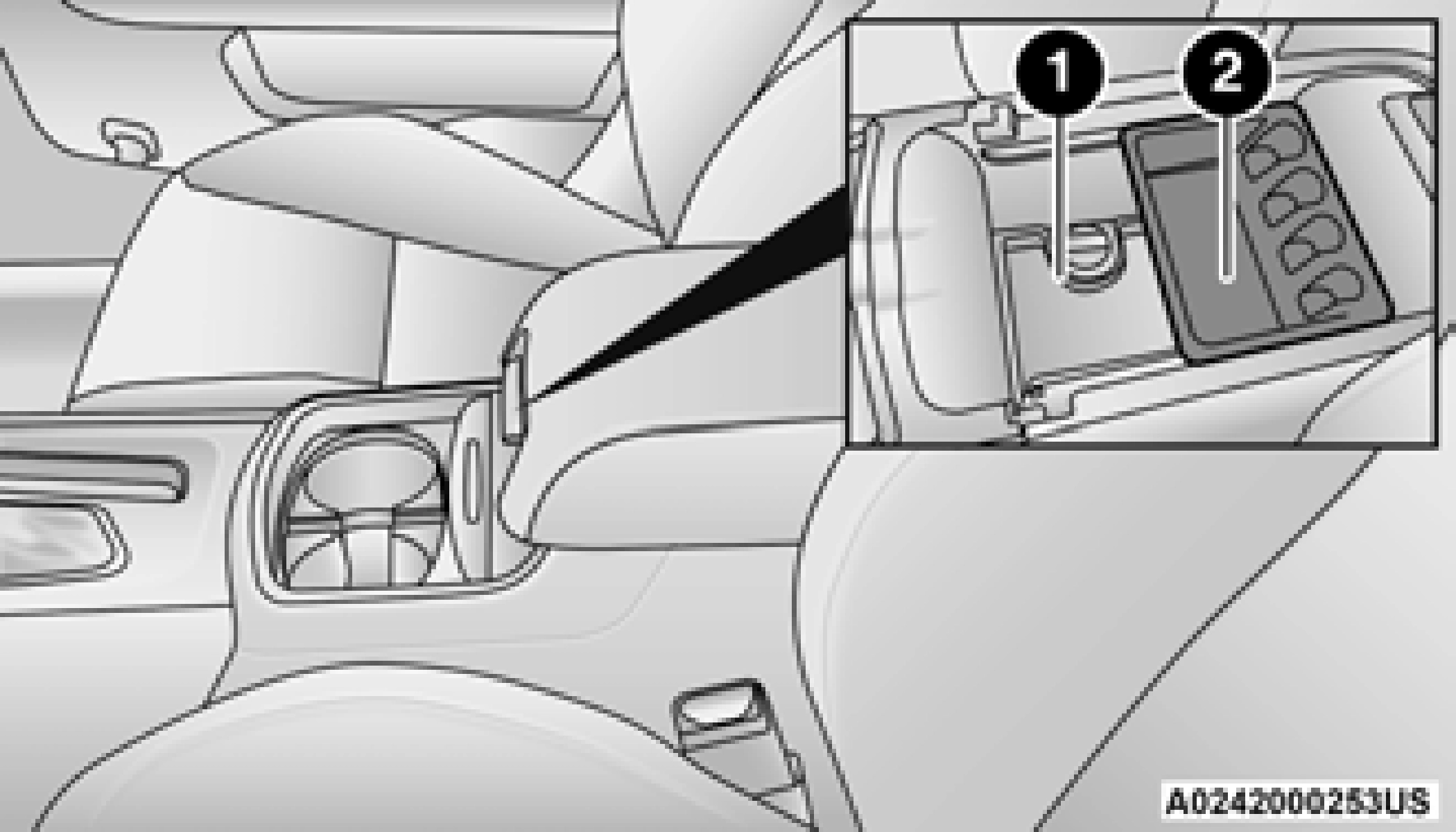
Upper Storage Tray
1 — Lower Storage Area 2 — Upper Storage Tray
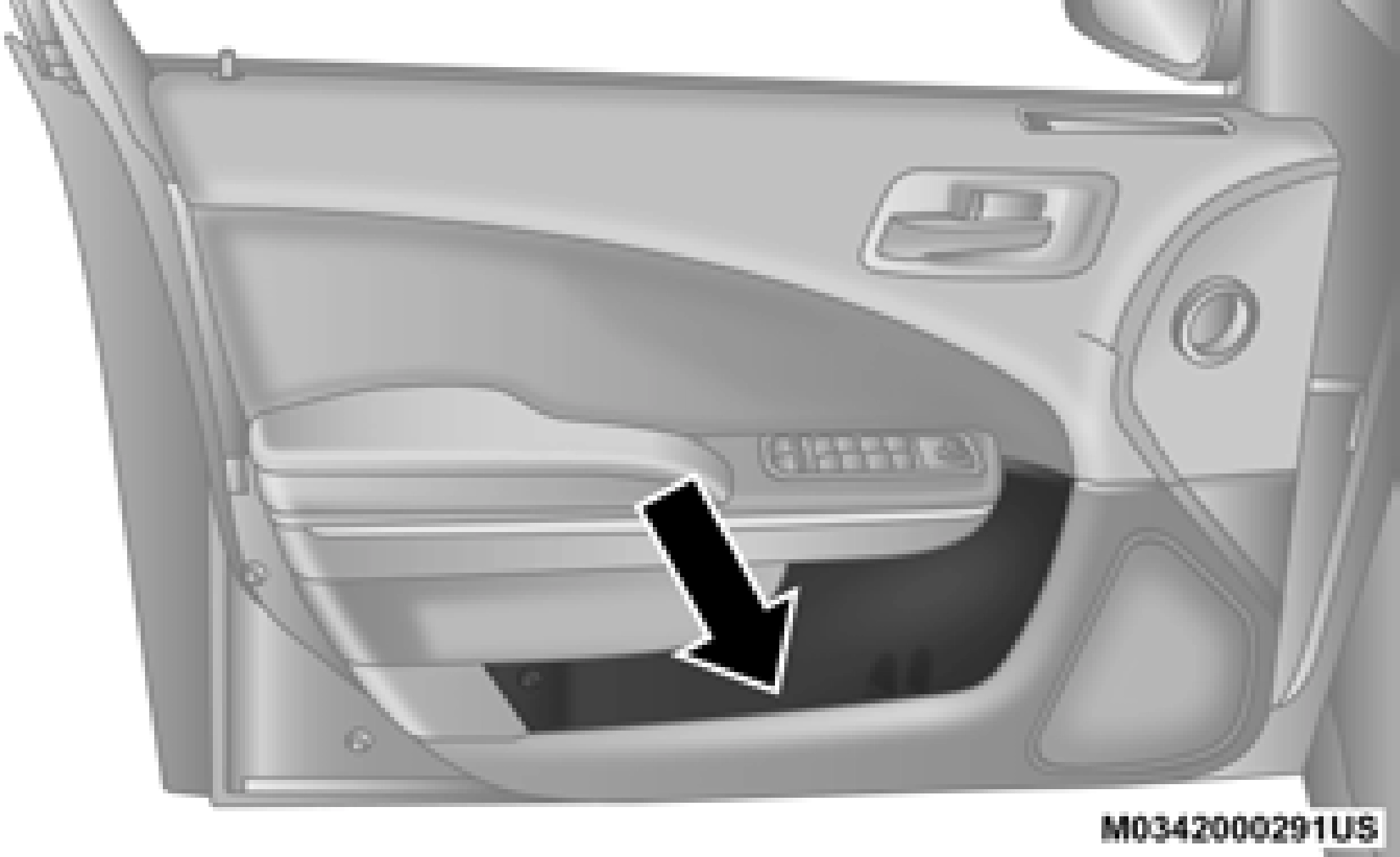 The door panels contain storage areas.
2
Front Cupholders
Rear Seat Cupholders
Front Door Trim Storage
The cupholders are located in the forward edge of the center console.
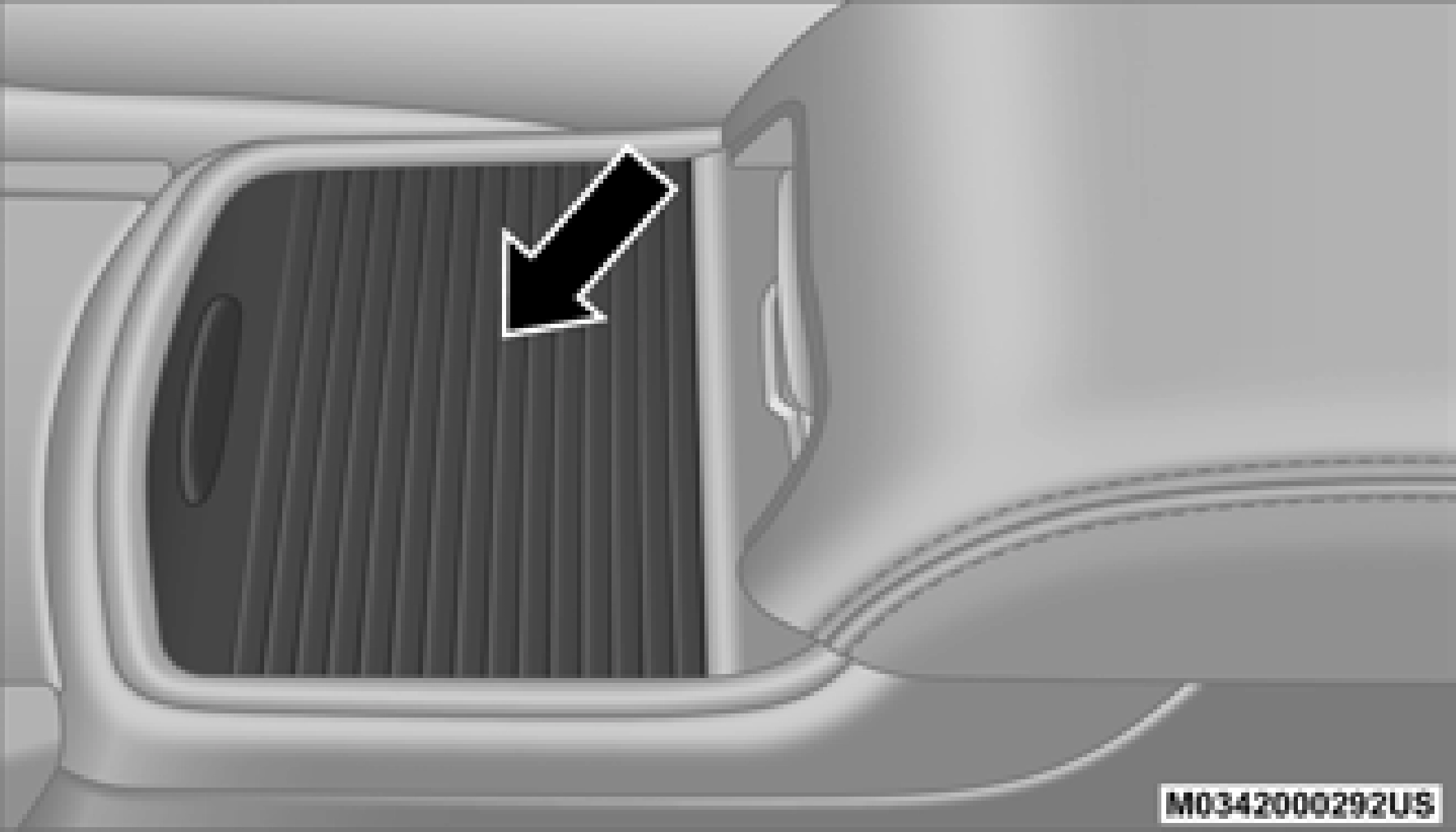
Retractable Cover
Hellcat models are not equipped with a rear seat armrest.
If equipped, the rear seat cupholders are located in the center armrest between the rear seats. The cupholders are positioned forward in the armrest and side-by-side to provide convenient access to beverage cans or bottles while maintaining a resting place for the rear occupant’s elbows.
On some vehicles the rear cupholders are equipped with a light ring that illuminates the cupholders for the rear passengers. The light ring is controlled by the Dimmer Control. Refer to“Interior Lights” in this chapter for further information.
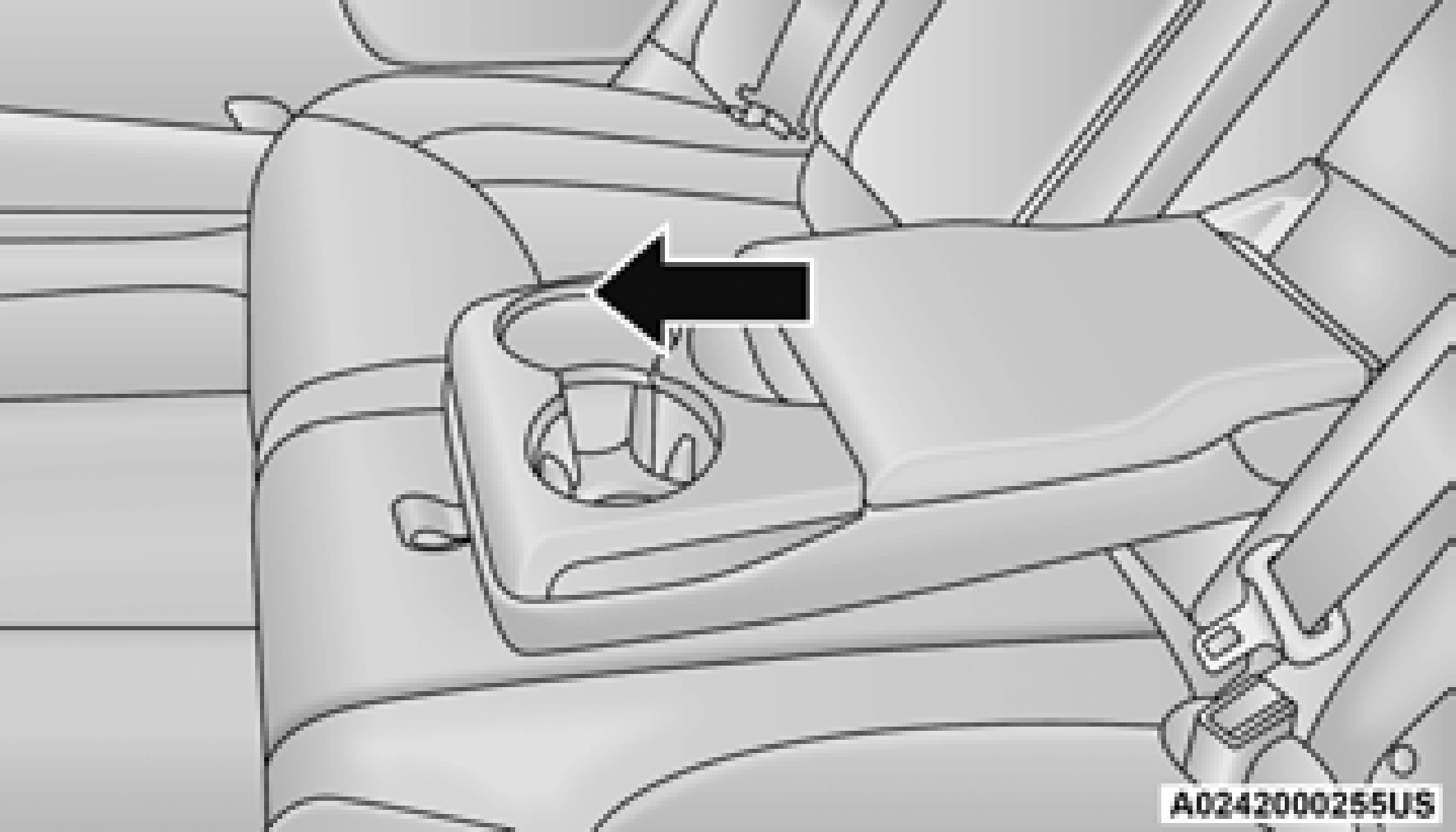
Light Ring In Rear Cupholder
Your vehicle is equipped with one 12 Volt
(13 Amp) power outlet on the instrument panel and one 12 Volt (13 Amp) power outlet in the center console that can be used to power cellular phones, small electronics and other low powered electrical accessories. The power outlets are labeled with either a“key” or a“battery” symbol to indicate how the outlet is powered. Power outlets labeled with a“key” are powered when the ignition switch is in the ACC or ON/RUN position, while the outlets labeled with a“battery” are connected directly to the battery and powered at all times.
All accessories connected to the“battery” powered outlets should be removed or turned off when the vehicle is not in use to protect the battery against discharge.
The front power outlet is located inside the storage area on the center stack of the instrument panel.
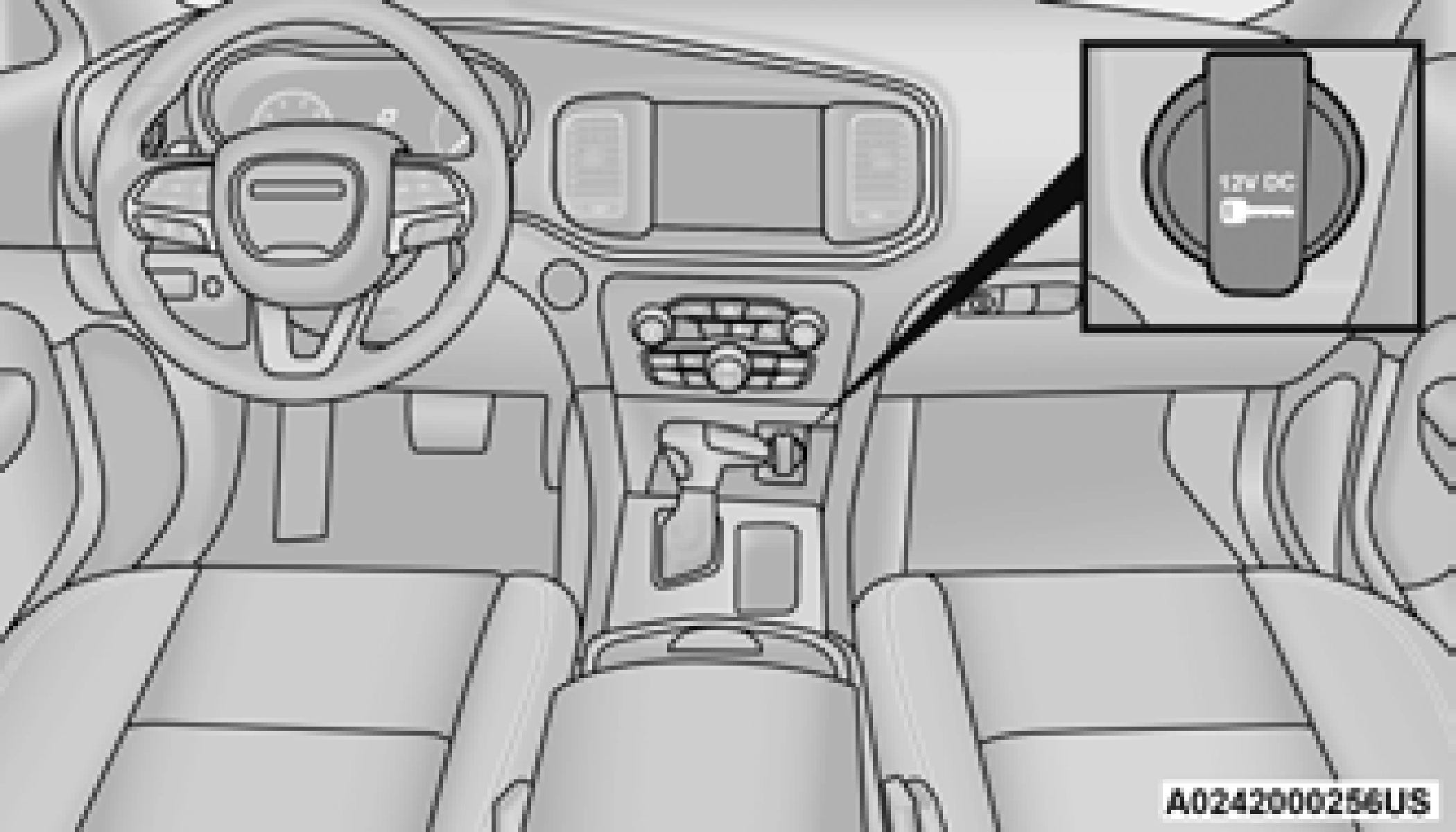
Front Power Outlet
In addition to the front power outlet, there is also a power outlet located in the storage area of the center console.
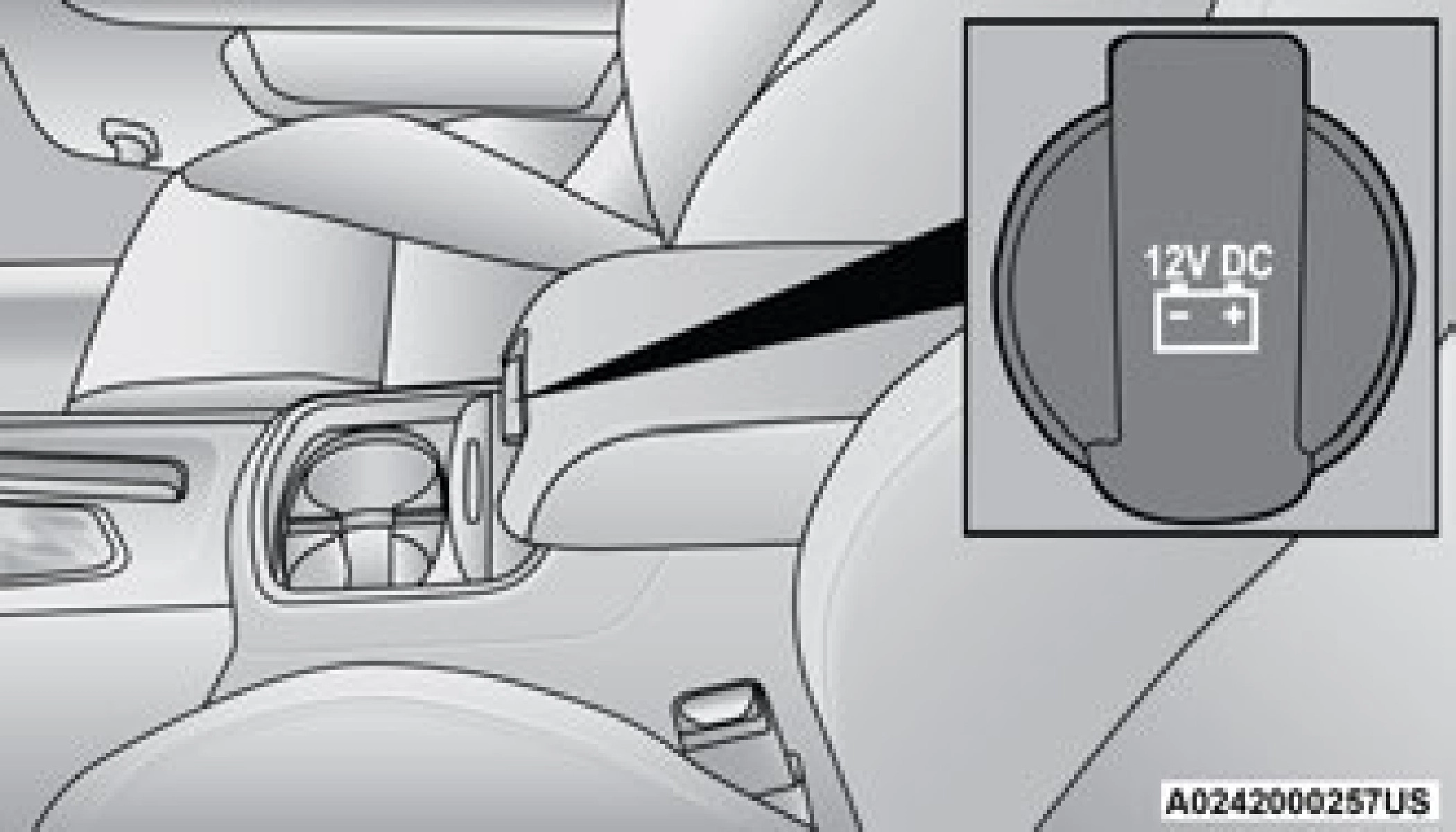
Center Console Power Outlet
If the Media Hub is in use, do not exceed the maximum power of 100 Watts (8 Amps) for the center console power outlet. When the Media Hub is not in use, the outlet can deliver up to 160 Watts (13 Amps). If the power rating is exceeded, the fuse protecting the system needs to be replaced.
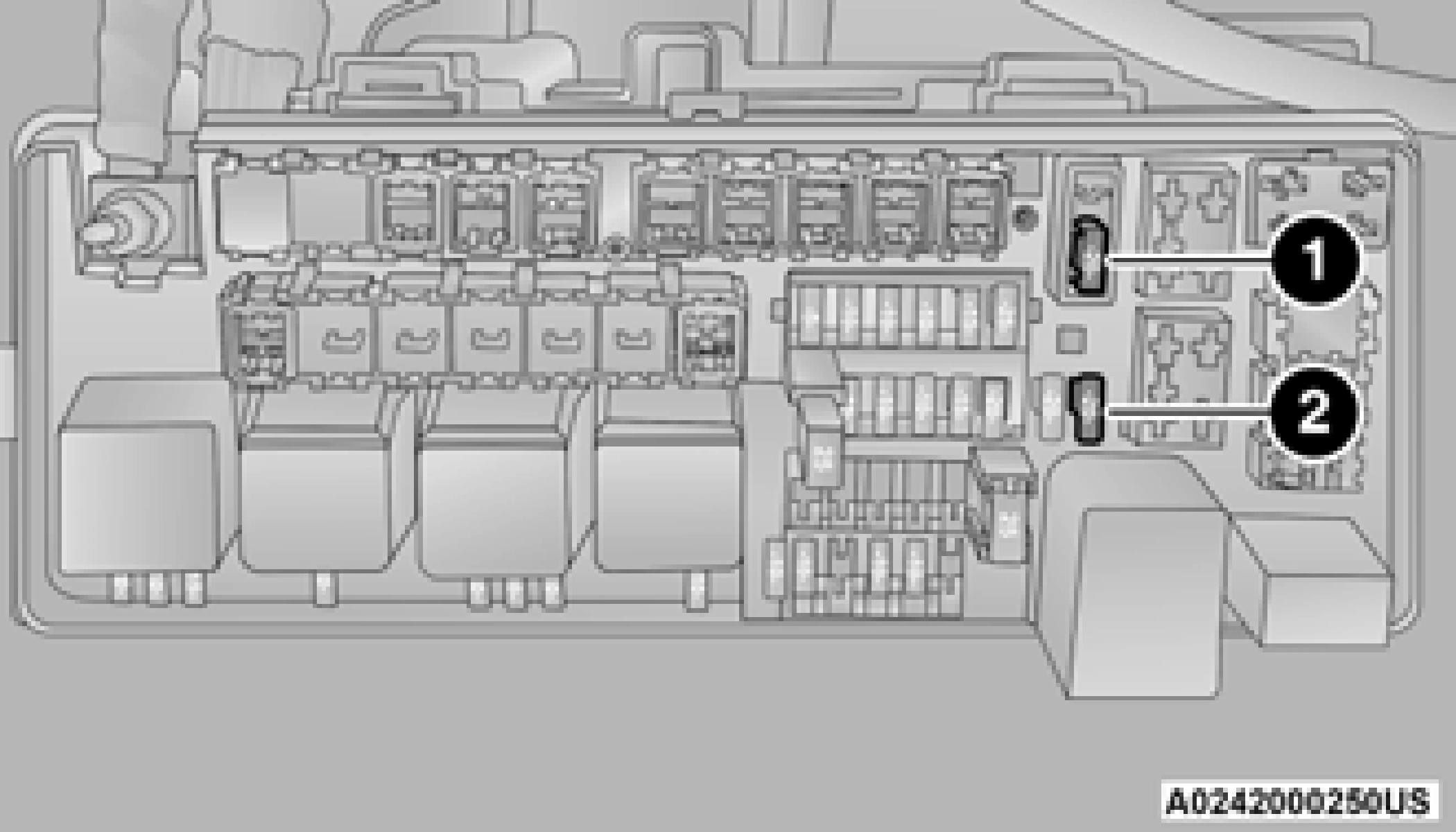 Power Outlet Fuse Locations
The instrument panel power outlet and dual rear console USB ports can be changed to“battery” powered all the time by moving the #12 20 Amp fuse from“IGN” to“B+”. Refer to“Fuses” in“In Case Of Emergency” for further information.
2
At the front of the console a compartment is provided for the storage of a pair of sunglasses. The storage compartment access is a“push/ push” design. Push the chrome pad on the door to open. Push the chrome pad on the door to close.
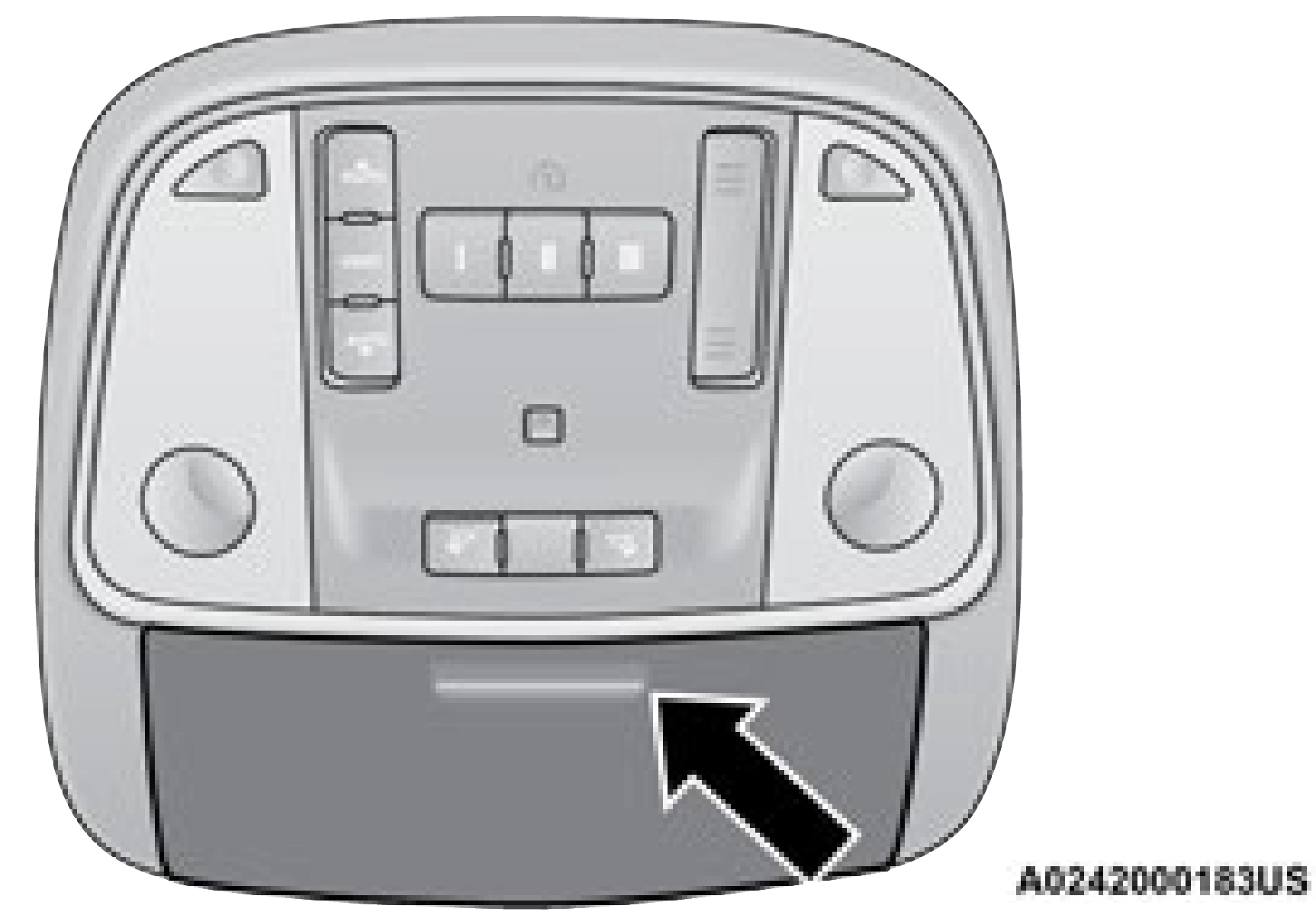
Sunglasses Bin Door
(Continued)
(Continued)
80
Download Manual