WINDOWS
The window controls on the driver's door control all the door windows.
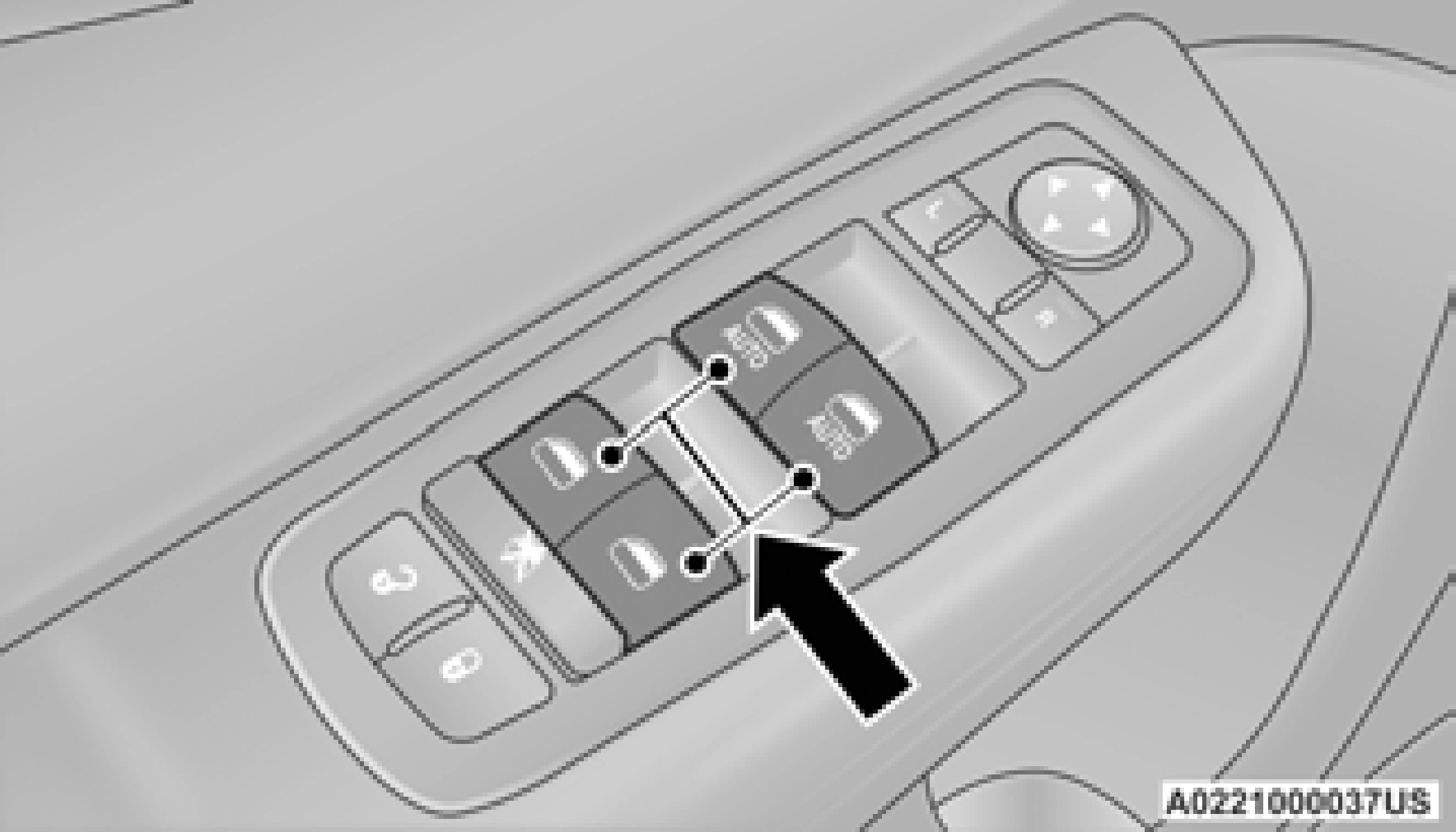
Power Window Switches
There are single window controls on each passenger door trim panel, which operate the passenger door windows. The window controls will operate only when the ignition is in the ACC or ON/RUN position.
For vehicles equipped with the Uconnect system, the power window switches will remain active for up to 10 minutes after the ignition is placed in the OFF position. Opening either front
door will cancel this feature. The timing is programmable. Refer to“Uconnect Settings” in“Multimedia” for further information.
The driver and, in some models, passenger power window switches have an Auto-Down feature. Push the window switch to the second detent, release, and the window will go down automatically.
To open the window part way, push the window switch to the first detent and release it when you want the window to stop.
To stop the window from going all the way down during the Auto-Down operation, pull up on the switch briefly.
— If Equipped
Pull window up switch to second detent for at least a half of a second and the window will go up automatically.
To stop the window during an Auto-Up operation, push or pull the window switch again.
To close the window part way, pull and hold the window switch briefly and release it when you want the window to stop.
Should the Auto-Up feature stop working, the window may need to be reset. To reset Auto-Up:
2
window completely and continue to hold the switch up for an additional two seconds after the window is closed.
The window lockout switch on the driver's door trim panel allows you to disable the window controls on the rear passenger doors and the rear sunscreen (if equipped). To disable the window controls and the rear sunscreen, push and release the window lockout button (setting it in the down position). To enable the window controls and the rear sunscreen, push and release the window lockout button again (setting it in the up position).
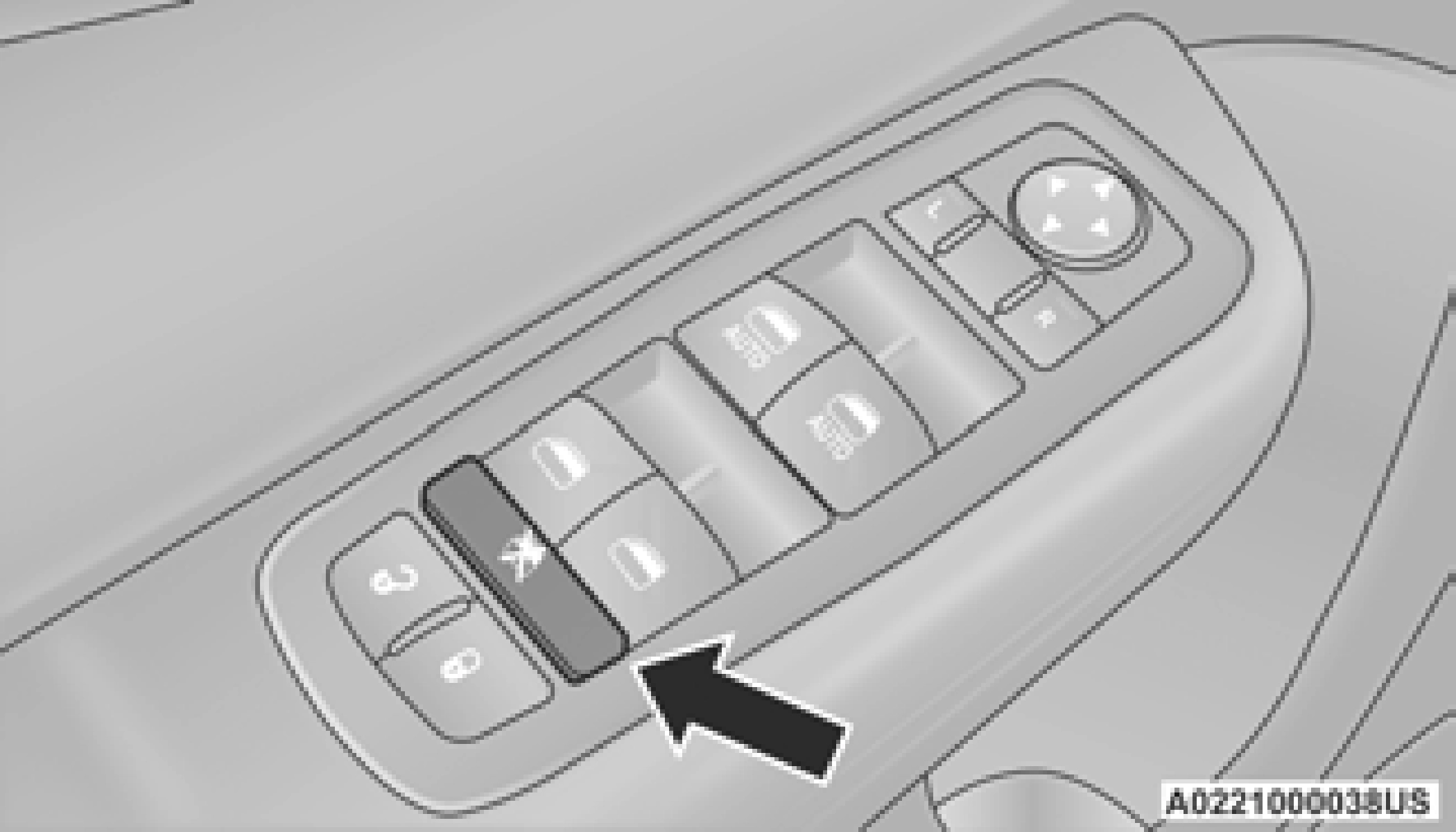
Window Lockout Switch
Wind buffeting can be described as the perception of pressure on the ears or a helicopter-type sound in the ears. Your vehicle may exhibit wind buffeting with the windows
down, or the sunroof (if equipped) in certain open or partially open positions. This is a normal occurrence and can be minimized. If the buffeting occurs with the rear windows open, open the front and rear windows together to minimize the buffeting. If the buffeting occurs with the sunroof open, adjust the sunroof opening to minimize the buffeting or open any window.
Download Manual