Wallpaper Setup
Models with Display Audio
You can choose a different clock-face wallpaper image or import your own.
Setting Wallpaper
- If importing your own image file, connect a USB drive to the front (right side*) USB port (see "Basic Audio Operation").
- Select Clock.
- Select Settings.
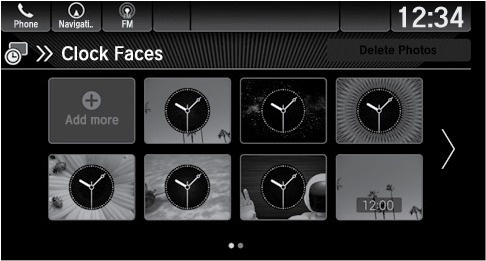
- Select Clock Faces
- Select a wallpaper by selecting from the list
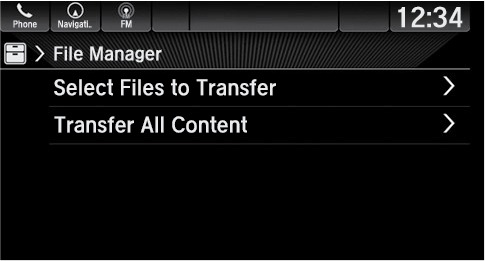
- Import a wallpaper image by selecting Add More and following the prompts.
Related topics:
- Display Audio Operation*
- Basic Audio Operation
Download Manual