Parking Sensor
System*
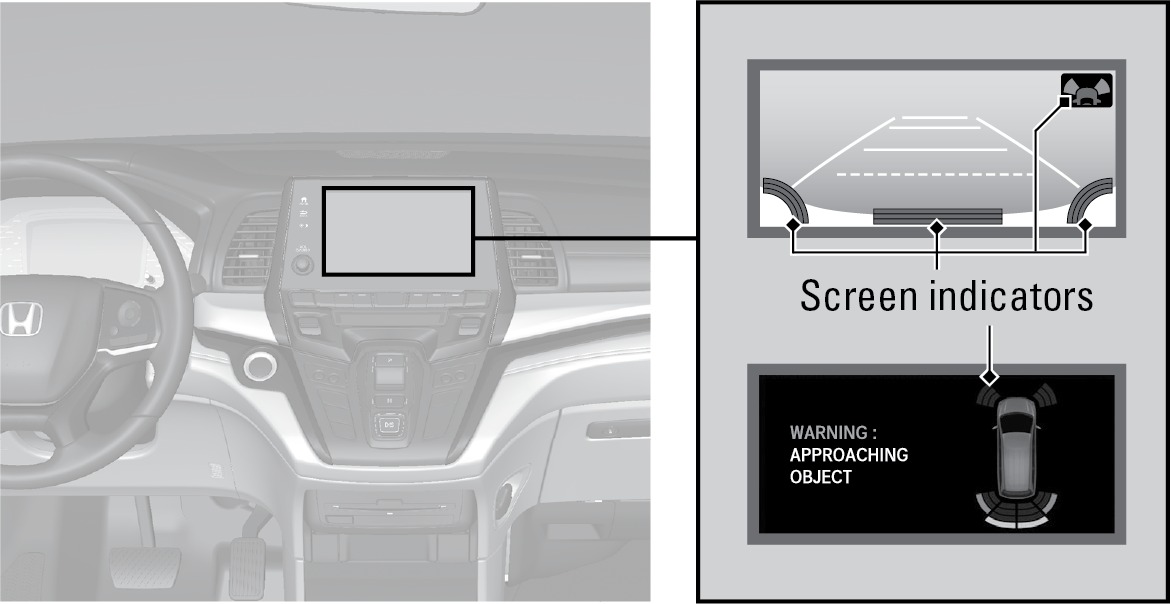
When the system senses an object when you are parking or backing up, indicators appear on the instrument panel and the navigation screen and a series of beeps will sound. As you get closer to the object, the beep rate increases and the screen indicators change from blinking yellow to red.
*if equipped
Turning the System On or Off
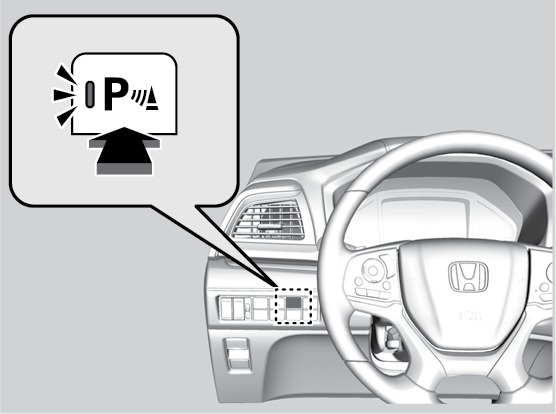
Press the parking sensor button.
A green indicator light appears on the button when the system is on.
Split Screen
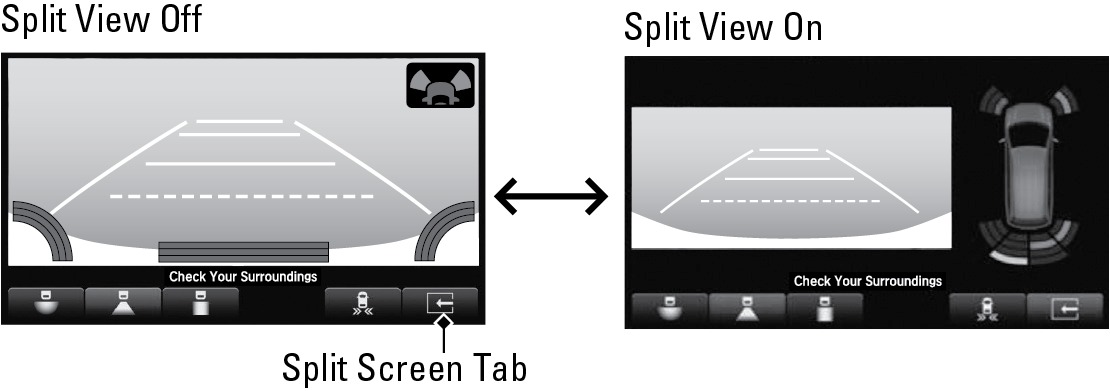
When the system detects an obstacle, press the tab to enter split-screen mode. Press again to resume single-screen mode.
Related topics:
- Multi-View Rear Camera*
Download Manual