Lane Keeping
Assist System (LKAS)*
A camera mounted between the windshield and the rearview mirror determines if your vehicle begins to move away from the center of a detected lane while driving between 45-90 mph (72-145 km/h).
If you cross a detected lane line without using your turn signal, a message appears on the DII and the steering vibrates slightly.
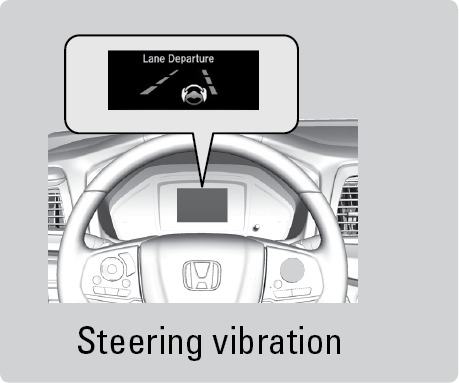
*if equipped
Turning LKAS On or Off
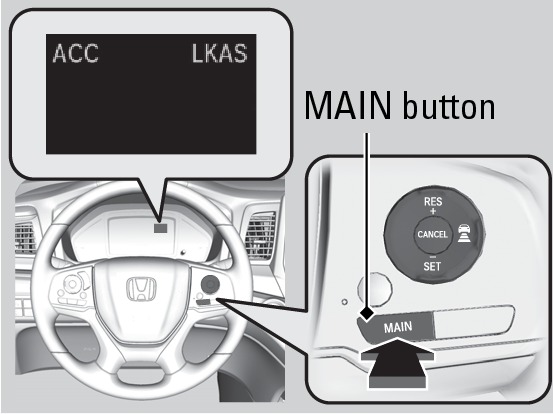
- Press the MAIN button. LKAS appears in the driver information interface (DII).
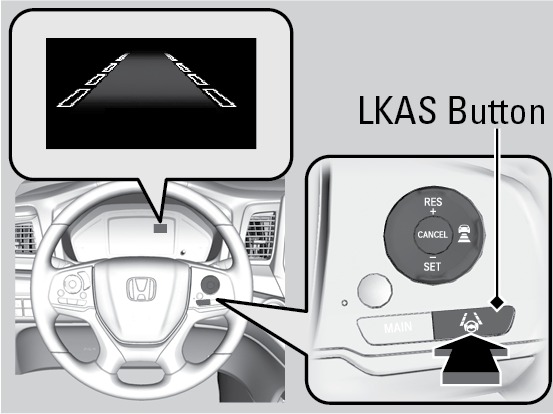
- Press the LKAS button. Lane outlines appear in the DII. Dotted lane lines turn solid when the system starts operating.
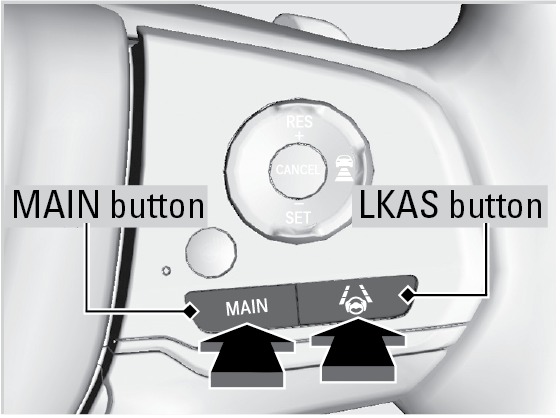
- Press the MAIN or LKAS button to turn the system off.
Related topics:
- Road Departure Mitigation (RDM)*
- Vehicle Stability Assist (VSA)
Download Manual