My Honda Music
Play music you've copied to the vehicle's built-in hard-disk drive. Use a USB connection (see "Basic Audio Operation") to transfer MP3, WMA or iTunes AAC audio files.
Transfer Audio Files
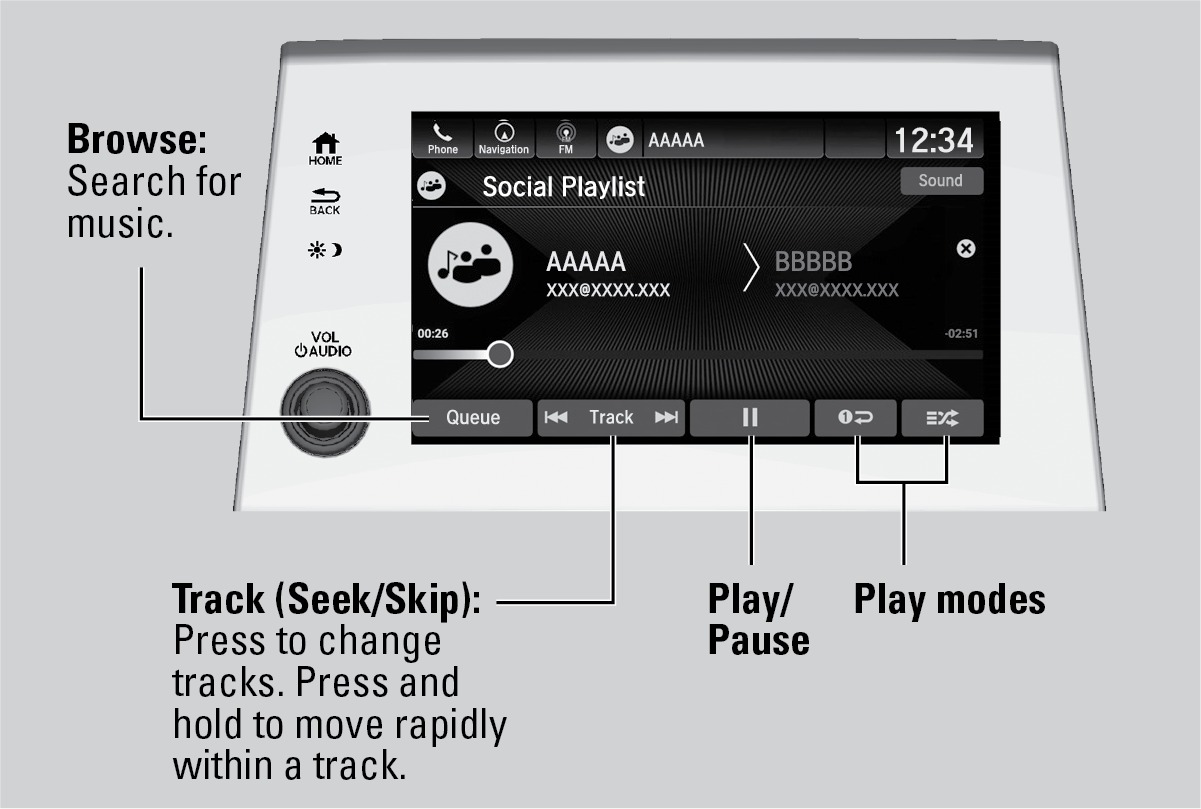
Use the touchscreen to search for music.
- Connect a USB device (see "Basic Audio Operation").
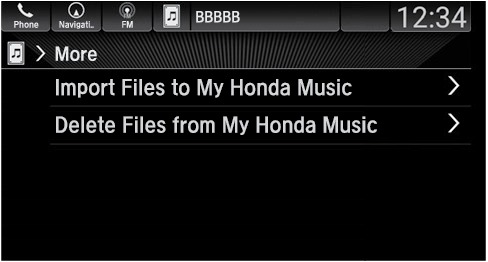
- Select More.
- To add files, select Import Files to My Honda Music. Follow the prompts.
- To remove files, select Delete Files from My Honda Music. Follow the prompts.
Related topics:
- Basic Audio Operation
- USB Flash Drive
Download Manual