Customized Features
Customize certain features, such as the display, the trip computer, and door locking/unlocking.
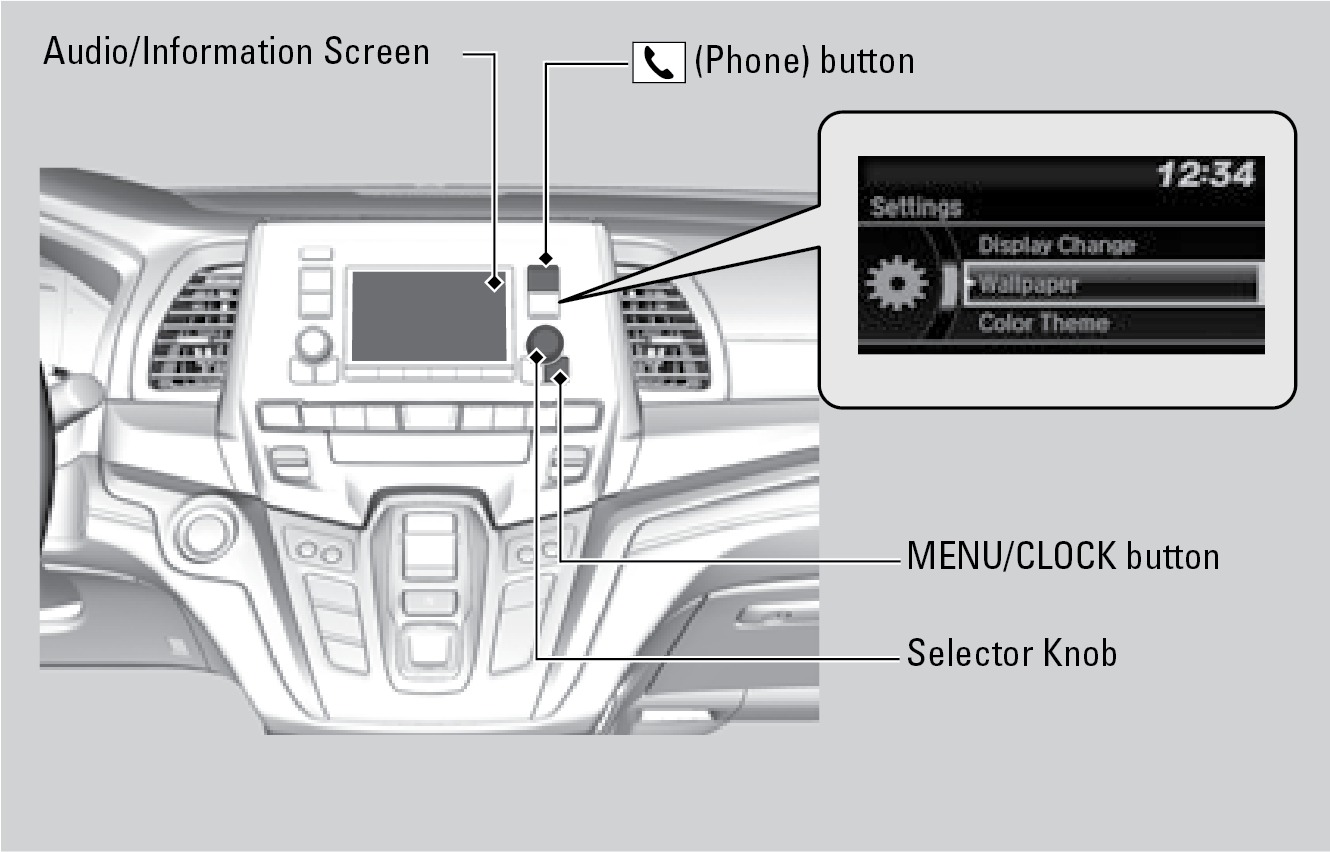
Models with color audio
Press MENU/CLOCK, select SETTINGS to make and enter selections when the vehicle is stopped.
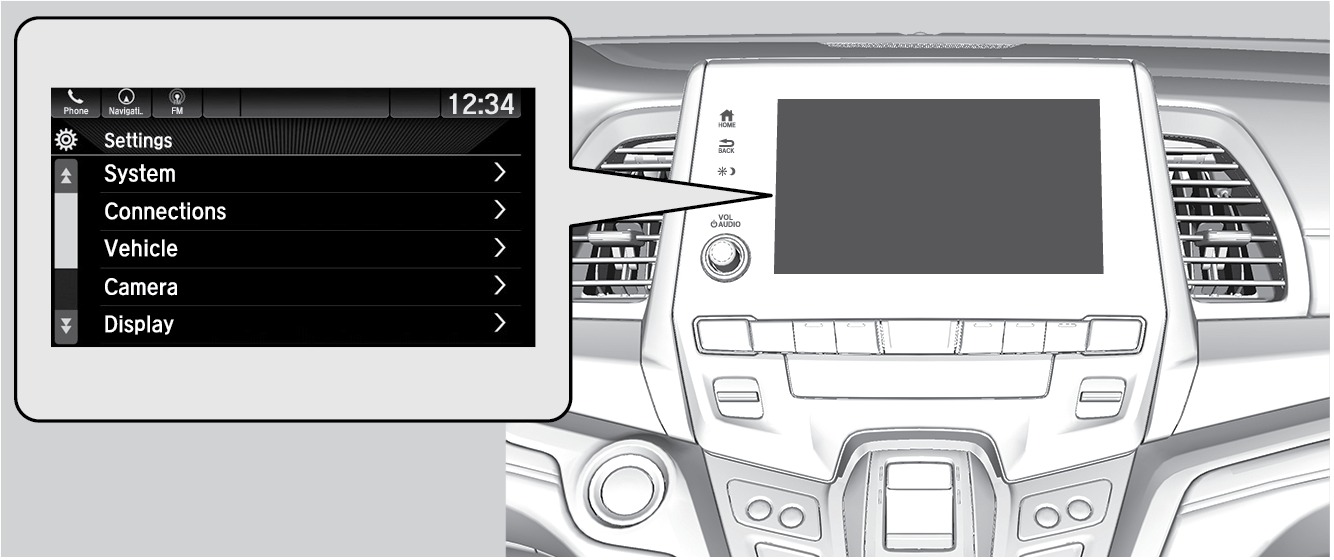
Models with Display Audio
Press HOME, select SETTINGS to make and enter selections when the vehicle is stopped.
Related topics:
- Climate Control System
- Driving Position Memory System*
- Using the Remote Transmitter
- Adjusting the Seats
Download Manual