Zoom In/Out
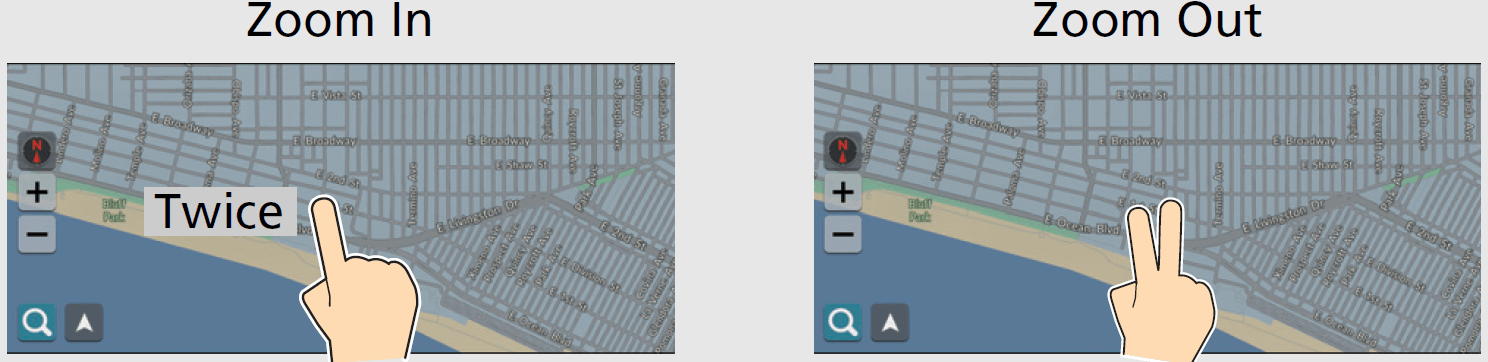
Open or close your fingers on the screen in a pinching motion to zoom in or out of the map.
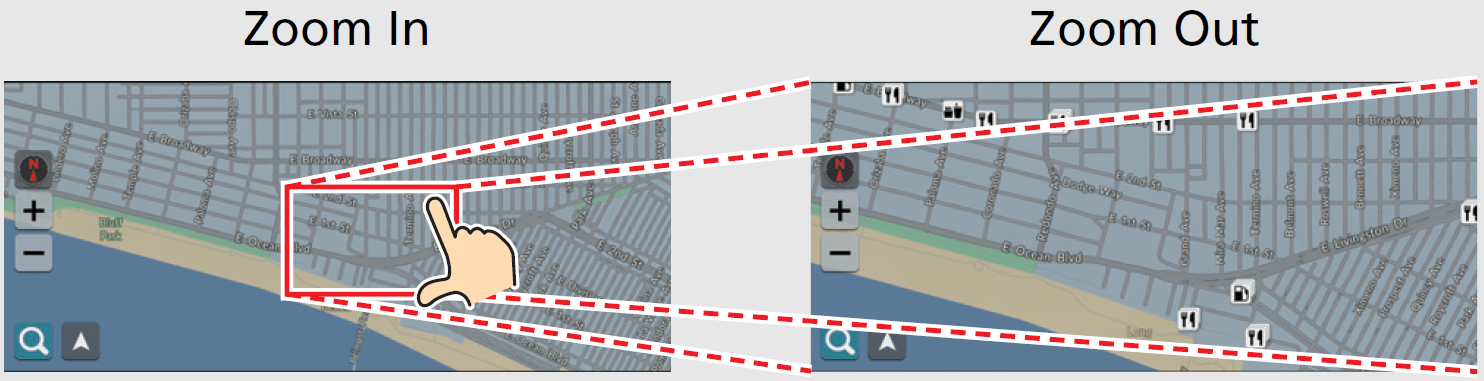
Alternately, you can touch the screen twice with one finger to zoom in, or once with two fingers to zoom out.
How to Enter Information
You can enter information (e.g., city names, street names, numbers, and symbols) when prompted on the input screen.
Download Manual