Going Home
- Select Navigation.
- Select
 .
. - Select Go Home.
Alternatively, you can say

 “Navigation” and then “Go Home” from any screen.
 - Select Go.
Navigation - Entering a Destination
Enter your destination using one of several methods, then follow route guidance on the map to your destination.
The order of the steps may change depending on the map data loaded on your system.
- Select Navigation.
- Select .
- Enter the keyword or address.
- Select .
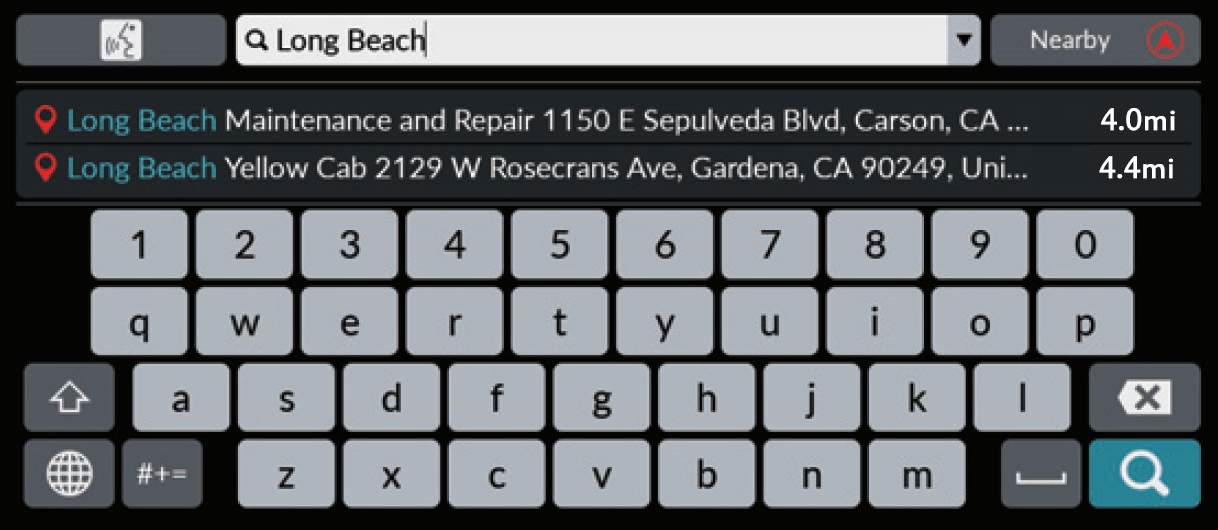
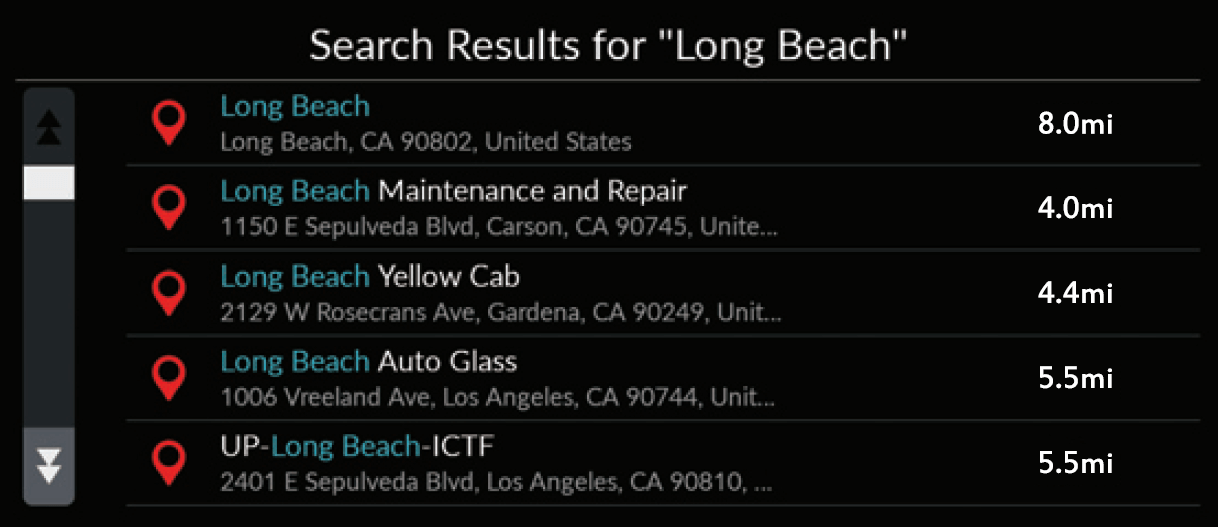
- Select an address from the list.
- Select Go.
Route guidance to the destination begins.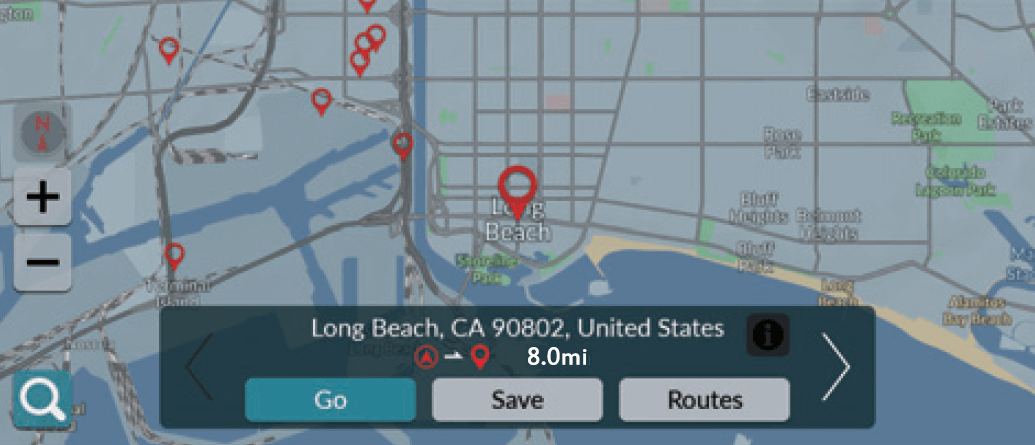
- Save: Save the selected location to the Saved Places.

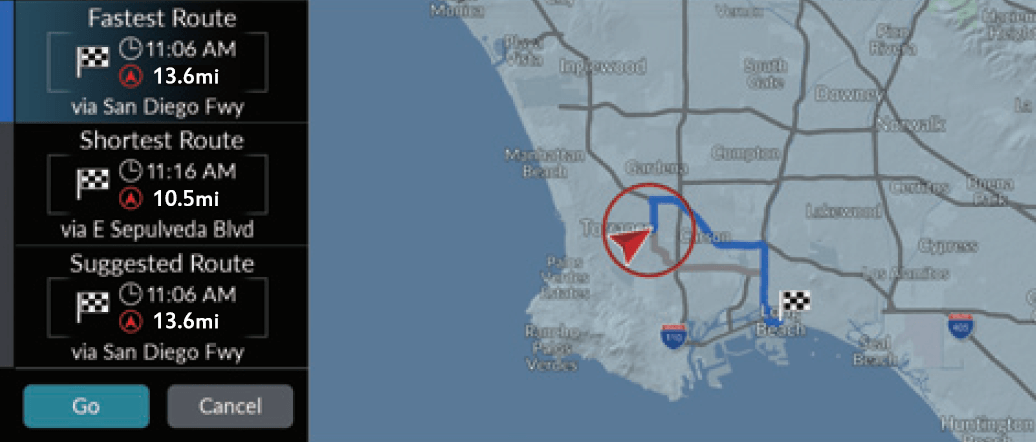
- Routes: Choose one of multiple routes.
 : Display your destination map and save a place.
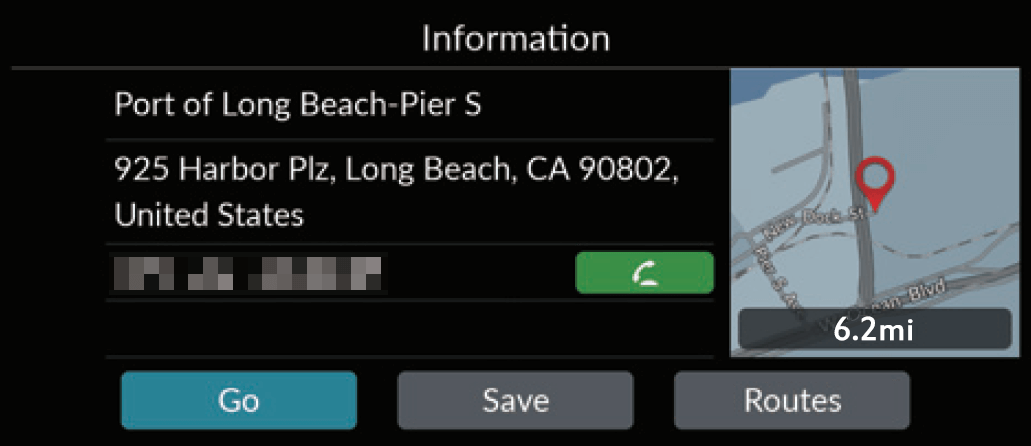
- Save: Save the selected location to the Saved Places.
Navigation - Changing Route or Destination
You can alter your route by adding waypoints to visit, or changing your destination during route guidance.
Download Manual