UCONNECT VOICE RECOGNITION
INTRODUCING VOICE RECOGNITION
Start using Uconnect Voice Recognition with
these helpful quick tips. It provides the key 2
Voice Commands and tips you need to know to
control your vehicle’s Voice Recognition (VR) system.
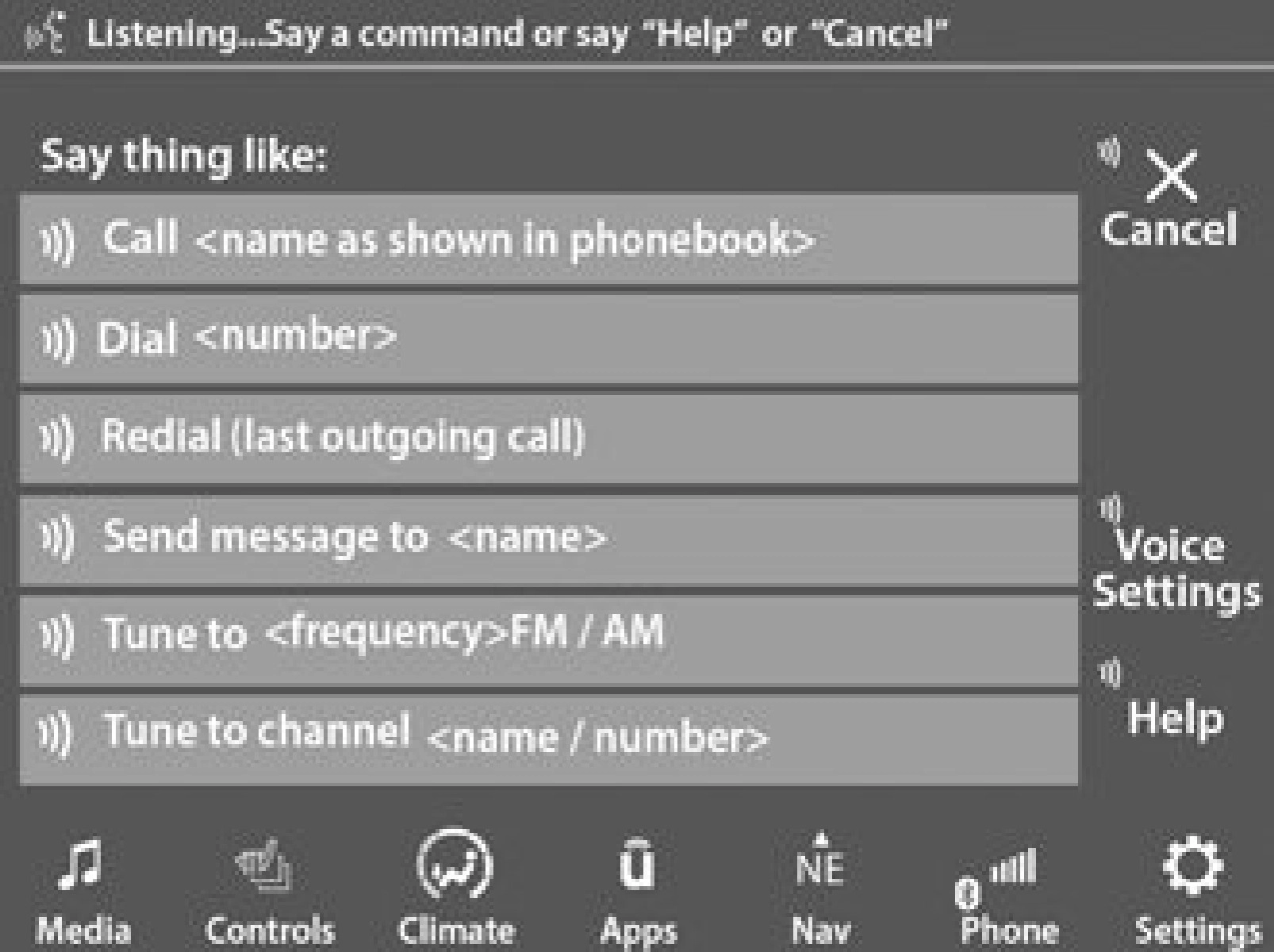
Uconnect 4C/4C NAV With 8.4-inch Display
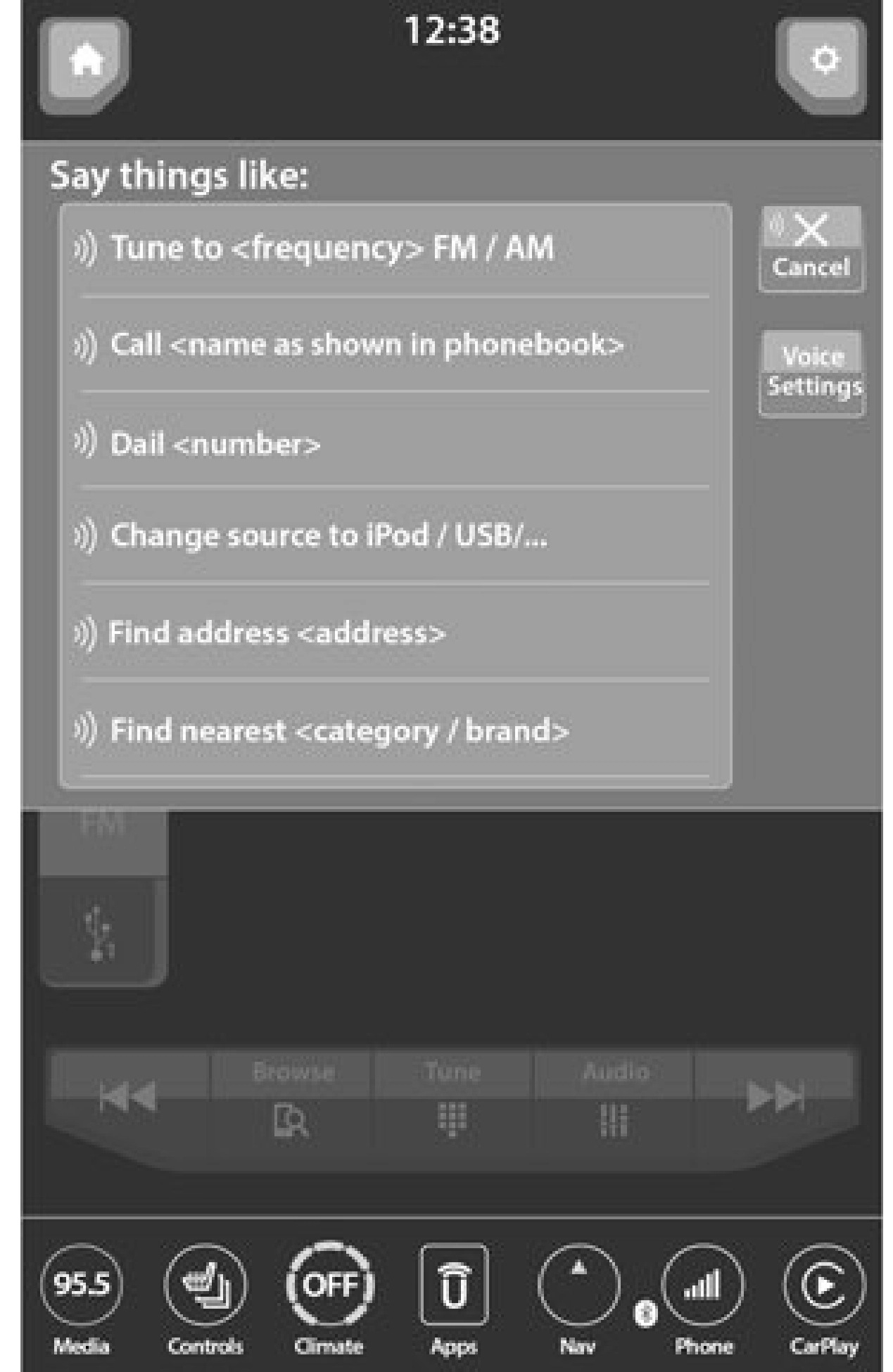
Uconnect 4C NAV With 12-inch Display
If you see the NAV icon on the bottom bar or in the Apps menus of your 8.4-inch touchscreen, you have the Uconnect 4C NAV system. If not, you have a Uconnect 4C with 8.4-inch display system.
BASIC VOICE COMMANDS
The basic Voice Commands below can be given at any point while using your Uconnect system.
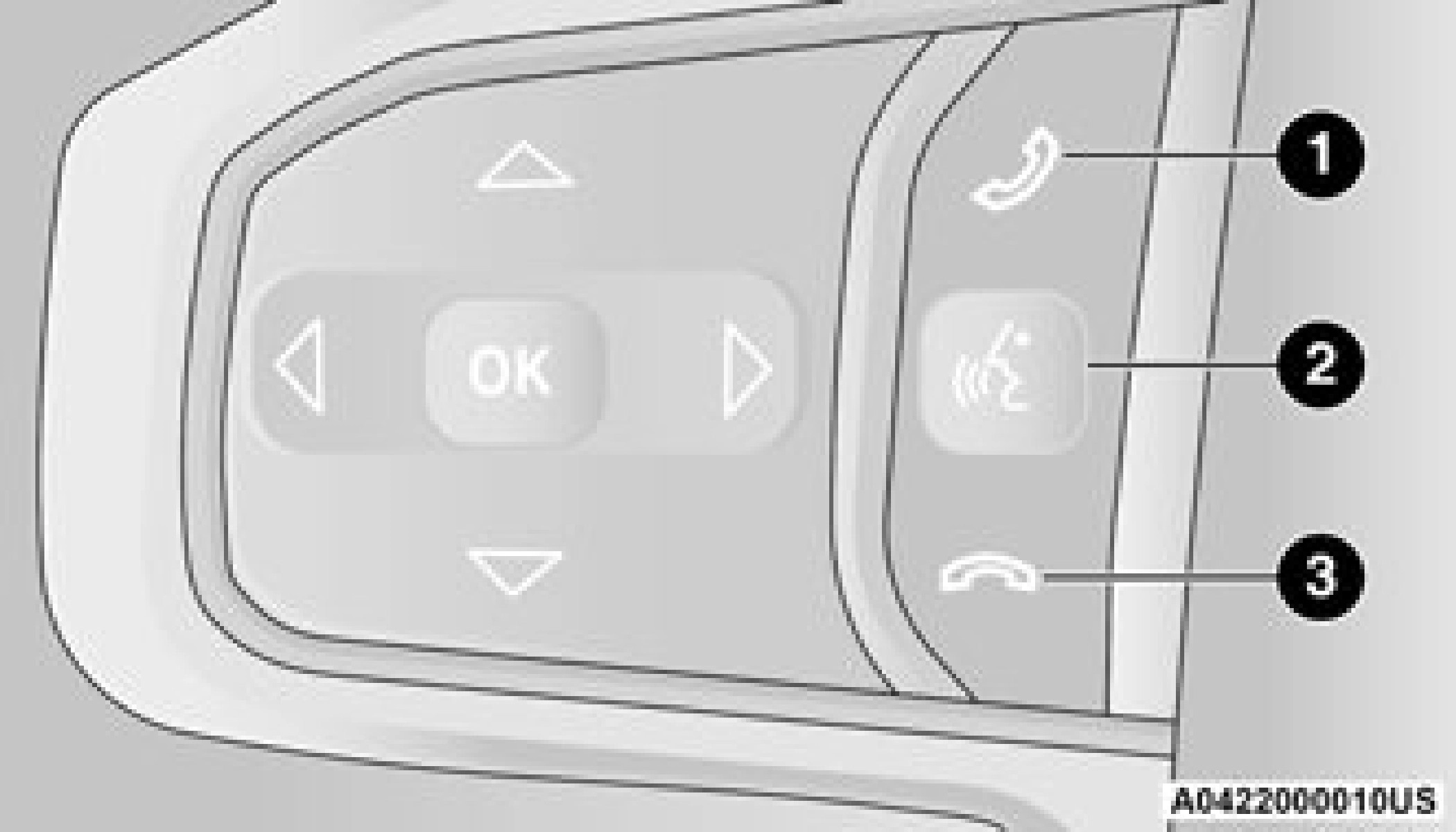
Push the VR button  . After the beep, say:
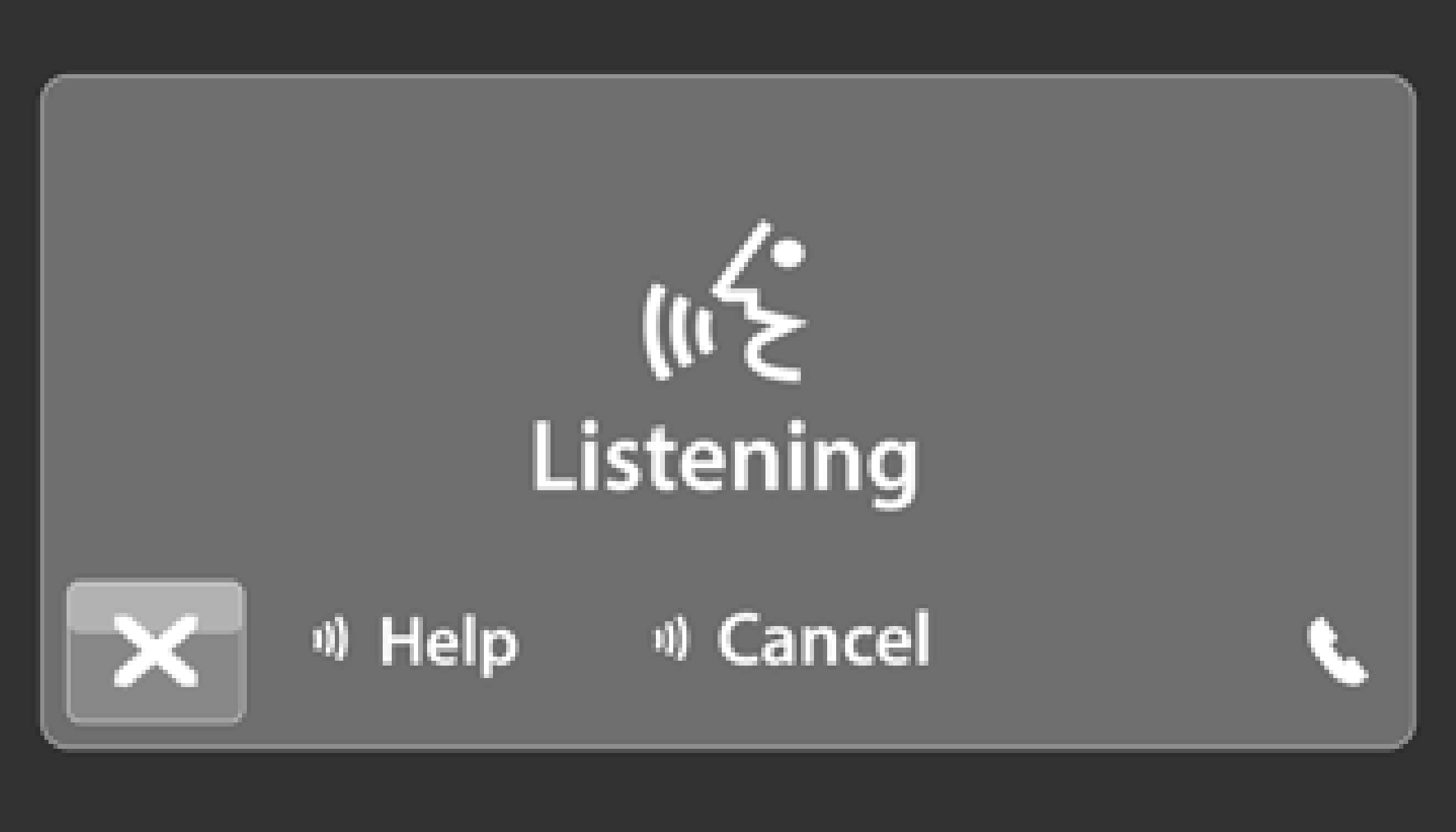
Notice the visual cues that inform you of your Voice Recognition system’s status.
GET STARTED
 The VR button is used to activate /deactivate your Voice Recognition system.
Helpful hints for using Voice Recognition:
ADDITIONAL INFORMATION
© 2020 FCA US LLC. All rights reserved. Mopar and Uconnect are registered trademarks and Mopar Owner Connect is a trademark of FCA US LLC. Android™ is a trademark of Google Inc.
SiriusXM® and all related marks and logos are trademarks of SiriusXM® Radio Inc
page 482.
For Uconnect system support, call
1-877-855-8400 (24 hours a day 7 days a week) or visit DriveUconnect.com (US) or DriveUconnect.ca (Canada).
EQUIPPED
Download Manual