RAMBOX — IF EQUIPPED
The RamBox system is an integrated pickup box storage and cargo management system consisting of three features:
Bed rail tie-down system is also available for vehicles not equipped with a RamBox.
LOCKING AND UNLOCKING RAMBOX
Push and release the lock or unlock button on the key fob to lock and unlock all doors, the tailgate and the RamBox page 17. To unlatch the storage bin manually, insert the emergency key into the keyhole and turn clockwise. Always return the key to the upright (vertical) position before removing it from the keyhole.
RAMBOX CARGO STORAGE BINS
Cargo storage bins are located on both sides of the pickup box. The cargo storage bins provide watertight, lockable, illuminated storage for up to 150 lbs (68 kg) of evenly distributed cargo.
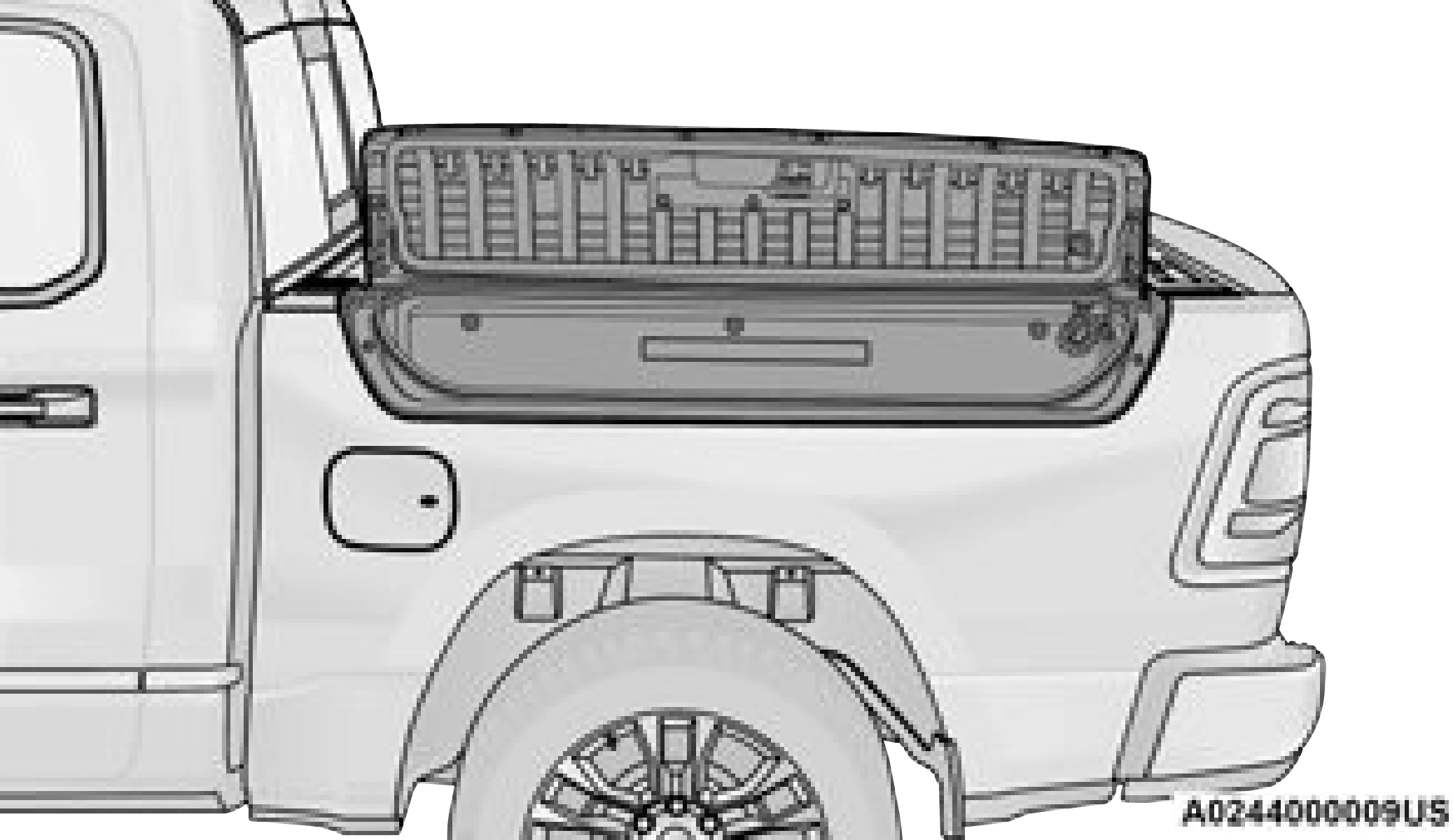
To open a storage bin with the RamBox unlocked, push and release the button located on the lid. The RamBox lid will open upward to allow hand access. Lift the lid to fully open.
NOTE: 2
RamBox will not open when the button is
pushed if the RamBox is locked.
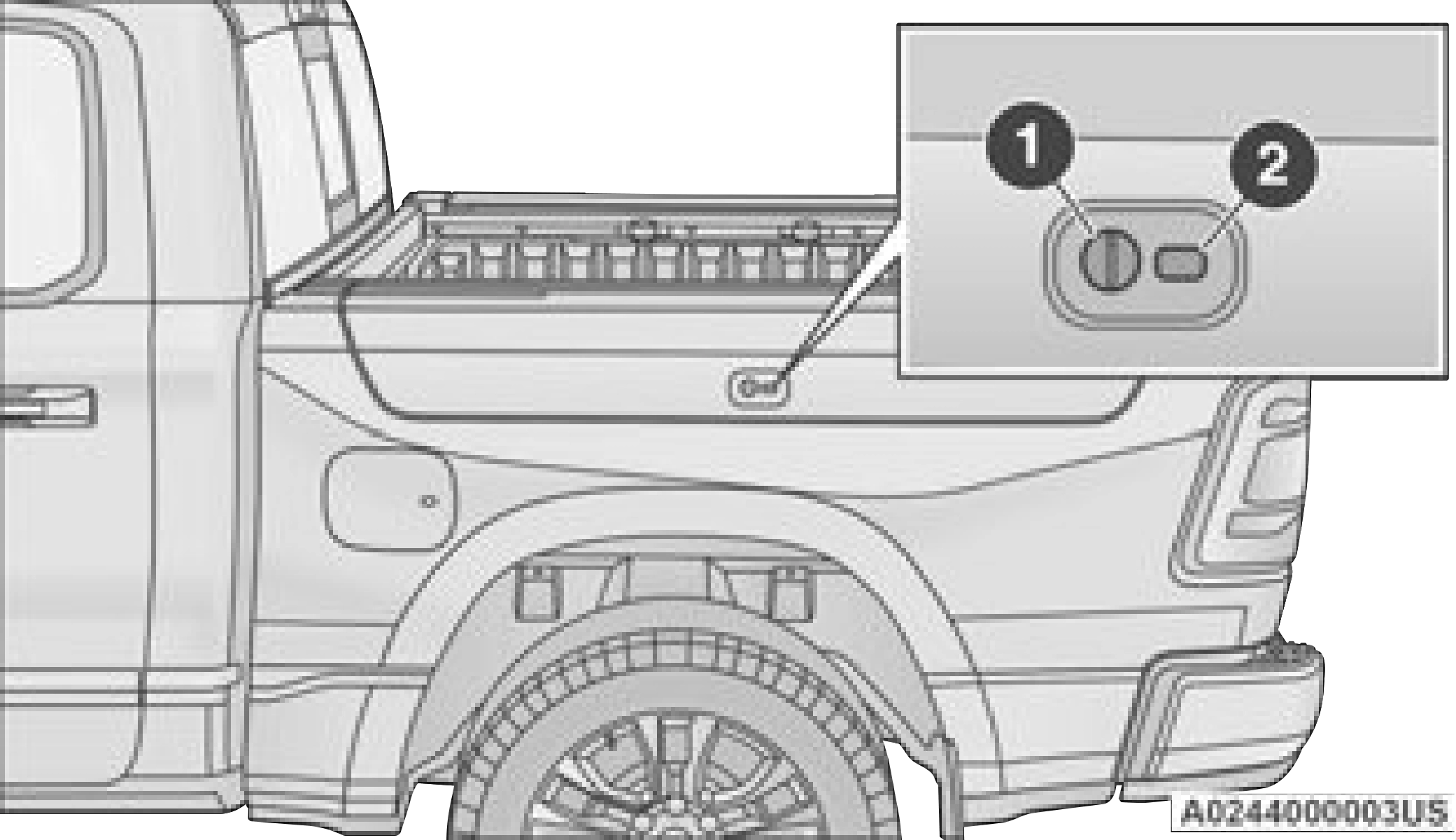
1 — Keyhole Lock 2 — Button
The interior of the RamBox will automatically illuminate when the lid is opened. The timing can be adjusted within Uconnect Settings
page 237.
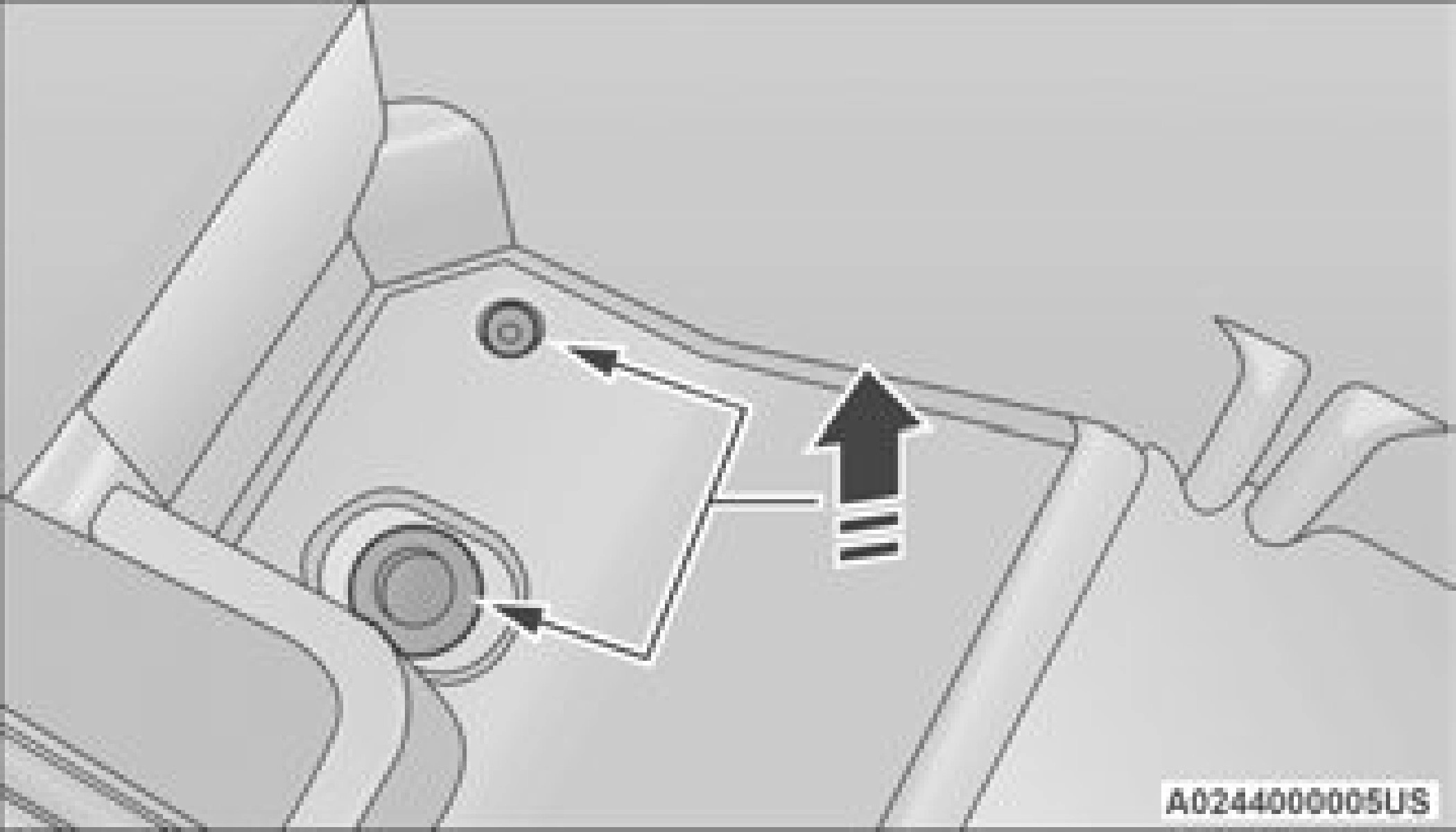
Cargo bins feature two removable drain plugs (to allow water to drain from bins). To remove plug, pull up on the edge. To install, push plug downward into drain hole.
NOTE:
Provisions are provided in the bins for cargo dividers. These accessories (in addition to other RamBox accessories) are available from Mopar.
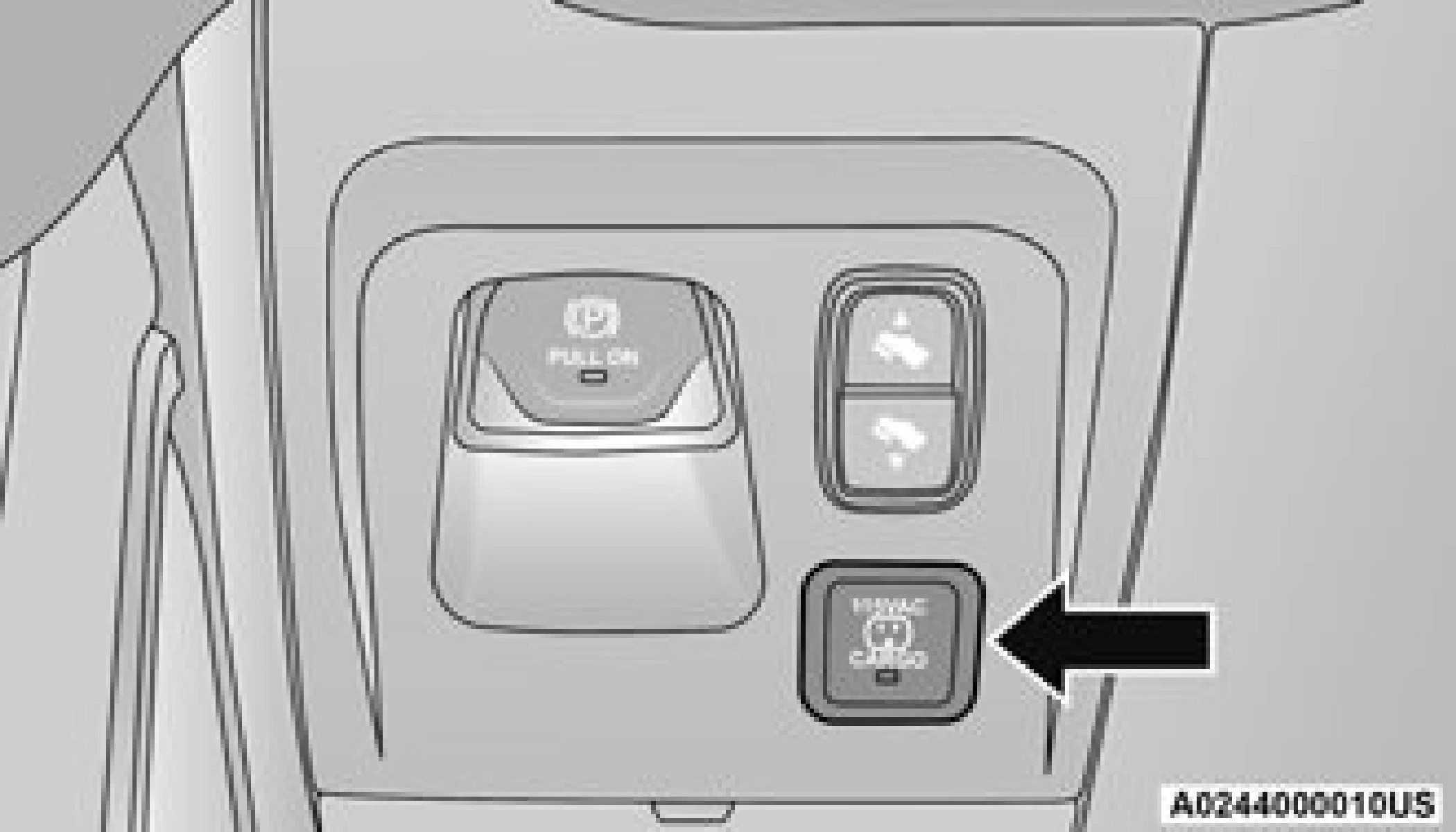
If equipped, a 115 Volt (400 Watts Maximum) inverter may be located inside the RamBox of your vehicle. The inverter can be turned on by the Instrument Panel Power Inverter switch located to the left of the steering wheel. The RamBox inverter can power cellular phones, electronics and other low power devices requiring power up to 400 Watts. Certain
high-end video game consoles exceed this power limit, as will most power tools.
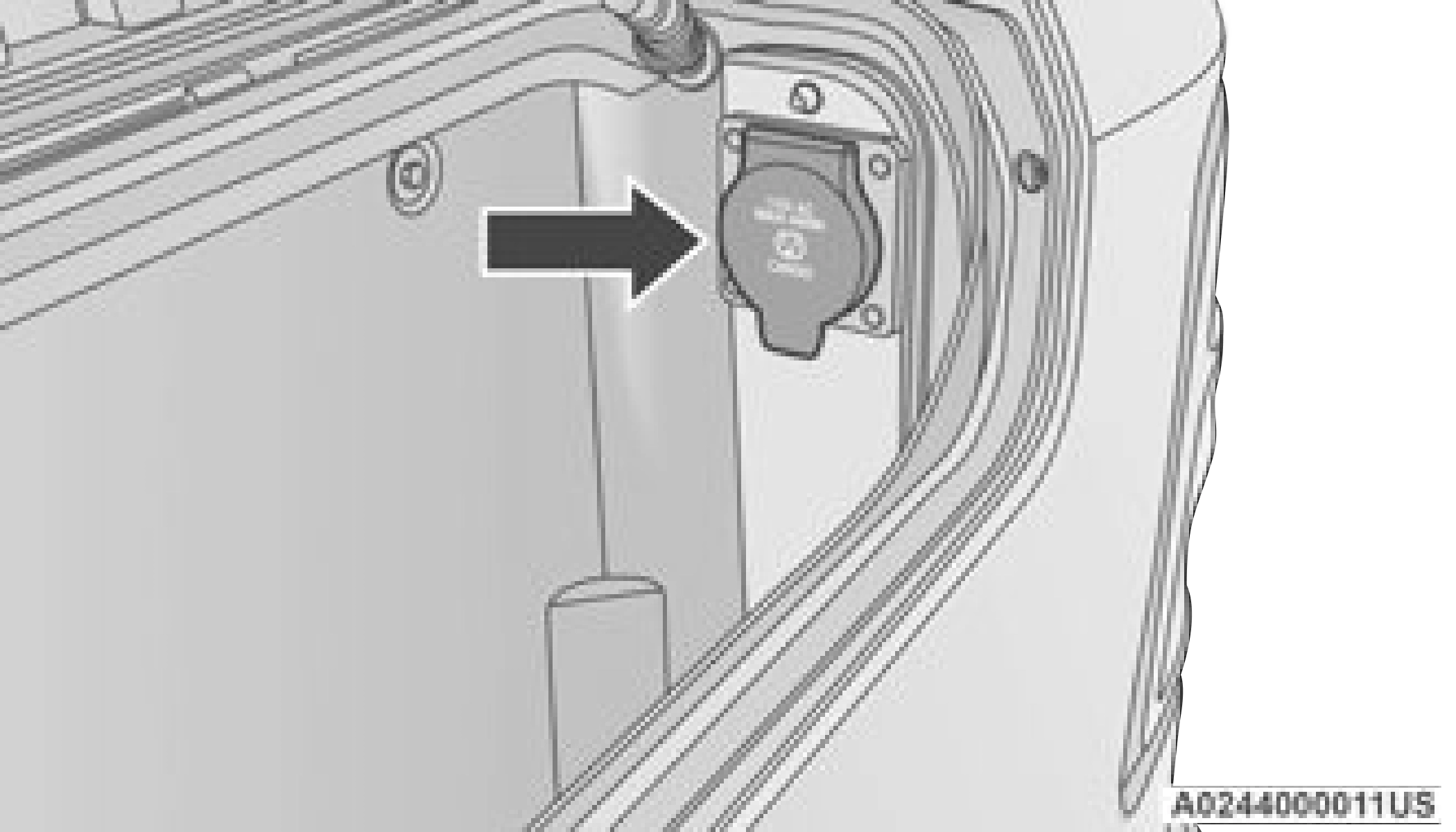
The Instrument Panel Power Inverter switch is only found on vehicles equipped with a RamBox. The switch only controls on/off operation of the power outlet in the RamBox; it does not control on/off operation of the power outlets located inside the cabin of the vehicle.
RAMBOX SAFETY WARNING
Carefully follow these warnings to help prevent personal injury or damage to your vehicle:
(Continued)
RamBox Emergency Release Lever
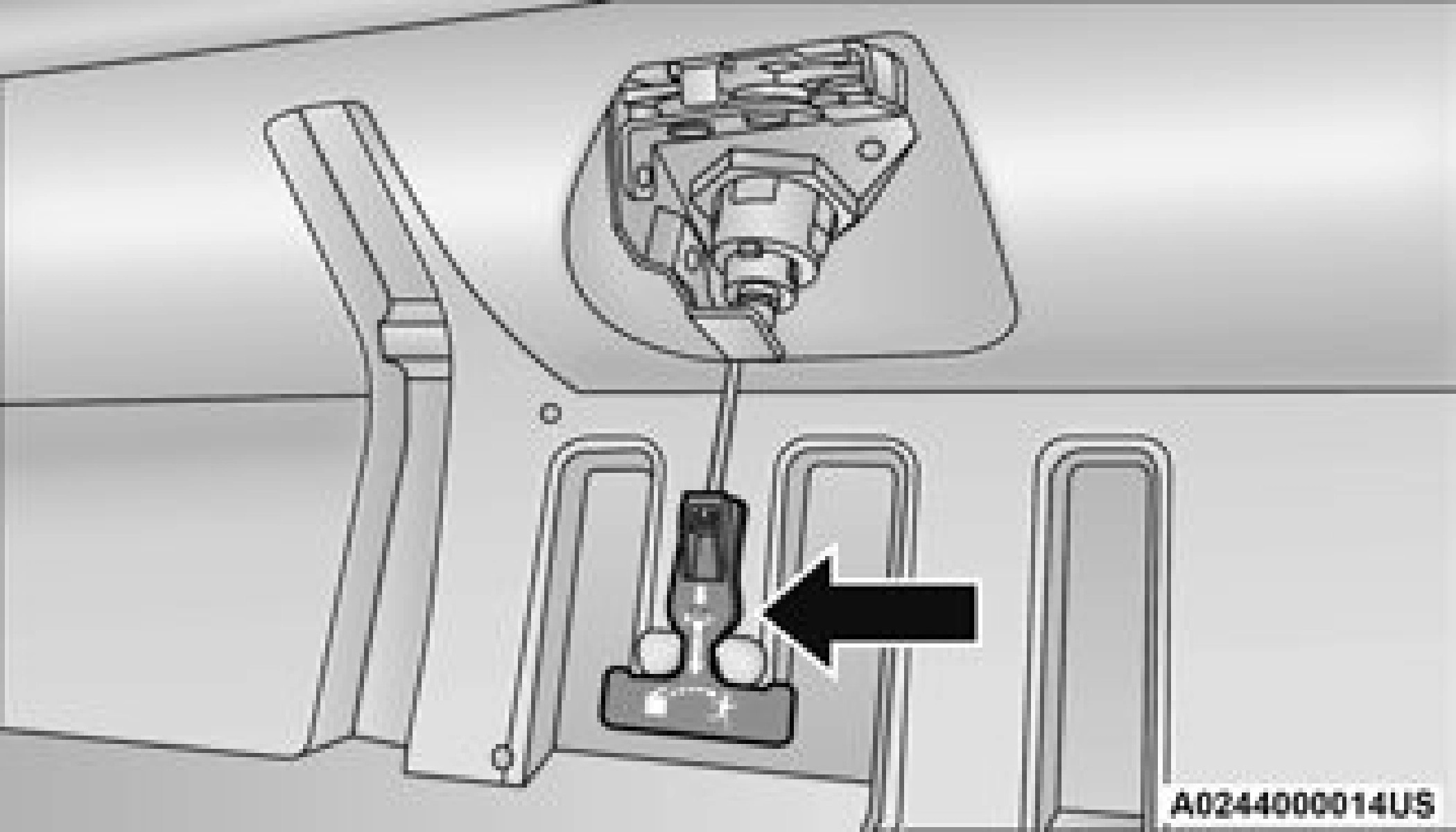
As a security measure, an Emergency Release Lever is built into the storage bin cover latching mechanism.
In the event of an individual being locked inside the storage bin, the storage bin cover can be opened from inside of the bin by pulling on the glow-in-the-dark lever attached to the storage bin cover latching mechanism.
BED DIVIDER — IF EQUIPPED
The bed divider has two functional positions:
The divider position is intended for managing your cargo and assisting in keeping cargo from moving around the bed. There are 11 divider slots along the bed inner panels which allow for various positions to assist in managing your cargo.
To install the bed divider into a divider position, perform the following:
handle vertically to release the divider side 2
gates.
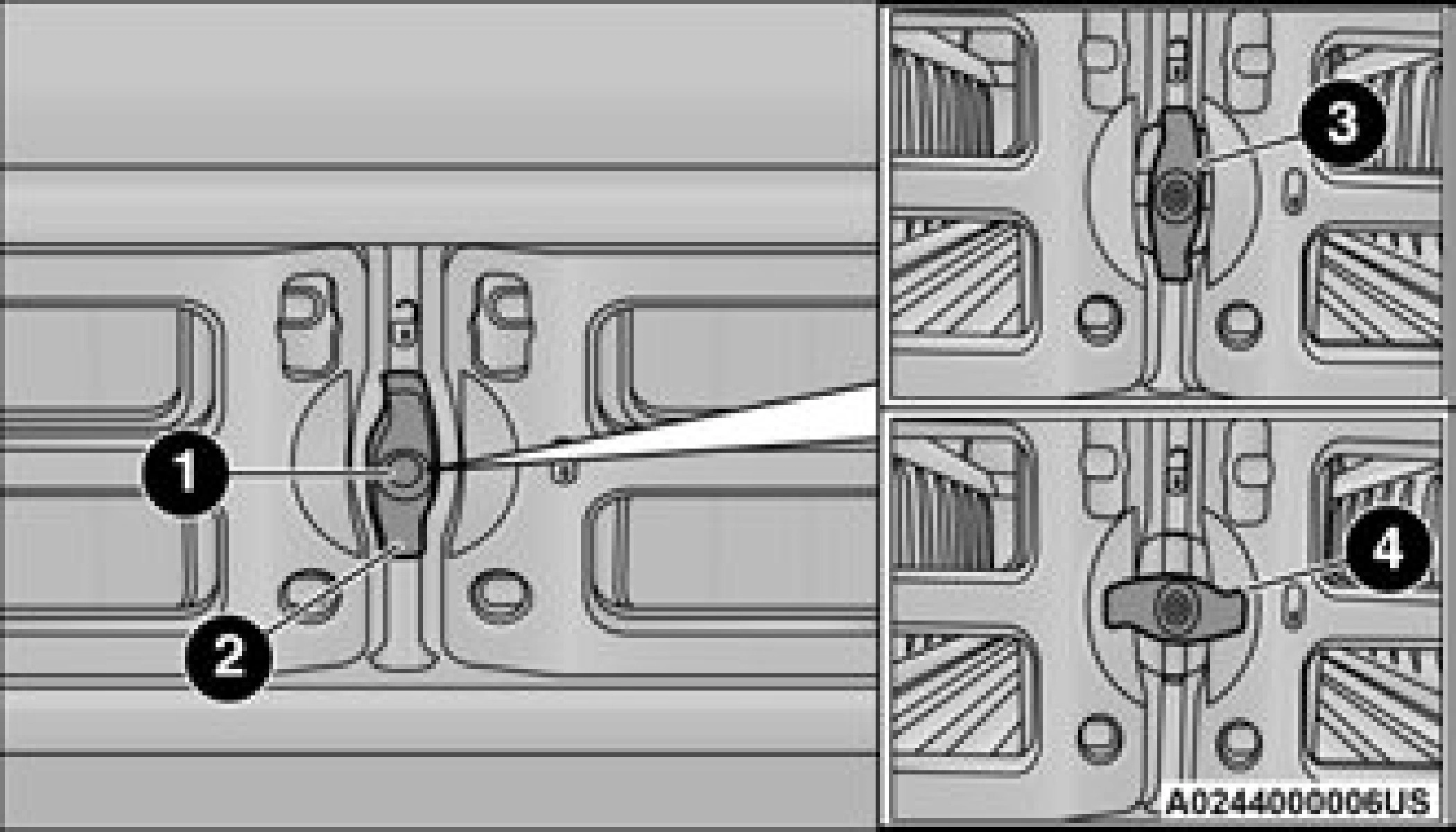
1 — Center Handle Lock 2 — Handle
3 — Unlocked Position 4 — Locked Position
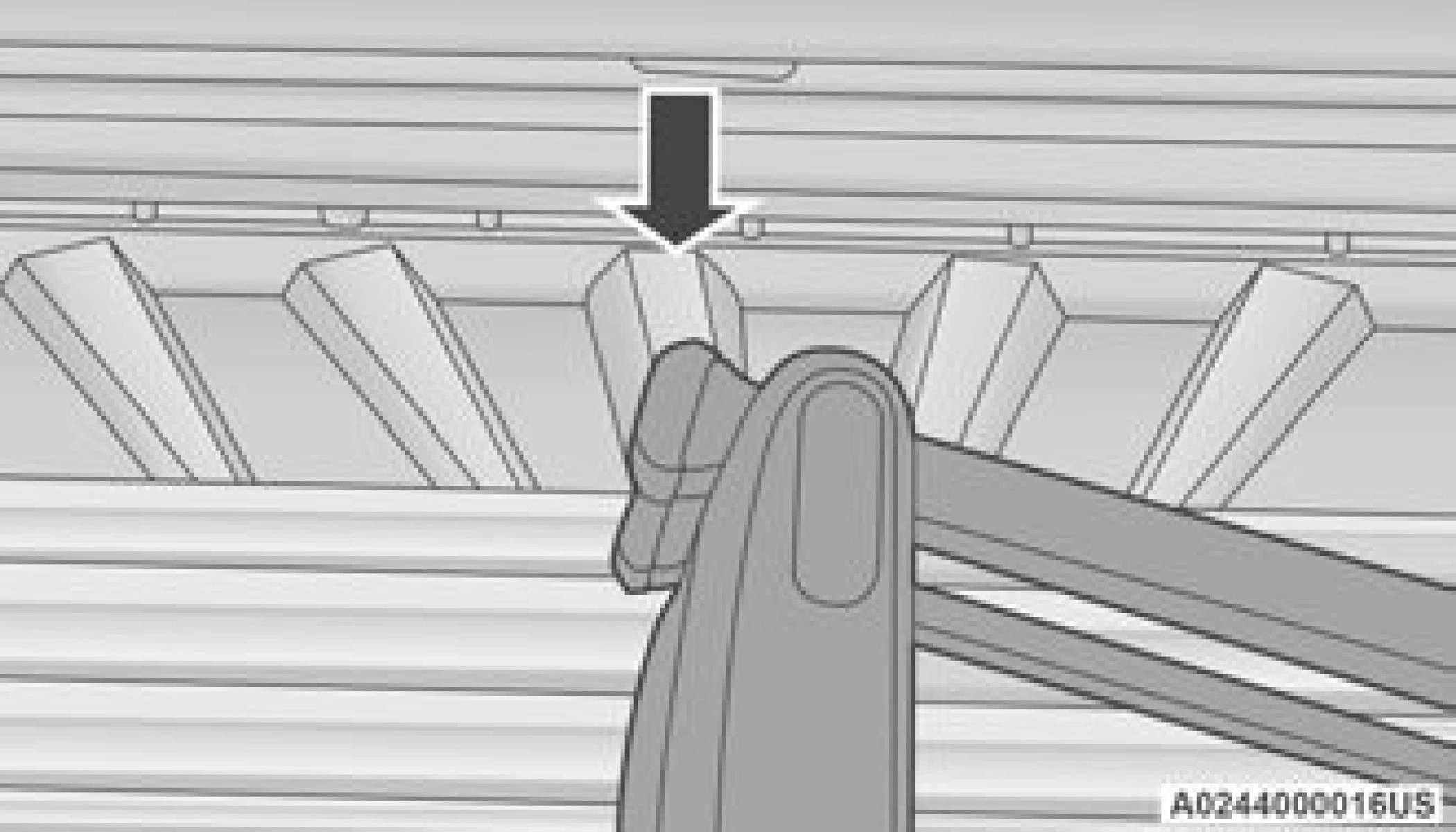
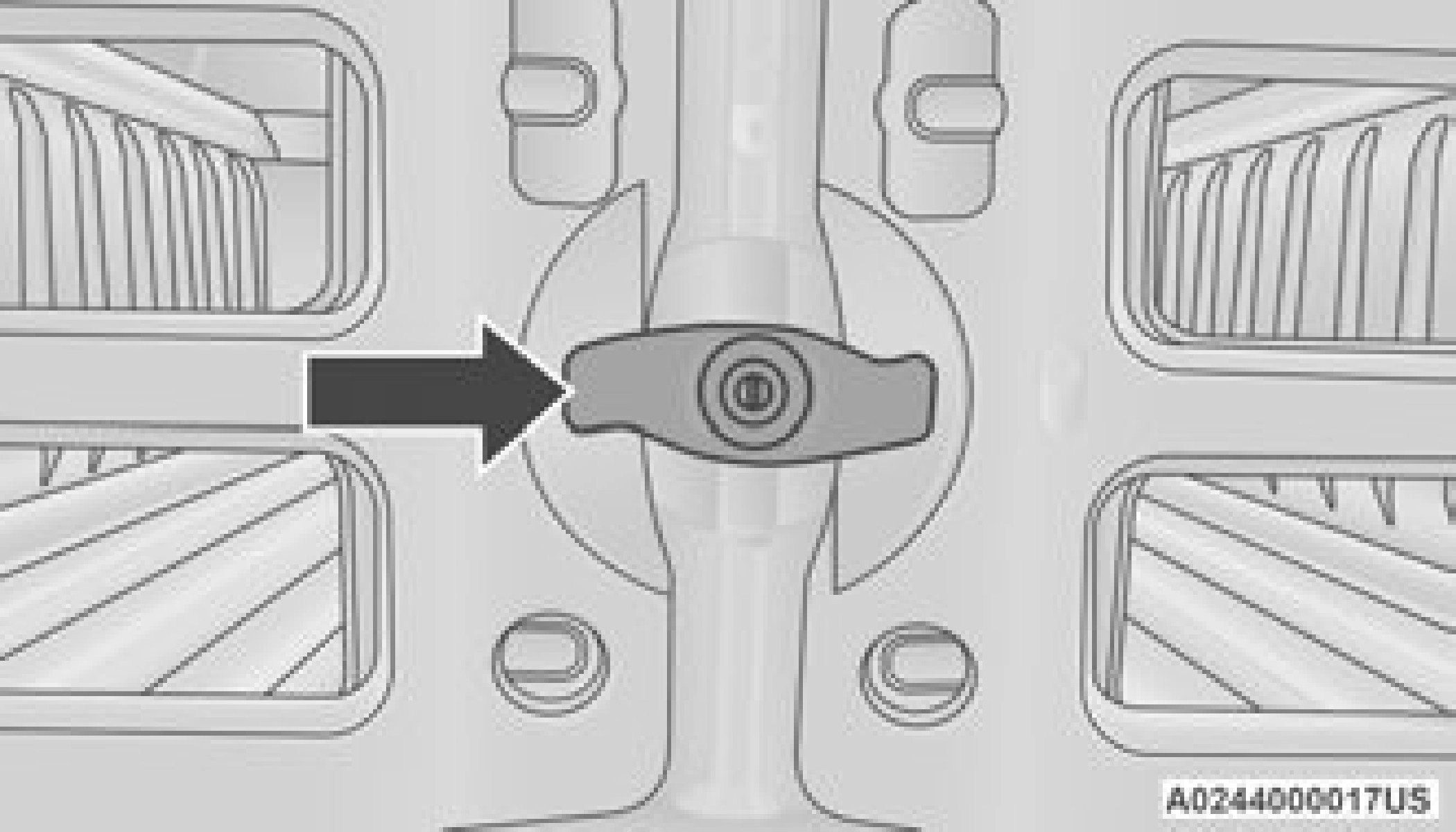
The storage position for the bed divider is at the front of the truck bed which maximizes the bed cargo area when not in use.
To install the bed divider into the storage position, perform the same steps as you would for the divider position, except position the divider fully forward in the bed against the front panel.
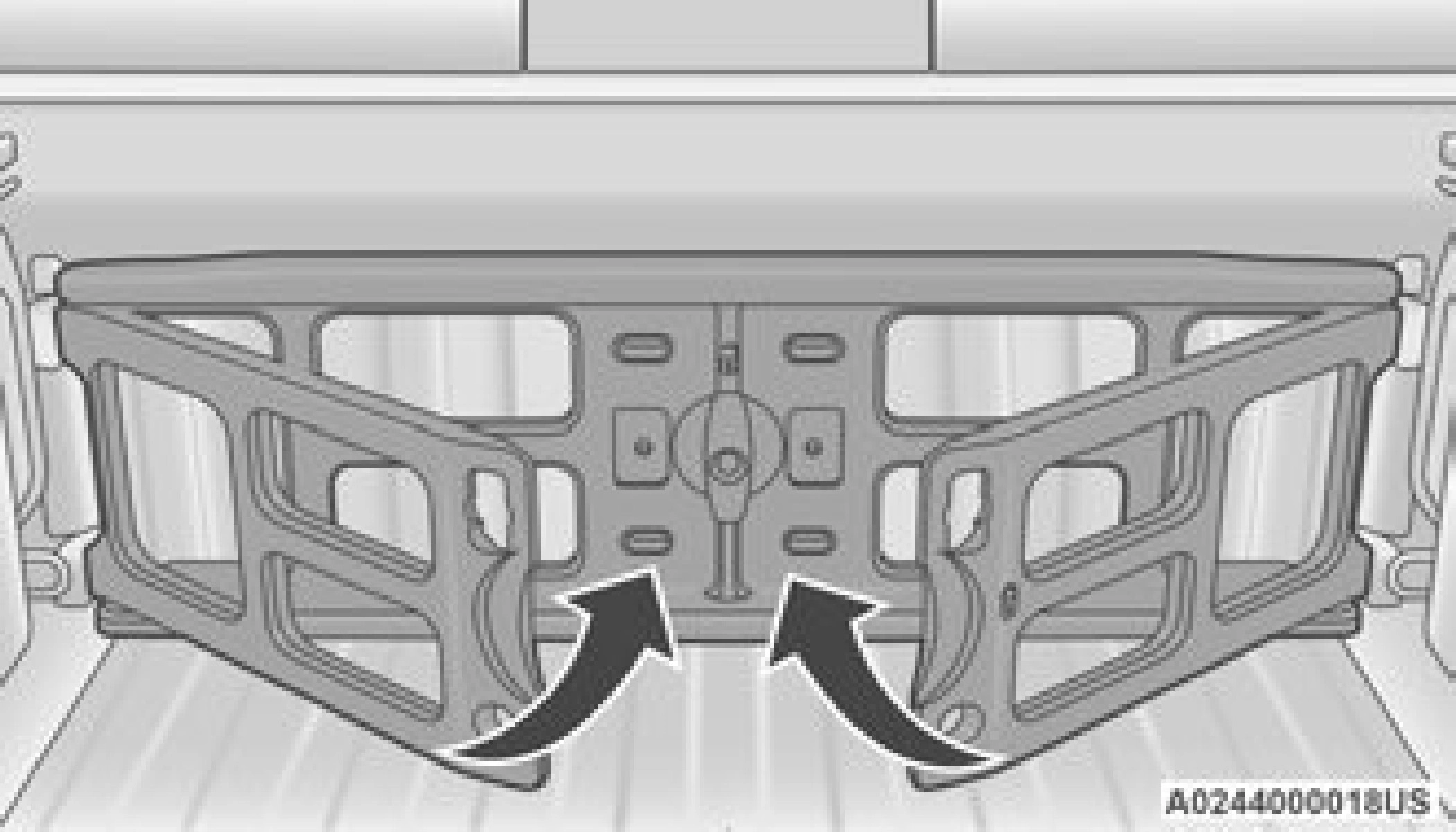
The outboard ends should be positioned in front of the cargo tie-down loops.
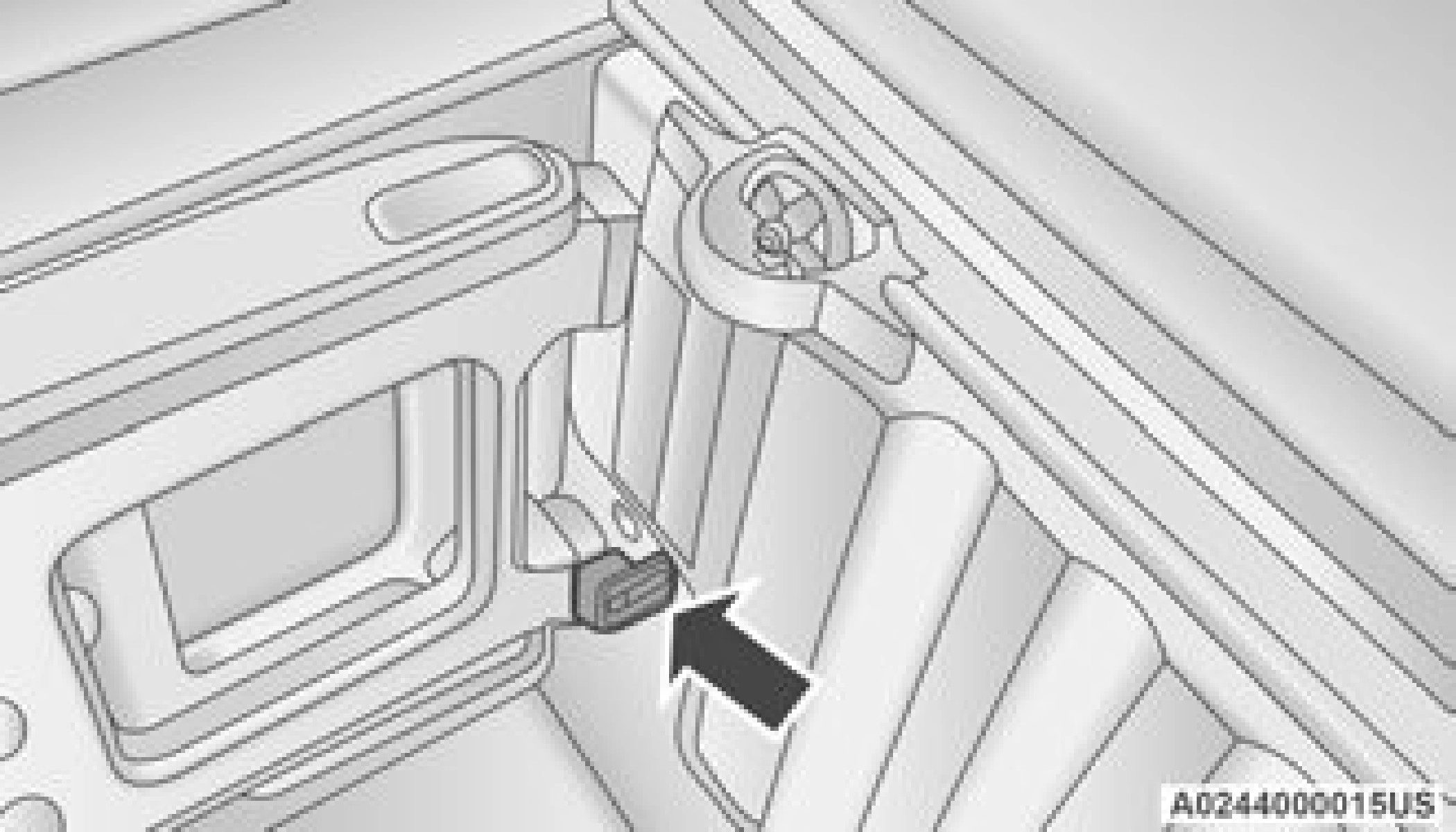
Download Manual