Routing
After a destination is set, you can alter or cancel your route.
Map Legend
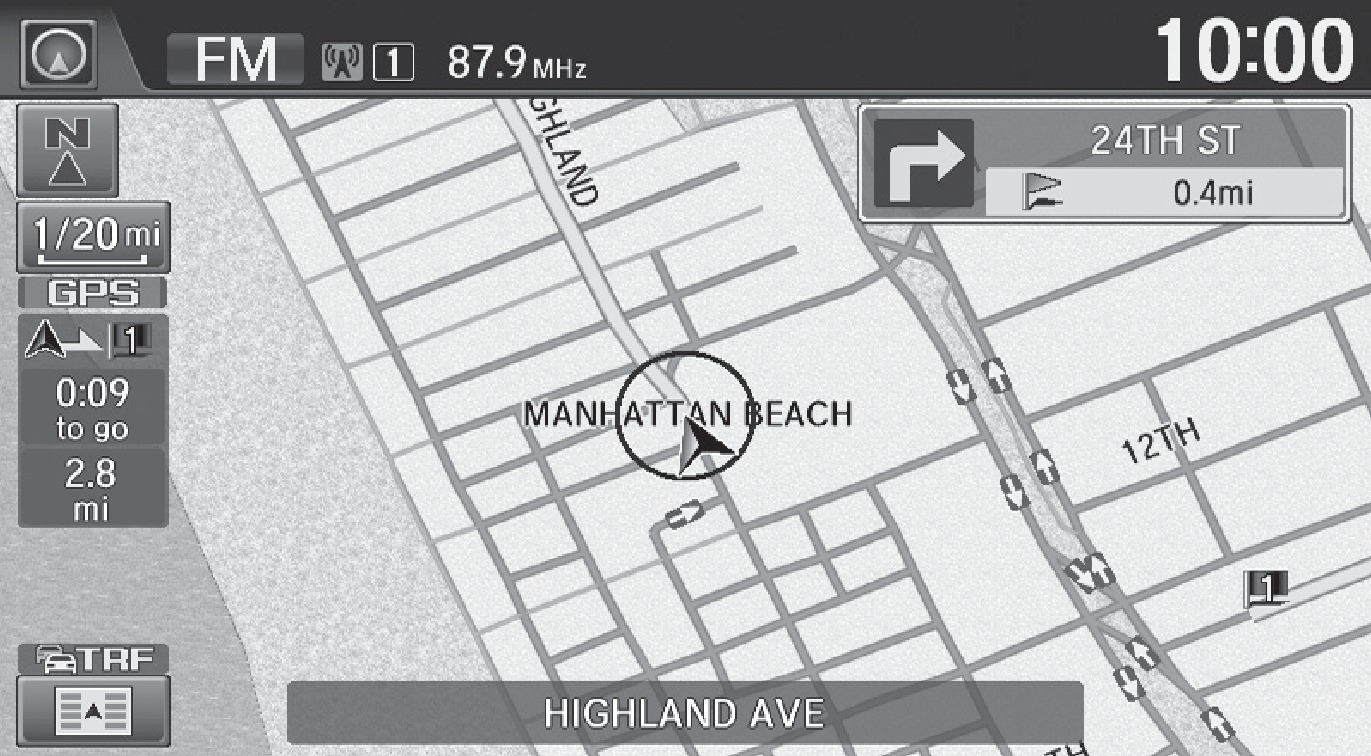
During route guidance
Next guidance point
Calculated route
Distance to destination
Estimated time to destination
Taking a Detour
You can calculate a detour route manually if you encounter a road closure or other obstacle.
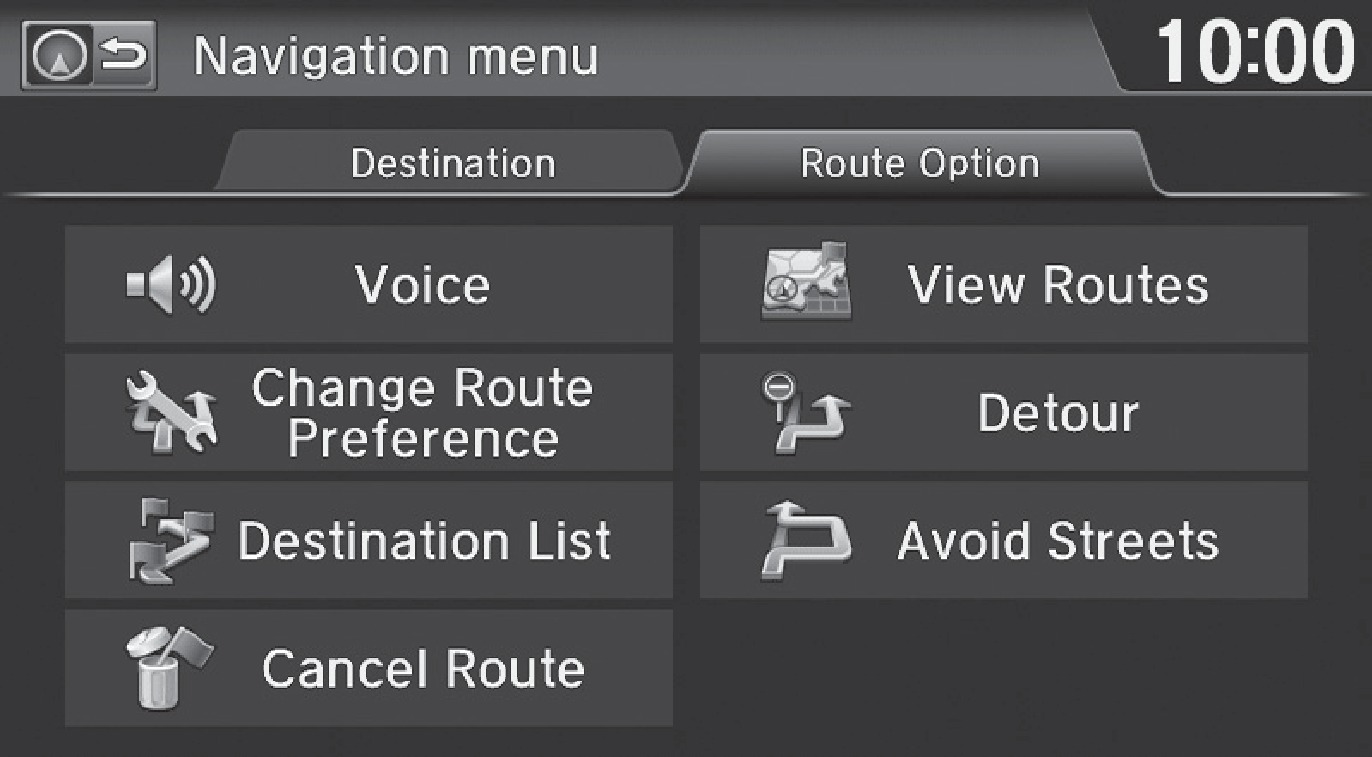
- When en route, press MENU from the map screen.
- Select Detour. The system attempts to calculate a new route by avoiding the next 5 miles (8 km) while on a freeway or 1 mile (1 km) while on a surface street.
Traffic
View traffic flow, incidents, and construction in major metro areas. You can also route around congestion or incidents using voice commands. Press the Talk button before saying each command. Available on U.S. models only.
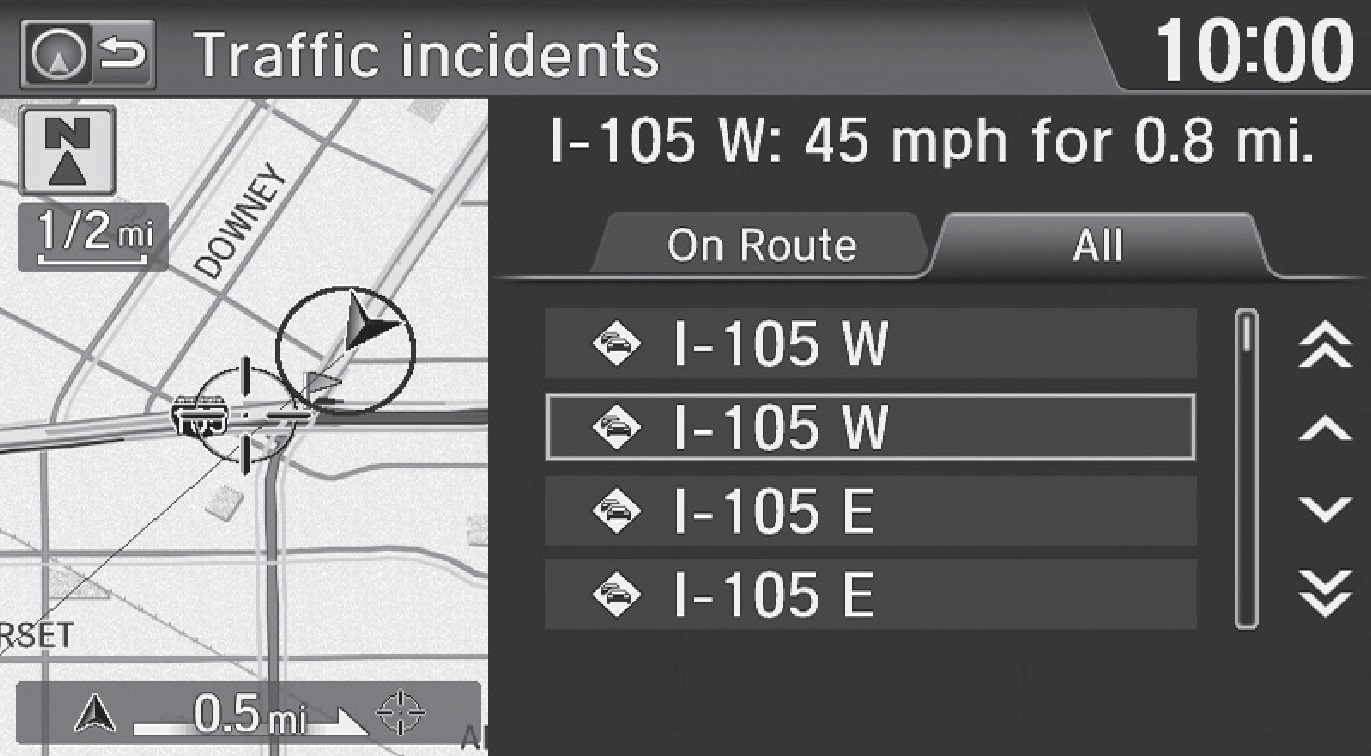
- When en route, say "Display traffic incidents." A list of incidents on your route appears.
- Say the number of the incident you want to avoid.
- Say "Avoid" and the incident list returns.
- Say "Recalculate route" to set the new route.
Canceling Your Route
You can cancel your route at any time.
- When en route, press MENU from the map screen.
- Select Cancel Route. The route is cleared and the map screen returns. You can also press the Talk button and say "Cancel route."
Related topics:
- Basic Navigation Operation
- Entering a Destination
Download Manual