Interior and Exterior Lights
Operate interior and exterior lights when the vehicle is on or off.
Brightness Control
Adjust instrument panel brightness when the vehicle is on.
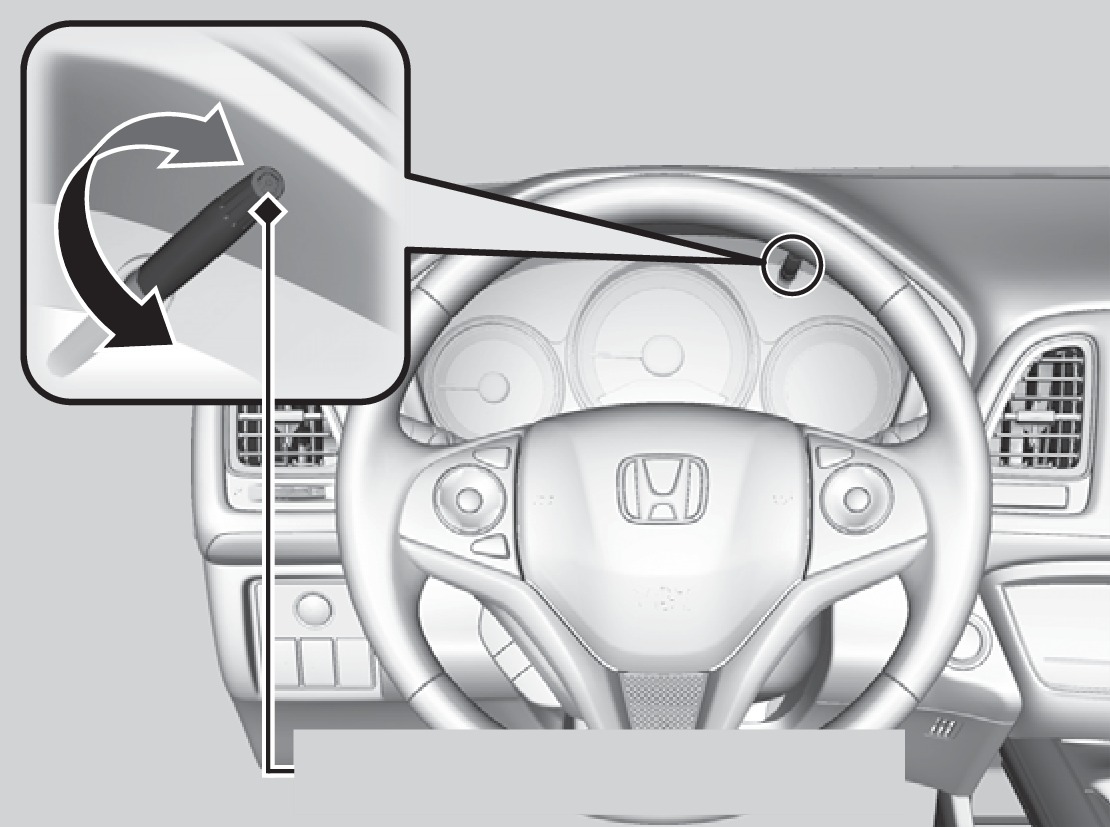
Select/reset knob
To brighten: Turn the knob to the right.
To dim: Turn the knob to the left.
A beep sounds when the brightness reaches minimum or maximum.
Interior Lights
Change the interior light settings using the switches on the ceiling.
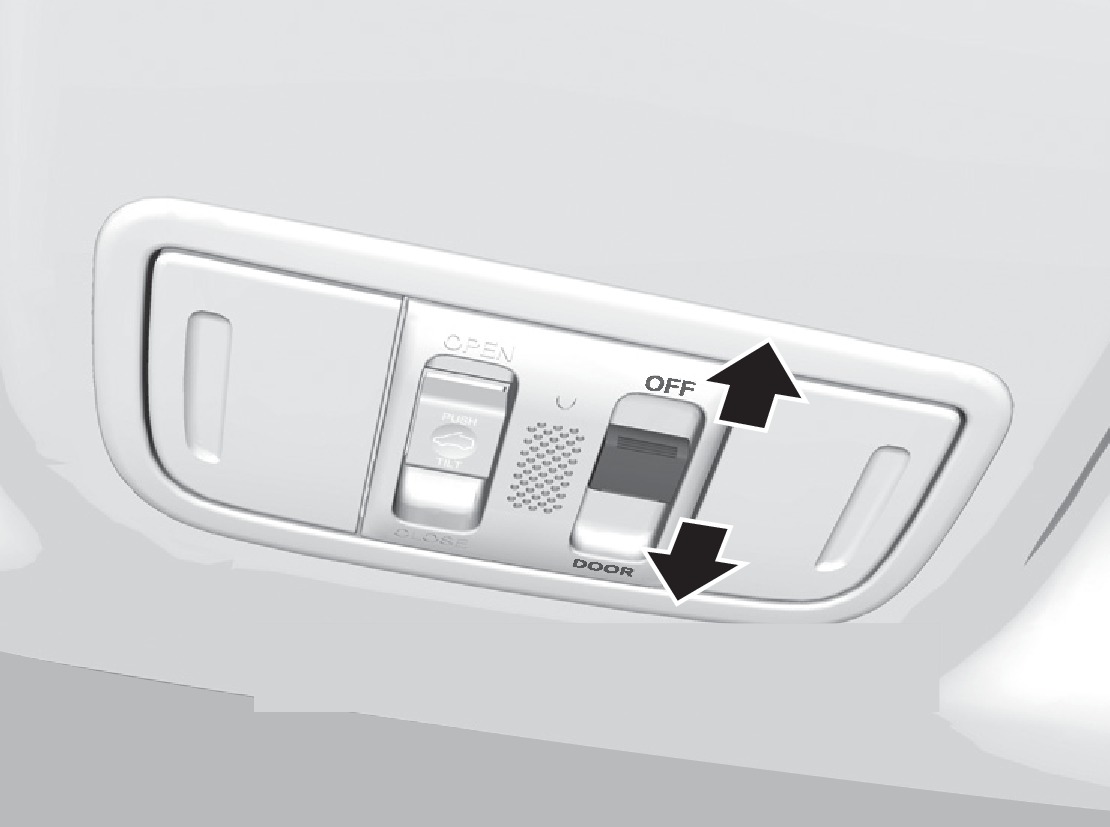
Front
Off
Door-activated position
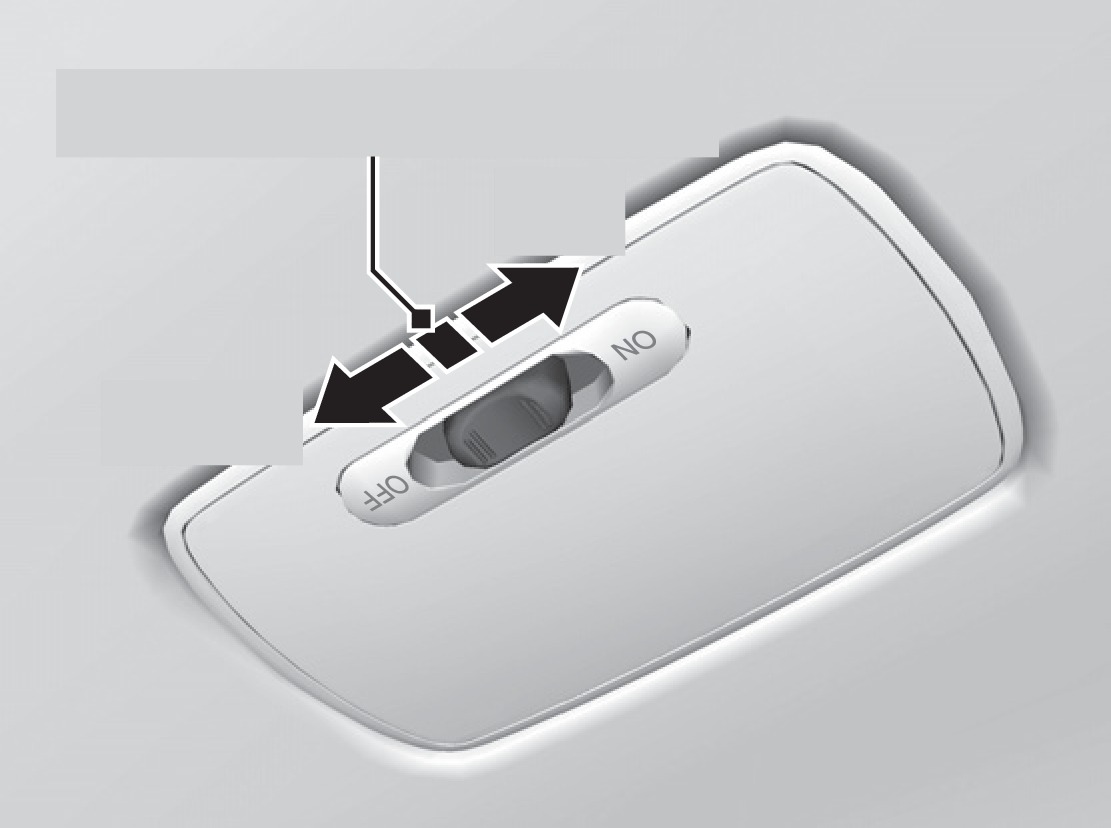
Rear
Door-activated position
Off
On
ON position (rear only): Interior lights remain on.
Door-activated position: Interior lights come on when any of the doors are opened, the driver's door is unlocked, or the vehicle is turned off.
OFF position: Interior lights remain off.
Map Lights
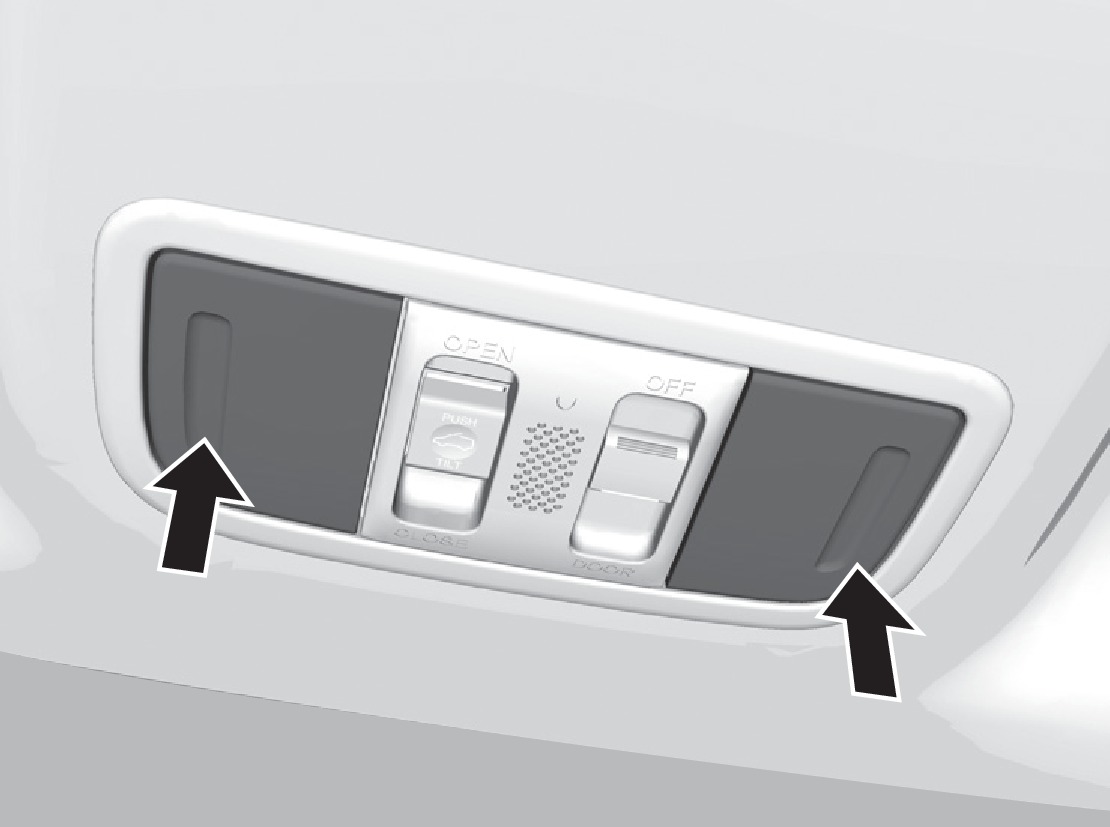
Model with moonroof shown
Press the front map lights to turn on or off.
Cargo Area Lights
Located on the driver's side in the cargo area.
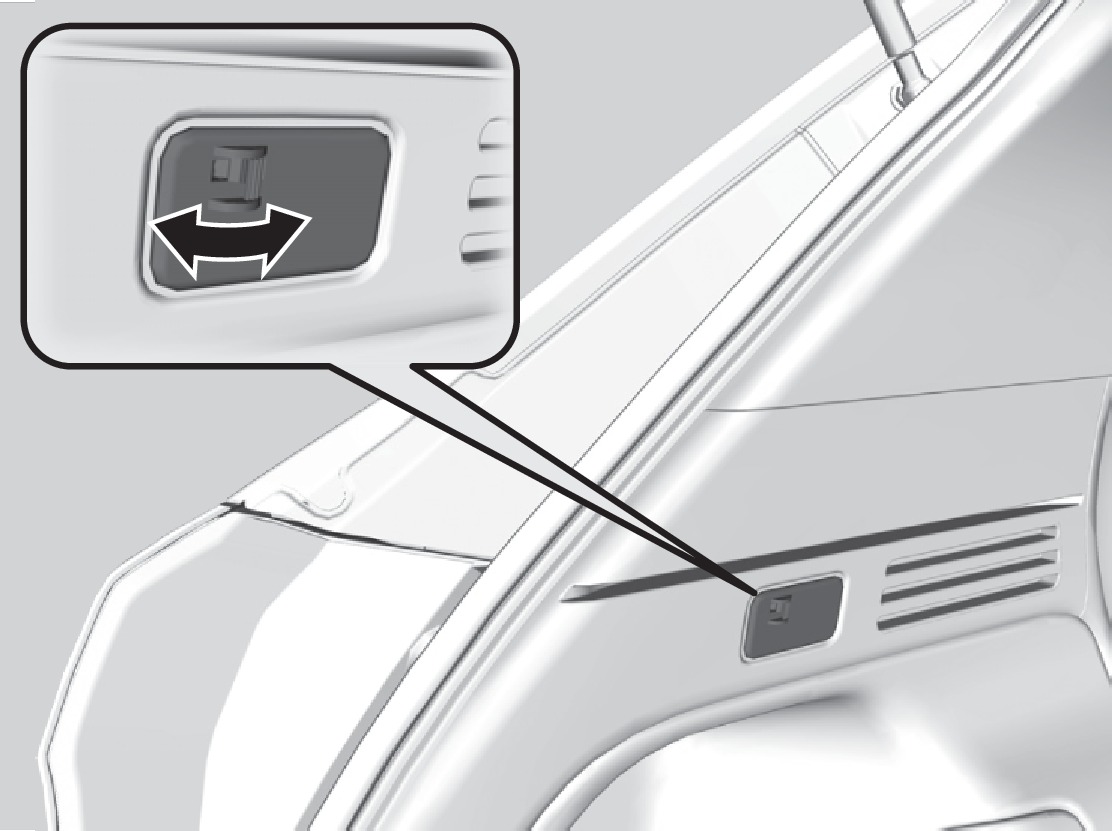
On
Off
ON position: Cargo lights remain on.
OFF position: Cargo area lights remain off.
Exterior Lights
Rotate the switches on the headlight lever to operate the exterior lights. Push the lever forward to turn on the high beams. Return the lever to its original position for low beams.
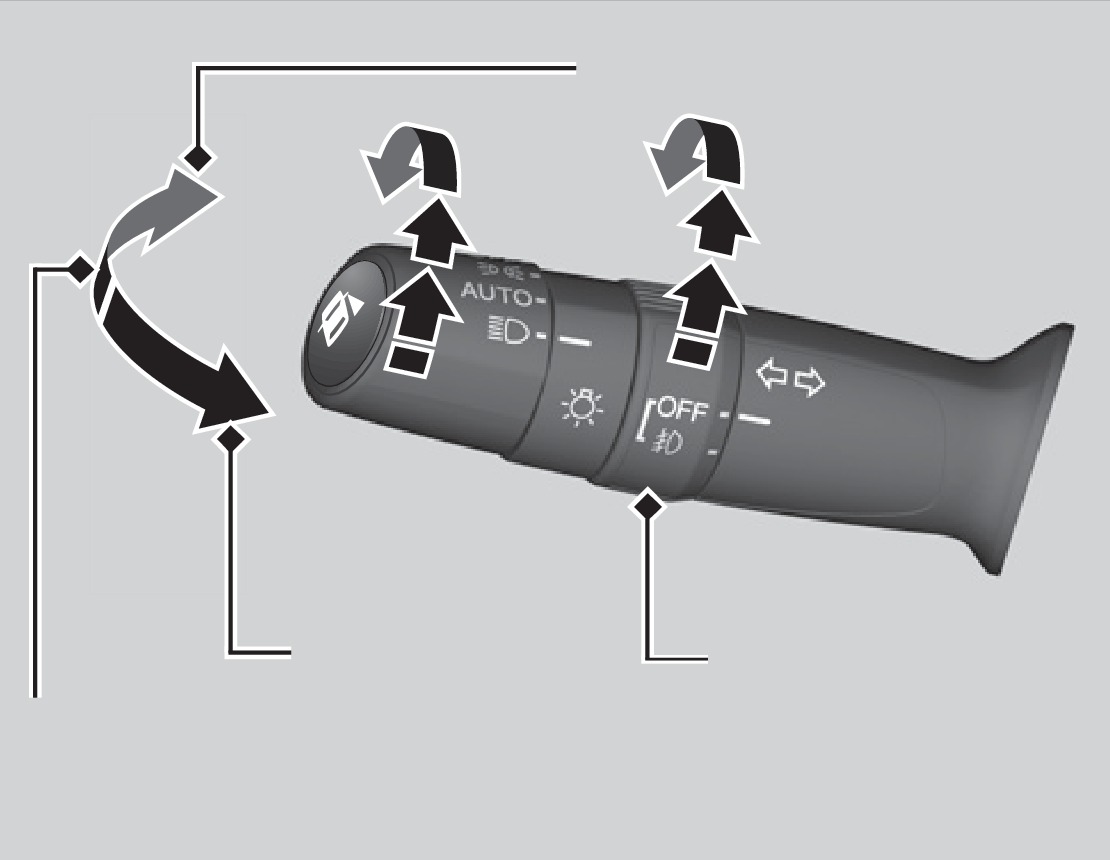
Flash the high beams
High beams
Low beams
Fog lights*
OFF: All exterior lights are off.
 : Turn on exterior lights except headlights.
AUTO: Turn on the automatic lighting feature*. Headlights turn on or off depending on ambient brightness when the vehicle is on. Headlights automatically come on after the wipers are engaged for a certain time.
 : Turn on all exterior lights including headlights.
 : Turn fog lights* on or off.
- Fuse Locations
Download Manual