Engine Oil
Park the vehicle on level ground, and wait approximately three minutes after turning the engine off before you check the oil.
Checking the Oil
-
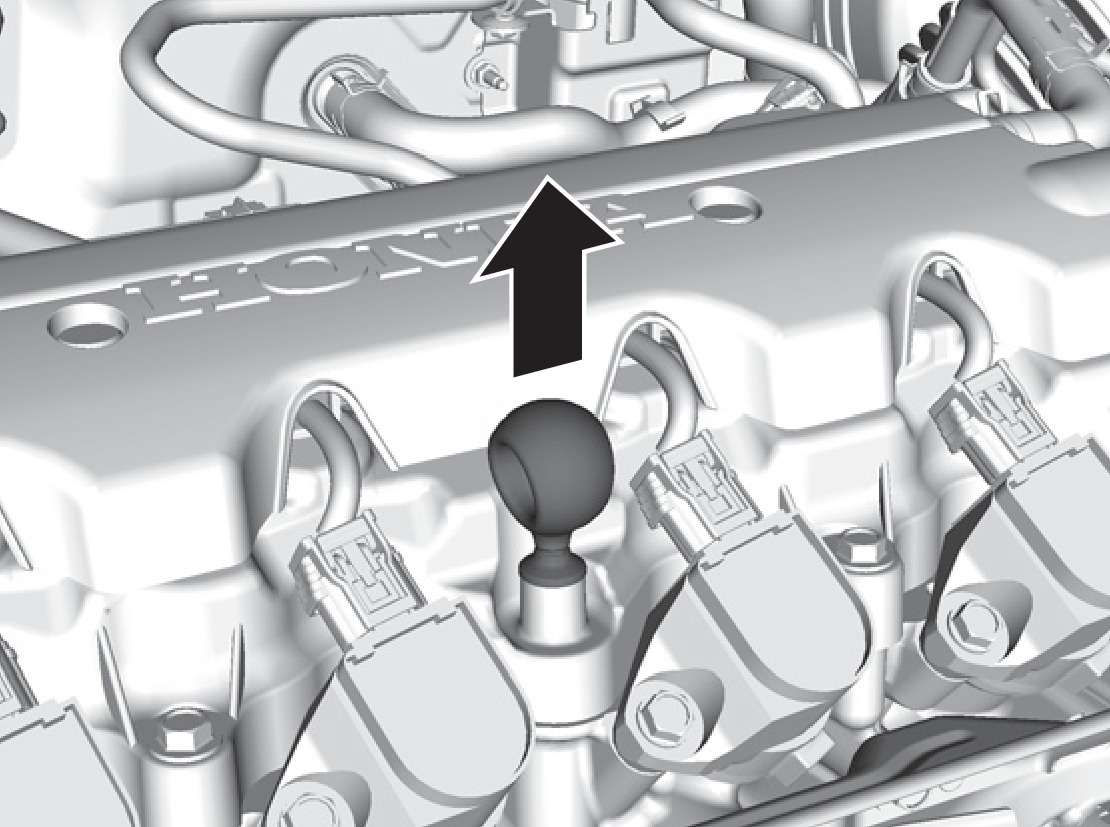
Remove the dipstick (orange).
- Wipe the dipstick with a clean cloth or paper towel.
- Insert the dipstick back all the way into its hole.
-
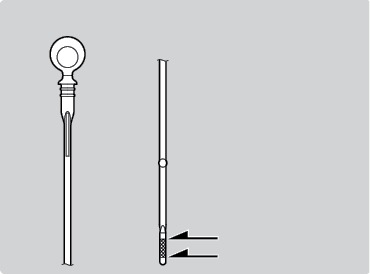
Remove the dipstick again, and check the level. It should be between the upper and lower marks. Add oil if necessary.
Upper mark
Lower mark
Recommended Engine Oil
- Honda Genuine Motor Oil
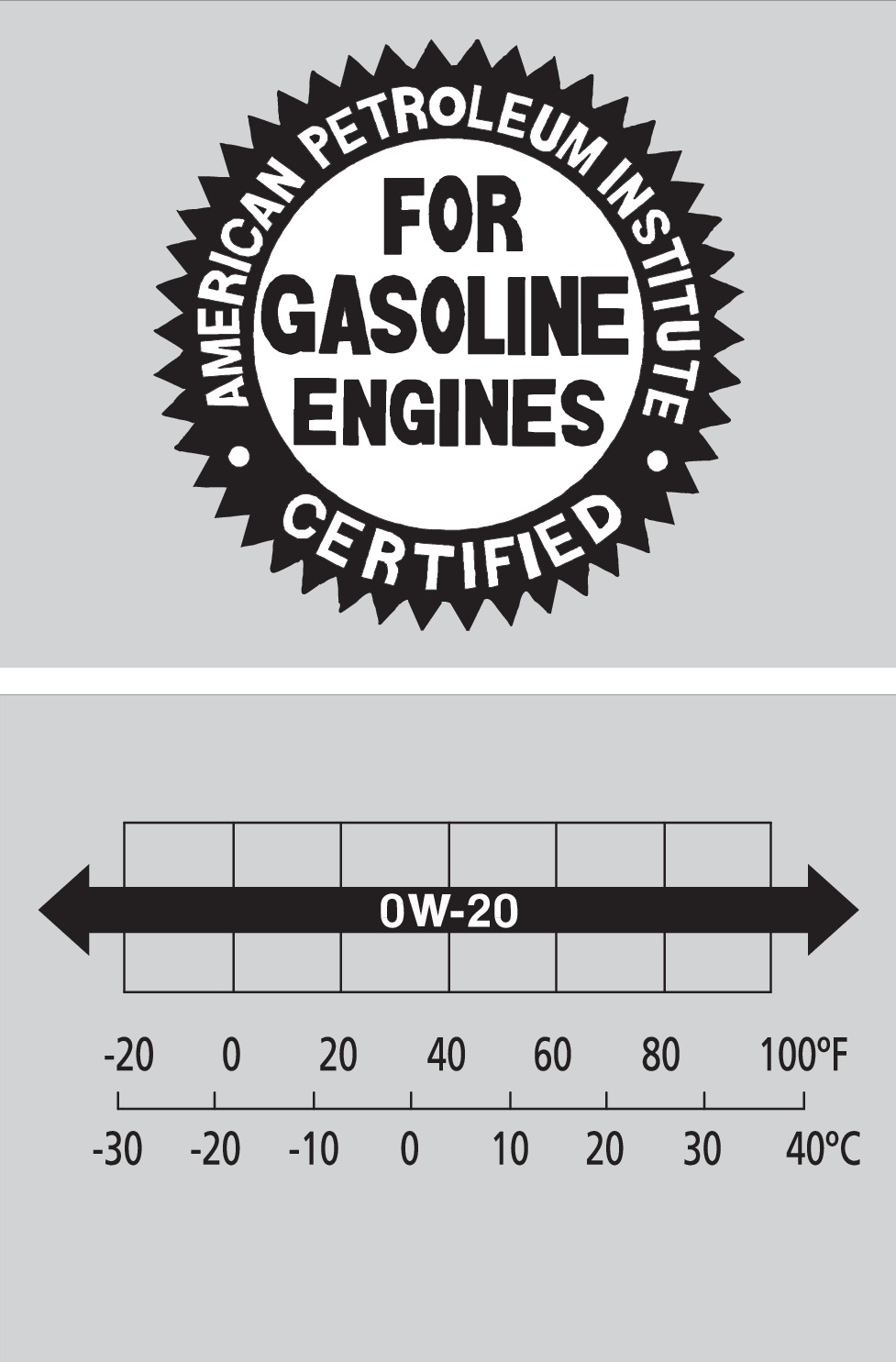
- Premium-grade 0W-20 detergent oil with an API Certification Seal on the container
This seal indicates the oil is energy conserving and that it meets the American Petroleum Institute's latest requirements.
Use Honda Genuine Motor Oil or another commercial engine oil of suitable viscosity for the ambient temperature as shown.
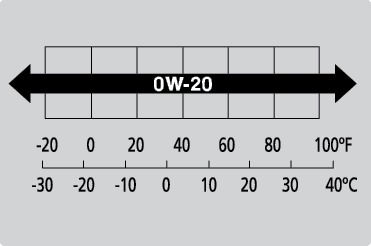
Ambient temperature
You may also use synthetic motor oil if it is labeled with the API Certification Seal and is of the specified viscosity grade.
Adding Oil
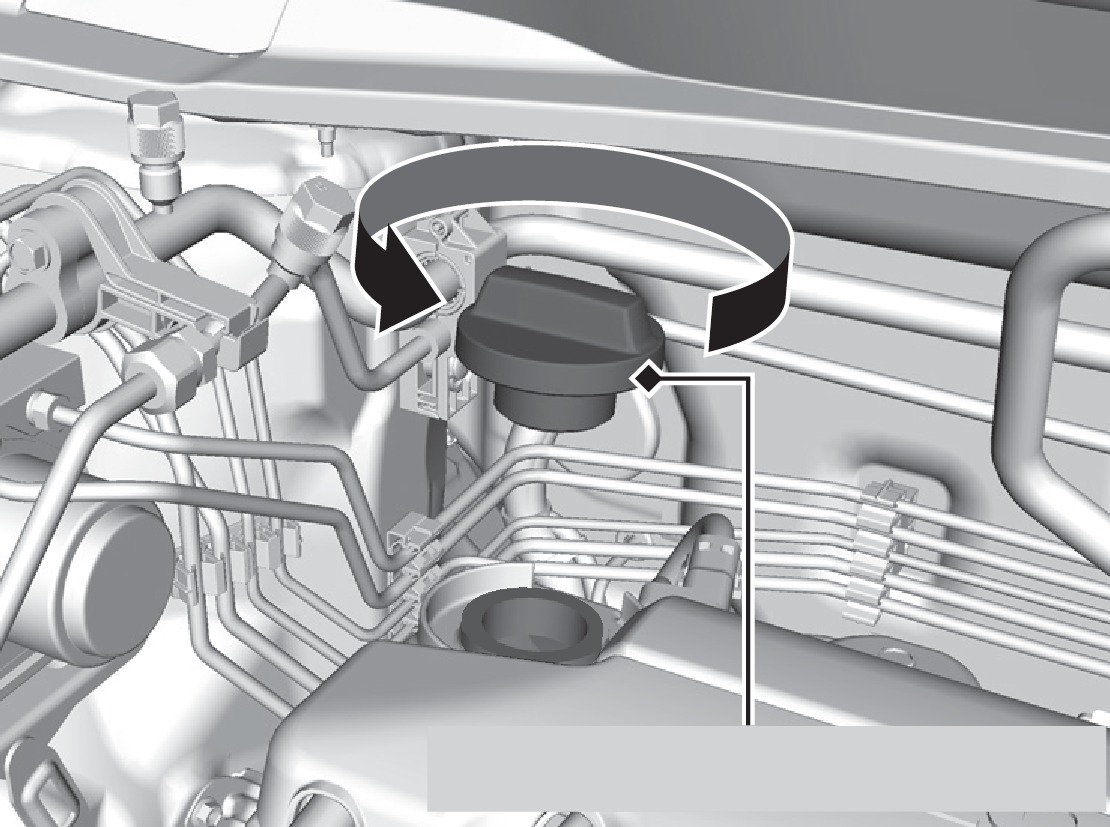
Engine oil fill cap
- Unscrew and remove the engine oil fill cap.
- Add oil slowly.
- Reinstall the engine oil fill cap, and tighten it securely.
- Wait for three minutes and recheck the engine oil dipstick.
Do not fill the engine oil above the upper mark. Overfilling the engine oil can result in leaks and engine damage.
Resetting the Engine Oil Life
If you change or replace the vehicle's engine oil yourself, you must reset the engine oil life.
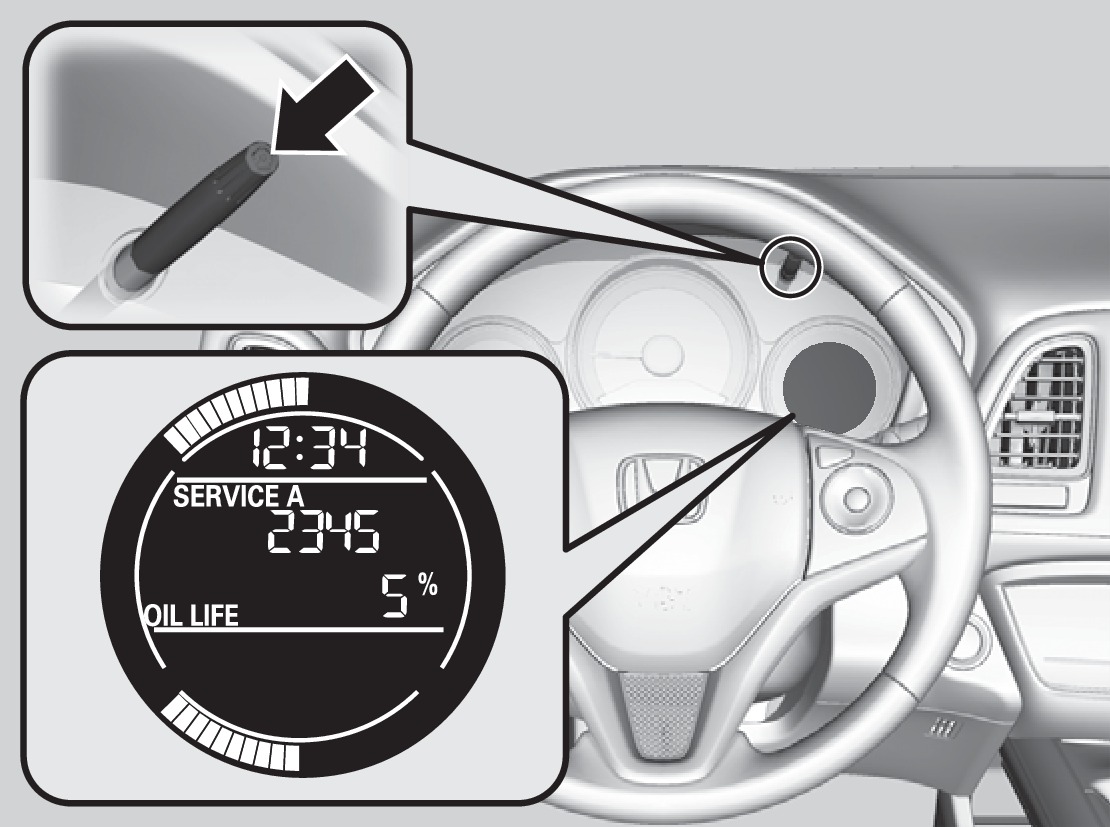
- Press the select/reset knob until the oil life screen is displayed.
- Press and hold the knob for 10 seconds, or until the maintenance codes and oil life blink.
- Press and hold the knob for 5 seconds, or until the maintenance codes disappear and the engine oil life display returns to 100%.
Failure to reset the engine oil life after a maintenance service results in the system showing incorrect maintenance intervals, which can lead to serious mechanical problems.
- Under the Hood
- Maintenance Minder
Download Manual