Information
Display
Consists of several displays that provide you with useful information.
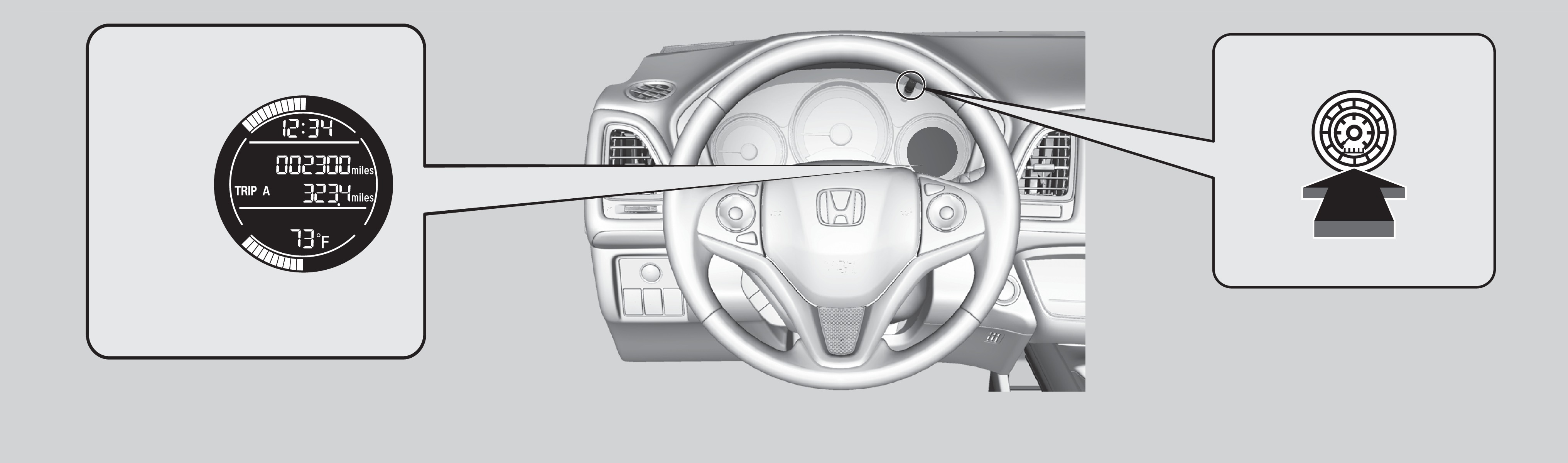
These items are always displayed.
Instant fuel economy
Clock
Outside temperature
Fuel gauge
Select/reset knob
Press the select/reset knob to change information in the center of the display.
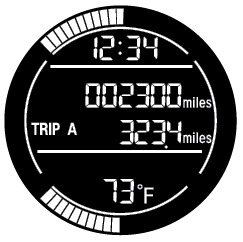
Odometer
Trip meter A
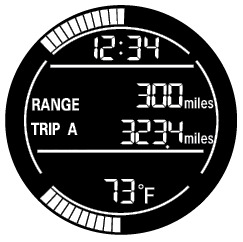
Range
Trip meter A
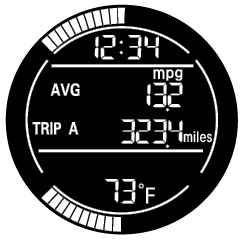
Average fuel economy A
Trip meter A
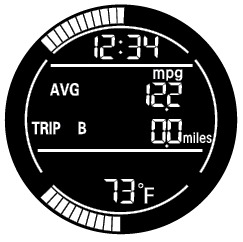
Average fuel economy B
Trip meter B

Engine oil life
The meter ring illumination in the instrument panel can be changed to a color of your choice. When the vehicle is in the ACCESSORY or OFF mode and the meter ring is illuminated, press the select/reset knob to cycle through various color options.
Related topics:
- On / Off Indicators
- Condition Indicators
- Malfunction Indicators
Download Manual