Customized Features
Use the Settings menu to customize certain features when the vehicle is stopped.
Changing Settings Using the Color Audio System*
Use the selector knob to make and enter selections.
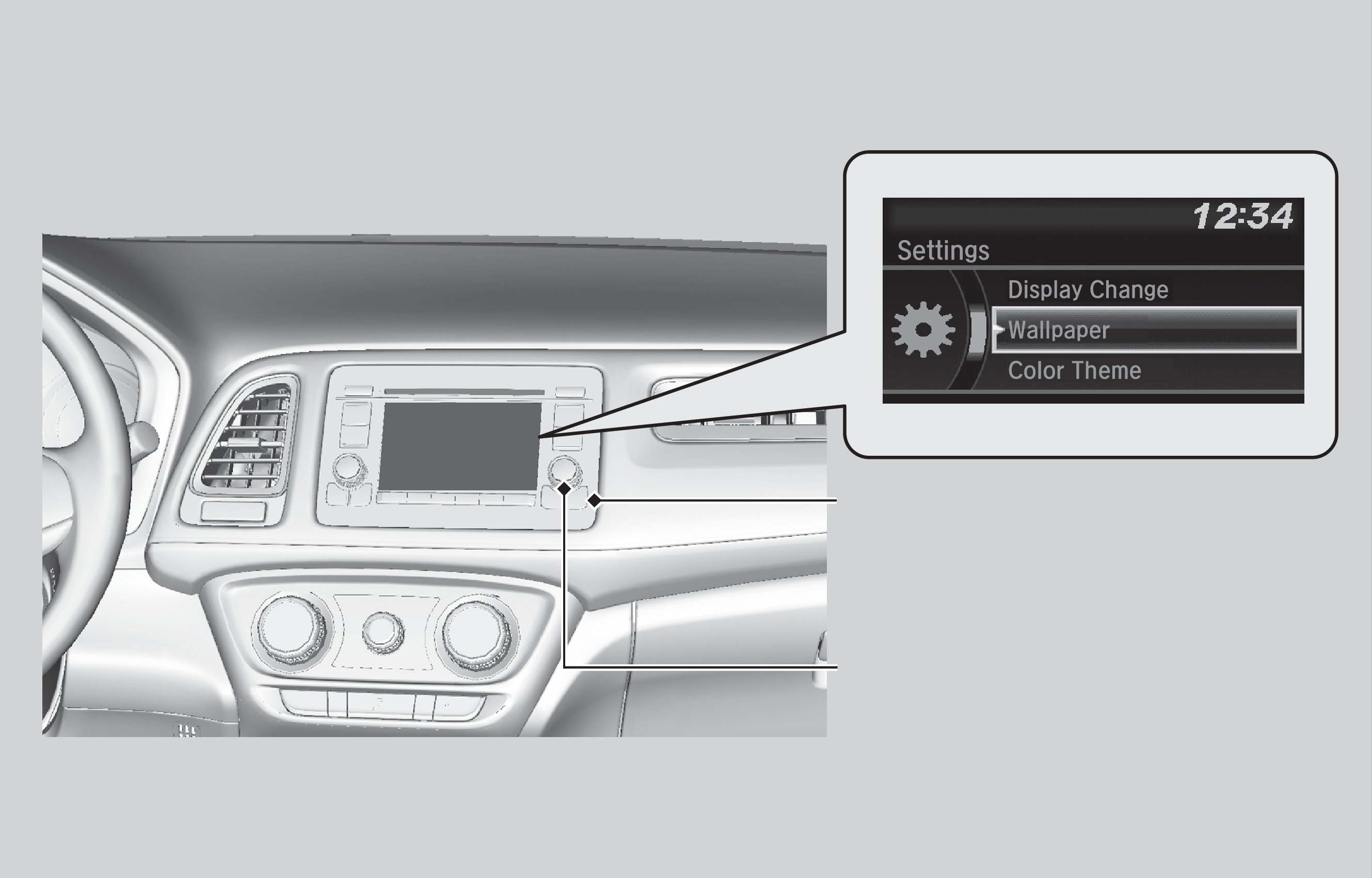
MENU/CLOCK button
Selector knob
- Press the MENU/CLOCK button.
- Select Settings.
- Select a setting option, and make your preferred changes.
- Press BACK to exit the menus.
Changing Settings Using the Display Audio System*
Select items on the touchscreen to make selections.
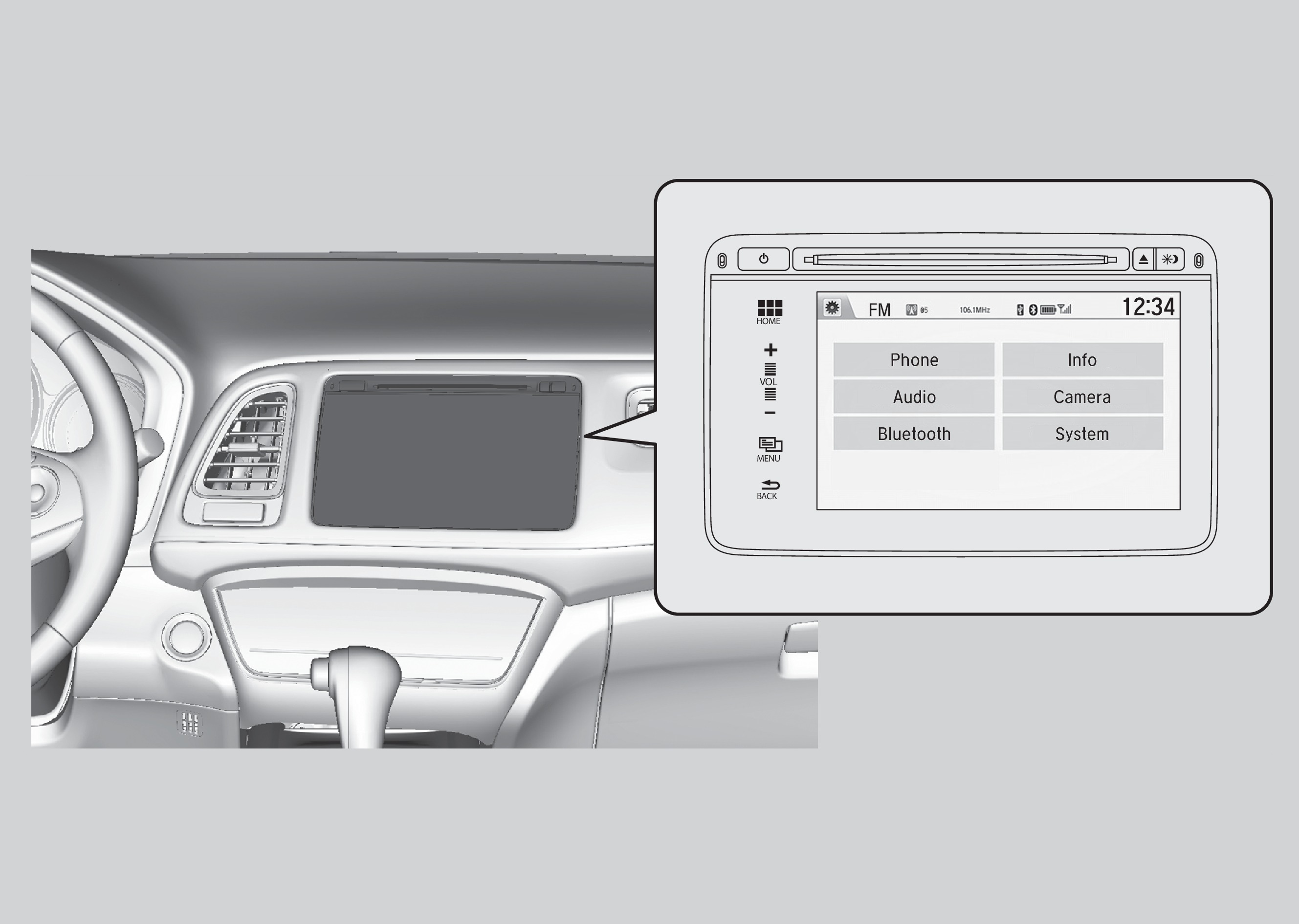
- From the HOME screen, select SETTINGS.
- Select an option (Phone, Audio, Bluetooth, Info, Camera, System, or Navi*).
- Select a setting option, and make your preferred changes.
- Press BACK to exit the menus.
*if equipped
Related topics:
- Seat Heaters*
- Climate Control System*
- Adjusting the Mirrors
Download Manual