LaneWatch™*
Check the passenger-side rear areas in the display when the right turn signal is activated.
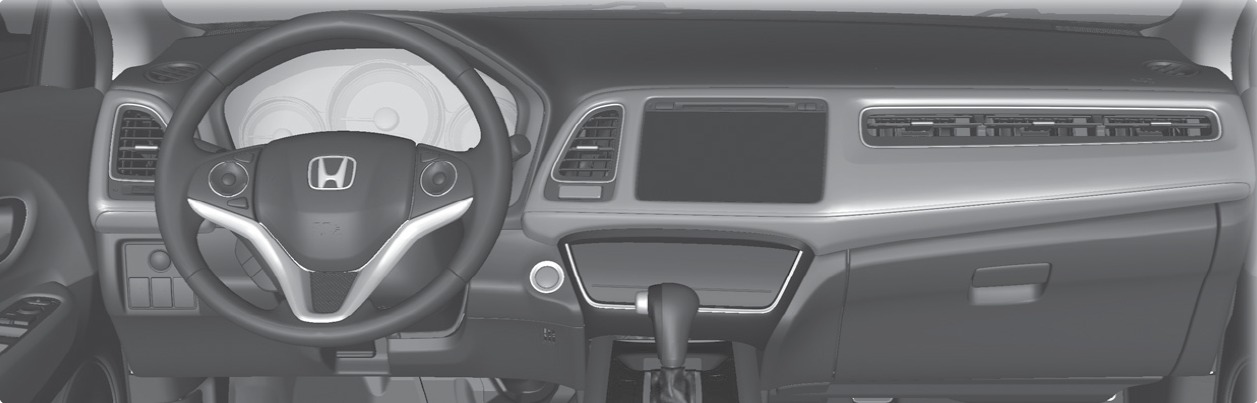
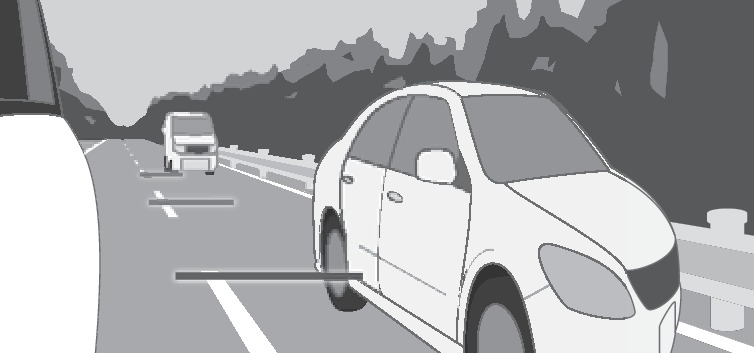
LaneWatch display
Activating LaneWatch
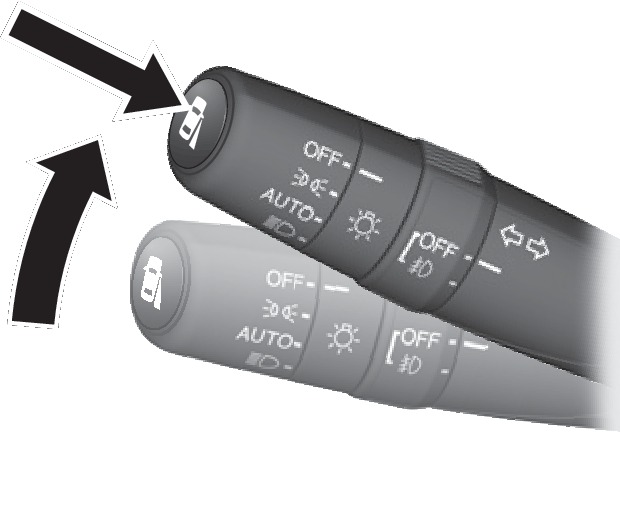
Activate the right turn signal. The LaneWatch display appears. Check the display for blind spots, and visually confirm that it is safe to change lanes.
You can also press the LaneWatch button on the end of the turn signal switch to view a constant real-time display. Press it again to turn the display off.
Changing Settings
Customize the display and how and when the display appears.
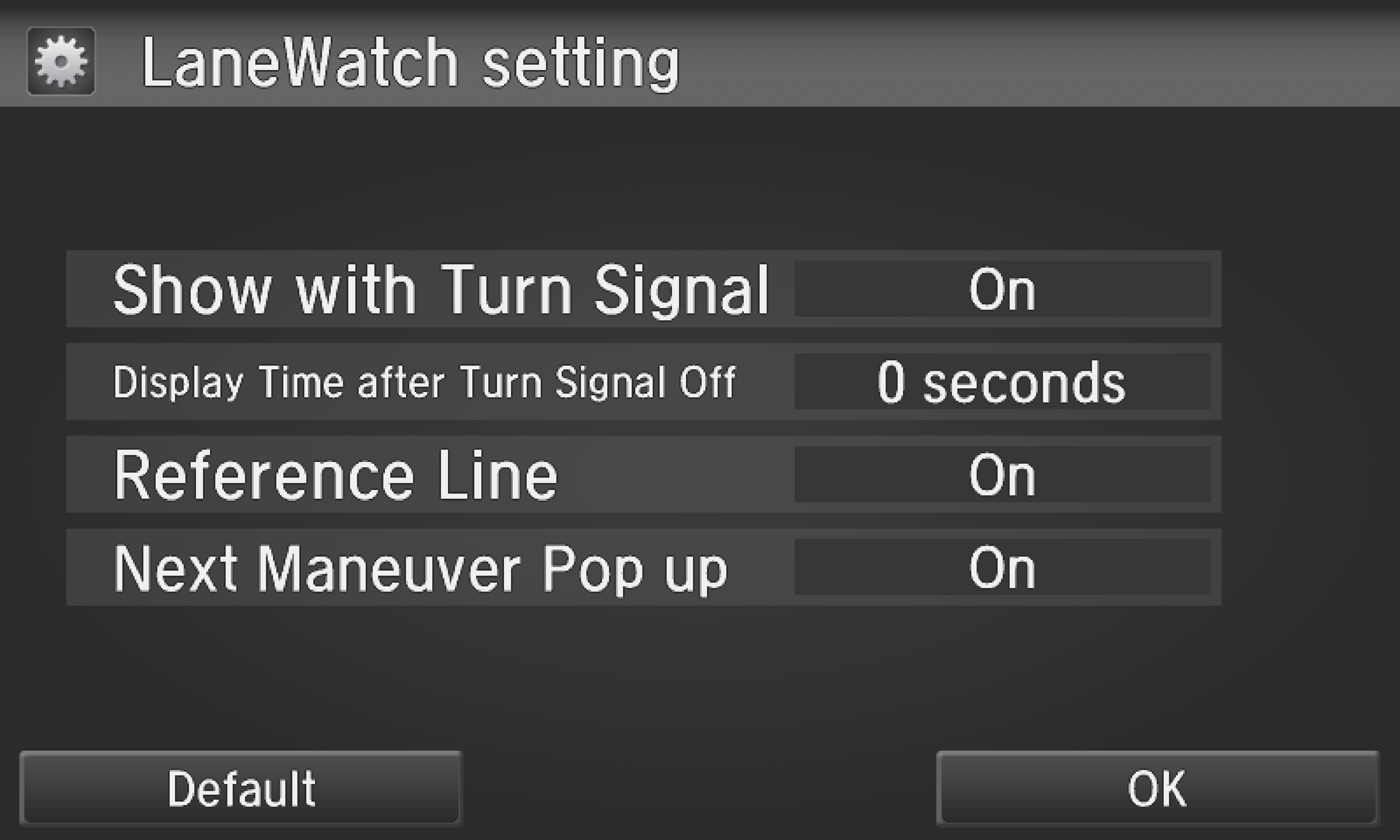
- From the HOME screen, select Settings.
- Select Camera.
- Select LaneWatch.
- Select an option and make the preferred changes.
- Press BACK to exit the menu.
Important Safety Reminder
Like all assistance systems, LaneWatch has limitations. Over-reliance on the system may result in a collision.
Failure to visually confirm that it is safe to change lanes before doing so may result in a crash and serious injury or death.
Do not rely only on LaneWatch while driving. Always look in your mirrors, to either side of your vehicle, and behind you for other vehicles before changing lanes.
*if equipped
- One-Touch Turn Signal
Download Manual